
Gratis 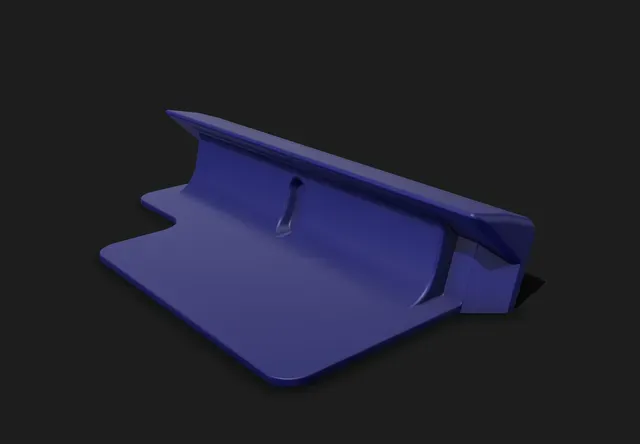
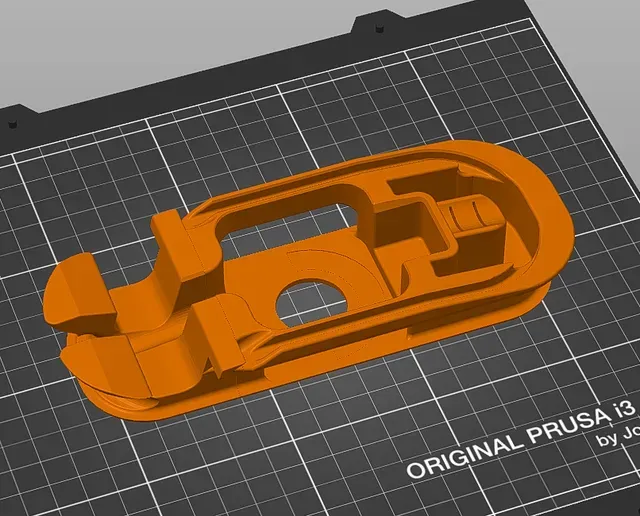
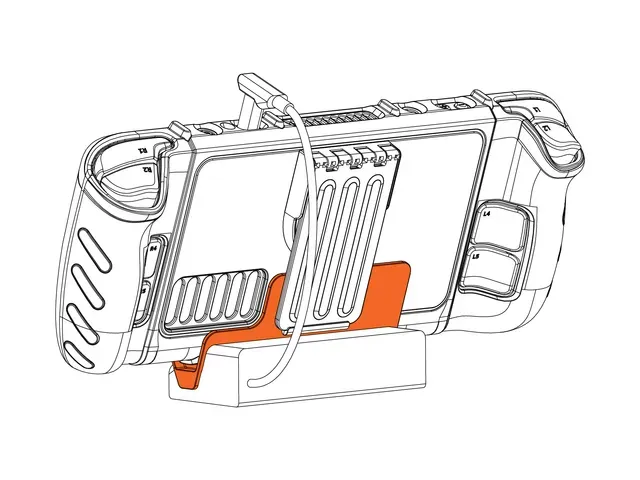
DBrand Killswitch Adapter for JSAUX Steam Deck Docks
Printables
This collection gathers 3D printing models built around holding, charging or connecting a Steam Deck: docking stations with port hubs, desk stands, wall and under-desk mounts, case adapters and controller docks. It helps you compare approaches before committing filament to a build. Each listing links to the author's page, where the details of the design are described. Polyzon does not confirm whether models are free, their price, license, official status, affiliation, safety or fitness. Check the current terms at the source.
Esta colección está escrita en inglés, pero la búsqueda funciona en cualquier idioma.
 Una colección de Polyzon · 48 modelos de 4 plataformas
Polyzon reúne esta colección a partir de los resultados de búsqueda de las plataformas conectadas. Se eliminan los duplicados y los modelos sin vista previa, las coincidencias débiles van al final y el resto mantiene el orden de la búsqueda. Los modelos pertenecen a sus autores: consulta las condiciones en la página de cada modelo.
Criterios de selección: el equipo editorial de Polyzon · Texto actualizado el 13/10/2026



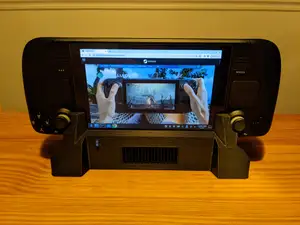


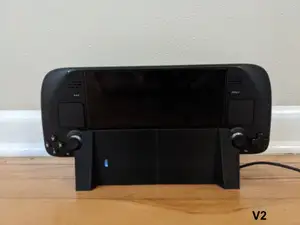
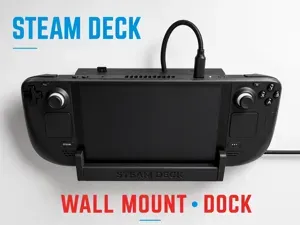


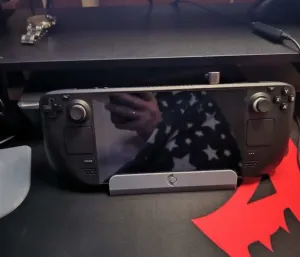
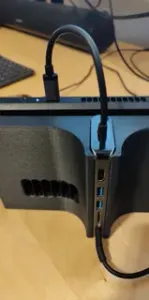


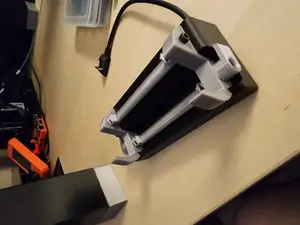


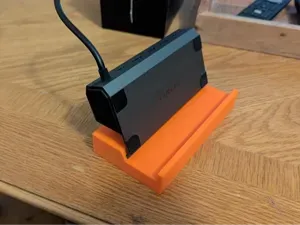


The models differ mainly in how the handheld is held and what the dock does besides holding it. Simple stands and display stands keep the device upright on a desk, while docking stations add openings for USB or HDMI hubs and cable routing. Wall mounts and under-desk mounts move the device off the work surface, and adapters exist for decks that stay inside a protective case. Controller docks are a separate group, shaped around a gamepad rather than the console itself.
Before printing, read the model page for the shell thickness, the number of separate parts and how they join, and whether the author lists supports, infill or a specific material. Check the stated dimensions against your own device and any case you use, since a shell adds thickness. Look at photos of real prints to judge how the connector cutouts and cable channels came out, and note whether screws, inserts or adhesive are required.
If the results feel narrow, try related wording: handheld stand, console mount, charging cradle, desk holder, wall bracket or hub enclosure. Searching for the accessory rather than the device, such as controller dock or cable organizer, often surfaces designs filed under a different name. You can also narrow by mounting type — desk, wall, under-desk — or by whether the model includes space for a hub.



El catálogo completo de temáticas, del hogar al CNC, con búsqueda en todas las plataformas conectadas.