
Gratuit 
Arduino Digital Thermometer (with DHT-22)
Thingiverse
This collection brings together 3D models that live around digital devices: thermometer housings, caliper holders, battery and power-supply cases, and small replacement covers. They range from single-part prints to multi-part assemblies, and most are made for a home 3D printer. Because the STL files come from different platforms, the amount of detail on each model page varies a lot. Polyzon does not confirm whether models are free, their price, license, official status, affiliation, safety or fitness. Check the current terms at the source.
Le texte de cette collection est rédigé en anglais ; la recherche, elle, fonctionne dans toutes les langues.
 Une collection Polyzon · 45 modèles sur 4 plateformes
Polyzon compose cette collection à partir des résultats de recherche des plateformes connectées. Les doublons et les modèles sans aperçu sont retirés, les correspondances faibles sont placées à la fin, et le reste suit l’ordre de la recherche. Les modèles appartiennent à leurs auteurs : consultez les conditions sur la page de chaque modèle.
Règles de sélection : la rédaction de Polyzon · Texte mis à jour le 15/10/2026

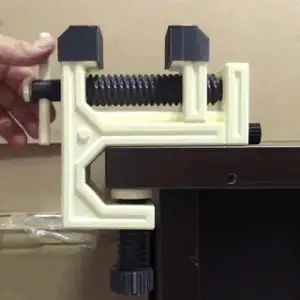


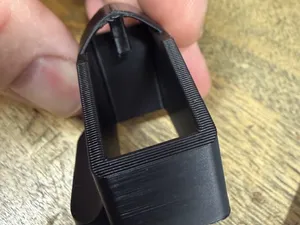
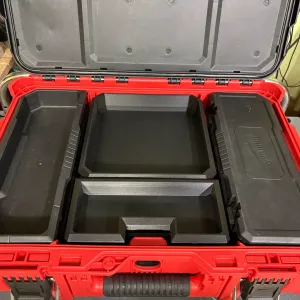


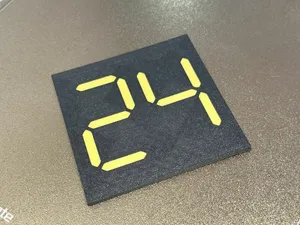
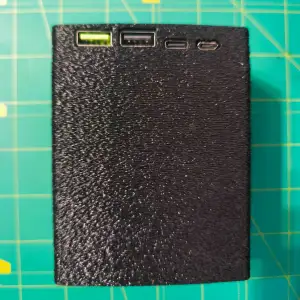

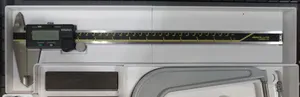
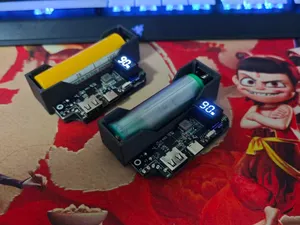
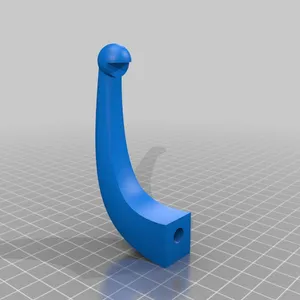

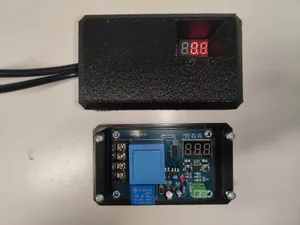
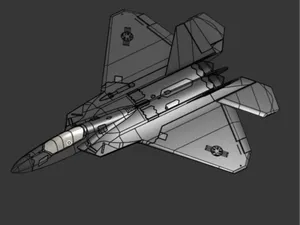
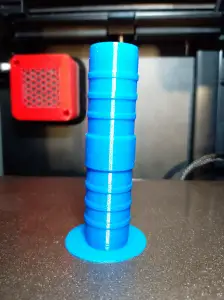


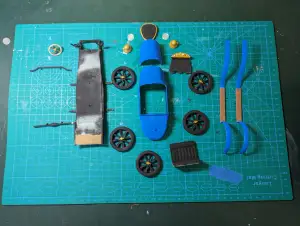

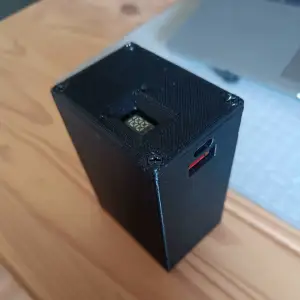

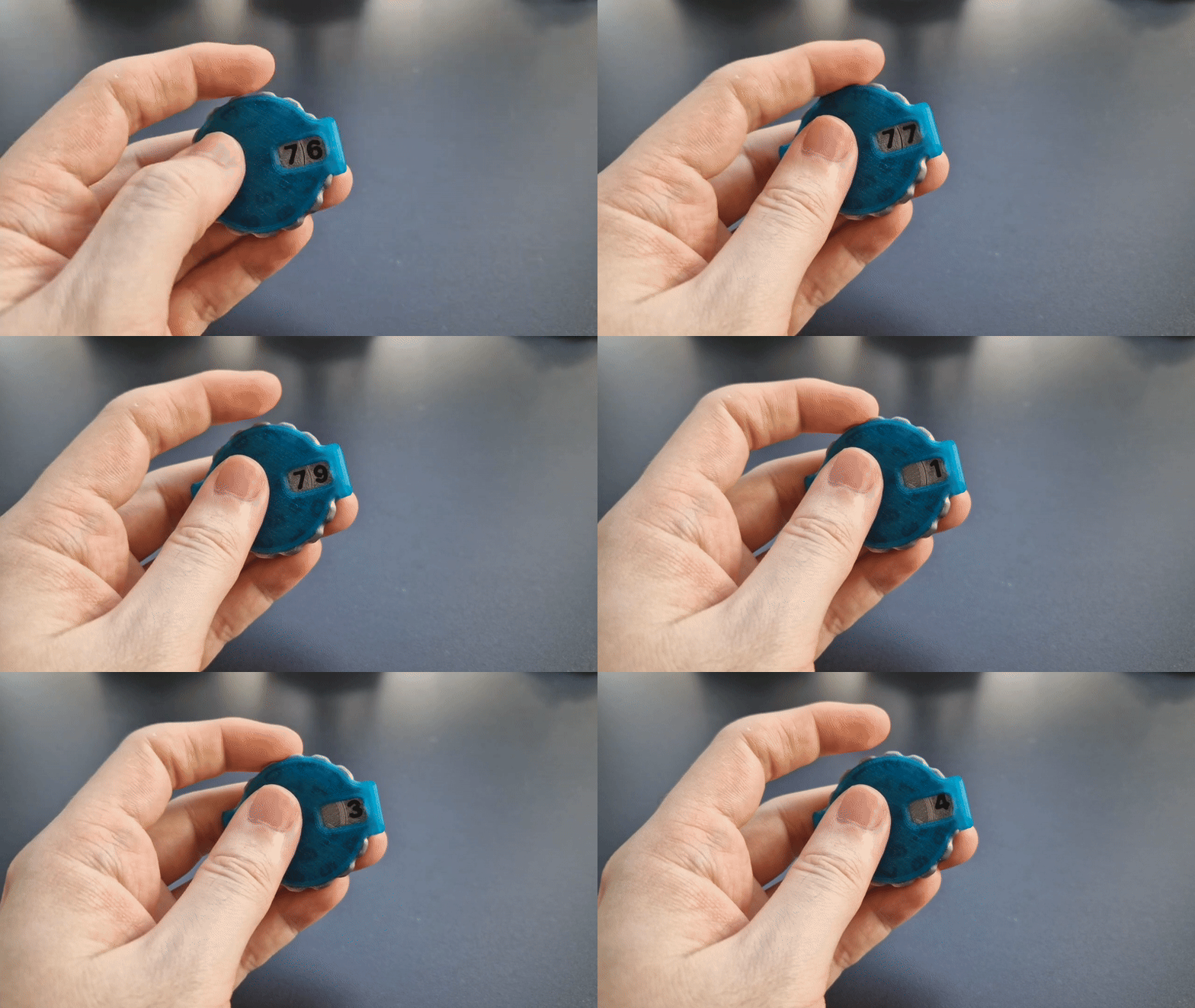
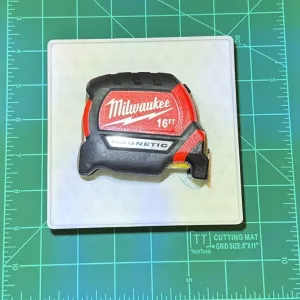

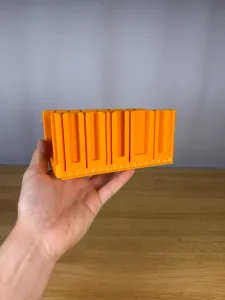

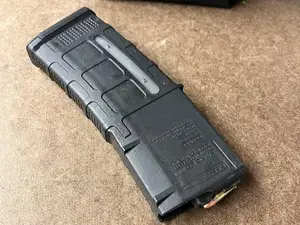
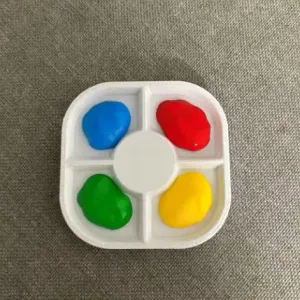

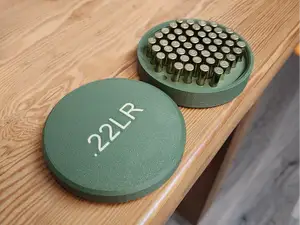


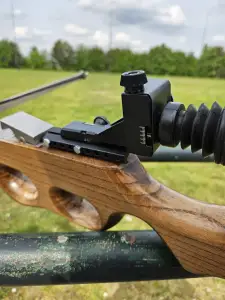

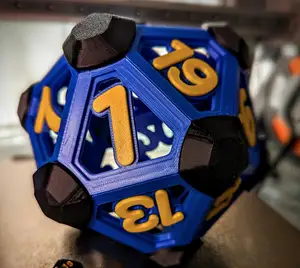
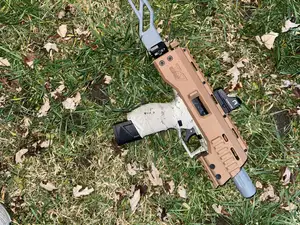
The reference shows several distinct groups. Electronics housings dominate: thermometer cases built around a sensor module, some split into a body and a lid. A second group is workshop storage — bins and holders shaped around digital calipers, often in a grid system that stacks with other bins. A third group covers cases for batteries and power supplies, plus ammunition and magazine boxes with lids, latches or sliding tops. Smaller items such as display covers, jack tensioners and coasters round out the list.
When you open a model page, check the dimensions and scale first, then the number of parts and how they join. Look at whether the author calls for supports, and which material and settings they list. Photos of real prints are more useful than renders, especially for thin walls, snap joints and threads. If a model is sized around one specific device, measure your own unit before printing.
To widen or narrow the results, try synonyms and related terms: enclosure, housing, shell, cradle, dock, insert, tray, bin, organizer, bracket, spacer, cap, lid. Searching by the device type rather than the part name often helps, and combining it with a storage system or a size in millimetres can cut the list quickly. Related topics worth a look include workshop organization, desk accessories and small electronics projects.


Le catalogue complet des thèmes, de la maison à la CNC, avec une recherche sur tous les sites connectés.