
Gratuit 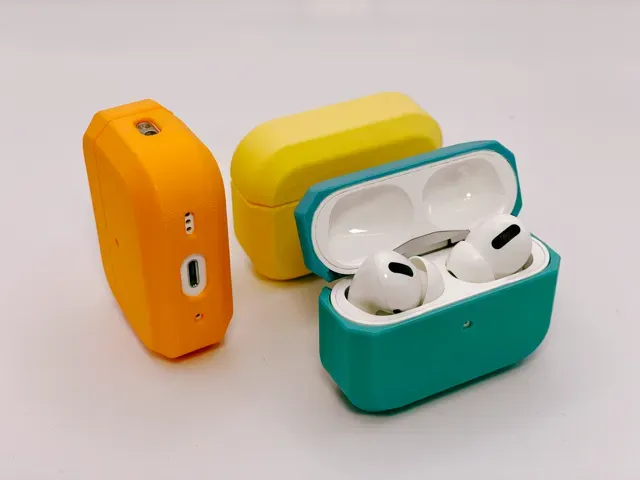
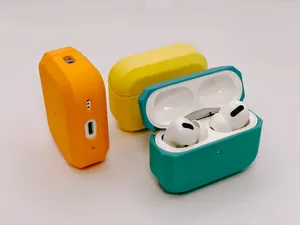
Flat-Edged AirPods Pro (2) Case
MakerWorld
This collection gathers 3D printing files for AirPods accessories: shells that wrap the charging case, desk stands, docks and combined chargers. Most entries are small parts, so a single spool of filament covers several attempts. It helps if you already know which generation you own, because the outer shape of the case changes between them. Polyzon does not confirm whether models are free, their price, license, official status, affiliation, safety or fitness. Check the current terms at the source.
Le texte de cette collection est rédigé en anglais ; la recherche, elle, fonctionne dans toutes les langues.
 Une collection Polyzon · 48 modèles sur 6 plateformes
Polyzon compose cette collection à partir des résultats de recherche des plateformes connectées. Les doublons et les modèles sans aperçu sont retirés, les correspondances faibles sont placées à la fin, et le reste suit l’ordre de la recherche. Les modèles appartiennent à leurs auteurs : consultez les conditions sur la page de chaque modèle.
Règles de sélection : la rédaction de Polyzon · Texte mis à jour le 13/10/2026









%2Fhttps%3A%2F%2Ffbi.cults3d.com%2Fuploaders%2F13805930%2Fillustration-file%2F6f0b41ee-b650-4fb4-ac66-0ae6c5f860a5%2F3D%2520design%2520Fantabulous%2520Albar%2520_%2520Tinkercad%2520-%2520Google%2520Chrome%252013_04_2020%252017_09_38.png&w=300)
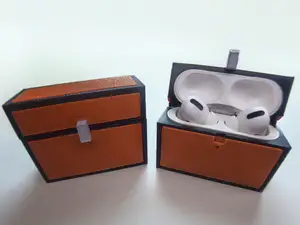

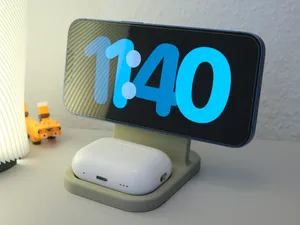

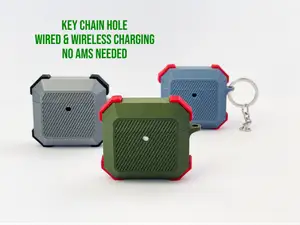



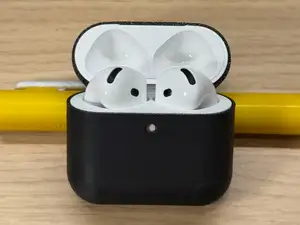
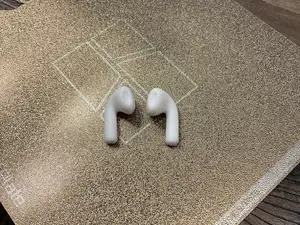
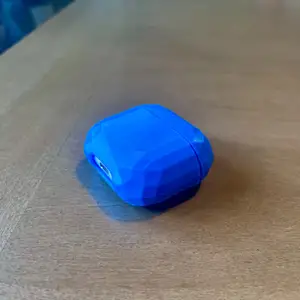


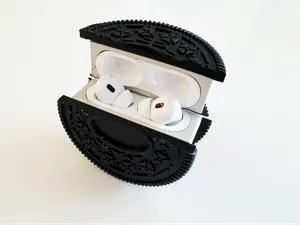


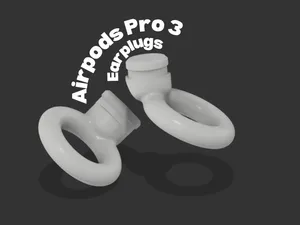
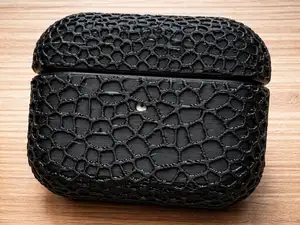
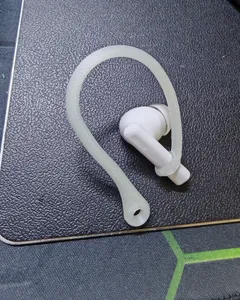


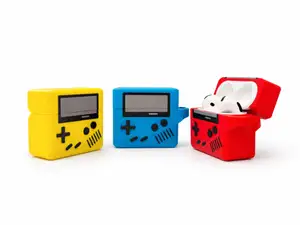



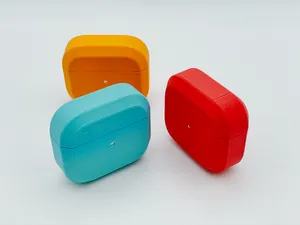
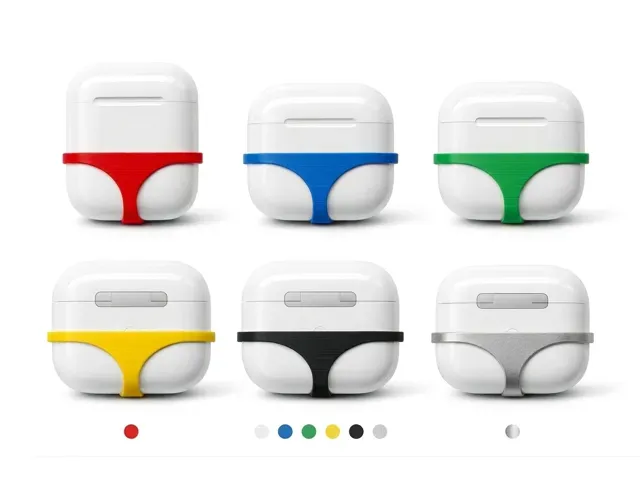
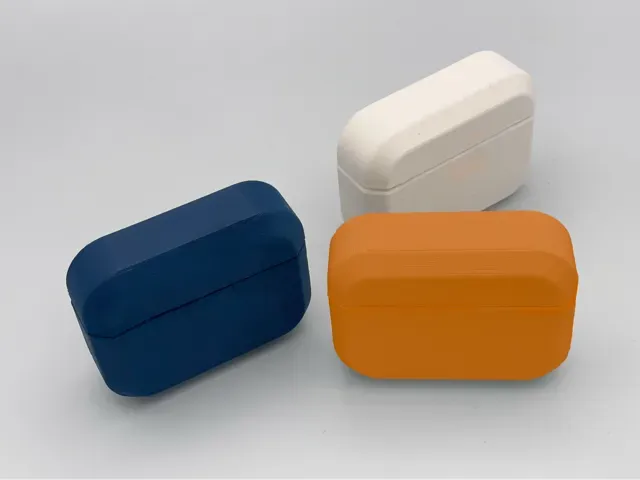
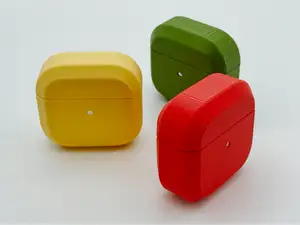
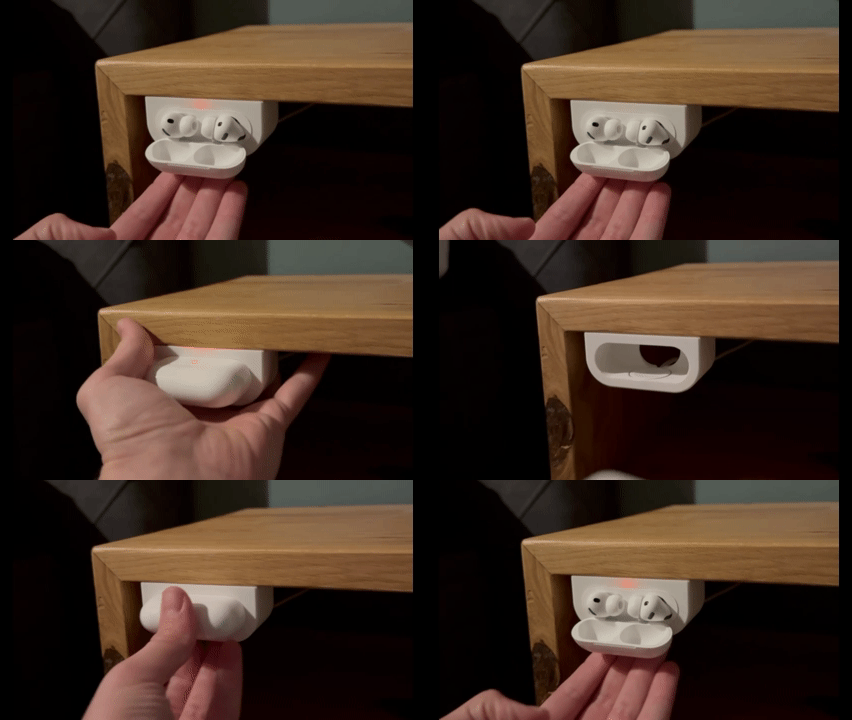
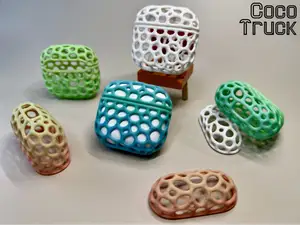
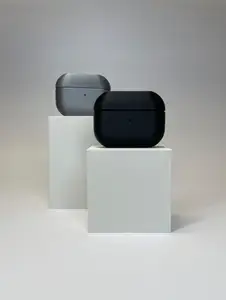
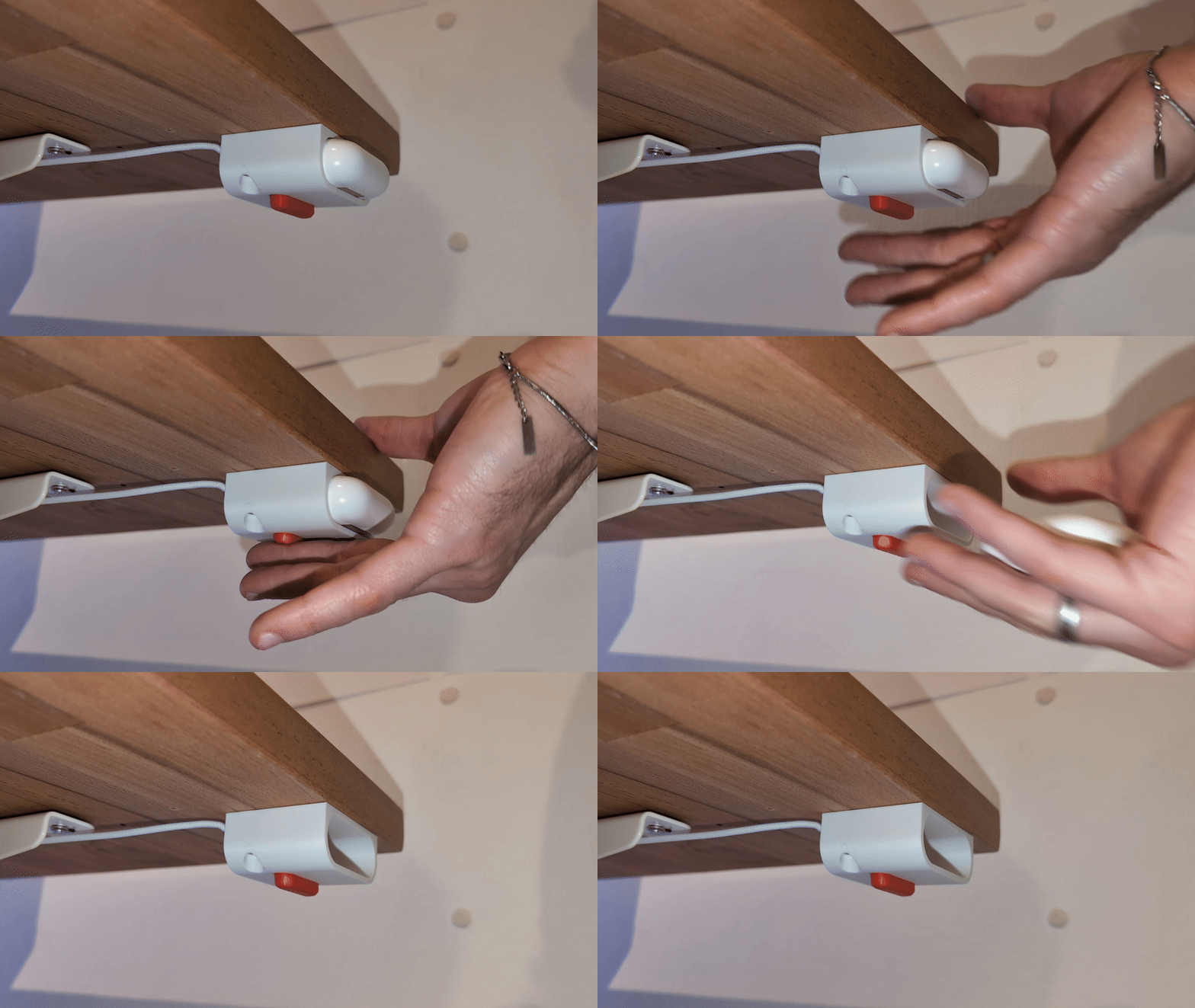
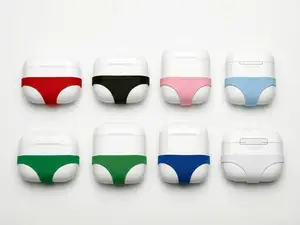
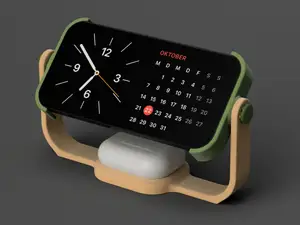
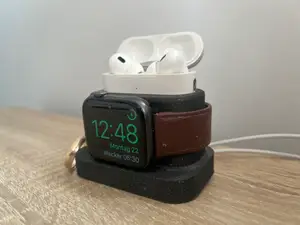
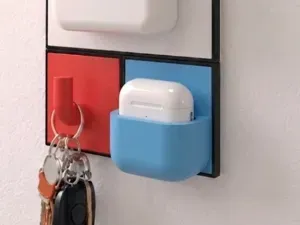
The models split into a few groups. Protective shells range from plain flat-edged covers to patterned honeycomb surfaces and novelty shapes, and they differ mainly in how they close around the case and whether they leave the hinge and port open. Stands and docks hold the earbuds upright for charging, while combined units add a place for a phone or a watch. Sleeves and under-desk mounts are smaller pieces that attach the case to a surface or to a tracking tag.
Before printing, read the author's page for the generation the file was drawn around, since a shell made for one size will not fit another. Check the wall thickness, the number of parts, and whether the model needs supports or prints in one piece. Look at the material and settings the author lists, and at photos of real prints, because thin clips and snap fits behave differently in rigid and flexible filaments.
If the results feel narrow, try related wording. Searches for a charging case cover, a desk holder, a bedside stand or a multi-device charger often surface files that a single term misses. Adding the generation number, the word slim or the word dock can narrow a long list, and browsing stands for phones or watches may lead to matching designs from the same author.


Le catalogue complet des thèmes, de la maison à la CNC, avec une recherche sur tous les sites connectés.