
Gratuit 
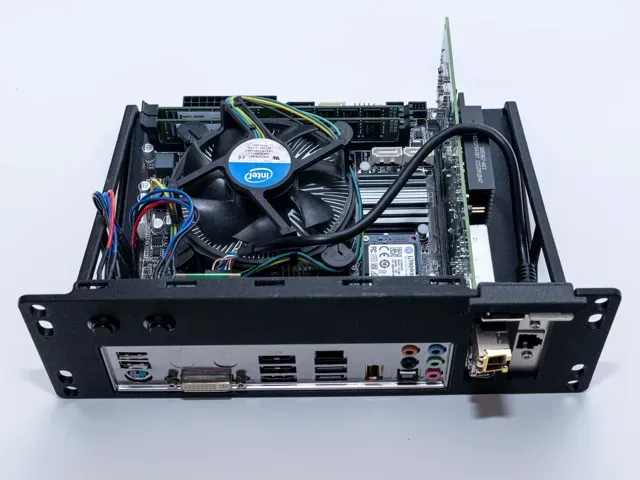
Asus A320m-k io Shield
Thingiverse
This collection gathers 3D printable accessories and enclosure parts for ASUS Prime A320M-E builds. You will find IO shields, case panels, mounting brackets and rack adapters that help fit a motherboard into compact or open setups. The models are intended for 3D printing, so review each author's notes before you start. Polyzon does not confirm whether models are free, their price, license, official status, affiliation, safety or fitness. Check the current terms at the source.
Le texte de cette collection est rédigé en anglais ; la recherche, elle, fonctionne dans toutes les langues.
 Une collection Polyzon · 29 modèles sur 3 plateformes
Polyzon compose cette collection à partir des résultats de recherche des plateformes connectées. Les doublons et les modèles sans aperçu sont retirés, les correspondances faibles sont placées à la fin, et le reste suit l’ordre de la recherche. Les modèles appartiennent à leurs auteurs : consultez les conditions sur la page de chaque modèle.
Règles de sélection : la rédaction de Polyzon · Texte mis à jour le 16/10/2026

%2Fhttps%3A%2F%2Ffbi.cults3d.com%2Fuploaders%2F29896223%2Fillustration-file%2Fb9d5793e-5275-4c21-92af-eaa4be7f5953%2FAsus-Prime-A320M-R.png&w=300)


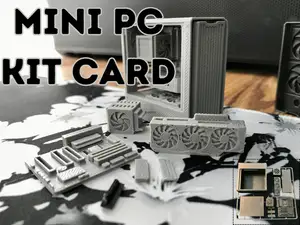

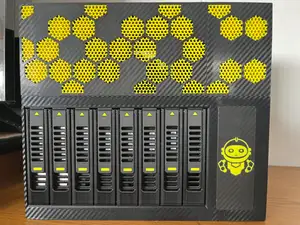

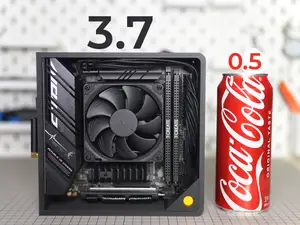
![[Old version, do not use] - Ford Flex Lane-Keeping Assist / Auto-Highbeam Adapter](https://cache.polyzon.org/api/img?url=https%3A%2F%2Fresize.thingiverse.com%2F%3Furl%3Dhttps%3A%2F%2Fcdn.thingiverse.com%2Fassets%2F48%2F12%2F48%2Fe0%2Ffe%2FKAV1u5o.jpg%26w%3D292%26h%3D219%26fit%3Dcontain%26cbg%3Dwhite%26n%3D-1&w=300)
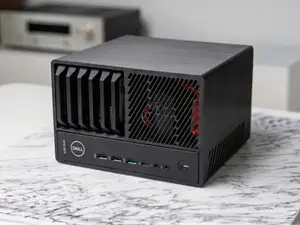
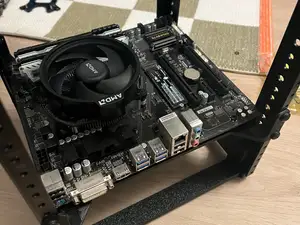
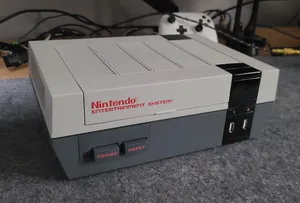
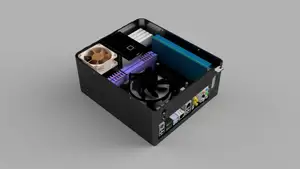
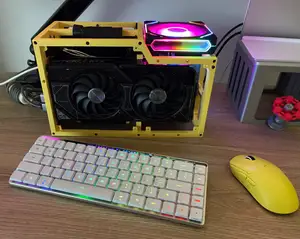
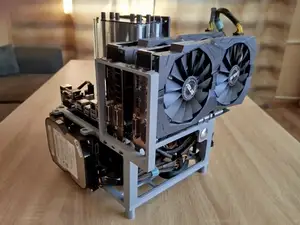
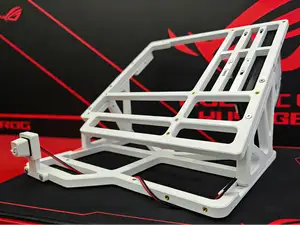
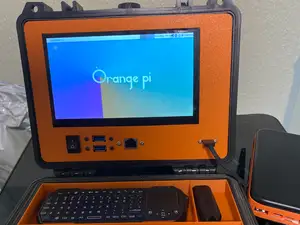
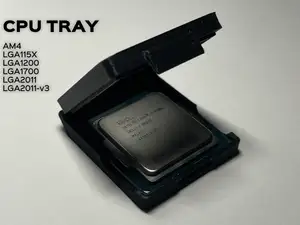
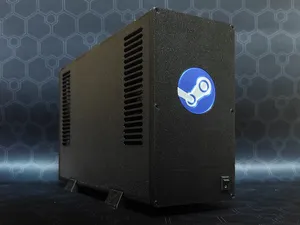
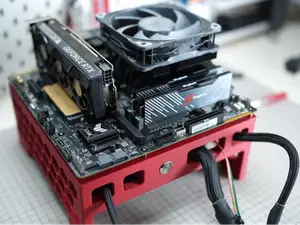
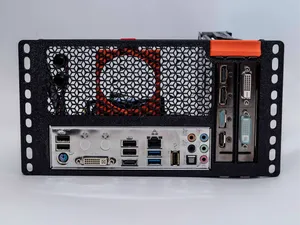
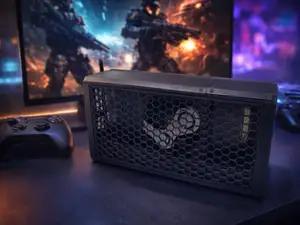
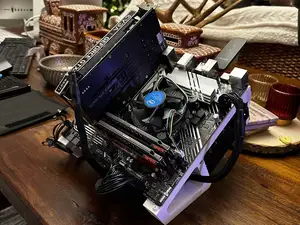
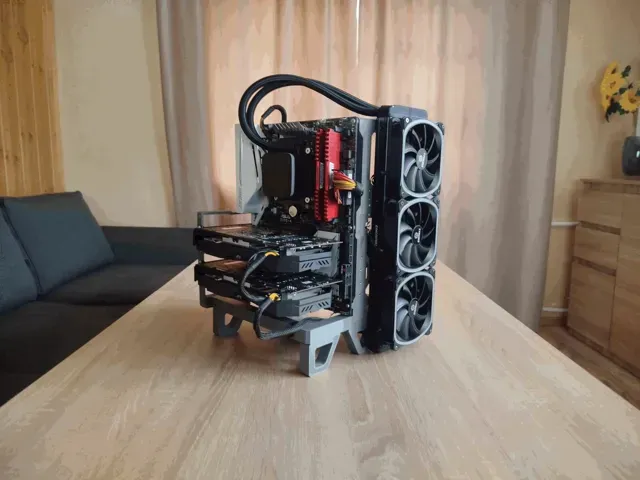
The reference shows several distinct groups: IO shields for ASUS A320M boards, open-frame and mini-ITX cases, rack-mount adapters, and brackets for GPUs or M.2 cards. IO shields are thin covers that align with rear ports, while case designs range from small low-profile enclosures to larger open frames. Rack adapters and vertical mounts change how a board or card sits inside a build.
When choosing a model, check the listed dimensions, the number of parts, and whether the author calls for supports. Look at the material and print settings the author notes, and examine photos of real prints to judge surface finish and fit. For a motherboard accessory, confirm the port cutouts and mounting hole spacing against your board revision.
To refine a search, try terms such as IO shield, rear panel, mini-ITX case, open frame, rack mount, or vertical GPU bracket. Related searches include SFF case, NAS enclosure, M.2 bracket, and low-profile adapter. Adding the board name or chipset to these terms helps narrow results to the A320M-E layout.



Le catalogue complet des thèmes, de la maison à la CNC, avec une recherche sur tous les sites connectés.
%2Fhttps%3A%2F%2Ffbi.cults3d.com%2Fuploaders%2F13340335%2Fillustration-file%2Fd62850ba-b8ee-45ab-9d63-f326b0087308%2FCaptura.png&w=640)