
Gratuit 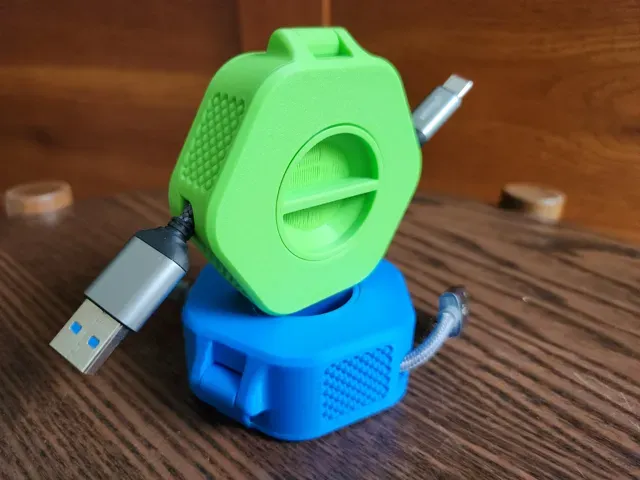
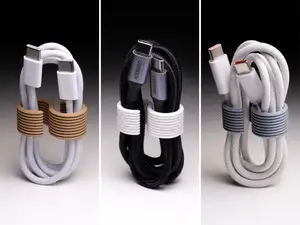
Portable Cable Organizer / Winder
MakerWorld
This collection gathers STL files for keeping cables in order: desk and wall organizers, clips, winders, chains and routing parts. It is useful when a 3D printing project has to solve a specific cable problem rather than a general one. Most items are small, so they print quickly and can be adapted to the cables you already have. Polyzon does not confirm whether models are free, their price, license, official status, affiliation, safety or fitness. Check the current terms at the source.
Le texte de cette collection est rédigé en anglais ; la recherche, elle, fonctionne dans toutes les langues.
 Une collection Polyzon · 48 modèles sur 7 plateformes
Polyzon compose cette collection à partir des résultats de recherche des plateformes connectées. Les doublons et les modèles sans aperçu sont retirés, les correspondances faibles sont placées à la fin, et le reste suit l’ordre de la recherche. Les modèles appartiennent à leurs auteurs : consultez les conditions sur la page de chaque modèle.
Règles de sélection : la rédaction de Polyzon · Texte mis à jour le 15/10/2026












%2Fhttps%3A%2F%2Ffbi.cults3d.com%2Fuploaders%2F13788699%2Fillustration-file%2Fc48b5361-be1b-4ec9-8c8f-b6c016bd7627%2FCableHolder.jpg&w=300)

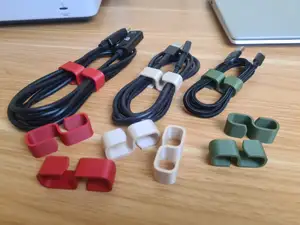

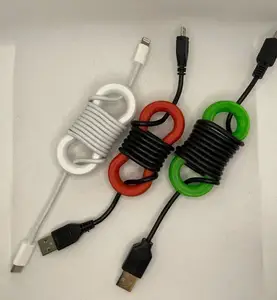
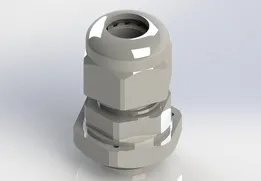

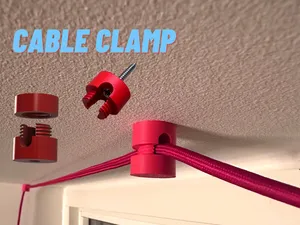


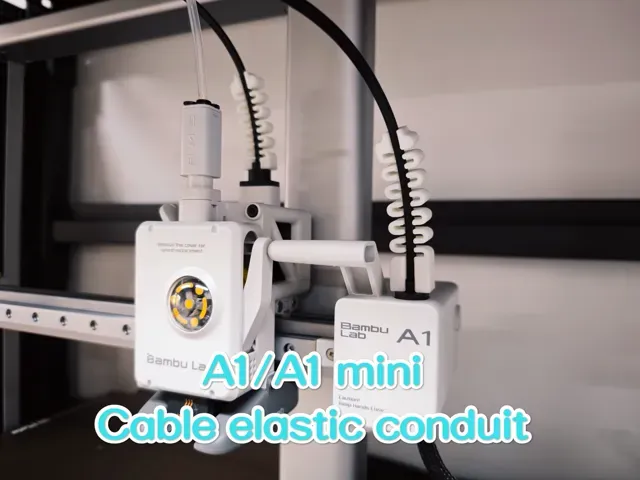
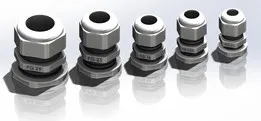
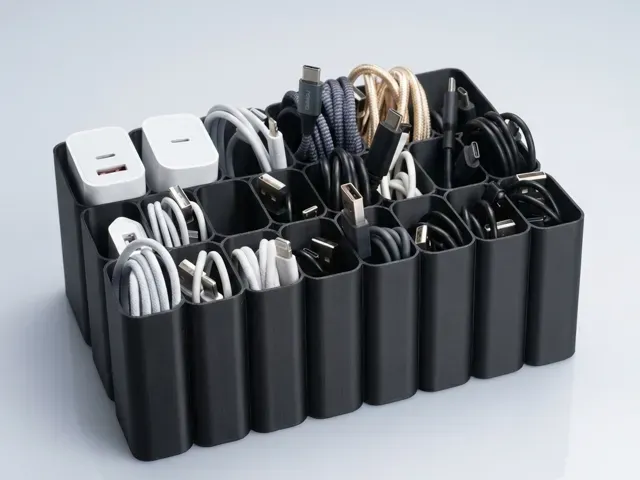
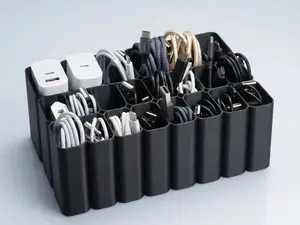
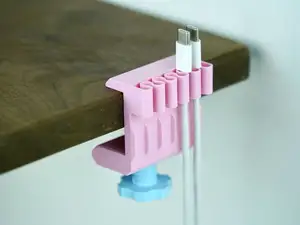
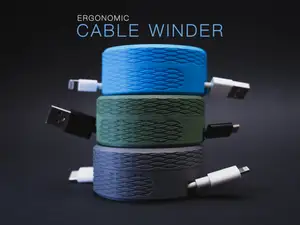
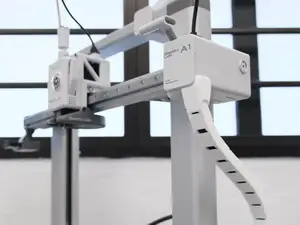
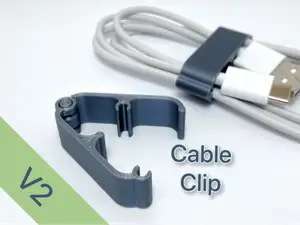
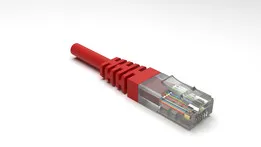
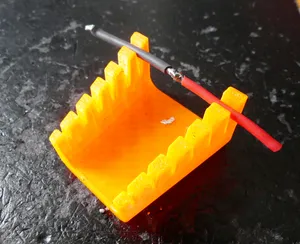
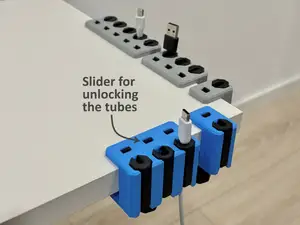
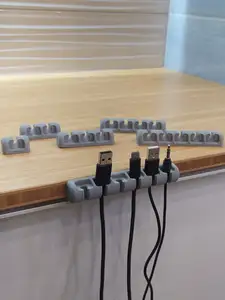
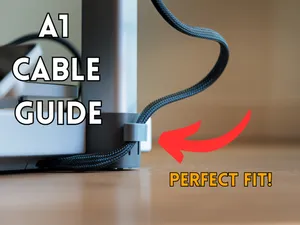
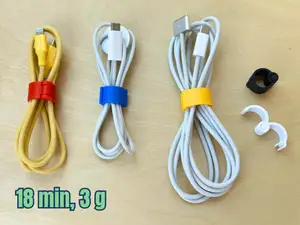
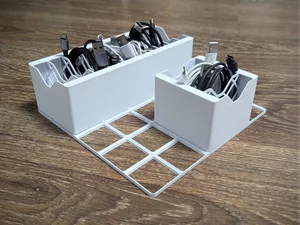
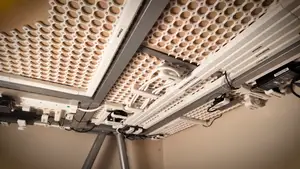
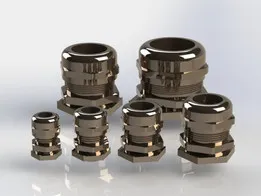
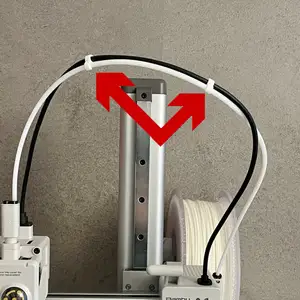
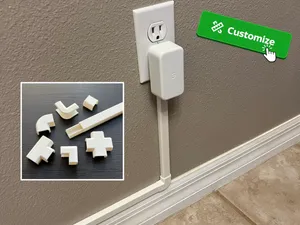
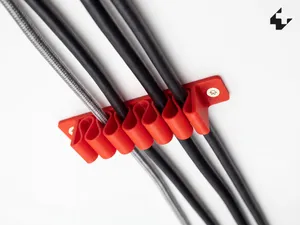
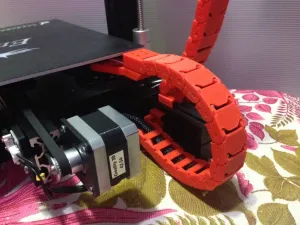
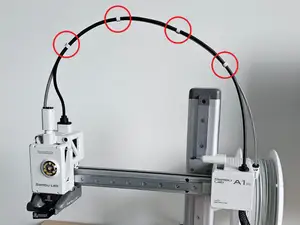
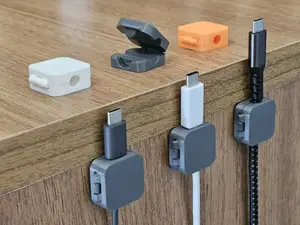
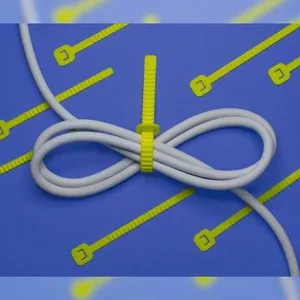
The models fall into a few practical groups. Clips, clamps and holders fix a cable to a desk edge, a table leg or a wall, while winders and spool-style organizers store the excess length of a charger or USB cable. Chains and guides are usually designed for a particular printer frame, and network routing parts deal with ethernet runs along a floor or wall. Glands, hooks and jigs sit closer to workshop use.
When choosing a model, open the author's page and check the cable diameter or connector size it is drawn around, since a clip that fits one cable may not close on another. Look at the number of parts, how they join, and whether the shape needs supports. The material and settings the author lists matter as well: a thin clip that flexes in one filament can crack in another, and parts under constant load benefit from more walls. Photos of real prints show how the piece behaves once installed.
If the first results are too narrow, try the words people use for the same object: cable clip, cable holder, cable guide, cord organizer, wire management or drag chain. Adding a place or a device narrows it further, for example desk, wall, under-desk, charger, USB or ethernet. Related topics such as printer parts, desk accessories or workshop storage often contain the same kind of model under a different name.


Le catalogue complet des thèmes, de la maison à la CNC, avec une recherche sur tous les sites connectés.