Gratuit 
USB case replacement
Thingiverse
This collection gathers 3D models for replacement cases and custom housings: camera shells, transmitter bodies, battery and remote enclosures, plus plates, lids and small storage boxes. Most of these files exist because an original part cracked, went missing or no longer matches how the object is used. If you own a 3D printer, browsing here is a way to find an STL that can be adjusted in the slicer rather than hunting for a discontinued spare. Polyzon does not confirm whether models are free, their price, license, official status, affiliation, safety or fitness. Check the current terms at the source.
Le texte de cette collection est rédigé en anglais ; la recherche, elle, fonctionne dans toutes les langues.
 Une collection Polyzon · 48 modèles sur 4 plateformes
Polyzon compose cette collection à partir des résultats de recherche des plateformes connectées. Les doublons et les modèles sans aperçu sont retirés, les correspondances faibles sont placées à la fin, et le reste suit l’ordre de la recherche. Les modèles appartiennent à leurs auteurs : consultez les conditions sur la page de chaque modèle.
Règles de sélection : la rédaction de Polyzon · Texte mis à jour le 13/10/2026

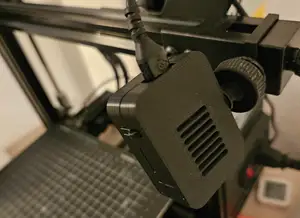
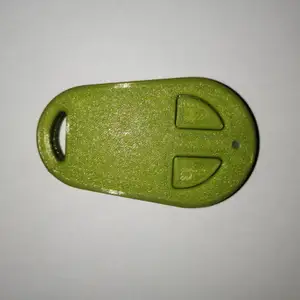

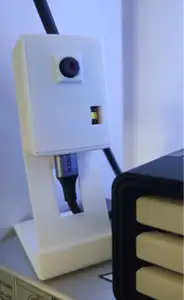
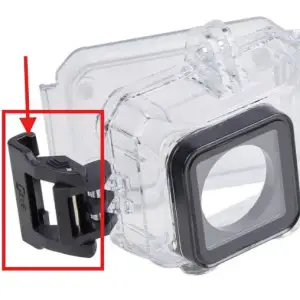

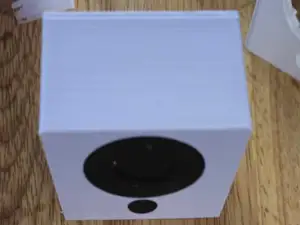
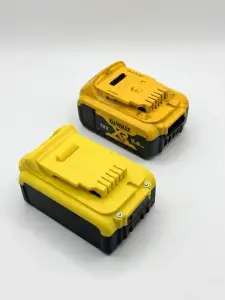

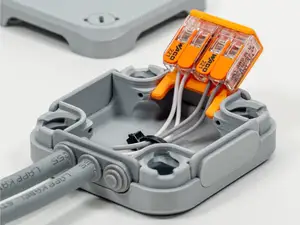
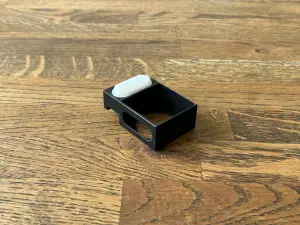

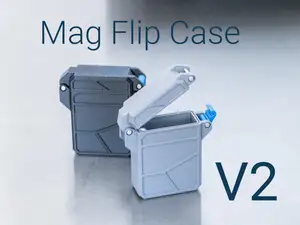
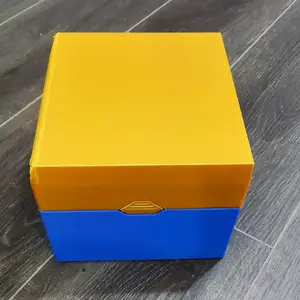

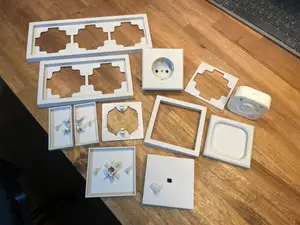
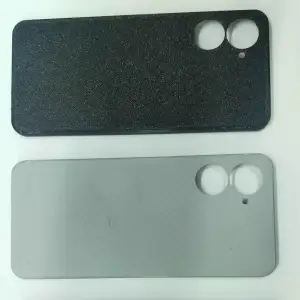

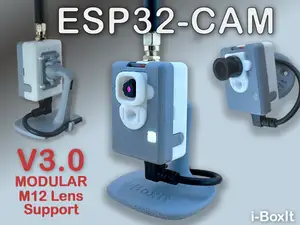
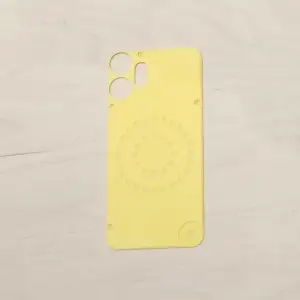

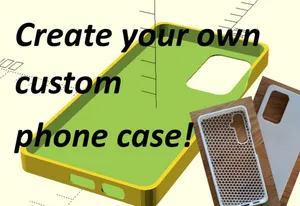
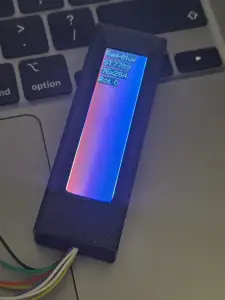


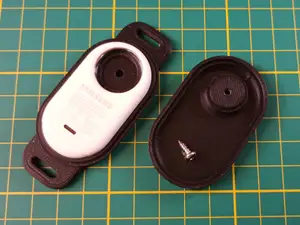

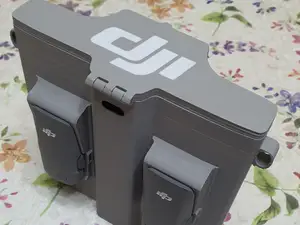
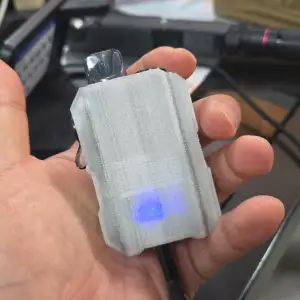

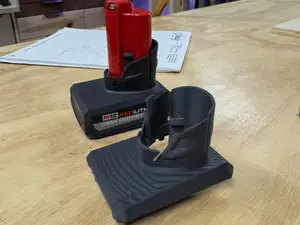
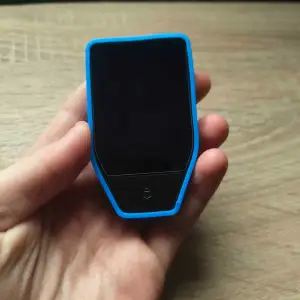

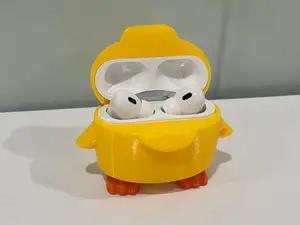
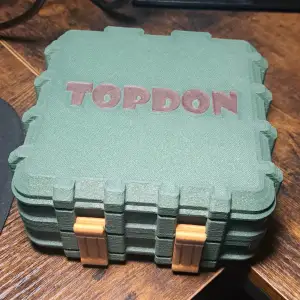

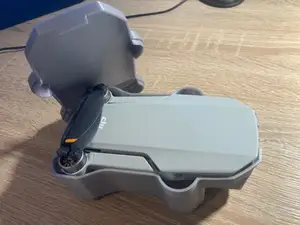
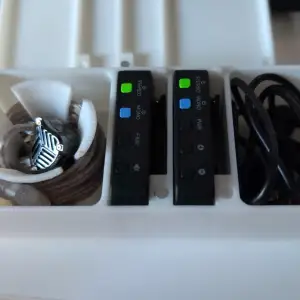

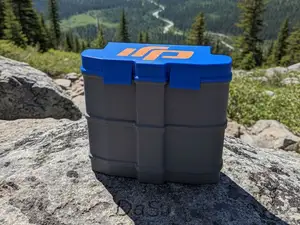
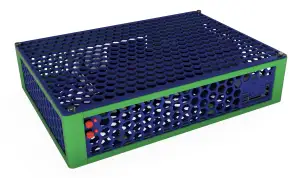

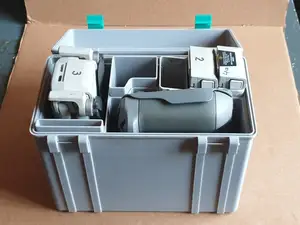
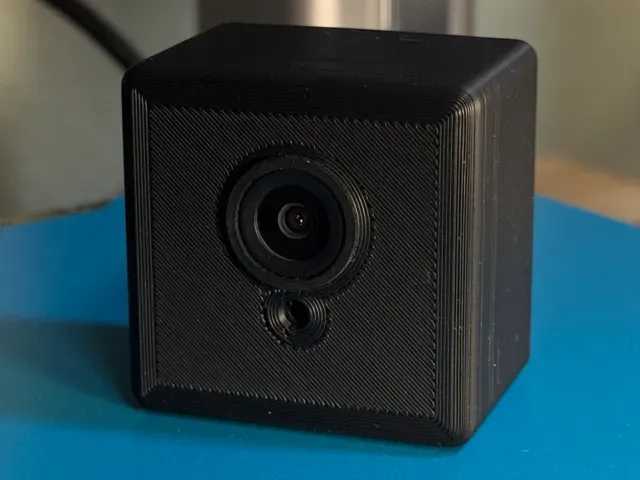
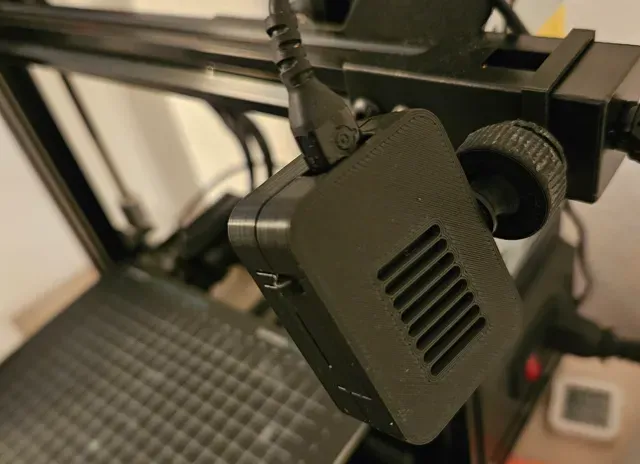
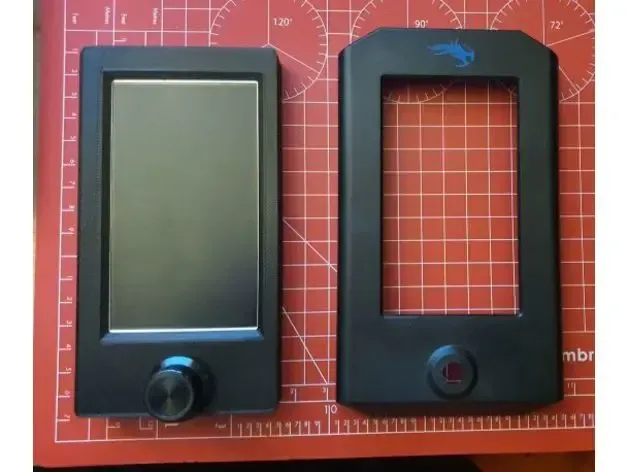
The models fall into a few recognizable groups. Camera housings cover small surveillance and action cameras, often with openings for a lens and a mount. Transmitter and controller cases tend to be larger, multi-part builds with cutouts for buttons, screens and connectors. Battery, remote and USB enclosures are usually simpler shells, while printer screen housings, junction boxes and fume extractors sit closer to workshop equipment than to consumer devices.
When you open a model page, check the dimensions and scale first, since a case drawn around one board revision may not match yours. Look at how many parts the author lists, whether they are joined with screws, clips or glue, and whether the model needs supports or a particular orientation on the bed. Photos of actual prints and the material and settings the author mentions tell you more about the result than the render does.
If the exact model you need is not here, widen the wording. Try the device name plus housing, shell, enclosure, cover or bracket, or search by the part that broke, such as a lid, latch or back plate. Related topics like project boxes, control panels and adapter plates often contain a shape close to what you want, and most of these files can be resized or trimmed in the slicer.


%2Fhttps%3A%2F%2Ffbi.cults3d.com%2Fuploaders%2F52037975%2Fillustration-file%2F90994685-11ff-4094-a675-dc3db03a771d%2FBiezymiannyi-proiekt-2.png&w=300)
Le catalogue complet des thèmes, de la maison à la CNC, avec une recherche sur tous les sites connectés.
%2Fhttps%3A%2F%2Ffbi.cults3d.com%2Fuploaders%2F35983174%2Fillustration-file%2F903e414f-e7b3-4301-a883-547a3e8a631f%2FIMG_2705.jpeg&w=640)