Gratuit 
Head for CCO Metal Detector
Thingiverse
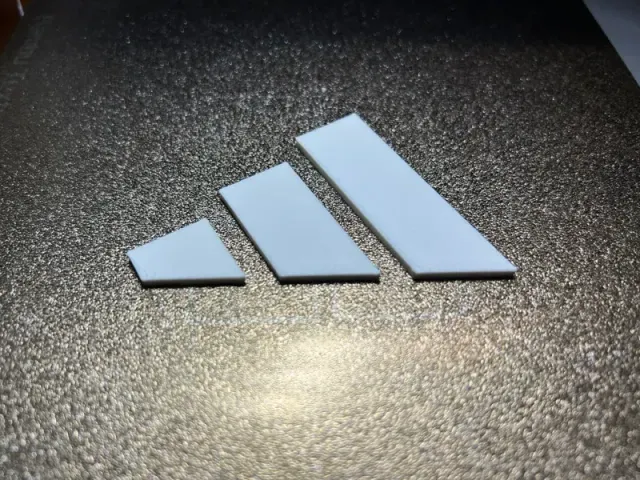
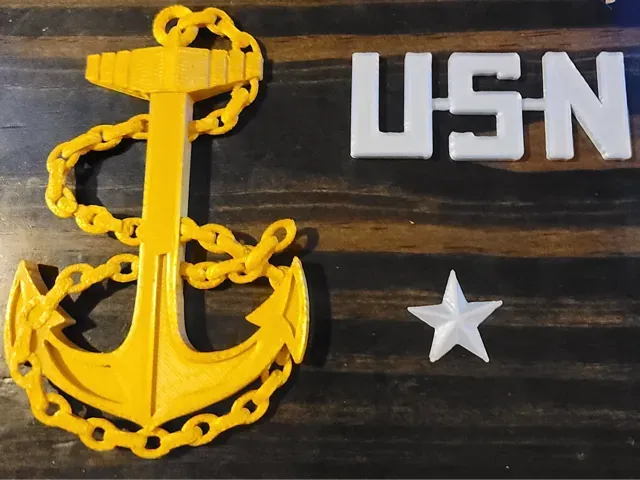
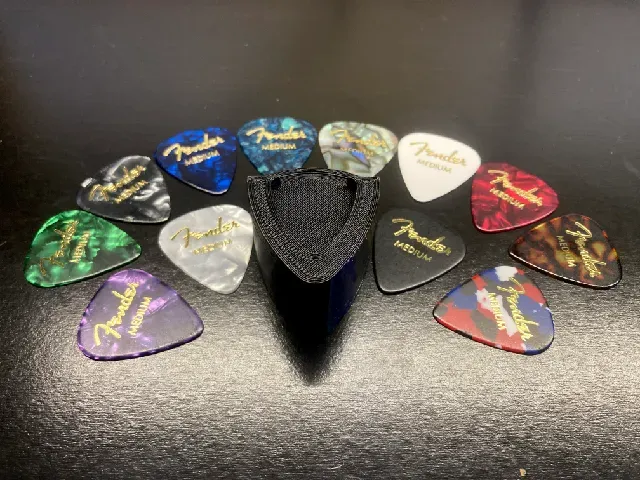
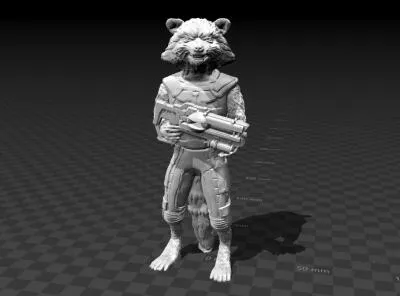
The query "cco" pulls together several unrelated groups of 3D models: novelty badges and desk signs, character figures, scale models with moving parts, and small mechanical or household items. Because the abbreviation appears in so many contexts, the results are worth scanning by category rather than by name. Each entry links to a model page you can open in a slicer for 3D printing. Polyzon does not confirm whether models are free, their price, license, official status, affiliation, safety or fitness. Check the current terms at the source.
Le texte de cette collection est rédigé en anglais ; la recherche, elle, fonctionne dans toutes les langues.
 Une collection Polyzon · 45 modèles sur 5 plateformes
Polyzon compose cette collection à partir des résultats de recherche des plateformes connectées. Les doublons et les modèles sans aperçu sont retirés, les correspondances faibles sont placées à la fin, et le reste suit l’ordre de la recherche. Les modèles appartiennent à leurs auteurs : consultez les conditions sur la page de chaque modèle.
Règles de sélection : la rédaction de Polyzon · Texte mis à jour le 15/10/2026
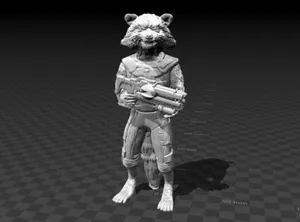



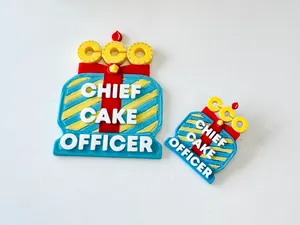


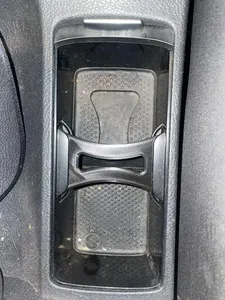
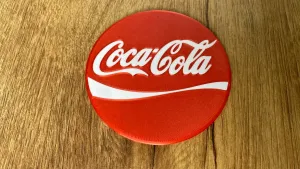

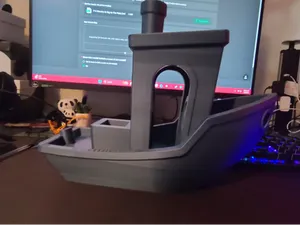
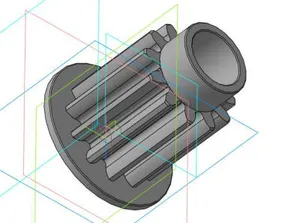
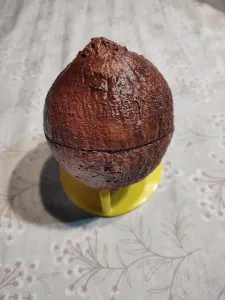

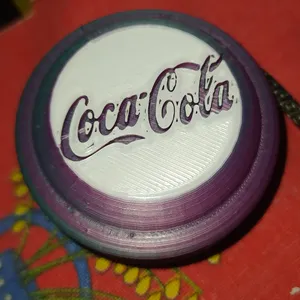

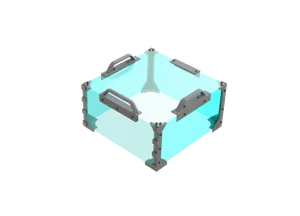
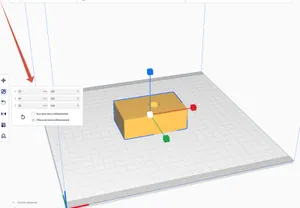


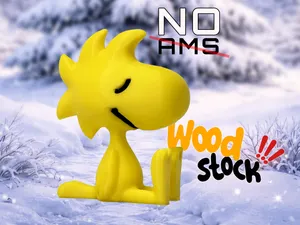
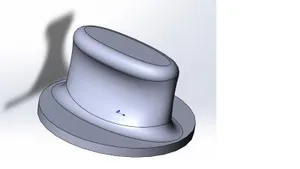
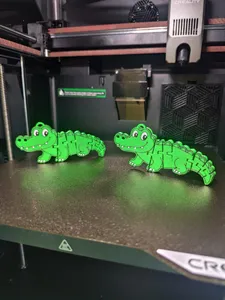


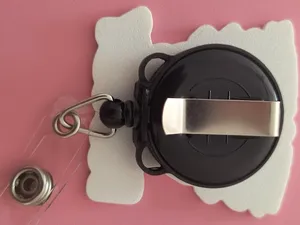
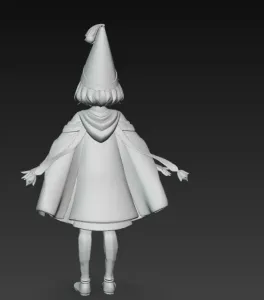


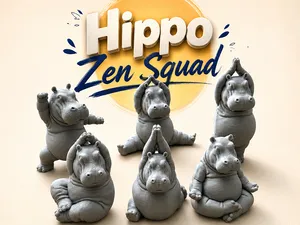
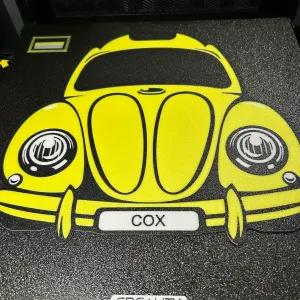

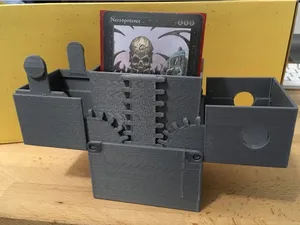
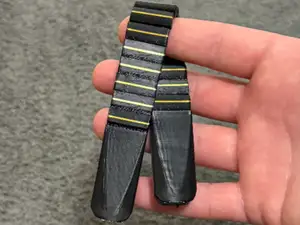
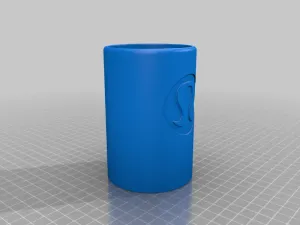
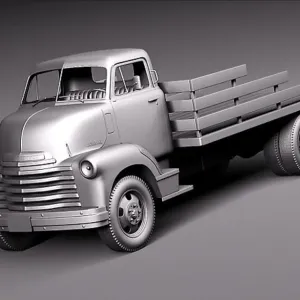
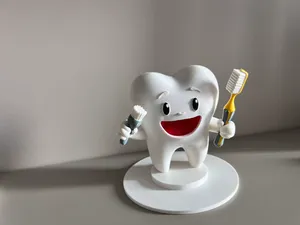
The range is wide. Some entries are flat, single-colour pieces such as badges, logos and coasters that print quickly and need no assembly. Others are multi-part builds: scale vehicles, figures with separate bases, and mechanisms that use springs, pivots or spinning elements. A third group covers practical parts, including gears, holders and accessories for a specific printer model, where fit matters more than appearance.
When you open a model page, start with size and scale, since the same design is often published at several dimensions. Check the part count and whether the author expects glue, screws or press fits, then look at the orientation and whether supports are needed on overhangs. Read the material and settings the author lists, and compare them with photos of real prints, which show layer lines, thin walls and small details more honestly than renders.
If the results feel mixed, search by what the object is rather than by the abbreviation: desk sign, badge, keychain, figure, hovercraft, gear, cookie cutter, coaster or tool holder. Related terms such as mascot, emblem, plaque, miniature or spare part often surface different files. You can also narrow by scale, by the printer the part was designed for, or by the film, sport or hobby the design refers to.


Le catalogue complet des thèmes, de la maison à la CNC, avec une recherche sur tous les sites connectés.