Gratuit 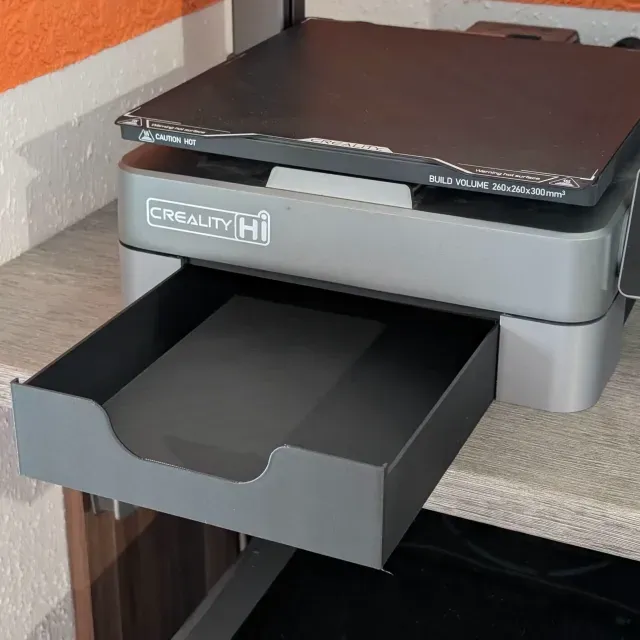
Toolbox for Creality Hi
Creality Cloud
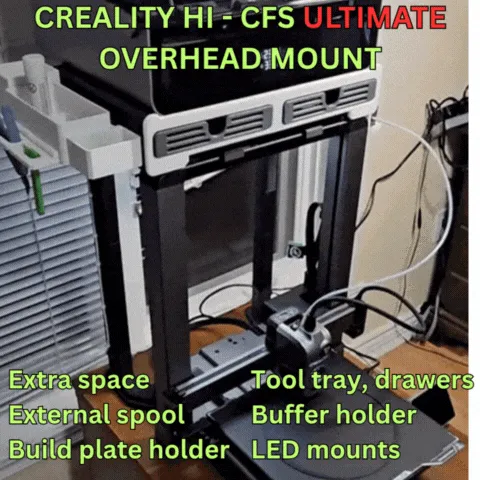
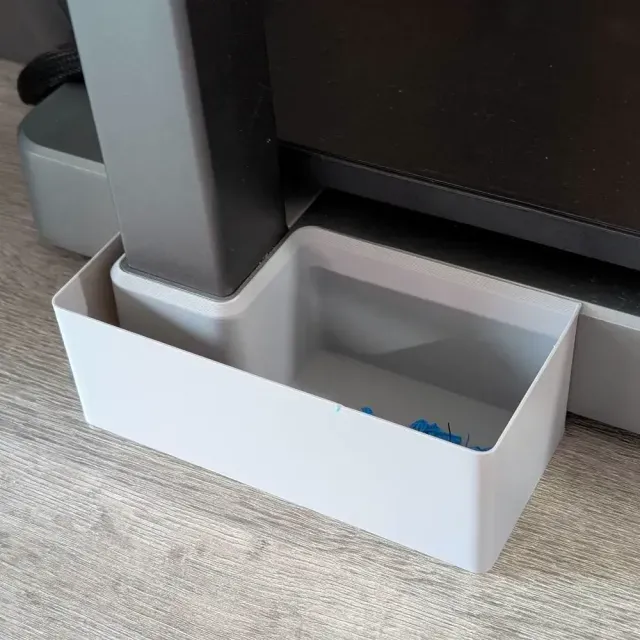
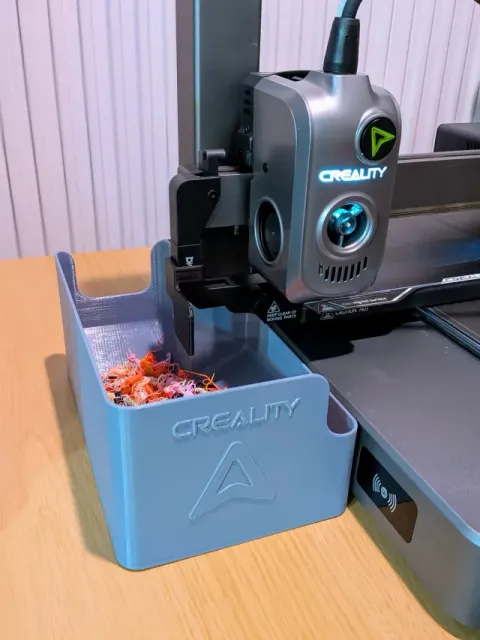
This collection gathers STL files made around the Creality Hi 3D printer: cable chains and extruder cable routing, tool trays and overhead mounts, light bar brackets, waste bins and small alignment aids. It is useful when the machine already runs and you want to tidy it, add storage or move a spool and a buffer out of the way. Most entries are small parts you can print on the same 3D printer they belong to. Polyzon does not confirm whether models are free, their price, license, official status, affiliation, safety or fitness. Check the current terms at the source.
Le texte de cette collection est rédigé en anglais ; la recherche, elle, fonctionne dans toutes les langues.
 Une collection Polyzon · 41 modèles sur 3 plateformes
Polyzon compose cette collection à partir des résultats de recherche des plateformes connectées. Les doublons et les modèles sans aperçu sont retirés, les correspondances faibles sont placées à la fin, et le reste suit l’ordre de la recherche. Les modèles appartiennent à leurs auteurs : consultez les conditions sur la page de chaque modèle.
Règles de sélection : la rédaction de Polyzon · Texte mis à jour le 13/10/2026

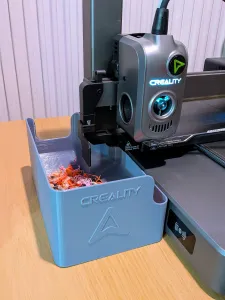
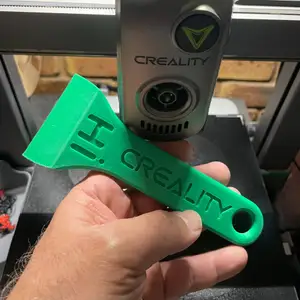
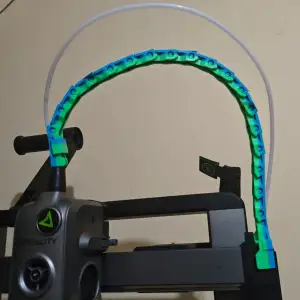

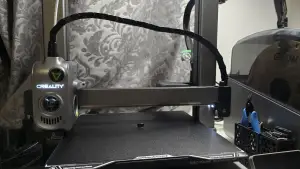
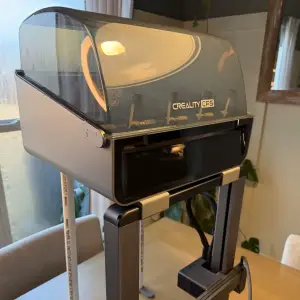
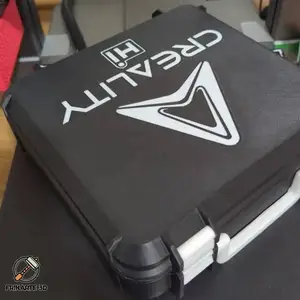
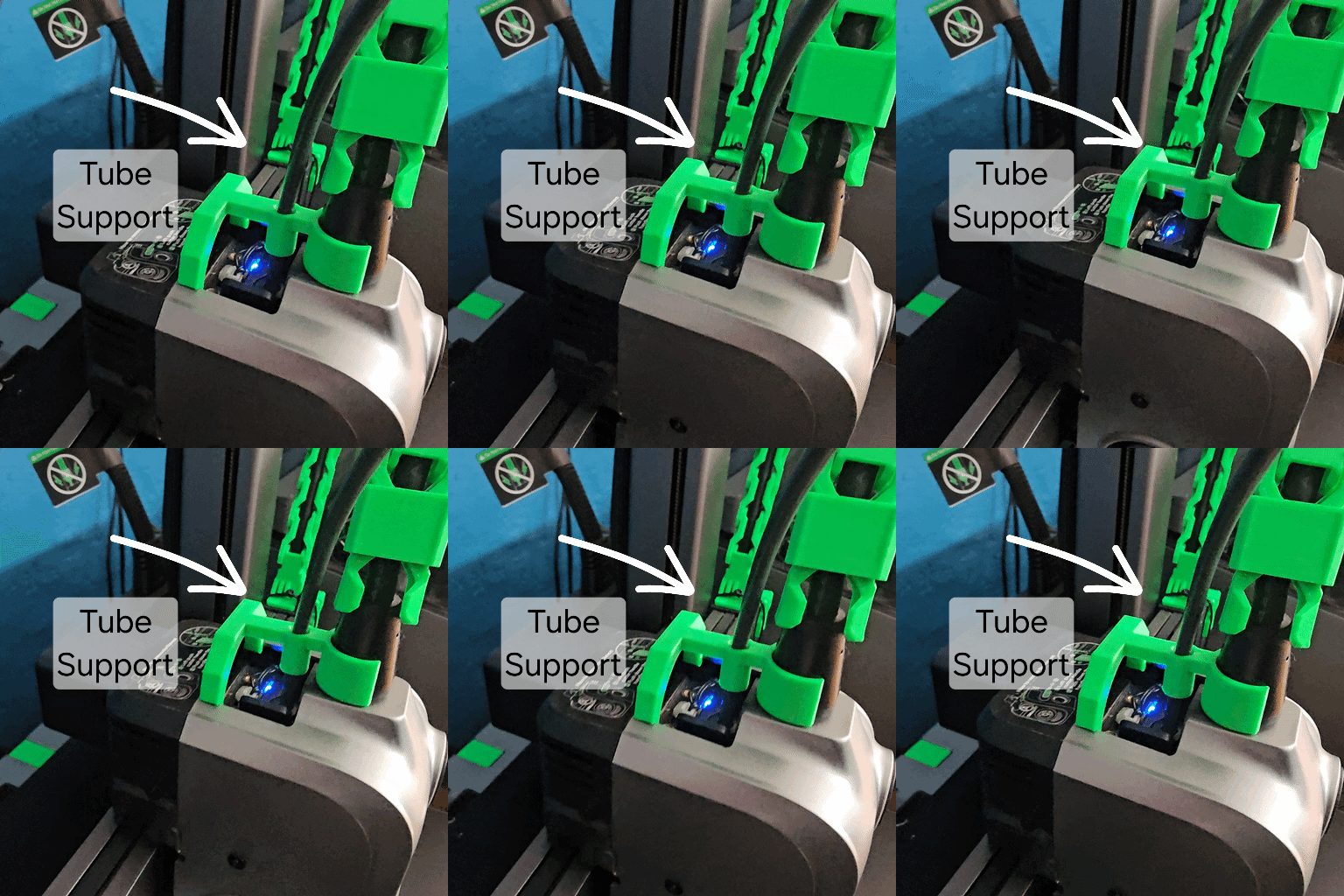

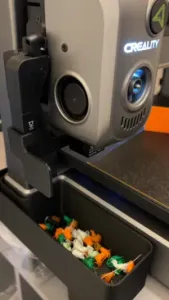
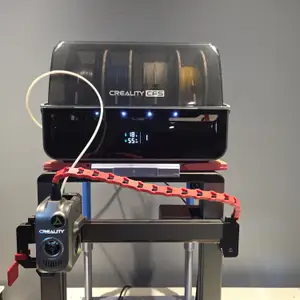
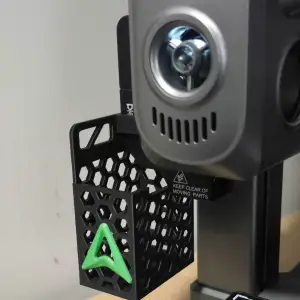
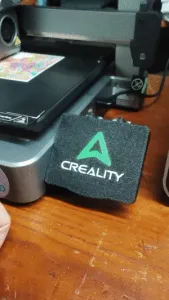

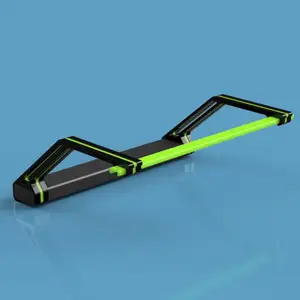
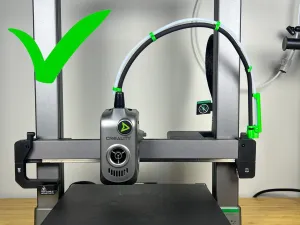
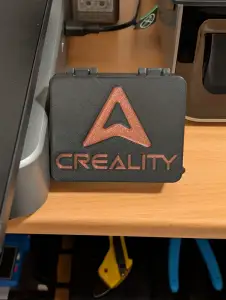
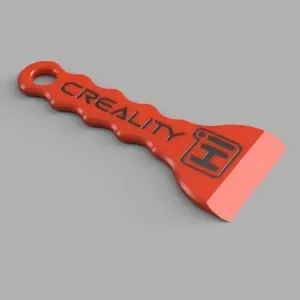
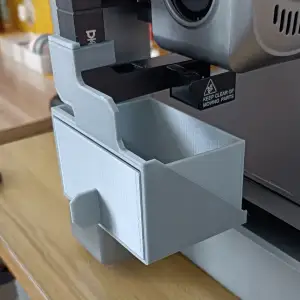


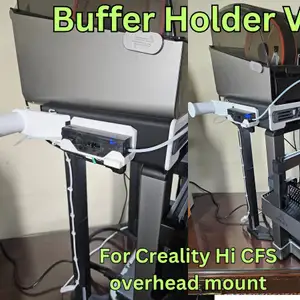
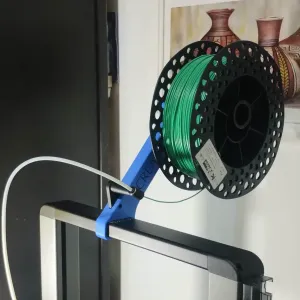
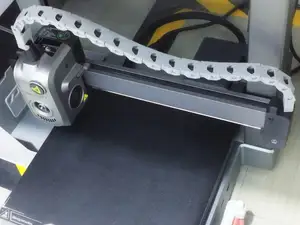

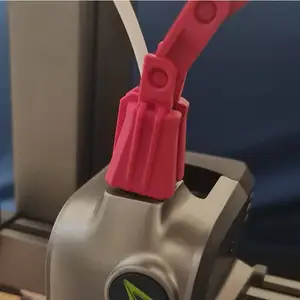
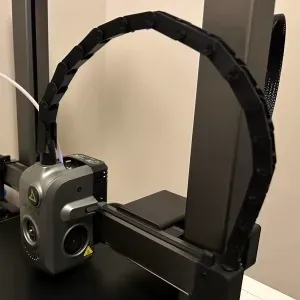
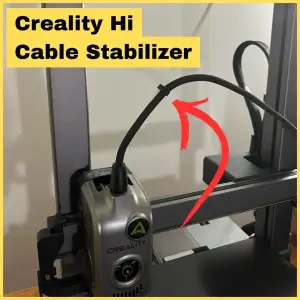
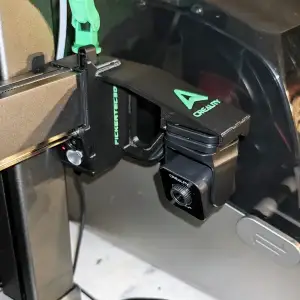

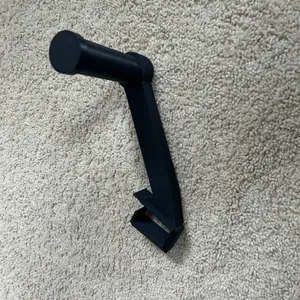
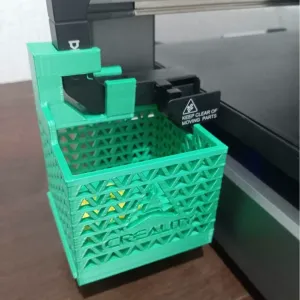
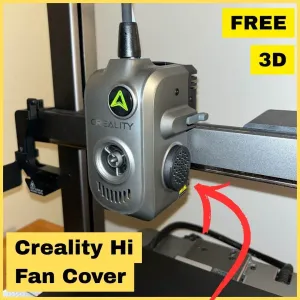
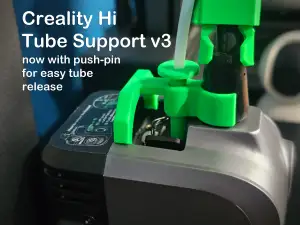

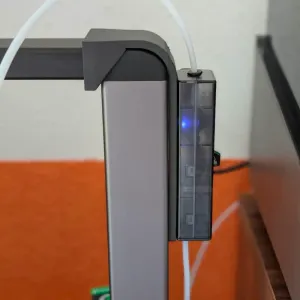
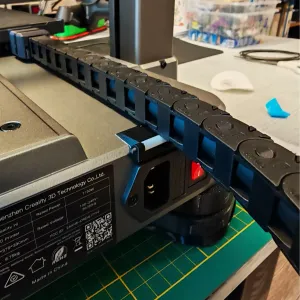
The models fall into a few groups. Some are structural, such as overhead mounts, feet adapters and plate aligners that hold a position under load. Others route cables and tubes, keeping the extruder loom from sagging as the head moves. A third group is organisational: trays, buckets and covers that collect waste or hide wiring. They differ mainly in how they attach — screw points, existing frame holes, clamp-on clips or parts that simply rest in place.
Before printing, open the author's page and read what is listed there: the number of separate parts, whether supports are needed, the layer height used for thin clips, and the screws or inserts the design expects. Look at photos of real prints to judge how a bracket sits against the frame and how much clearance it leaves. Material matters too — parts near the hot end or under tension behave differently from a tray that only holds loose tools, so follow the material and settings the author names.
If a search returns little, try the terms people use for the same idea: drag chain, cable management, tool holder, spool holder, LED bracket, poop bucket, buffer mount. Related topics are worth a look as well — enclosure panels, nozzle and hot end parts, bed accessories, filament handling and the CFS unit itself. Combining the printer name with a single function usually narrows the list faster than a broad upgrade query.


Le catalogue complet des thèmes, de la maison à la CNC, avec une recherche sur tous les sites connectés.