
Gratuit 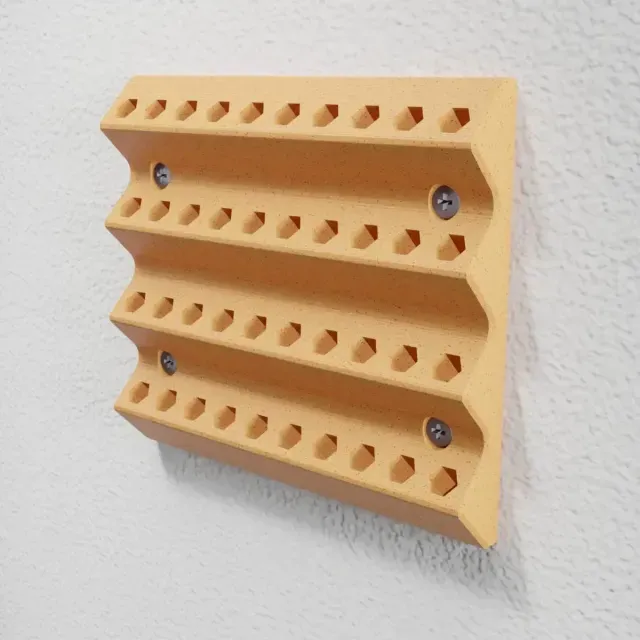
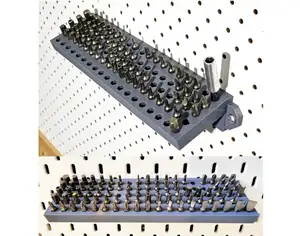
Hex Bit Holder – Wall Mounted Screwdriver Bit Organizer
Creality Cloud
This collection gathers 3D models that store, sort and present screwdriver bits, hex bits and drill bits. It covers wall-mounted racks, modular tray inserts, pocket boxes and parametric designs you can resize before 3D printing. The variety helps whether you are organizing a bench or adding a holder to an existing storage system. Polyzon does not confirm whether models are free, their price, license, official status, affiliation, safety or fitness. Check the current terms at the source.
Le texte de cette collection est rédigé en anglais ; la recherche, elle, fonctionne dans toutes les langues.
 Une collection Polyzon · 48 modèles sur 5 plateformes
Polyzon compose cette collection à partir des résultats de recherche des plateformes connectées. Les doublons et les modèles sans aperçu sont retirés, les correspondances faibles sont placées à la fin, et le reste suit l’ordre de la recherche. Les modèles appartiennent à leurs auteurs : consultez les conditions sur la page de chaque modèle.
Règles de sélection : la rédaction de Polyzon · Texte mis à jour le 13/10/2026


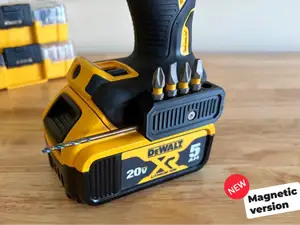


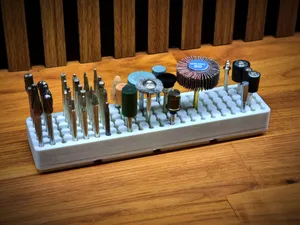
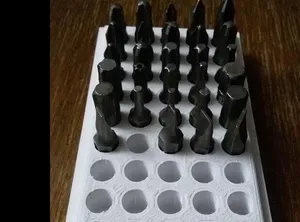
%2Fhttps%3A%2F%2Ffbi.cults3d.com%2Fuploaders%2F13811638%2Fillustration-file%2F6ef8b71a-30c9-4e74-986d-2e6330fc8fa5%2F60fdcfb22cdb795d1c5320d0dc0113ae_preview_featured.JPG&w=300)

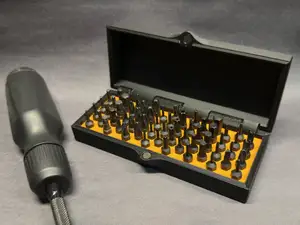

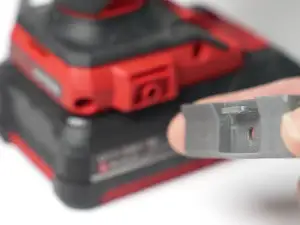






%2Fhttps%3A%2F%2Ffbi.cults3d.com%2Fuploaders%2F12994951%2Fillustration-file%2F8054833b-b968-4451-941e-804bf01fb331%2FCapture%2520d%25E2%2580%2599e%25CC%2581cran%25202016-12-21%2520a%25CC%2580%252011.42.16.png&w=300)

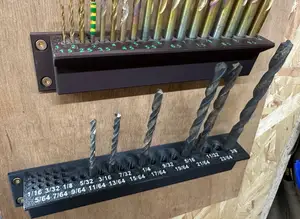


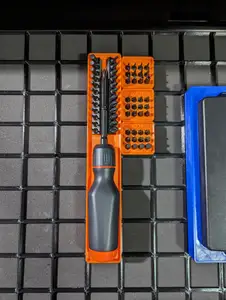

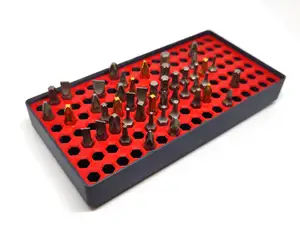
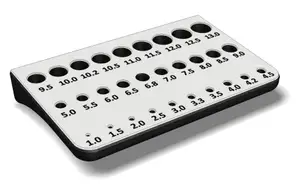

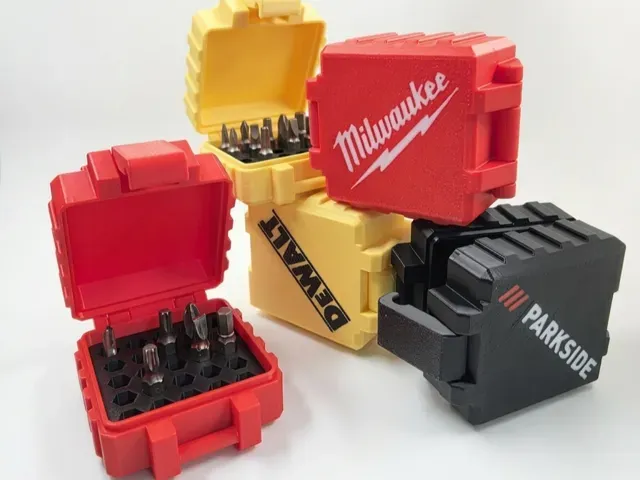
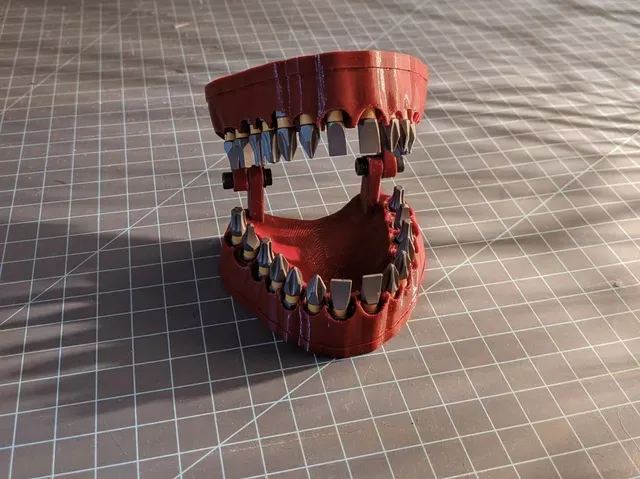
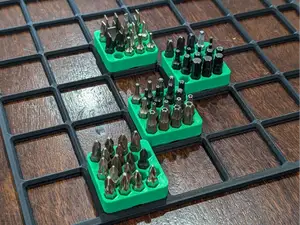
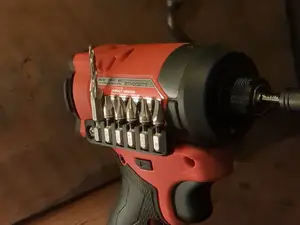
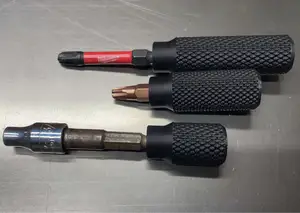
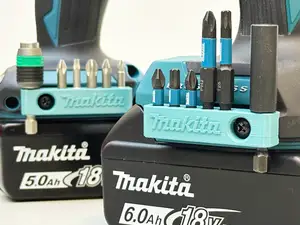
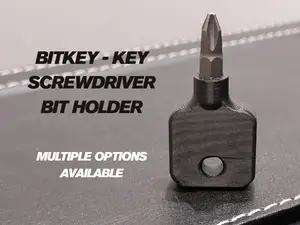
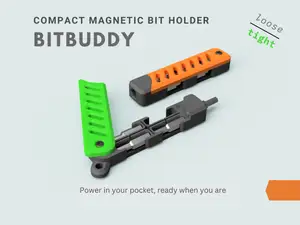
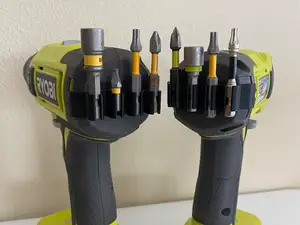
The models differ mainly in where the bits end up. Wall-mounted and side-mount versions keep bits visible next to a tool or a drill, while tray inserts and stackable organizers are meant to sit in a drawer or a modular grid. Pocket and compact holders trade capacity for portability, and some right-angle or mini designs exist for narrow spaces. Parametric files let you change hole count, spacing or bit diameter instead of accepting a fixed layout.
When choosing a model, read the author's page for the bit size and shape it was drawn around, since hex shanks, round shanks and long bits need different hole depths. Check how many parts the holder has, whether it prints as one piece or needs assembly, and whether the author lists supports, material or settings. Photos of real prints show how the holes behave after printing, which matters more than the render for a part that has to grip.
To narrow the search, try related terms such as bit organizer, bit tray, hex bit storage, screwdriver bit rack or drill bit index, and combine them with a mounting type like wall mount, drawer insert or magnetic. Adding a grid system name or a tool type to the query usually returns fewer, more relevant results. If nothing matches, look for a customizable or parametric version and adjust the dimensions yourself.



Le catalogue complet des thèmes, de la maison à la CNC, avec une recherche sur tous les sites connectés.