
Gratuit 
Desktop Computer for Playmobil
Thingiverse
This collection gathers 3D printing models that relate to computers in two ways: parts and accessories for real desks, and miniature computers made as props. It covers case designs, monitor and laptop holders, and small screens built for figures or tabletop scenes. The range is wide, so the useful step is to sort by what you actually intend to print. Polyzon does not confirm whether models are free, their price, license, official status, affiliation, safety or fitness. Check the current terms at the source.
Le texte de cette collection est rédigé en anglais ; la recherche, elle, fonctionne dans toutes les langues.
 Une collection Polyzon · 48 modèles sur 4 plateformes
Polyzon compose cette collection à partir des résultats de recherche des plateformes connectées. Les doublons et les modèles sans aperçu sont retirés, les correspondances faibles sont placées à la fin, et le reste suit l’ordre de la recherche. Les modèles appartiennent à leurs auteurs : consultez les conditions sur la page de chaque modèle.
Règles de sélection : la rédaction de Polyzon · Texte mis à jour le 15/10/2026

%2Fhttps%3A%2F%2Ffbi.cults3d.com%2Fuploaders%2F17242641%2Fillustration-file%2F6d9c559e-e0a2-4490-b12f-0de8a9dd1ad8%2F2024-05-31-104939.png&w=300)


%2Fhttps%3A%2F%2Ffbi.cults3d.com%2Fuploaders%2F14588059%2Fillustration-file%2Fbf2dc9c3-c889-466c-89f3-0d113a83c2fa%2FScreenshot-2024-01-24-175147.png&w=300)


%2Fhttps%3A%2F%2Ffbi.cults3d.com%2Fuploaders%2F17242641%2Fillustration-file%2F1f020a16-b7bf-4ef6-9ac3-b217b03b3e69%2F2024-10-28-135602.png&w=300)

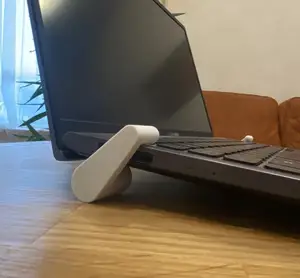

%2Fhttps%3A%2F%2Ffbi.cults3d.com%2Fuploaders%2F17242641%2Fillustration-file%2F8dc28978-2f29-4bec-b8ef-411b5e8dd68b%2F2025-01-30-091553.png&w=300)

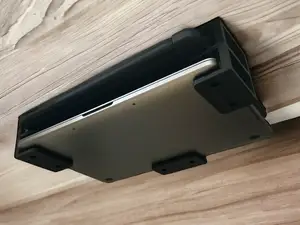

%2Fhttps%3A%2F%2Ffbi.cults3d.com%2Fuploaders%2F14588059%2Fillustration-file%2Fa1fc0185-1295-4795-b3a0-52daec32186c%2FWhatsApp-Image-2024-01-15-at-7.42.28-PM.jpeg&w=300)

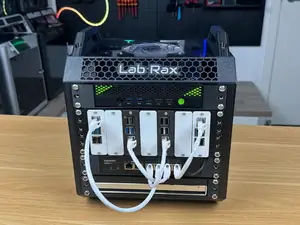

%2Fhttps%3A%2F%2Ffbi.cults3d.com%2Fuploaders%2F15637310%2Fillustration-file%2Fabaf6c3e-52b5-414b-a0c7-bfcf226728a0%2Fmac.png&w=300)

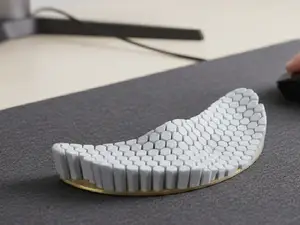

%2Fhttps%3A%2F%2Ffbi.cults3d.com%2Fuploaders%2F14588059%2Fillustration-file%2Fdc7ed54d-ea50-4e9d-af68-02206d455a74%2Fs-l1600-3.webp&w=300)

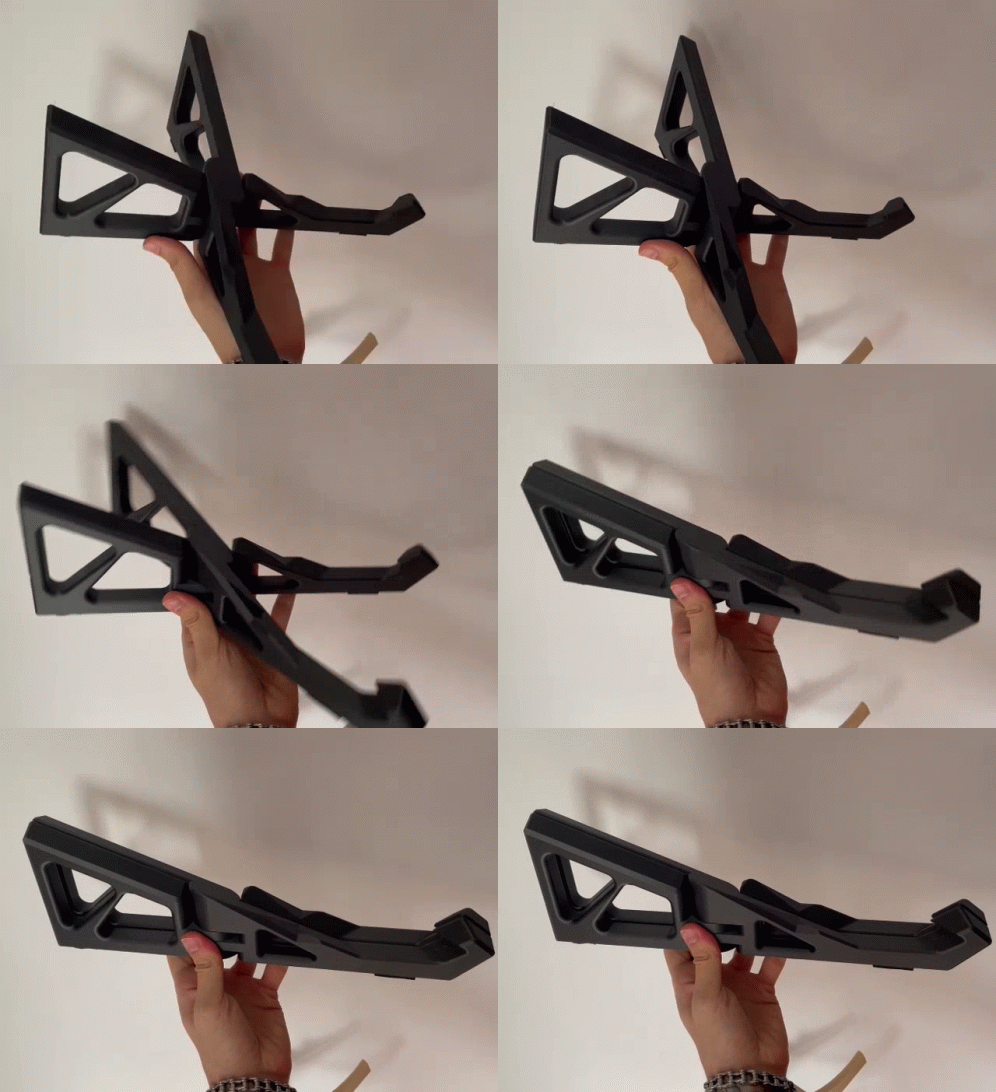

%2Fhttps%3A%2F%2Ffbi.cults3d.com%2Fuploaders%2F17242641%2Fillustration-file%2F58086a5a-c317-4dc6-9019-3be0e85a403d%2F2025-08-18-120354.png&w=300)

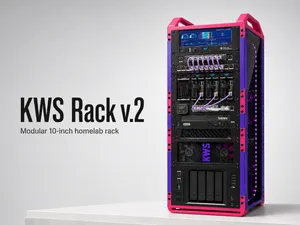

%2Fhttps%3A%2F%2Ffbi.cults3d.com%2Fuploaders%2F26920985%2Fillustration-file%2F0cbb2aa2-8c9b-49ac-84c9-b04859ab1758%2Fe213a4d62252ba842dd390091236ee27.png&w=300)



%2Fhttps%3A%2F%2Ffbi.cults3d.com%2Fuploaders%2F27644495%2Fillustration-file%2Ff80cf755-32cc-4949-b4f5-eeb5e09c6600%2FSklop1.jpg&w=300)

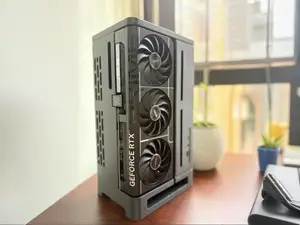

%2Fhttps%3A%2F%2Ffbi.cults3d.com%2Fuploaders%2F13401119%2Fillustration-file%2Ff5eb7e45-1955-4db7-98f9-048d5dc25fff%2F20230116_193326k.jpg&w=300)

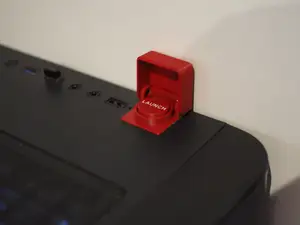
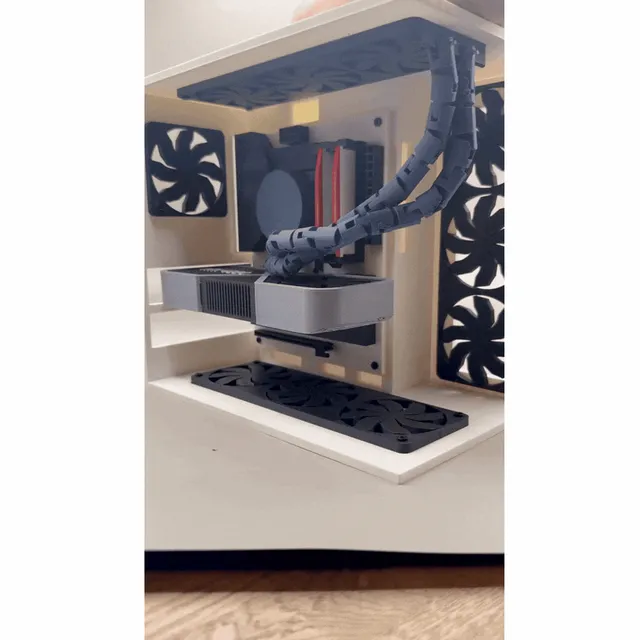
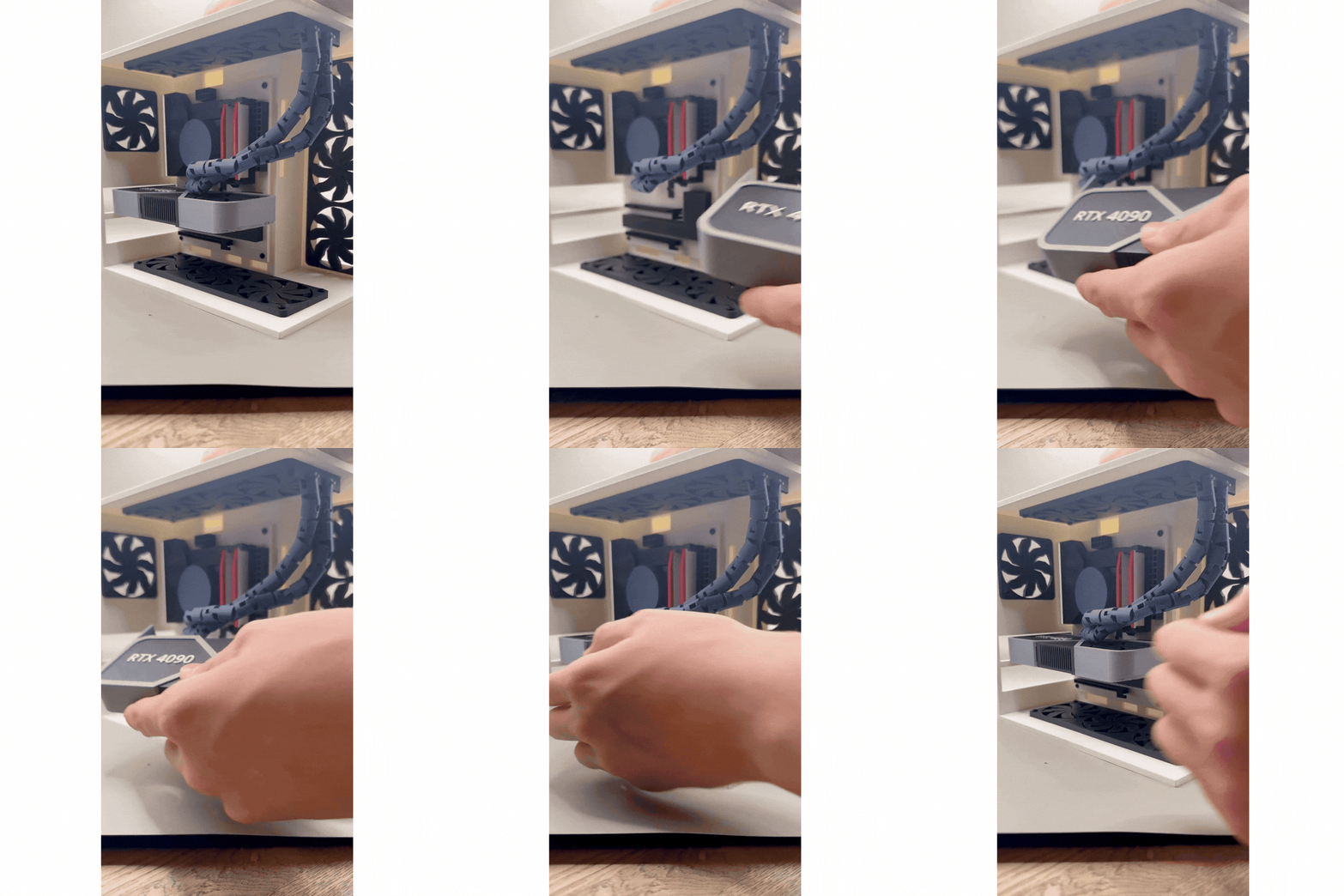
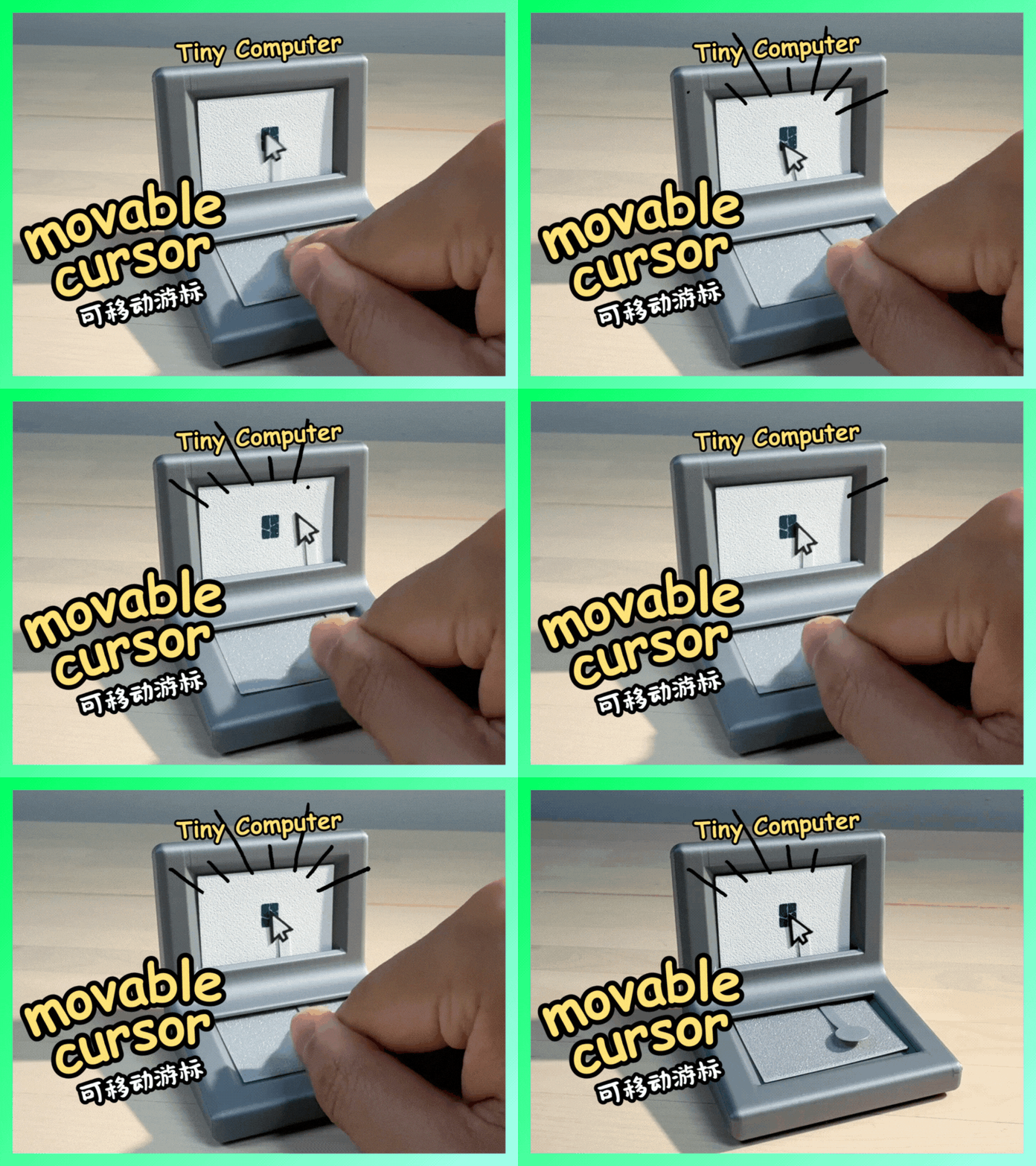
The largest group is practical hardware: compact cases, fan covers, monitor mounts, laptop stands and under-desk holders. These differ mainly in how they attach — some clamp to a desk edge, others screw into a monitor or tripod thread, and some simply rest on a surface. Miniature computers form a second group, usually scaled for action figures, dioramas or tabletop games, where the screen and keyboard are modelled as one small block. A third, smaller group is decorative or playful: cursor-shaped fidgets, novelty panels and similar desk items.
When choosing, open the author's page and check the stated dimensions and scale first, since the same subject can appear at figure scale, tabletop scale or full size. Look at the part count and whether assembly, screws or inserts are involved, and read the notes on supports and orientation. Material and settings matter too: thin monitor arms and small clips behave differently in rigid filament than in a tougher one, and the author's listed layer height often decides whether small details survive. Photos of real prints show more than renders about how edges and thin sections come out.
To narrow the search, try synonyms for the same object: PC case, computer chassis, tower, rack; monitor mount, screen bracket, VESA; laptop stand, riser, desk holder. Related terms help as well — cable management, desk organizer, fan grille, miniature console, diorama control panel. Combining a scale or a device name with the object usually cuts the list faster than browsing the whole topic.



Le catalogue complet des thèmes, de la maison à la CNC, avec une recherche sur tous les sites connectés.
%2Fhttps%3A%2F%2Ffbi.cults3d.com%2Fuploaders%2F16937299%2Fillustration-file%2F37681776-72c5-4893-8eba-faed4dea0f38%2FTABLE0.jpg&w=640)
