
Gratuit 
Fred The Frog with separate eyes (for color printing)
Thingiverse
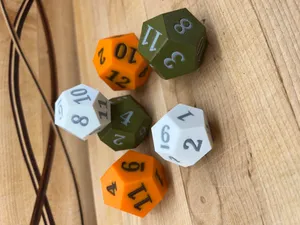
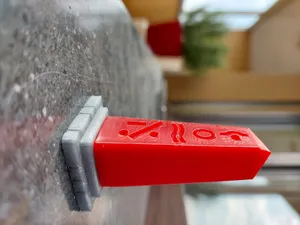
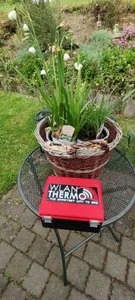
This collection gathers STL files made with color in mind: dice, layered wall art, figures split into colored parts, holders and small functional pieces. Some are built for a multi-material unit, others are split so a single-extruder 3D printer can handle them in stages. It helps you find a model whose color layout matches the equipment you actually have. Polyzon does not confirm whether models are free, their price, license, official status, affiliation, safety or fitness. Check the current terms at the source.
Le texte de cette collection est rédigé en anglais ; la recherche, elle, fonctionne dans toutes les langues.
 Une collection Polyzon · 48 modèles sur 7 plateformes
Polyzon compose cette collection à partir des résultats de recherche des plateformes connectées. Les doublons et les modèles sans aperçu sont retirés, les correspondances faibles sont placées à la fin, et le reste suit l’ordre de la recherche. Les modèles appartiennent à leurs auteurs : consultez les conditions sur la page de chaque modèle.
Règles de sélection : la rédaction de Polyzon · Texte mis à jour le 10/10/2026


%2Fhttps%3A%2F%2Ffbi.cults3d.com%2Fuploaders%2F14250374%2Fillustration-file%2Fb86b11a2-d078-4a47-a5b5-ef6a2df050d3%2Flittle-iron-man-3d-printing.jpg&w=300)





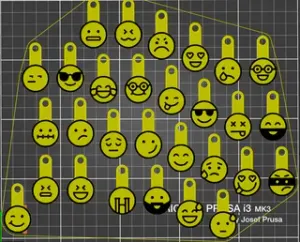
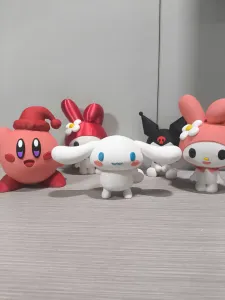

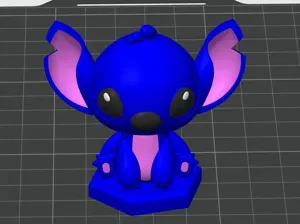


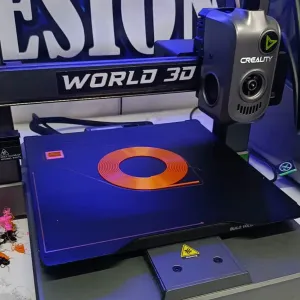
%2Fhttps%3A%2F%2Ffbi.cults3d.com%2Fuploaders%2F14994501%2Fillustration-file%2Fb8cb43d9-b0bb-42ff-b49d-f2299da544dc%2Fswancolor.png&w=300)


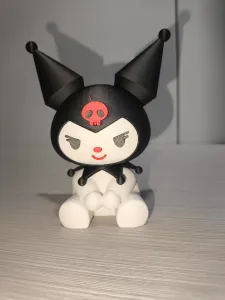



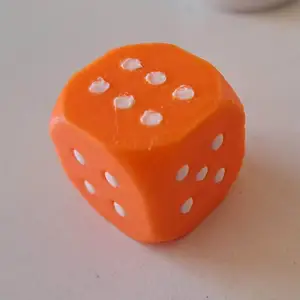
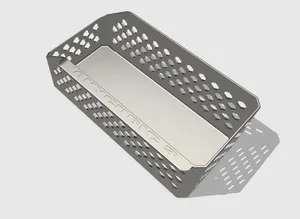


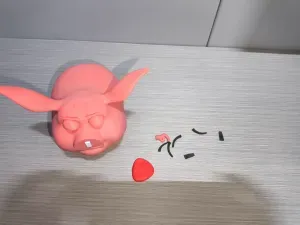
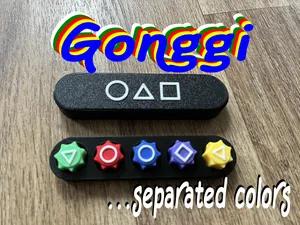
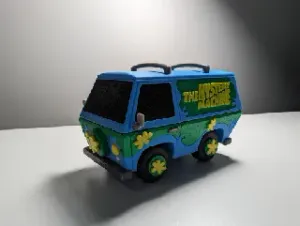
The models here differ mainly in how color is produced. Layered designs and wall art get their look from stacked height zones, so each color sits at a different level. Figures and characters often come as separate parts that are printed in one color each and then joined. Dice and game pieces tend to use inset faces or split halves, while holders and organizers are usually two-part builds where the color is mostly decorative.
Before printing, read the author's page for the number of parts, how they connect, and whether the model expects a multi-material unit or a manual filament change at a set layer. Check the listed size and scale, since small colored details shrink with the model, and look at photos of real prints to judge how the color boundaries land. The material and settings the author lists are a useful starting point for layer height and wall count.
To widen the results, try related wording: multi-color, dual color, two-tone, filament change, layered, separate parts, or single-color alternative. Searching by object type works well too — dice, skull, wall art, case holder, organizer — because many such models are tagged by subject rather than by printing method. If a model is split into parts, searching for its assembly or kit version often turns up the same design in another layout.

%2Fhttps%3A%2F%2Ffbi.cults3d.com%2Fuploaders%2F14526230%2Fillustration-file%2F10d91c28-cb85-4ffe-a5c0-cff3f2faef82%2FKawaii_Unicorn_Color_Printable_F._202606092358-2.jpeg&w=300)


Le catalogue complet des thèmes, de la maison à la CNC, avec une recherche sur tous les sites connectés.