
Gratuit 
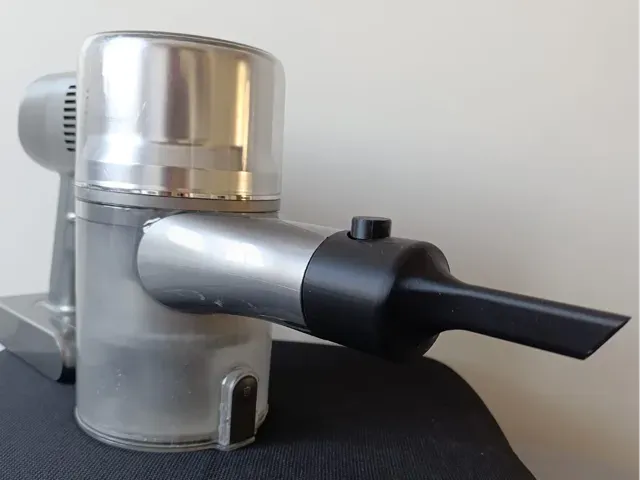
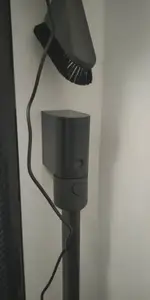
Brio connection replacement part
Thingiverse
This collection gathers 3D-printable replacement parts for Dreame vacuums and related cleaning devices. It covers nozzles, dust bin latches, seals, adapters, brackets and dock components that wear out or go missing. Each entry leads to a model page you can inspect before printing it on a 3D printer. Polyzon does not confirm whether models are free, their price, license, official status, affiliation, safety or fitness. Check the current terms at the source.
Le texte de cette collection est rédigé en anglais ; la recherche, elle, fonctionne dans toutes les langues.
 Une collection Polyzon · 48 modèles sur 3 plateformes
Polyzon compose cette collection à partir des résultats de recherche des plateformes connectées. Les doublons et les modèles sans aperçu sont retirés, les correspondances faibles sont placées à la fin, et le reste suit l’ordre de la recherche. Les modèles appartiennent à leurs auteurs : consultez les conditions sur la page de chaque modèle.
Règles de sélection : la rédaction de Polyzon · Texte mis à jour le 13/10/2026

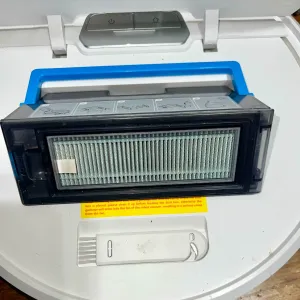

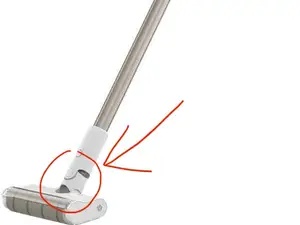
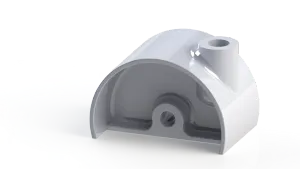

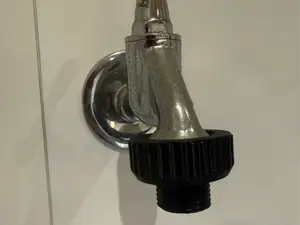
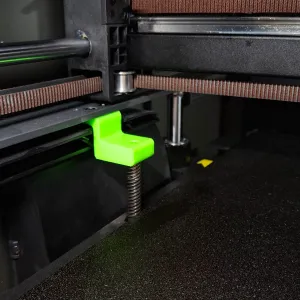

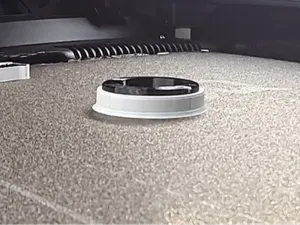
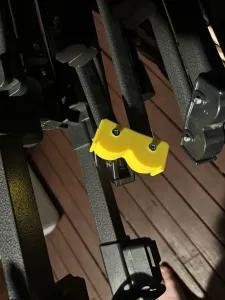

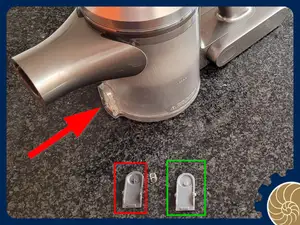
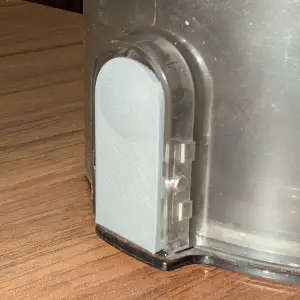

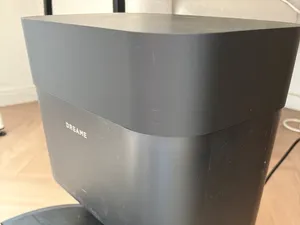
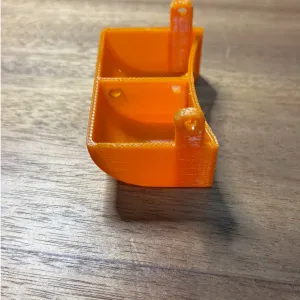

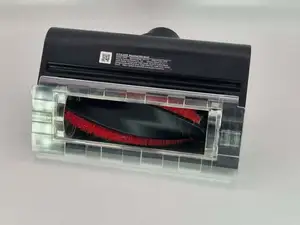
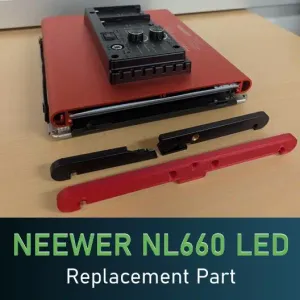

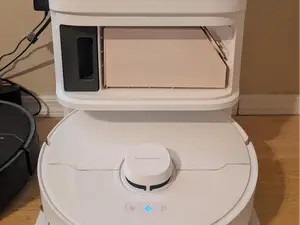
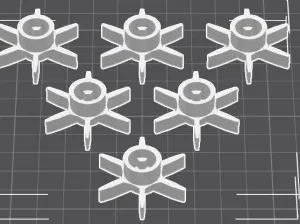

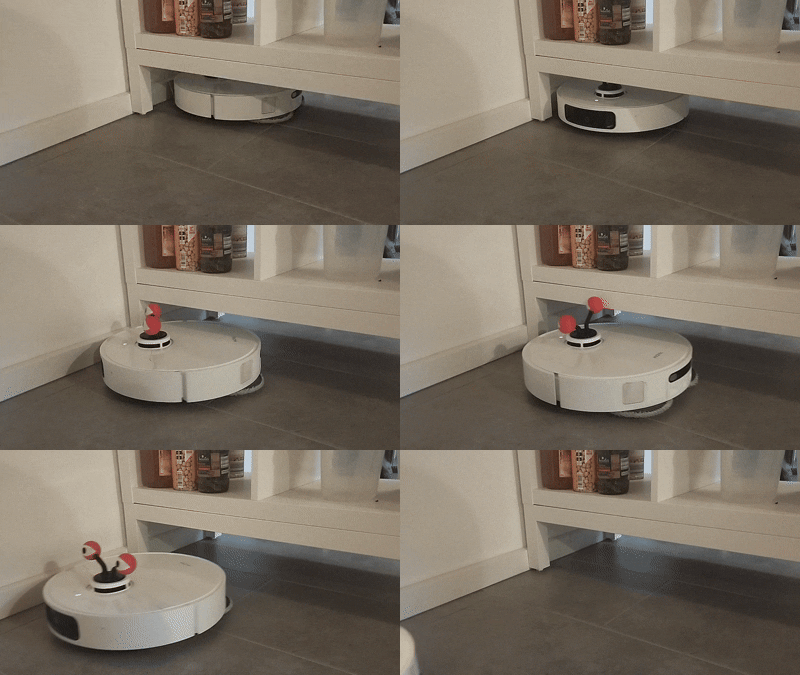


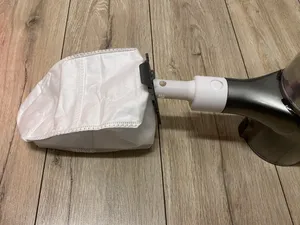
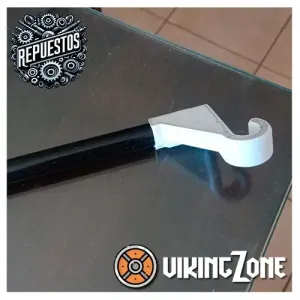

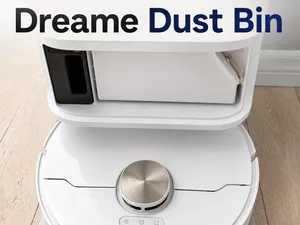
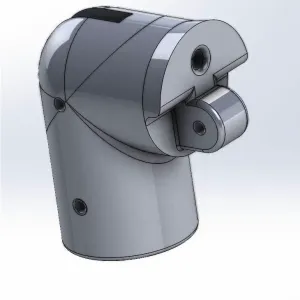

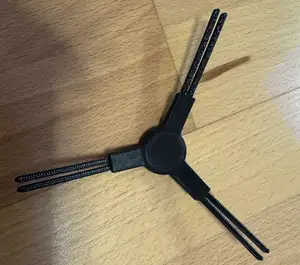
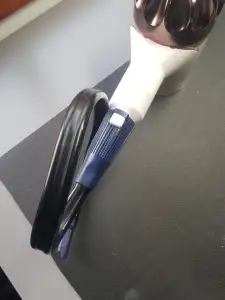

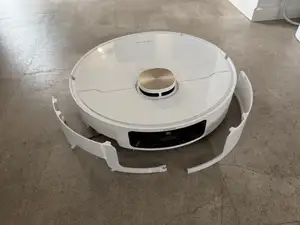
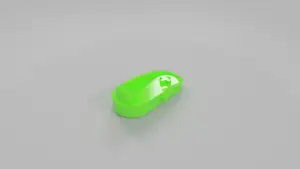

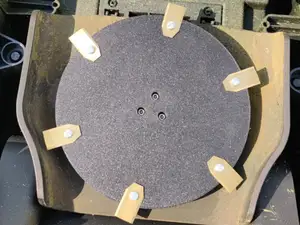
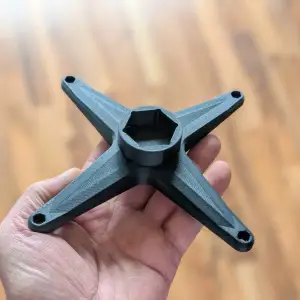

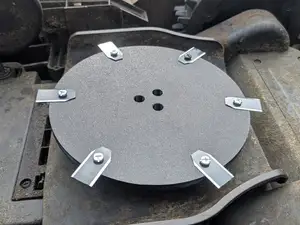
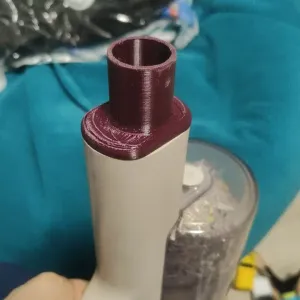
The models fall into a few groups. Nozzles and swivel joints are the moving parts at the end of the wand, while dust bin latches, seals and lids belong to the container itself. Adapters and connectors link hoses, water kits or accessories to a port, and repair locks, brackets and filter holders sit inside the handle, body or dock.
When choosing, open the model page and compare the listed dimensions with the part you are replacing, including wall thickness and the diameter of any pin or clip. Check how many separate pieces the author uploaded and whether they are meant to be glued, screwed or snapped together. Look at the material and settings the author lists, note whether supports are needed, and read the photos of real prints to judge how the part sits in place.
Search results improve when you use the part name rather than the device name alone: try spare part, replacement, nozzle, dust bin, latch, seal, swivel joint, dock or base station. Adding a material or a printing method to the query narrows the list further. Related topics such as robot vacuum accessories, filter holders and hose adapters often surface models that a single query misses.


Le catalogue complet des thèmes, de la maison à la CNC, avec une recherche sur tous les sites connectés.