Gratuit 
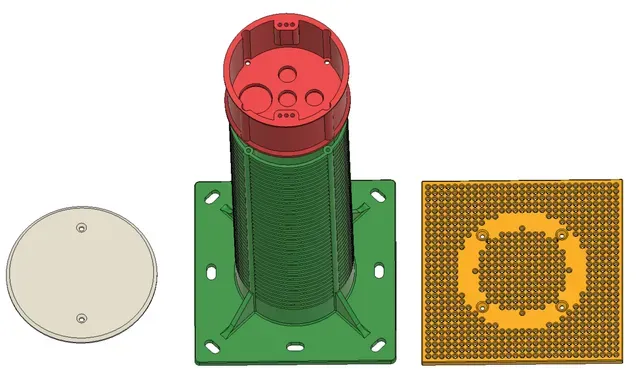
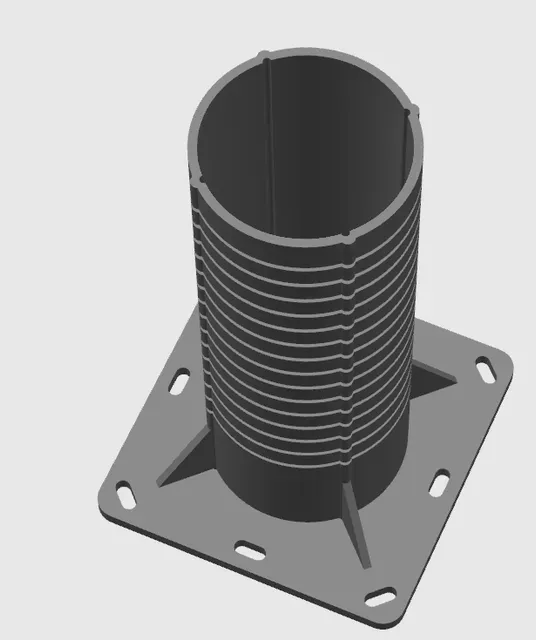
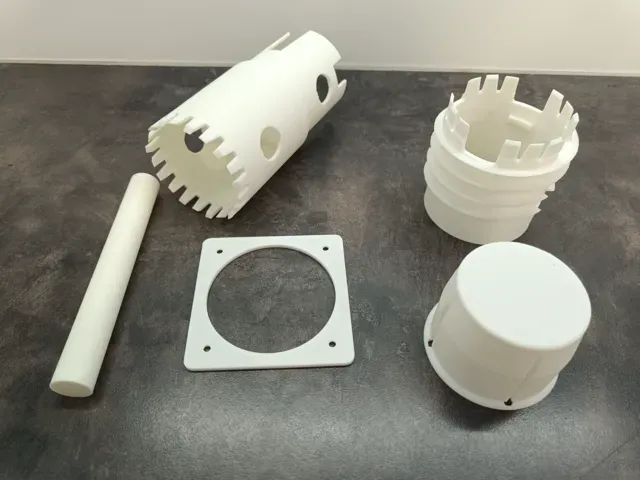
Rotary vice for electrical installation
Thingiverse
This collection gathers STL files for electrical installation tasks, from panel parts to small mounting hardware. You can use them to plan parts around standard components and then adjust the model in a slicer. Check the author's page for dimensions, part count and print orientation before you start. Polyzon does not confirm whether models are free, their price, license, official status, affiliation, safety or fitness. Check the current terms at the source.
Le texte de cette collection est rédigé en anglais ; la recherche, elle, fonctionne dans toutes les langues.
 Une collection Polyzon · 48 modèles sur 7 plateformes
Polyzon compose cette collection à partir des résultats de recherche des plateformes connectées. Les doublons et les modèles sans aperçu sont retirés, les correspondances faibles sont placées à la fin, et le reste suit l’ordre de la recherche. Les modèles appartiennent à leurs auteurs : consultez les conditions sur la page de chaque modèle.
Règles de sélection : la rédaction de Polyzon · Texte mis à jour le 15/10/2026
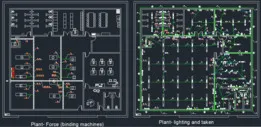

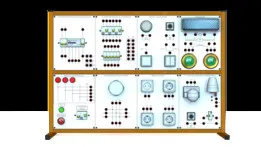
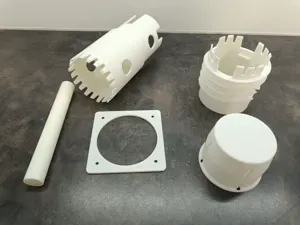

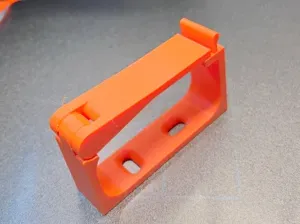









%2Fhttps%3A%2F%2Ffbi.cults3d.com%2Fuploaders%2F13345248%2Fillustration-file%2F61f2a9a1-3c02-4e22-afe2-2b5cea4d9568%2Fcasquillo.jpg&w=300)


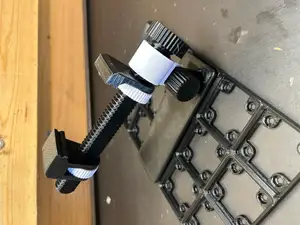
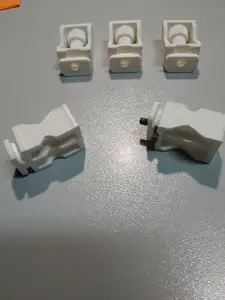
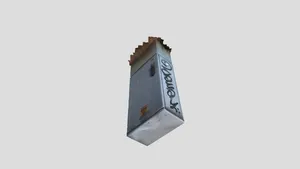

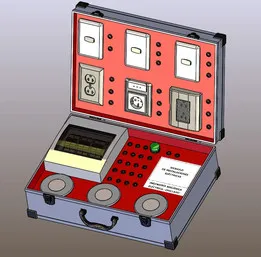
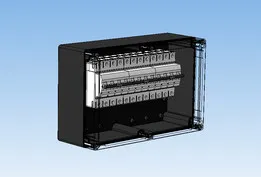


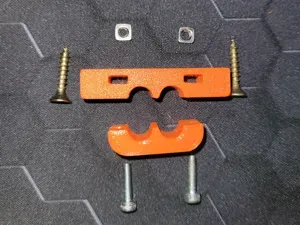
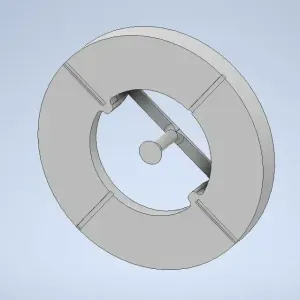
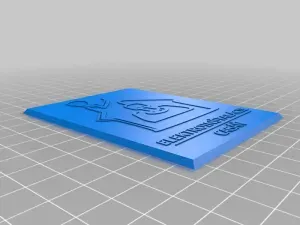


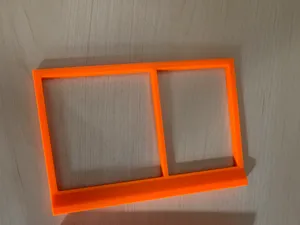
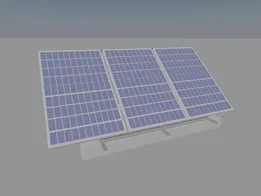
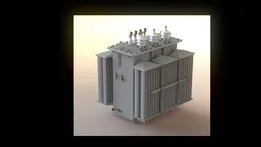
The range covers several practical groups. Enclosures and cabinet parts are usually boxy and may include cutouts for switches or connectors. Cable management pieces are smaller and often print as flat clips or glands. Lighting and motor parts vary more in size, so scale matters from the start.
When choosing a model, open the author's page and read the listed dimensions, wall thickness and number of separate parts. Check whether the design needs supports, how it assembles and which material and settings the author used. Photos of real prints help you judge tolerances and surface finish.
To narrow the search, try related terms such as wiring, conduit, DIN rail, junction box, cable gland, panel mount or motor frame. Combine a component name with a format or use case, for example enclosure, bracket or mount. If a result is too specific, broaden to electrical parts or workshop electronics.




Le catalogue complet des thèmes, de la maison à la CNC, avec une recherche sur tous les sites connectés.