
$ 1.86 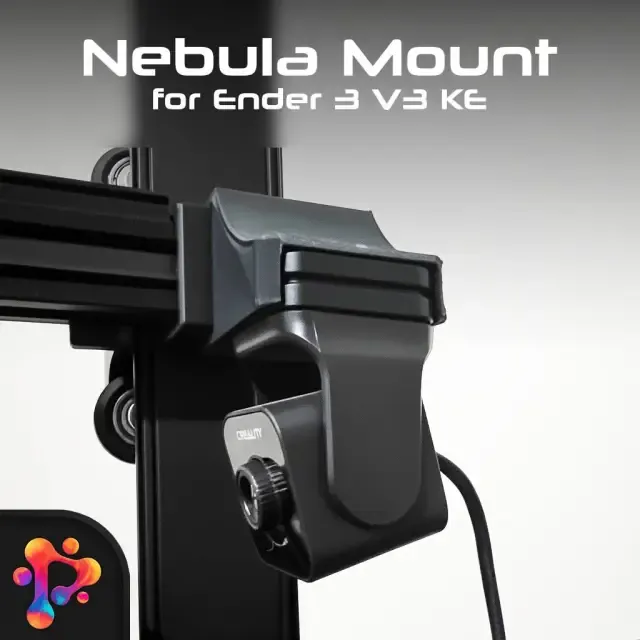
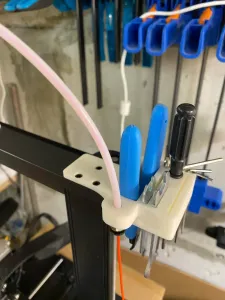
Nebula Camera Mount for Ender 3 V3 ( SE-KE ) by Polymeria
Creality Cloud
This collection gathers STL files for mounting a camera on an Ender 3 V3 SE. It covers fixed brackets, adjustable arms, and enclosures for different camera modules. Use it to compare mounting positions and parts before you slice a model. Polyzon does not confirm whether models are free, their price, license, official status, affiliation, safety or fitness. Check the current terms at the source.
Le texte de cette collection est rédigé en anglais ; la recherche, elle, fonctionne dans toutes les langues.
 Une collection Polyzon · 48 modèles sur 4 plateformes
Polyzon compose cette collection à partir des résultats de recherche des plateformes connectées. Les doublons et les modèles sans aperçu sont retirés, les correspondances faibles sont placées à la fin, et le reste suit l’ordre de la recherche. Les modèles appartiennent à leurs auteurs : consultez les conditions sur la page de chaque modèle.
Règles de sélection : la rédaction de Polyzon · Texte mis à jour le 13/10/2026
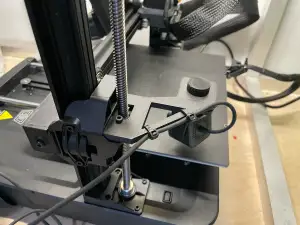


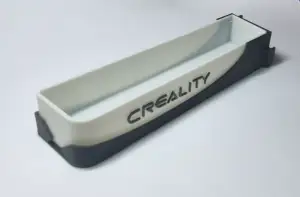
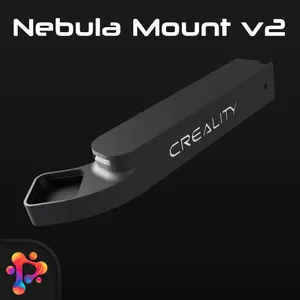
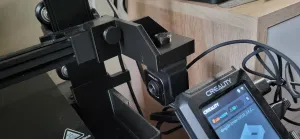


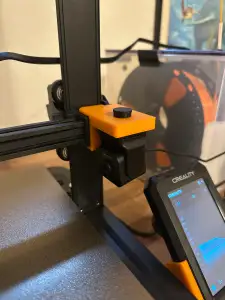
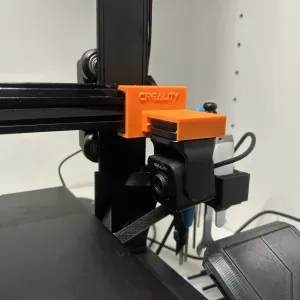
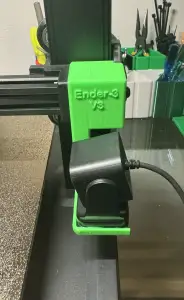

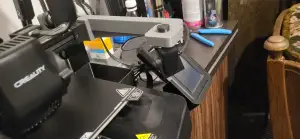
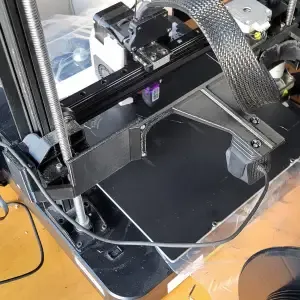
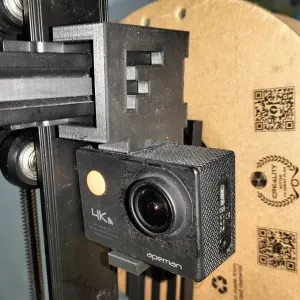
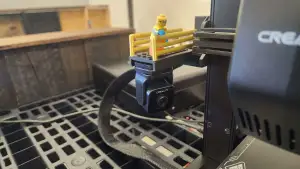

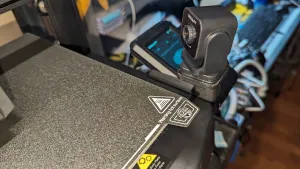

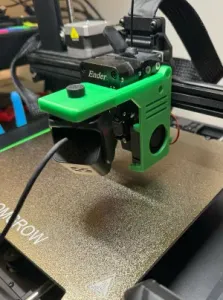
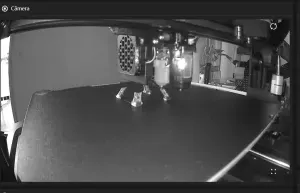

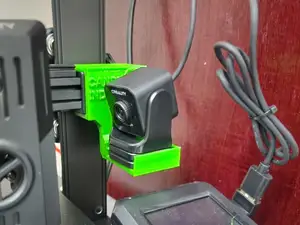


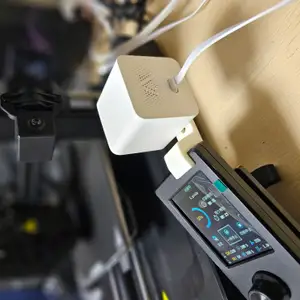

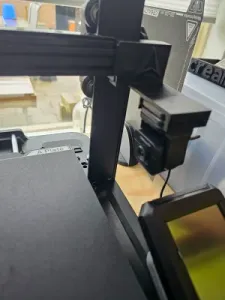

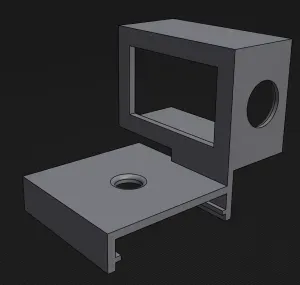
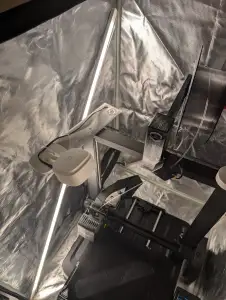

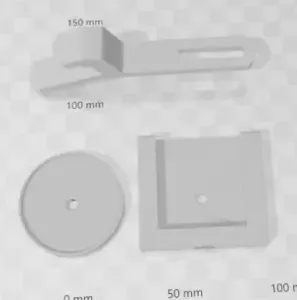

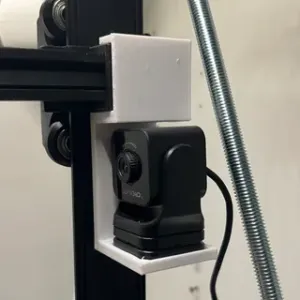


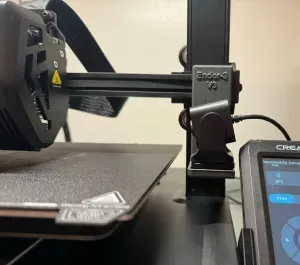
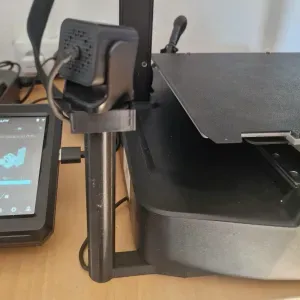


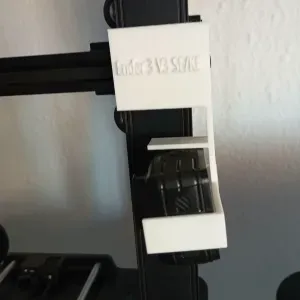
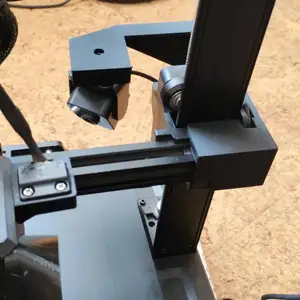
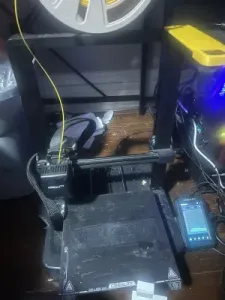
The models fall into several practical groups. Fixed brackets hold a camera in one position, while side-specific or reversed holders change the viewing angle around the toolhead. Adjustable arms and case-style mounts give more freedom for cable routing and framing. Some designs target compact camera modules, and others fit small webcams or phone-style cameras.
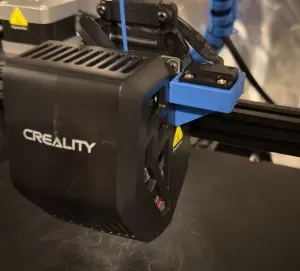
When choosing a mount, check the size and scale against your camera and printer frame. Look at the number of parts and how they assemble, and whether supports are needed for the chosen orientation. Read the material and settings the author lists, and review photos of real prints to judge clearances and access to the screen or bed.
To refine the search, try synonyms such as webcam holder, camera arm, or camera bracket. Related topics include cable management, light mounts, enclosure accessories, and Raspberry Pi camera cases. Combining the printer name with left, right, reverse, or adjustable often narrows the results to a specific mounting style.


Le catalogue complet des thèmes, de la maison à la CNC, avec une recherche sur tous les sites connectés.