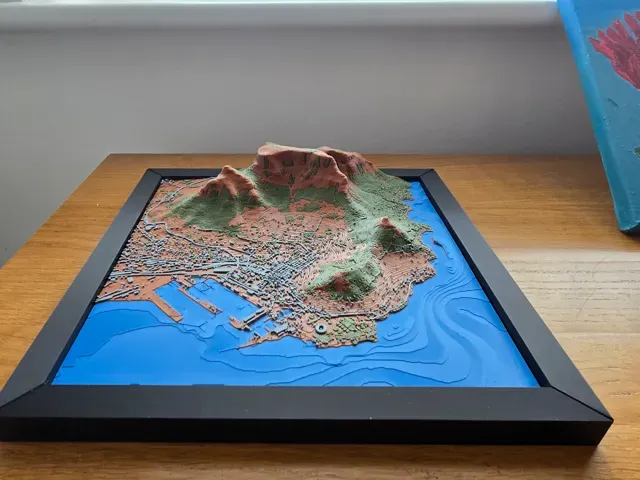
%2Fhttps%3A%2F%2Ffbi.cults3d.com%2Fuploaders%2F52111704%2Fillustration-file%2F0d952f52-58d9-4911-82ac-9cbd0cf5682b%2FTABLE-MOUNTAIN.png&w=640)
Gratuit 
Cape Town - South Africa
Sketchfab
This collection brings together 3D models for keypads and similar input devices, from compact macropads to controller-style button layouts and replacement keycaps. Everything here is meant for 3D printing, so the layout, size and enclosure can be adjusted to your own build. It helps you see which parts a keypad project usually consists of before you start slicing. Polyzon does not confirm whether models are free, their price, license, official status, affiliation, safety or fitness. Check the current terms at the source.
Le texte de cette collection est rédigé en anglais ; la recherche, elle, fonctionne dans toutes les langues.
 Une collection Polyzon · 48 modèles sur 9 plateformes
Polyzon compose cette collection à partir des résultats de recherche des plateformes connectées. Les doublons et les modèles sans aperçu sont retirés, les correspondances faibles sont placées à la fin, et le reste suit l’ordre de la recherche. Les modèles appartiennent à leurs auteurs : consultez les conditions sur la page de chaque modèle.
Règles de sélection : la rédaction de Polyzon · Texte mis à jour le 15/10/2026
%2Fhttps%3A%2F%2Ffbi.cults3d.com%2Fuploaders%2F52111704%2Fillustration-file%2F0d952f52-58d9-4911-82ac-9cbd0cf5682b%2FTABLE-MOUNTAIN.png&w=300)








![Battle-Damaged Cloak Set – 5 Torn & Worn Capes Heroic 32mm Scale [Supported]](https://cache.polyzon.org/api/img?url=https%3A%2F%2Fimages2.myminifactory.com%2Finsecure%2Frt%3Afill-down%2Fw%3A400%2Fh%3A400%2Fel%3A1%2Fplain%2Fhttps%3A%2F%2Fassets.myminifactory.com%2Fobject-images%2F68e83be7c37465.39222547%2Fimages%2F720X720-CLOAKS_DEST_1.png%40jpg&w=300)

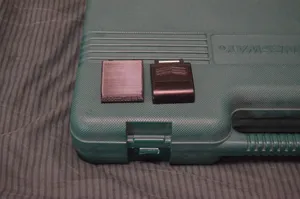
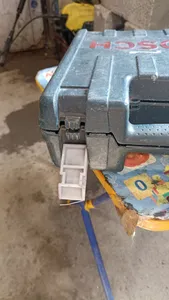


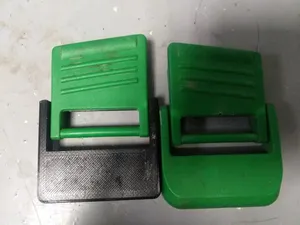
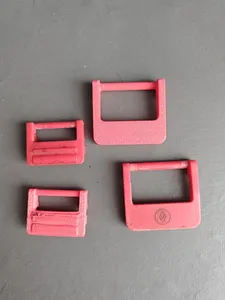
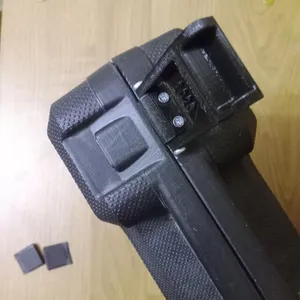
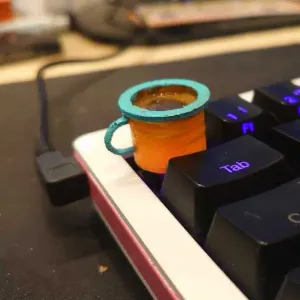

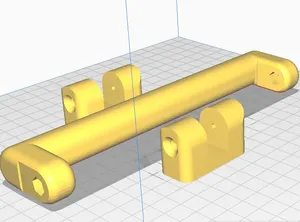
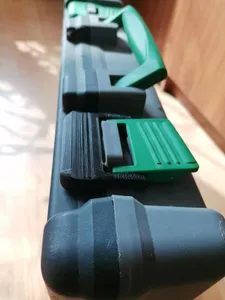
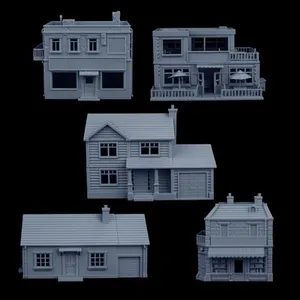


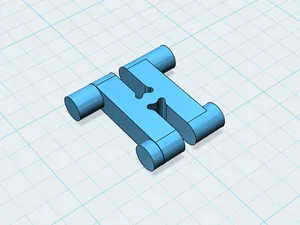
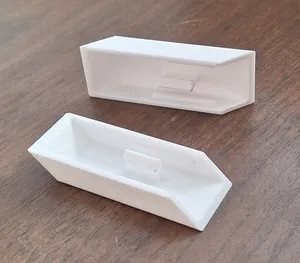





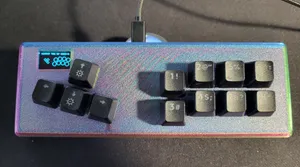
Keypad models differ mainly in how many keys they carry and how those keys are arranged. Some follow a controller layout with a few large buttons, others copy a numeric block or a small grid of switches, and some are only a case or a plate that holds the electronics. Keycap sets and single caps appear as separate files, often in several profiles and heights.
When choosing a file, look at the dimensions and key spacing first, then at the number of parts and how they join. Check whether the author lists the switch type and stem size, whether screws, inserts or snap fits are used, and whether supports are needed for overhangs. The material and settings noted on the model page, along with photos of real prints, tell you more than the render does.
To narrow the results, try the words people use for the same object: macropad, numpad, keypad, controller, mixbox, hitbox, switch plate, encoder knob. Adding a layout or part term, such as a case, a plate or a cap profile, usually cuts the list faster than a single broad query. Related searches like desk stand, cable holder or button cap can also lead to parts that fit the same build.



Le catalogue complet des thèmes, de la maison à la CNC, avec une recherche sur tous les sites connectés.