
Gratuit 
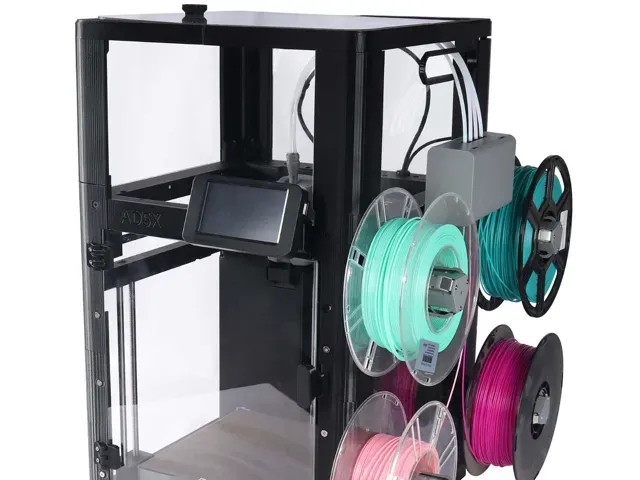
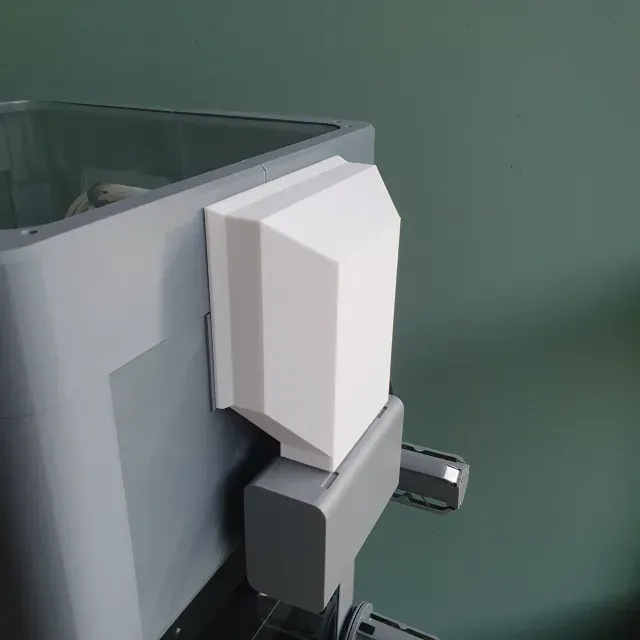
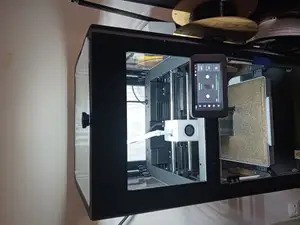
External spool holder for FlashForge Finder & Inventor II 3D printer
Thingiverse
This collection gathers STL files for FlashForge 3D printer enclosures, spool holders, covers, and accessory mounts. It helps you find parts that address common needs like containing fumes, organizing filament, or protecting screens. You can compare how different designs approach the same problem before printing. Polyzon does not confirm whether models are free, their price, license, official status, affiliation, safety or fitness. Check the current terms at the source.
Le texte de cette collection est rédigé en anglais ; la recherche, elle, fonctionne dans toutes les langues.
 Une collection Polyzon · 48 modèles sur 3 plateformes
Polyzon compose cette collection à partir des résultats de recherche des plateformes connectées. Les doublons et les modèles sans aperçu sont retirés, les correspondances faibles sont placées à la fin, et le reste suit l’ordre de la recherche. Les modèles appartiennent à leurs auteurs : consultez les conditions sur la page de chaque modèle.
Règles de sélection : la rédaction de Polyzon · Texte mis à jour le 12/10/2026


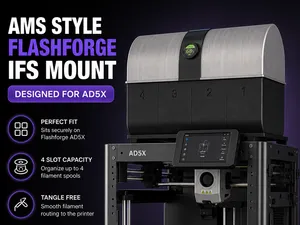

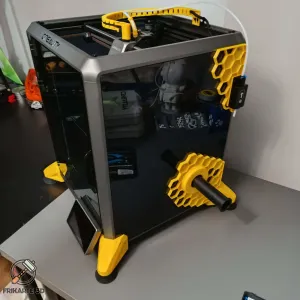

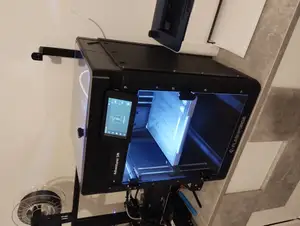
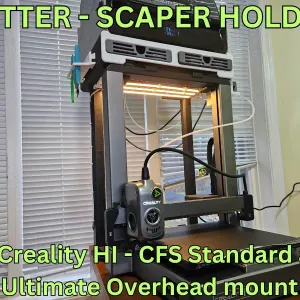


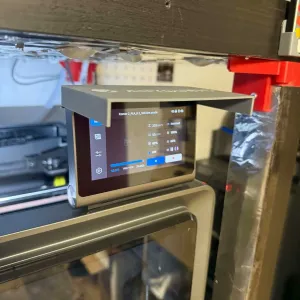

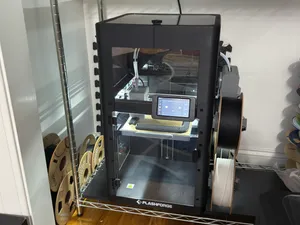
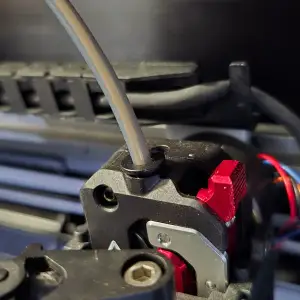

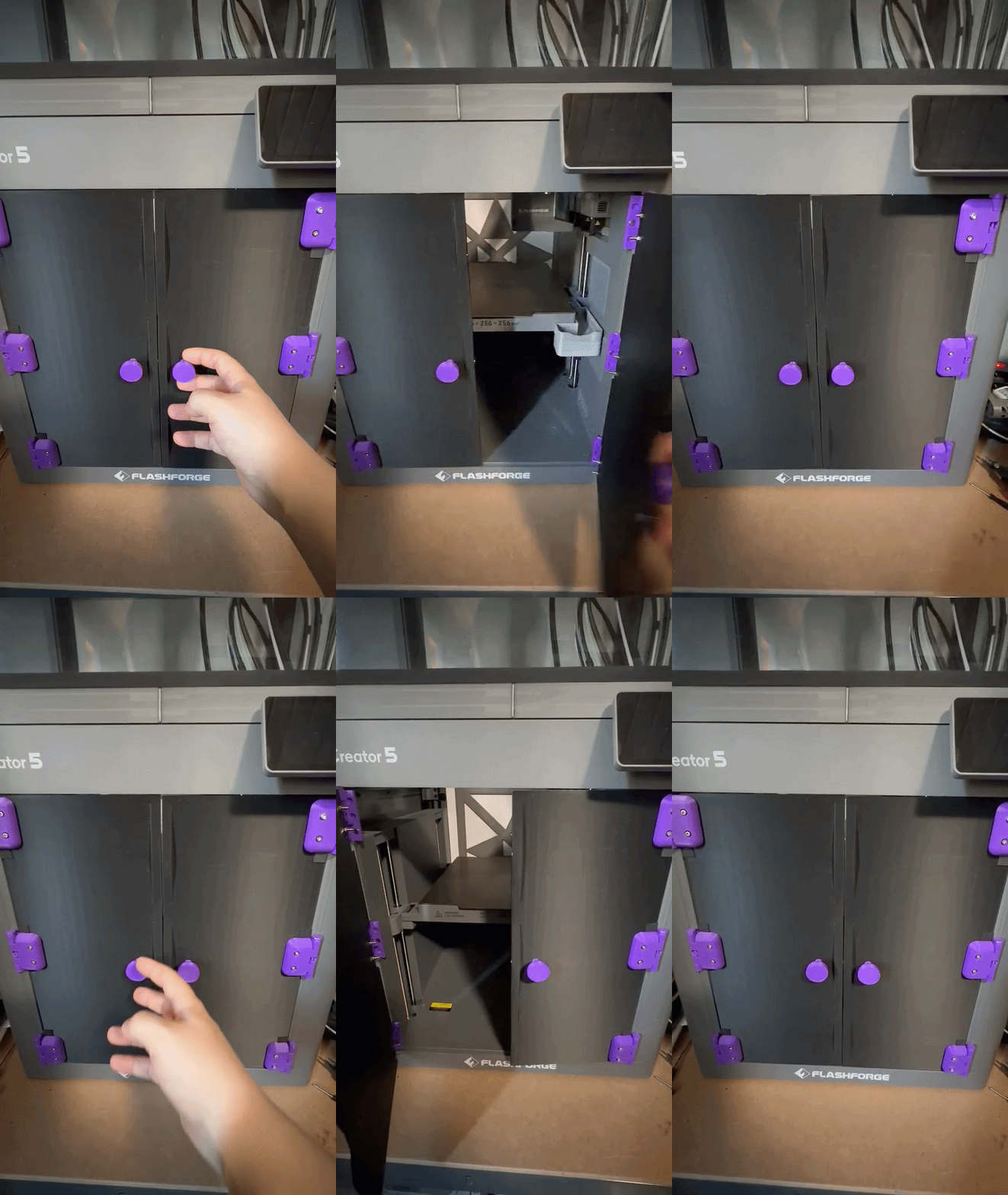
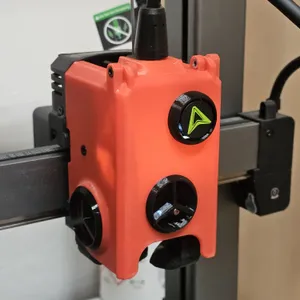

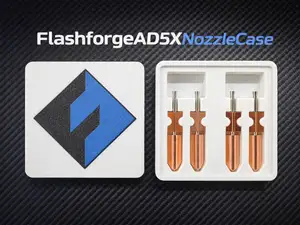
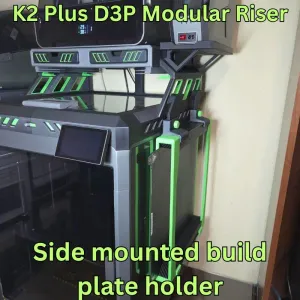
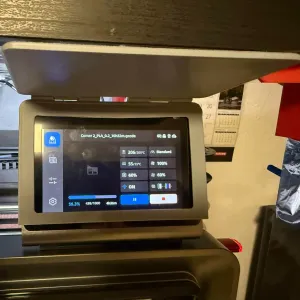
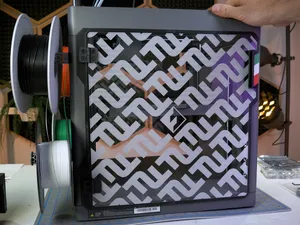


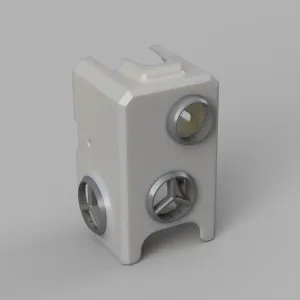

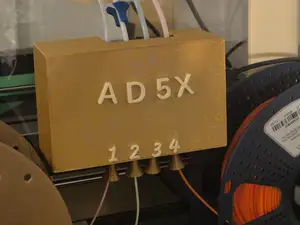
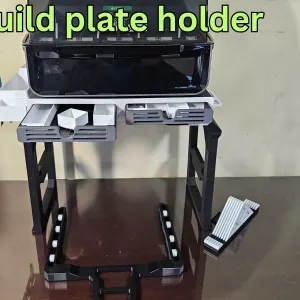

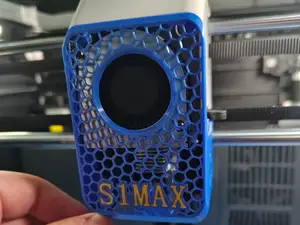
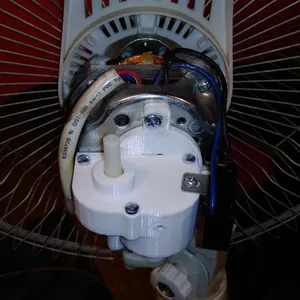

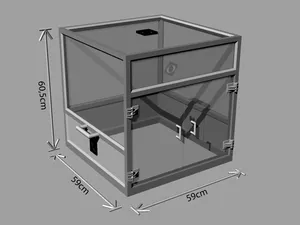
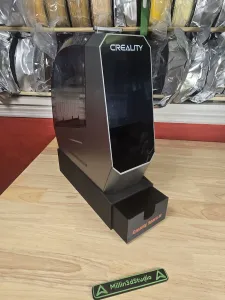
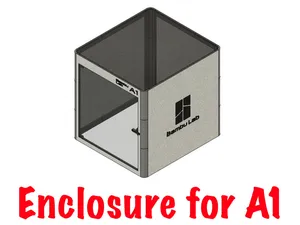
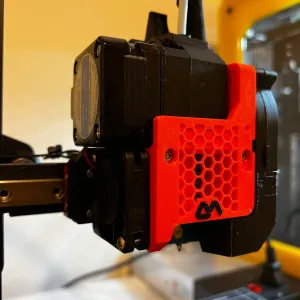


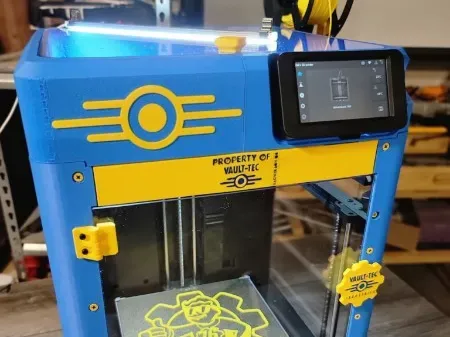
Enclosures for FlashForge printers range from full covers to partial panels and pass-through modifications. Spool holders appear as cantilevered arms, simple brackets, or mounts that attach to the frame. Covers for screens, build plates, and toolheads are often small, single-part prints, while accessory housings for filters or power modules may involve multiple pieces. Themed add-ons change the look rather than the function.
When choosing a model, check the dimensions and scale against your printer's build volume and the specific FlashForge model you own. Look at the number of parts and whether assembly is required, and see if the author mentions supports or particular materials. Photos of real prints can show how the part fits and whether clearances look correct. Settings such as layer height and infill are worth reviewing for parts that need strength or heat resistance.
To refine your search, try synonyms like housing, case, or cover instead of enclosure. Related terms include filament holder, spool mount, screen guard, and toolhead shroud. You can also search for specific needs such as fume extraction, cable management, or build plate protection. Combining a printer series name with the part type often narrows results.

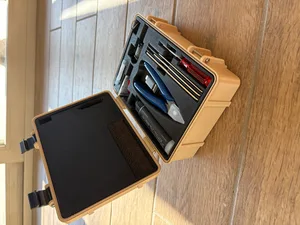


Le catalogue complet des thèmes, de la maison à la CNC, avec une recherche sur tous les sites connectés.