
Gratuit 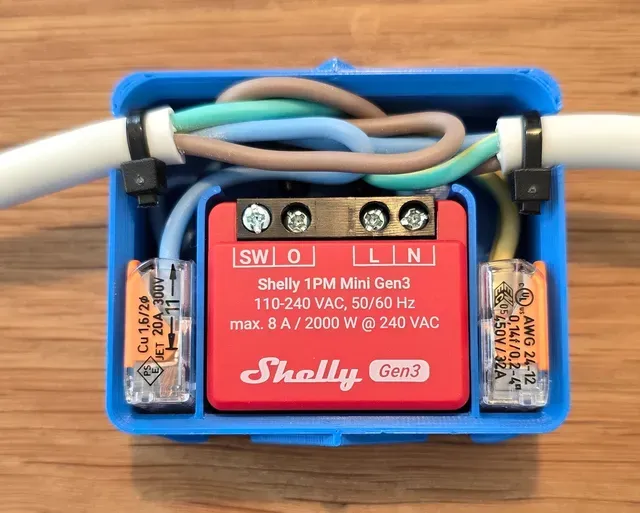
Shelly Mini Smart extension cable housing (no Screws)
Printables
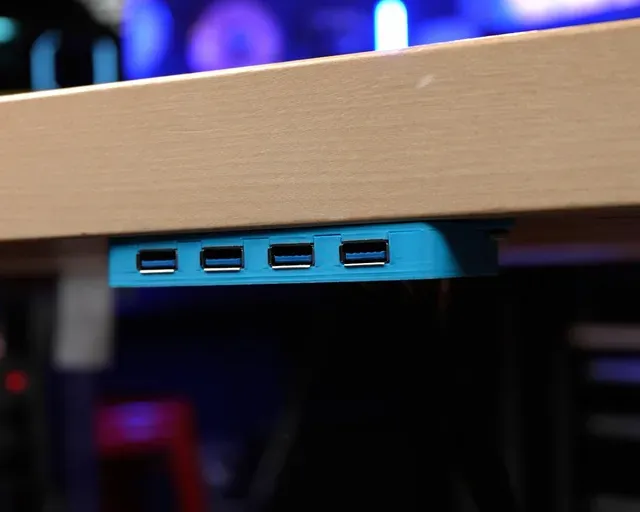
This collection gathers STL files for housings that hold extension cables, their plugs and the small modules they connect to. It covers USB and data leads, smart relay boards, reels and clips that keep a cable in place. The models help when a cable needs a fixed exit point or a tidy path inside a case. Polyzon does not confirm whether models are free, their price, license, official status, affiliation, safety or fitness. Check the current terms at the source.
Le texte de cette collection est rédigé en anglais ; la recherche, elle, fonctionne dans toutes les langues.
 Une collection Polyzon · 48 modèles sur 8 plateformes
Polyzon compose cette collection à partir des résultats de recherche des plateformes connectées. Les doublons et les modèles sans aperçu sont retirés, les correspondances faibles sont placées à la fin, et le reste suit l’ordre de la recherche. Les modèles appartiennent à leurs auteurs : consultez les conditions sur la page de chaque modèle.
Règles de sélection : la rédaction de Polyzon · Texte mis à jour le 13/10/2026





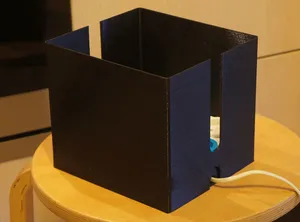

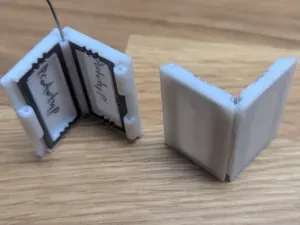
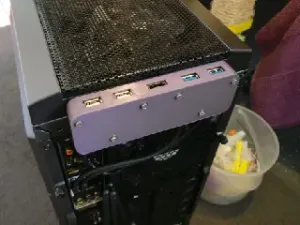


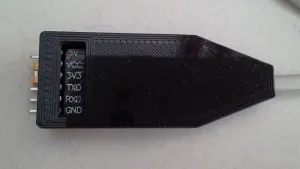
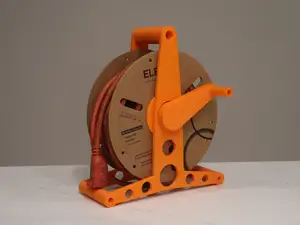
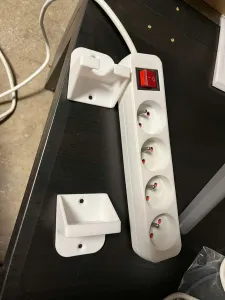

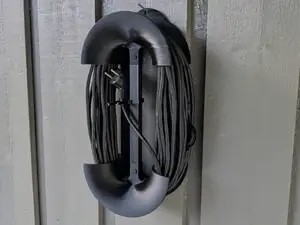

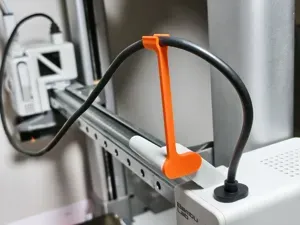
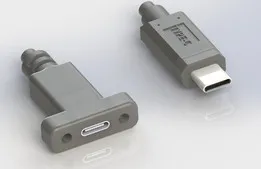

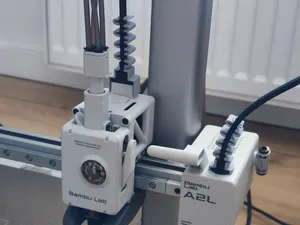
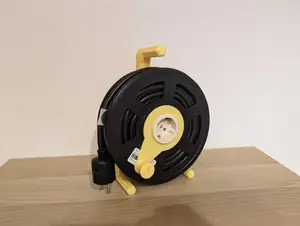
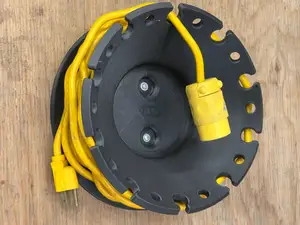


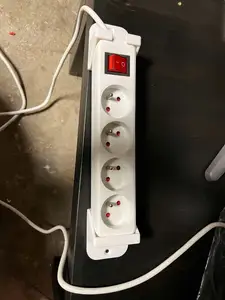


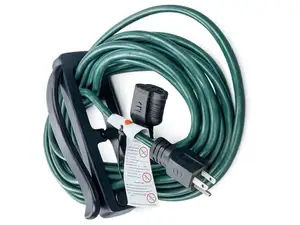

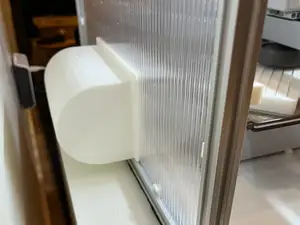


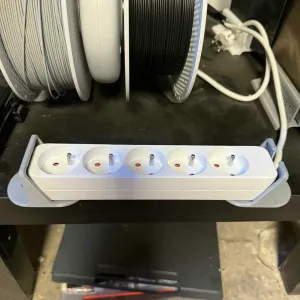
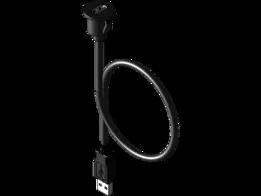
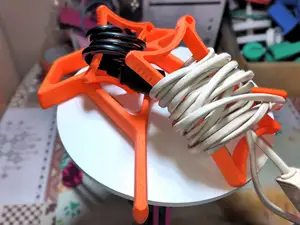
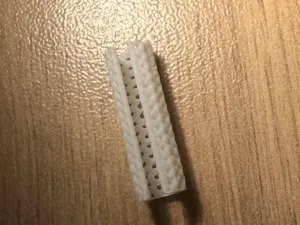

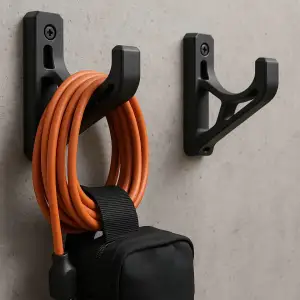
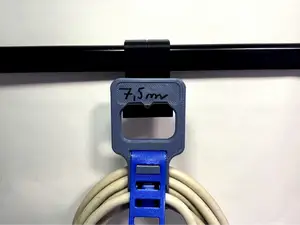
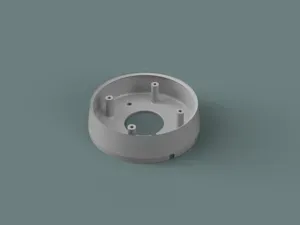
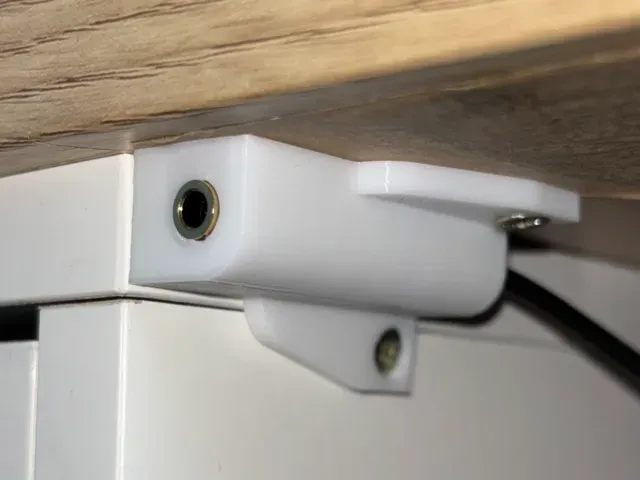
The largest group is enclosures for USB and data extension plugs, usually split into two halves that clamp around the connector body. Another group wraps small smart relay modules and adds an outlet for the cable, sometimes joined without screws. Reels and coilers store a longer lead, while simple clips and retainers fix a cable to a frame or an outdoor surface. Larger cases also appear, where an extension cable runs from a board to a panel opening.
Before printing, read the author's page for the outer dimensions and the connector shape the opening is cut for. Check how many parts the housing has, whether the halves join with screws, clips or friction, and whether overhangs need supports. Material and wall thickness matter where a cable is pulled or bent often, and photos of finished prints show how the openings and seams come out.
Narrow the search by connector or device: USB-A, USB-C, HDMI, jack, ribbon cable, or the module the case is built around. Related queries include cable organizer, cable gland, strain relief, panel mount and grommet. If nothing matches, a generic junction box or project enclosure can be adapted by editing the opening in the slicer.
%2Fhttps%3A%2F%2Ffbi.cults3d.com%2Fuploaders%2F19922090%2Fillustration-file%2Ffc50a04a-b4f1-47cd-be49-e17437eeb4e5%2FKnife_Sharpener1.png&w=300)


Le catalogue complet des thèmes, de la maison à la CNC, avec une recherche sur tous les sites connectés.