Gratuit 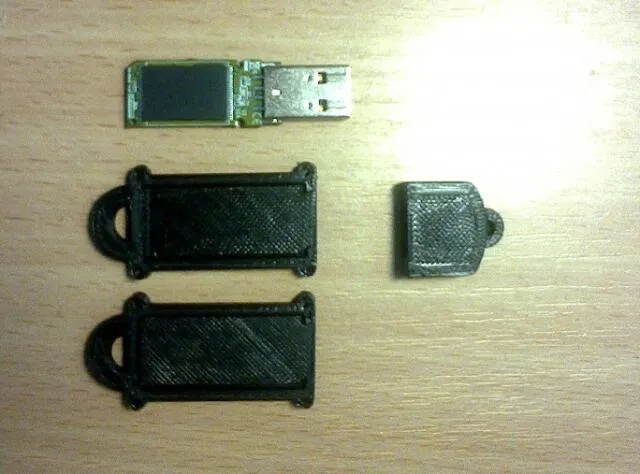
Корпус флешки
3DToday
This collection gathers 3D models for USB flash drive housings, from plain replacement shells to shaped novelty cases and organizers that hold several drives at once. Most files are meant for desktop 3D printing, and many are drawn around a specific board or connector size. It helps when an original housing is lost, cracked or simply does not fit how you carry the drive. Polyzon does not confirm whether models are free, their price, license, official status, affiliation, safety or fitness. Check the current terms at the source.
Le texte de cette collection est rédigé en anglais ; la recherche, elle, fonctionne dans toutes les langues.
 Une collection Polyzon · 48 modèles sur 7 plateformes
Polyzon compose cette collection à partir des résultats de recherche des plateformes connectées. Les doublons et les modèles sans aperçu sont retirés, les correspondances faibles sont placées à la fin, et le reste suit l’ordre de la recherche. Les modèles appartiennent à leurs auteurs : consultez les conditions sur la page de chaque modèle.
Règles de sélection : la rédaction de Polyzon · Texte mis à jour le 12/10/2026


%2Fhttps%3A%2F%2Ffbi.cults3d.com%2Fuploaders%2F7986872%2Fillustration-file%2F753b681f-d50c-45c6-9f1c-90993e6f8701%2Fmetal%2520gift%2520box.JPG&w=300)



%2Fhttps%3A%2F%2Ffbi.cults3d.com%2Fuploaders%2F15289760%2Fillustration-file%2Fa200f365-31c3-4568-9b10-9579ac571a92%2Frtx.PNG&w=300)
%2Fhttps%3A%2F%2Ffbi.cults3d.com%2Fuploaders%2F15082081%2Fillustration-file%2F55a3a691-19c4-48c1-afca-022d688bb8f6%2FPorte-USB-2.jpg&w=300)


%2Fhttps%3A%2F%2Ffbi.cults3d.com%2Fuploaders%2F15040168%2Fillustration-file%2F3b2e74dc-b5cd-4ebe-9cd6-61ce09fe80a6%2FIMG_0832.jpg&w=300)


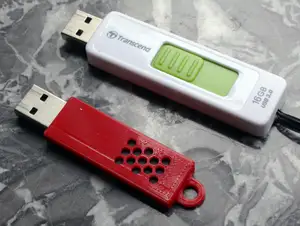

%2Fhttps%3A%2F%2Ffbi.cults3d.com%2Fuploaders%2F13355833%2Fillustration-file%2F5ed0b82c-4e87-4698-b5b3-95372afde075%2FFunda%2520pendrive-otg01.jpeg&w=300)

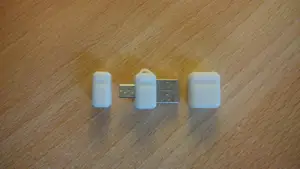


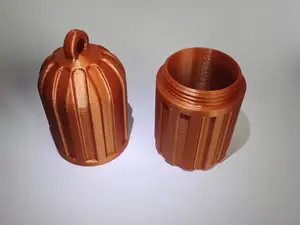
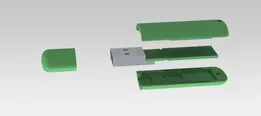
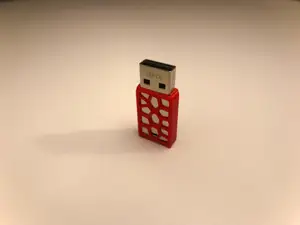


%2Fhttps%3A%2F%2Ffbi.cults3d.com%2Fuploaders%2F15707548%2Fillustration-file%2F481a52c1-521a-4f8c-84f2-495a891a41b8%2Fkingston-2.jpg&w=300)


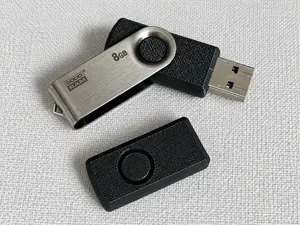


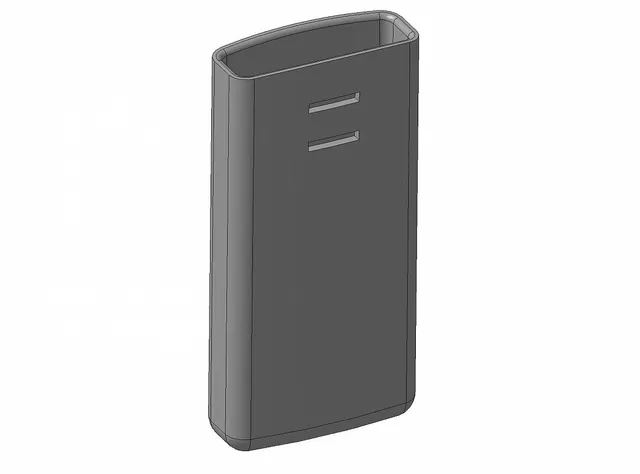
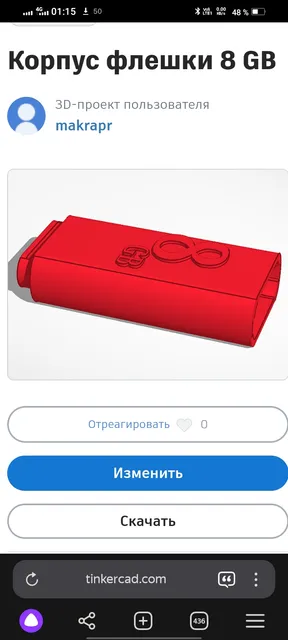
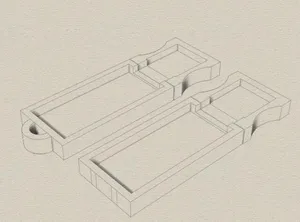
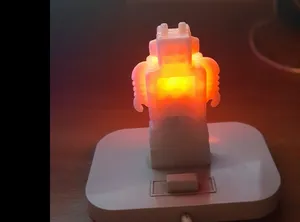
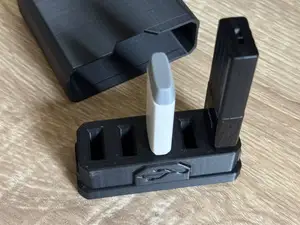
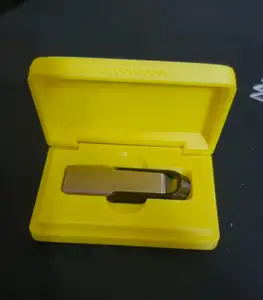
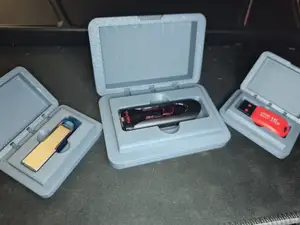
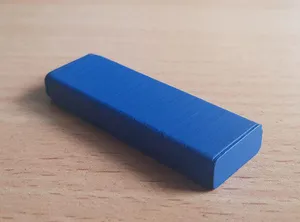
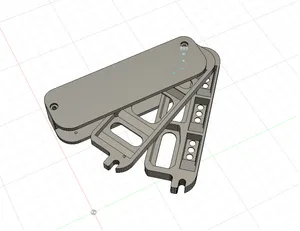
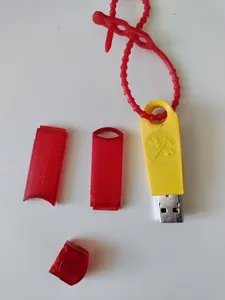
The models fall into a few groups. Replacement shells copy the outline of a known drive format and are usually two halves that snap or screw together. Shaped cases turn the drive into an animal, a console, a tool or a keyring charm, so the electronics sit inside a larger body. Organizer designs hold several drives, SD or microSD cards in one tray.
When choosing a file, open the author's page and read what it was modeled around: the length and width of the board, the connector type, the number of parts, and whether the halves need screws, magnets or glue. Check the wall thickness around the USB plug and the lid, since thin walls flex and thick ones can block insertion. Look at the material and settings the author lists, and at photos of real prints, to judge how the tolerances behave on your 3D printer.
Search results vary in wording, so try synonyms: flash drive case, pendrive housing, USB stick shell, thumb drive cover, memory stick enclosure. Adding a drive format, a connector type such as USB-A or USB-C, or a theme like keyring, animal or organizer narrows the list. Related topics worth browsing are SD and microSD card holders, cable clips and small desk organizers, which often use the same modeling approach.
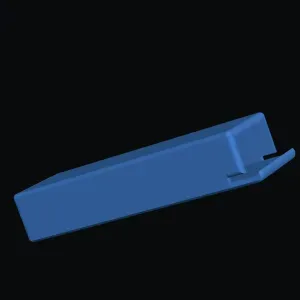


Le catalogue complet des thèmes, de la maison à la CNC, avec une recherche sur tous les sites connectés.