%2Fhttps%3A%2F%2Ffbi.cults3d.com%2Fuploaders%2F13439153%2Fillustration-file%2F4e48ec48-9ae1-4899-8612-39af5df2d952%2FCapture%2520d%25E2%2580%2599e%25CC%2581cran%25202018-01-26%2520a%25CC%2580%252015.11.33.png&w=640)
€ 2.74 %2Fhttps%3A%2F%2Ffbi.cults3d.com%2Fuploaders%2F15481850%2Fillustration-file%2F47d40823-d429-4600-bb75-95f1793d2491%2Fil_794xN.1817937857_tlzz.jpg&w=640)
Пользовательские стены розетки полка стенд! Используйте как док-станцию для крепления телефона, держатель Amazon Alexa Echo, зарядное устройство для планшета, зарядную станцию или стол для организации
Cults3D
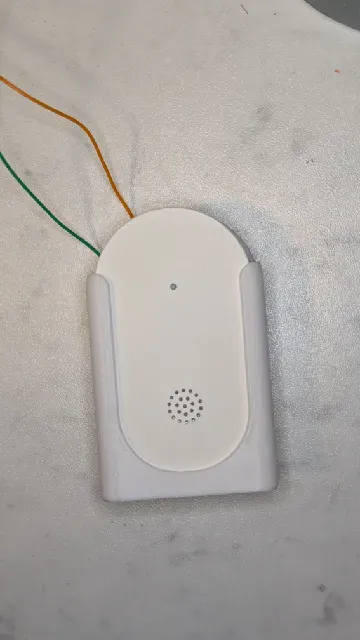
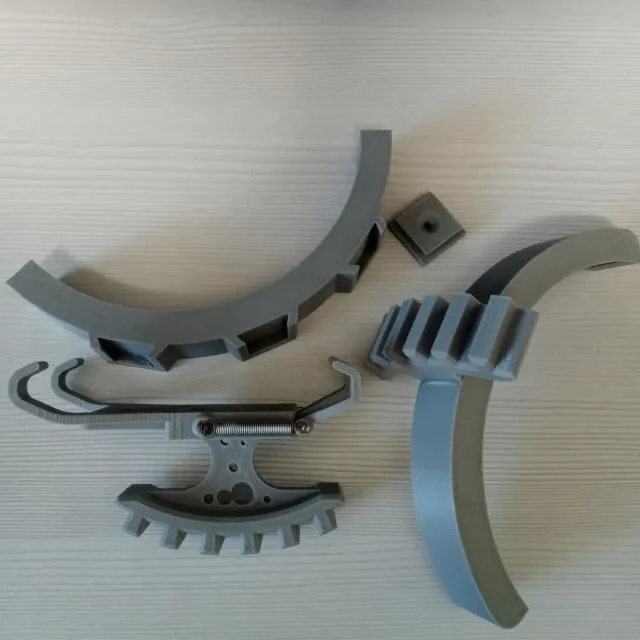
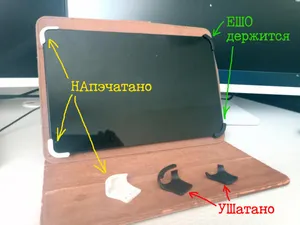
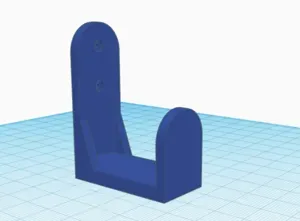
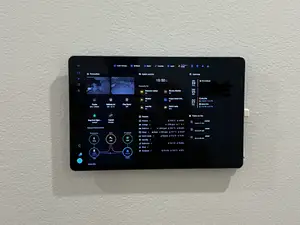
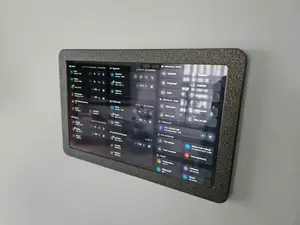
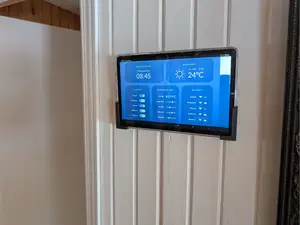
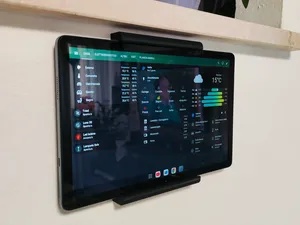
This collection gathers 3D models that hold a tablet, phone or similar device on a wall: fixed brackets, articulating arms, kiosk-style frames and simple clips. Most of them are small enough to print on a common 3D printer in one or two sessions. The set is useful when you want a screen at eye level without buying a ready-made holder. Polyzon does not confirm whether models are free, their price, license, official status, affiliation, safety or fitness. Check the current terms at the source.
Le texte de cette collection est rédigé en anglais ; la recherche, elle, fonctionne dans toutes les langues.
 Une collection Polyzon · 48 modèles sur 8 plateformes
Polyzon compose cette collection à partir des résultats de recherche des plateformes connectées. Les doublons et les modèles sans aperçu sont retirés, les correspondances faibles sont placées à la fin, et le reste suit l’ordre de la recherche. Les modèles appartiennent à leurs auteurs : consultez les conditions sur la page de chaque modèle.
Règles de sélection : la rédaction de Polyzon · Texte mis à jour le 10/10/2026
%2Fhttps%3A%2F%2Ffbi.cults3d.com%2Fuploaders%2F15254147%2Fillustration-file%2Fe1060708-7e00-4c1d-97c4-51c17d373546%2Ftoothbrushholder-4-wall.png&w=640)
%2Fhttps%3A%2F%2Ffbi.cults3d.com%2Fuploaders%2F13439153%2Fillustration-file%2F4e48ec48-9ae1-4899-8612-39af5df2d952%2FCapture%2520d%25E2%2580%2599e%25CC%2581cran%25202018-01-26%2520a%25CC%2580%252015.11.33.png&w=300)




%2Fhttps%3A%2F%2Ffbi.cults3d.com%2Fuploaders%2F14391911%2Fillustration-file%2F0420a10f-7ba8-4052-81d0-603aa8bd57d5%2FIMG_20191011_151628.jpg&w=300)
%2Fhttps%3A%2F%2Ffbi.cults3d.com%2Fuploaders%2F13541305%2Fillustration-file%2F11f0aab8-ae55-4ea3-a20b-2aea310f8906%2FP1010089.JPG&w=300)

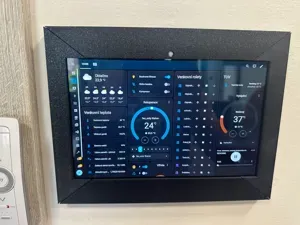
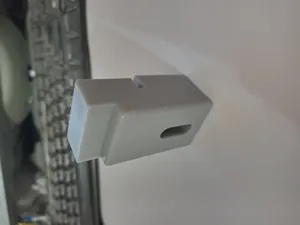

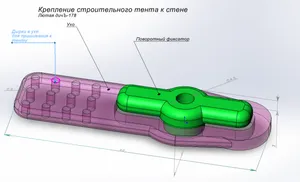
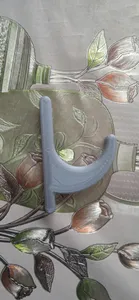
![[HSW] (Sun)Glasses Holder 3x8](https://cache.polyzon.org/api/img?url=https%3A%2F%2Fresize.thingiverse.com%2F%3Furl%3Dhttps%3A%2F%2Fcdn.thingiverse.com%2Fassets%2F94%2F7b%2F76%2F62%2F8f%2F20250429_200114.jpg%26w%3D292%26h%3D219%26fit%3Dcontain%26cbg%3Dwhite%26n%3D-1&w=300)





%2Fhttps%3A%2F%2Ffbi.cults3d.com%2Fuploaders%2F14060855%2Fillustration-file%2F623cf50b-feea-4b5b-8dd1-ccb20b2bc586%2F20210418_010415l.jpg&w=300)
%2Fhttps%3A%2F%2Ffbi.cults3d.com%2Fuploaders%2F13632866%2Fillustration-file%2F87180279-5fe4-469a-8c3e-8fe4a1d67659%2Ftab2.jpg&w=300)


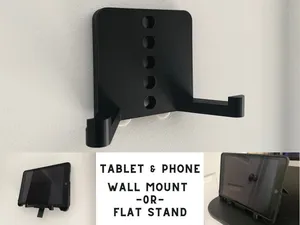

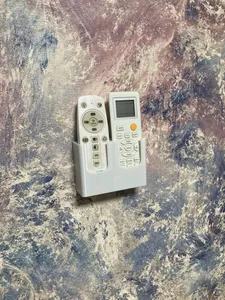
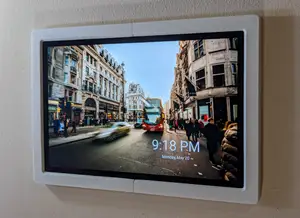
The designs differ mainly in how the tablet is held and how it moves. Fixed brackets keep the screen at one angle, articulating arms add joints and often several printed parts, and kiosk frames wrap around the device so it sits flush against the wall. Alongside these, the same search turns up wall clips for cables, holders for remotes and brackets for small sensors, which share the same mounting logic.
Before printing, compare the tablet's width, thickness and corner radius with the dimensions given on the model page, and check whether the design grips the edges or uses a screw pattern on the back. Look at how the bracket meets the wall: screw holes, keyhole slots or a flat plate that needs anchors. The page usually states the material, layer height and whether supports are needed, and photos of real prints show how the part behaves once mounted.
If the results feel narrow, try other wording: wall mount, wall bracket, holder, stand, kiosk frame or articulating arm, and add the device type. Related searches such as cable clips, remote holders, sensor brackets or VESA adapters often lead to the same family of models. Combining a device name with the word wall tends to work better than a long descriptive phrase.


Le catalogue complet des thèmes, de la maison à la CNC, avec une recherche sur tous les sites connectés.