
Gratuit 
Doblo factory - OpenScad modules for building lego-compatible structures
Thingiverse
This collection gathers 3D models for building block structures: bricks and slopes, technical beams and frames, baseplates, and track or joint parts. It is useful when you want to extend a brick build with pieces you print yourself on a 3D printer. Each entry comes from a different source, so file formats and documentation vary. Polyzon does not confirm whether models are free, their price, license, official status, affiliation, safety or fitness. Check the current terms at the source.
Le texte de cette collection est rédigé en anglais ; la recherche, elle, fonctionne dans toutes les langues.
 Une collection Polyzon · 48 modèles sur 3 plateformes
Polyzon compose cette collection à partir des résultats de recherche des plateformes connectées. Les doublons et les modèles sans aperçu sont retirés, les correspondances faibles sont placées à la fin, et le reste suit l’ordre de la recherche. Les modèles appartiennent à leurs auteurs : consultez les conditions sur la page de chaque modèle.
Règles de sélection : la rédaction de Polyzon · Texte mis à jour le 15/10/2026

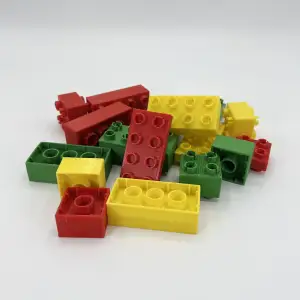


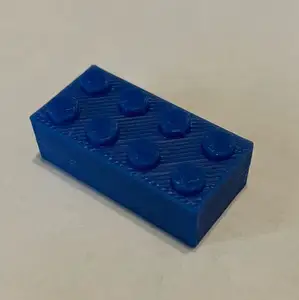

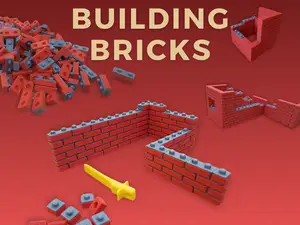
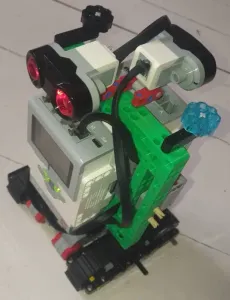


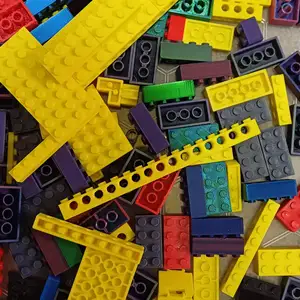

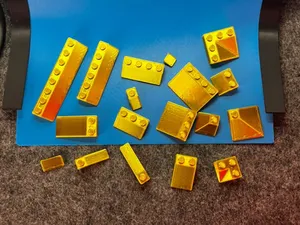
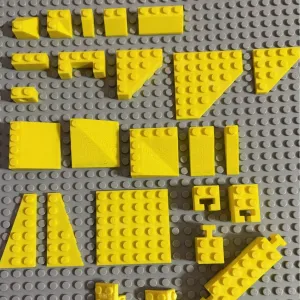


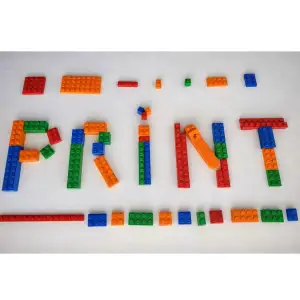

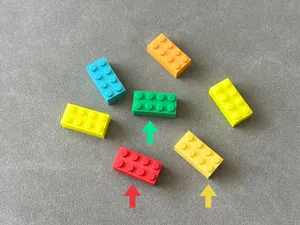
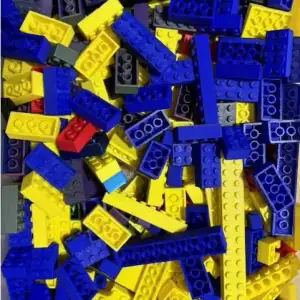

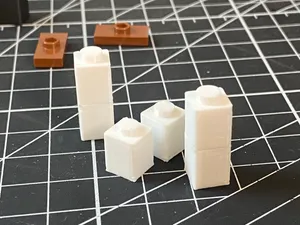
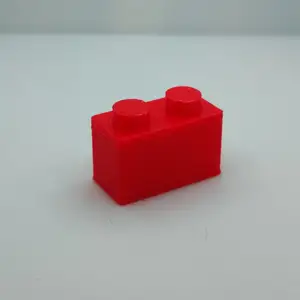

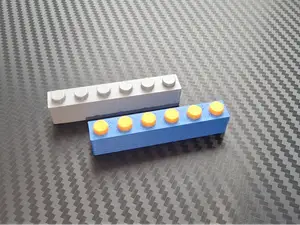

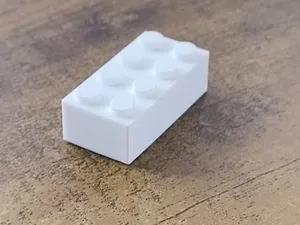
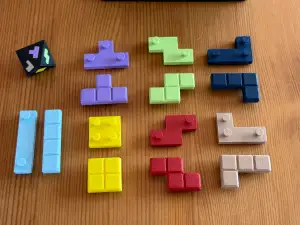

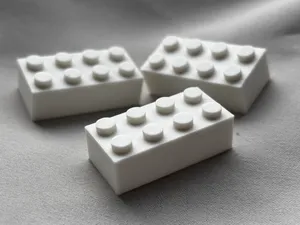
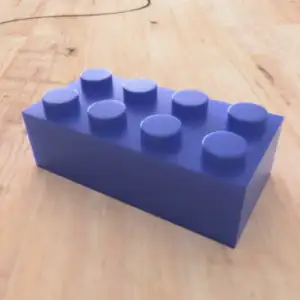

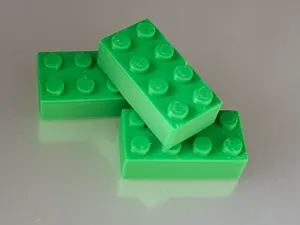
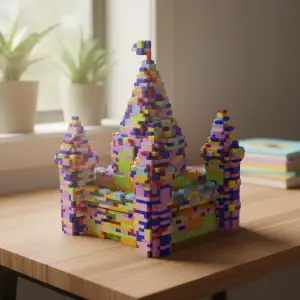

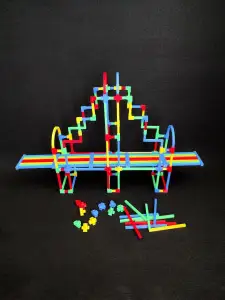

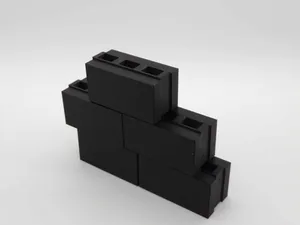
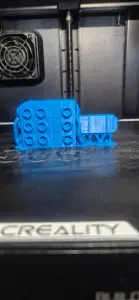
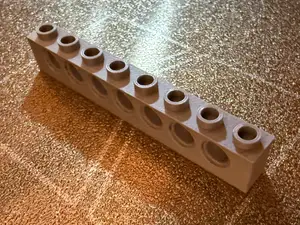
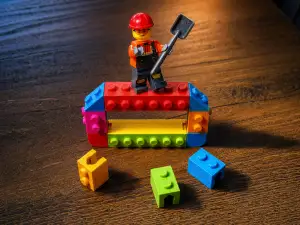
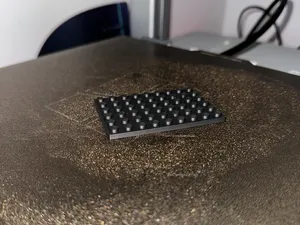

Bricks and slopes cover the widest range: single studs, long plates, angled pieces and curved sections, and they differ mainly in stud layout and angle. Technical beams and frames are the structural side of the same family, often modelled with holes along the length or at the ends. Baseplates and modular platforms set the footprint of a build, while track pieces and joints are functional parts where small dimensional differences show up quickly. Building sets and display builds combine several of these categories into one project.
Before printing, look at the scale and unit the author states, since a model drawn at a different stud pitch will not line up with your other pieces. Check the number of parts and how they assemble, whether supports are needed, and the material and settings listed on the model page. Photos of real prints are more informative than renders, especially for thin walls and small studs.
Search terms can be widened or narrowed depending on what you need. Brick, block, plate, slope, beam, frame, baseplate and stud all describe parts of the same family, and adding a size or angle narrows the results. Related topics such as tabletop terrain, miniature scenery, dollhouse furniture and marble runs often use the same brick geometry.

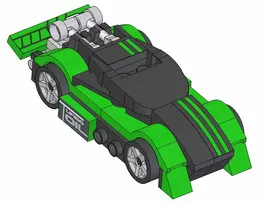
%2Fhttps%3A%2F%2Ffbi.cults3d.com%2Fuploaders%2F13776955%2Fillustration-file%2F25591838-edfb-4318-b43d-289bca183ab5%2FIMG_2648.jpg&w=300)



Le catalogue complet des thèmes, de la maison à la CNC, avec une recherche sur tous les sites connectés.