
Gratuit 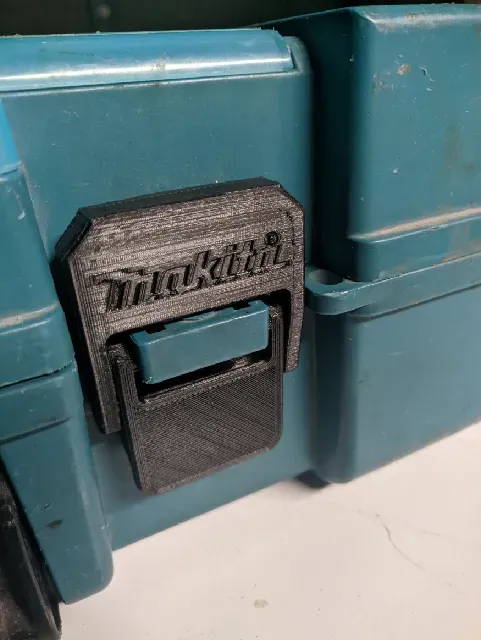
Makita Case Latch
Printables
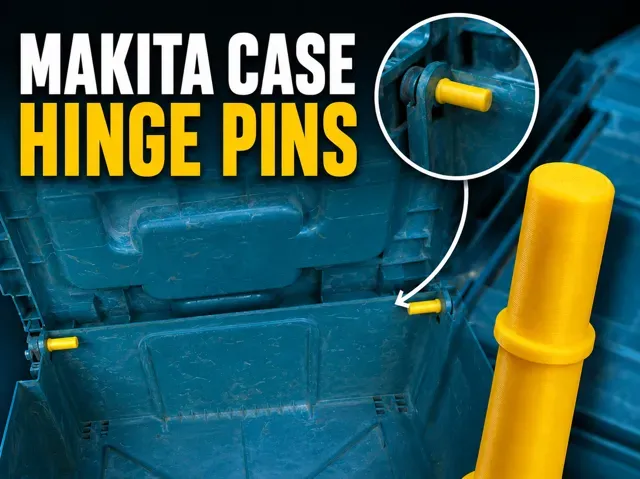
This collection gathers STL files for Makita-style cases, from replacement latches and hinge pins to battery enclosures and modular inserts. You can use them to repair a worn case, add storage for bits and sockets, or adapt a case for a 3D printer setup. The models vary in scale and assembly, so the author's page is the place to confirm details. Polyzon does not confirm whether models are free, their price, license, official status, affiliation, safety or fitness. Check the current terms at the source.
Le texte de cette collection est rédigé en anglais ; la recherche, elle, fonctionne dans toutes les langues.
 Une collection Polyzon · 48 modèles sur 5 plateformes
Polyzon compose cette collection à partir des résultats de recherche des plateformes connectées. Les doublons et les modèles sans aperçu sont retirés, les correspondances faibles sont placées à la fin, et le reste suit l’ordre de la recherche. Les modèles appartiennent à leurs auteurs : consultez les conditions sur la page de chaque modèle.
Règles de sélection : la rédaction de Polyzon · Texte mis à jour le 16/10/2026
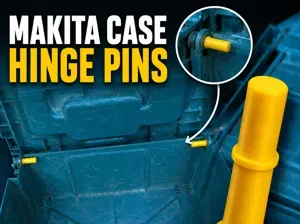


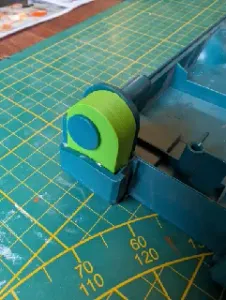
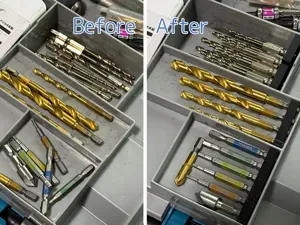


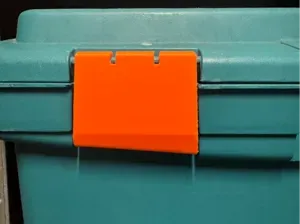
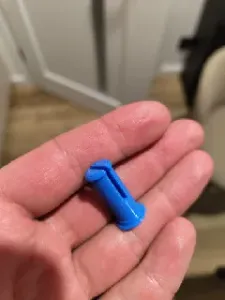
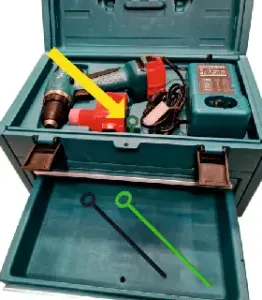
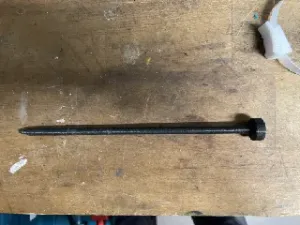

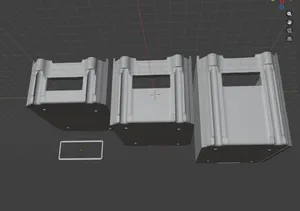

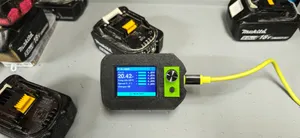
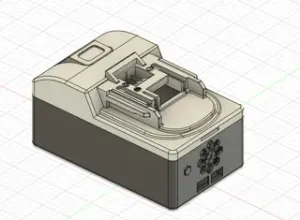

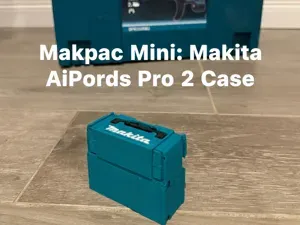
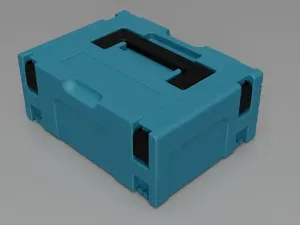
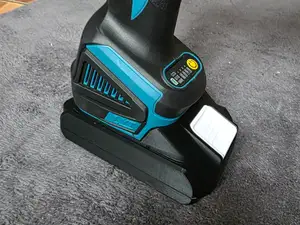
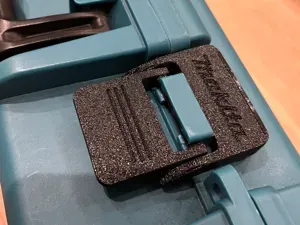

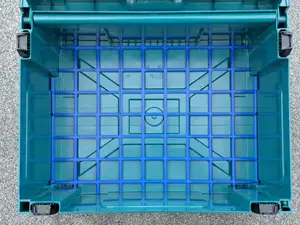


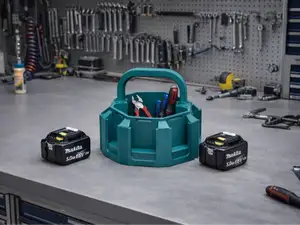

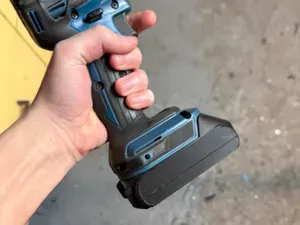
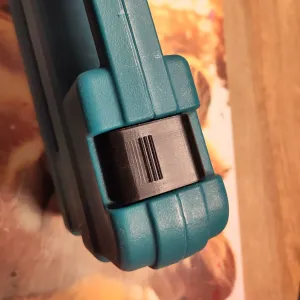
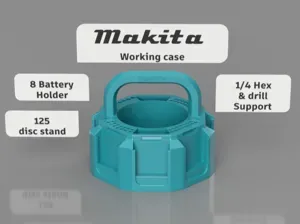
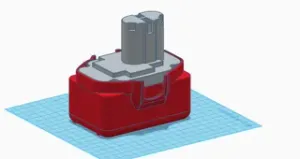

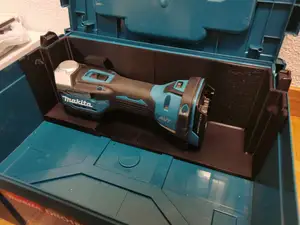
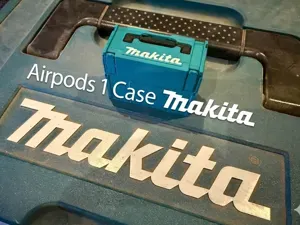
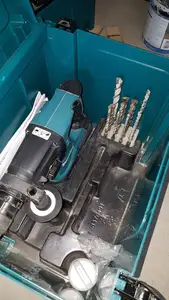


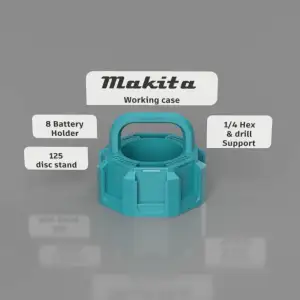


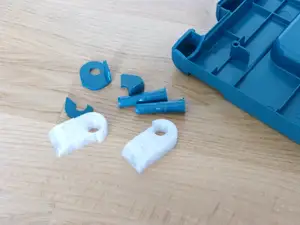

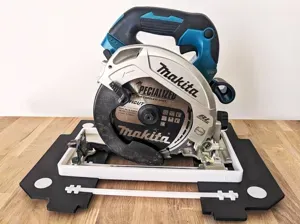

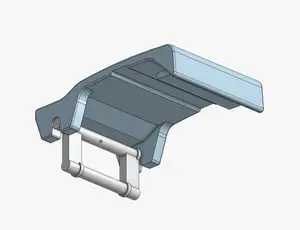
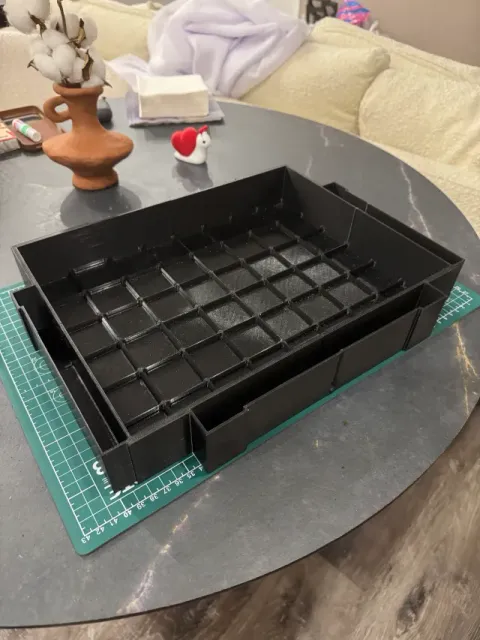
Common groups include latches, cleats, hinge pins and splint pins, which replace or reinforce worn hardware. Organizers range from bit and socket holders to Gridfinity baseplates that divide a case into small compartments. Battery-related files cover enclosures for 18 V packs and holders for individual cells, often with different wall thicknesses and lid designs.
Before printing, check the listed dimensions against your case and the parts you want to store, since a latch or pin can look similar at a glance but differ in length or profile. Review the part count and assembly order, and note whether the author used supports, screws, magnets or press fits. Material and settings matter too: a thin clip and a battery enclosure may call for different filaments and layer heights.
If a direct search returns too few results, try related terms such as Makpac, LXT, battery holder, tool case insert, latch, hinge pin or Gridfinity. You can also search by the item you want to store, for example socket organizer, bit tray or battery enclosure. Combining a case type with a part name usually narrows the list faster than a single broad word.


Le catalogue complet des thèmes, de la maison à la CNC, avec une recherche sur tous les sites connectés.