
Gratuit 
Маяк Анива 2
Thingiverse
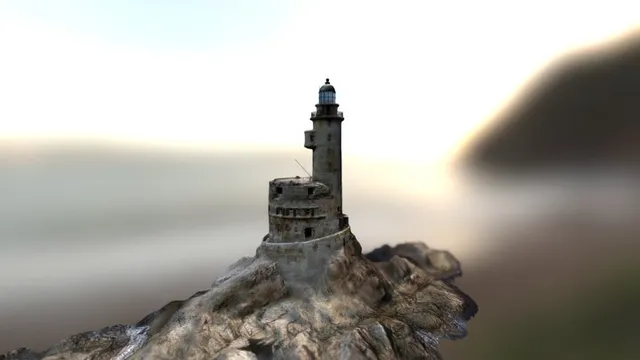
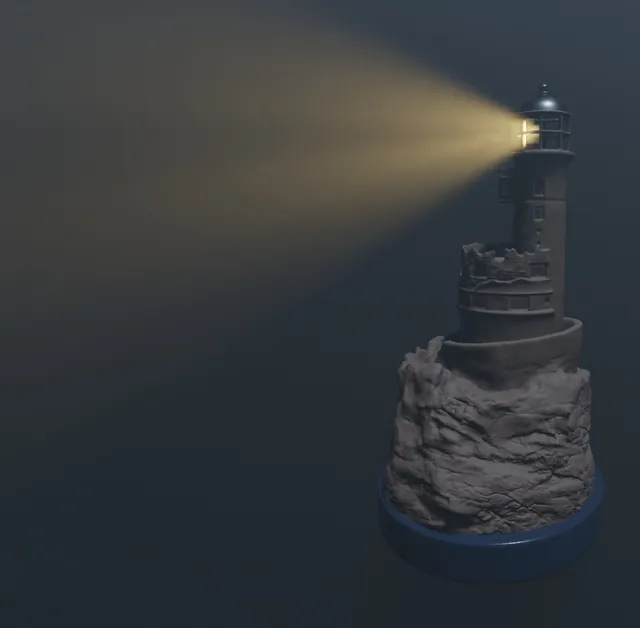
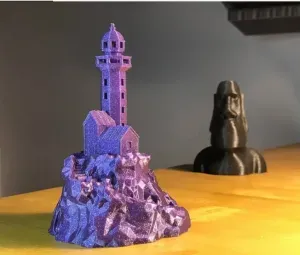
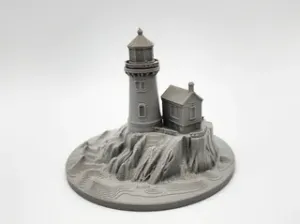
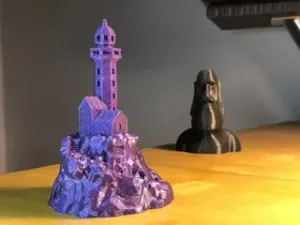
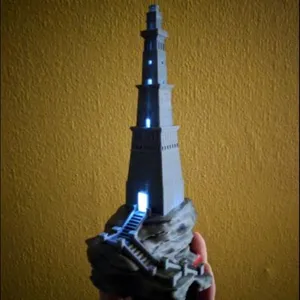
This collection gathers 3D models of the Aniva lighthouse — the tower on its rocky base, in versions from close replicas to simplified low-poly shapes. Alongside the building itself you will find holders, dioramas and flat outlines that reuse the same silhouette. It is useful if you are looking for an STL file for 3D printing of a coastal landmark or a small object shaped after it. Polyzon does not confirm whether models are free, their price, license, official status, affiliation, safety or fitness. Check the current terms at the source.
Le texte de cette collection est rédigé en anglais ; la recherche, elle, fonctionne dans toutes les langues.
 Une collection Polyzon · 48 modèles sur 11 plateformes
Polyzon compose cette collection à partir des résultats de recherche des plateformes connectées. Les doublons et les modèles sans aperçu sont retirés, les correspondances faibles sont placées à la fin, et le reste suit l’ordre de la recherche. Les modèles appartiennent à leurs auteurs : consultez les conditions sur la page de chaque modèle.
Règles de sélection : la rédaction de Polyzon · Texte mis à jour le 10/10/2026




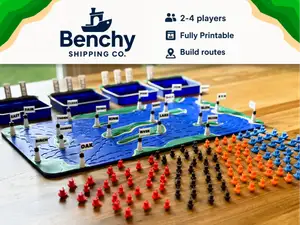

%2Fhttps%3A%2F%2Ffbi.cults3d.com%2Fuploaders%2F14923189%2Fillustration-file%2F38c07e8d-c0f4-46ba-97d2-c22bbd1efb83%2FWind1.jpg&w=300)

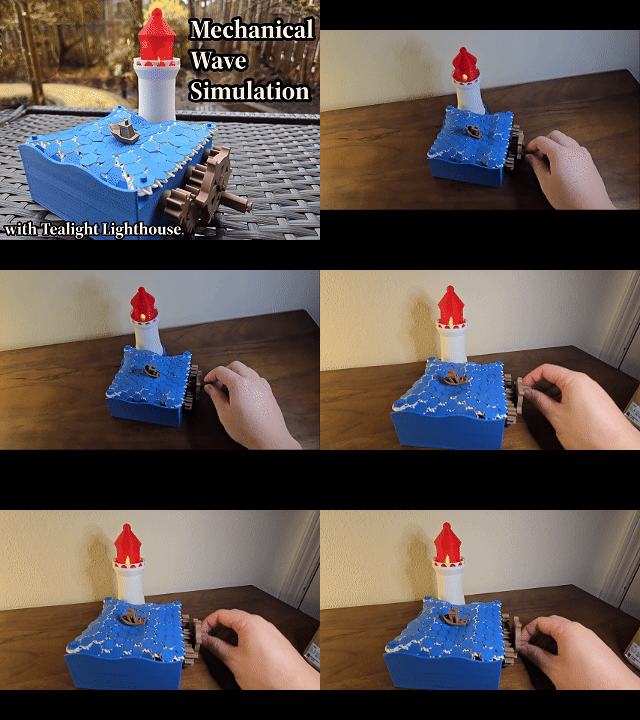
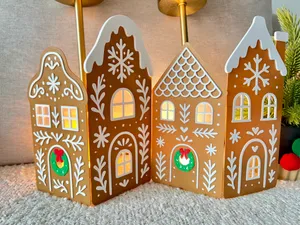
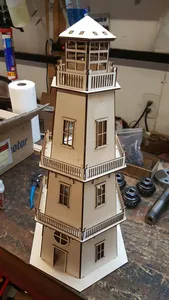
%2Fhttps%3A%2F%2Ffbi.cults3d.com%2Fuploaders%2F13670363%2Fillustration-file%2F465d10f8-00fd-4705-b5f7-d8bcf33c8898%2Fcone%2520de%2520chantier%2520final%25202.PNG&w=300)

%2Fhttps%3A%2F%2Ffbi.cults3d.com%2Fuploaders%2F7990029%2Fillustration-file%2F8322a51c-468a-46d2-abb9-4ae3d4dfc57f%2FIMG_2085.JPG&w=300)
%2Fhttps%3A%2F%2Ffbi.cults3d.com%2Fuploaders%2F13780847%2Fillustration-file%2F16431e73-b44e-4a22-9d47-408d413e87c0%2F2014-12-31_12.25.47_display_large.jpg&w=300)

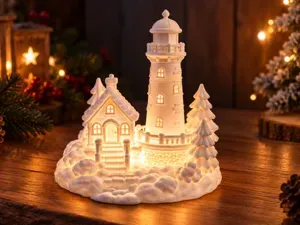

%2Fhttps%3A%2F%2Ffbi.cults3d.com%2Fuploaders%2F13780847%2Fillustration-file%2F9d56191d-6c78-4403-b991-2e844e81b649%2F2014-12-31_12.31.28_display_large.jpg&w=300)
%2Fhttps%3A%2F%2Ffbi.cults3d.com%2Fuploaders%2F13799020%2Fillustration-file%2Fb8a5e81b-6e23-46ef-9b28-36921111c2b7%2FFinished_Lighthouse_Beach_display_large.jpg&w=300)

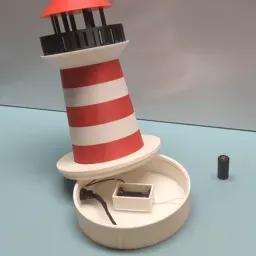
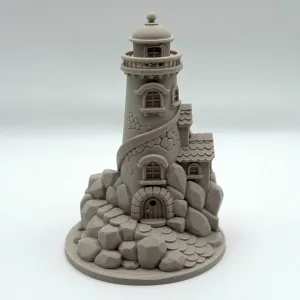

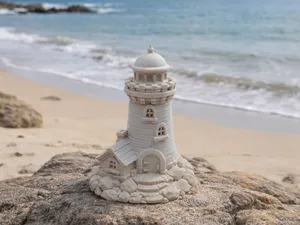
%2Fhttps%3A%2F%2Ffbi.cults3d.com%2Fuploaders%2F13780847%2Fillustration-file%2F95d10633-1f8c-4014-9455-b09372586f7d%2F2014-12-31_12.28.47_display_large.jpg&w=300)
%2Fhttps%3A%2F%2Ffbi.cults3d.com%2Fuploaders%2F7990029%2Fillustration-file%2F08692c52-1f12-42f6-a2cd-711dd22d107a%2Funtitled_06.png&w=300)
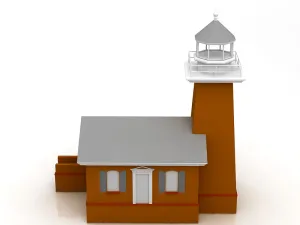
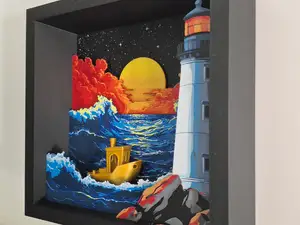
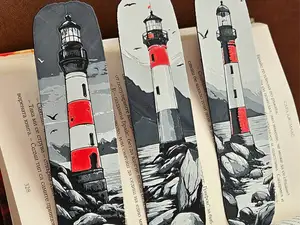
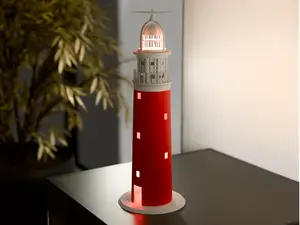
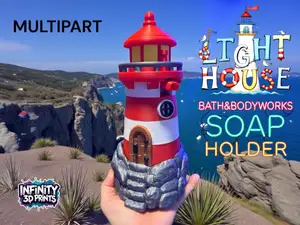
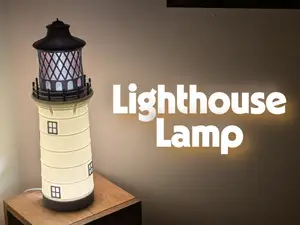
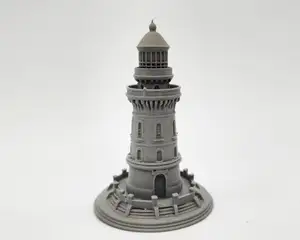
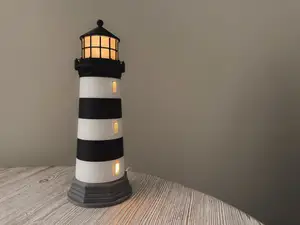
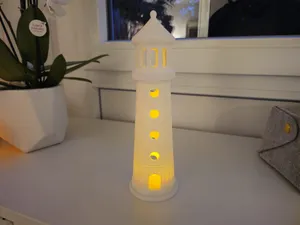
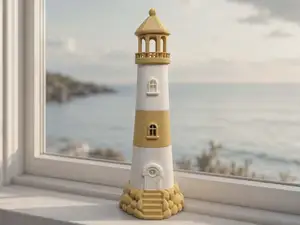
The models differ mainly in how much of the original structure they keep. Detailed versions reproduce the tower, the rock and the surrounding details, while low-poly editions reduce everything to flat facets and are quicker to slice. A separate group is made of objects that only borrow the shape: candle holders, bookmarks, bath accessories, and flat outlines meant for cutting rather than printing. Scenes that place the lighthouse next to houses, boats or waves form another group.
Before printing, open the author's model page and read what is listed there: the overall size and scale, how many parts the model is split into and how they join, whether supports are needed, and which material and settings the author used. Photos of real prints show how the tower edges, the rock surface and any thin railings come out. For tall thin towers, consider layer height and orientation, since the silhouette is what makes the model recognizable.
If the results are too narrow, try related wording: the Russian name of the lighthouse, the island and region it stands on, or terms such as coastal tower, beacon and cliff. Adding a style or use to the query — low-poly, miniature, holder, diorama, laser cut — shifts the results toward a particular kind of file. You can also search by what you want to build around it, for example a rocky base or a small harbour scene.



Le catalogue complet des thèmes, de la maison à la CNC, avec une recherche sur tous les sites connectés.