Gratuit 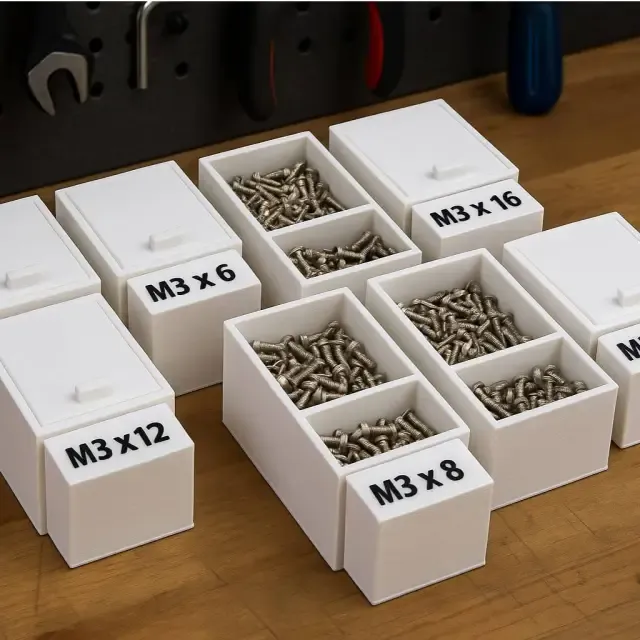
Modular Organizer Box for Screws
Creality Cloud
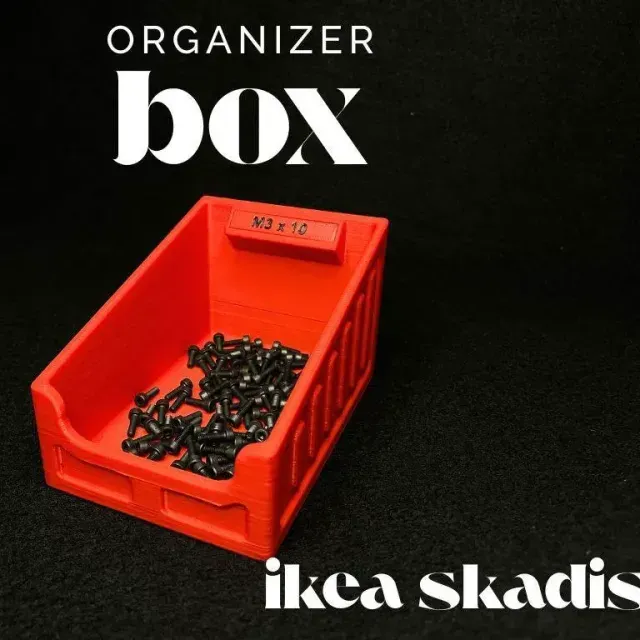
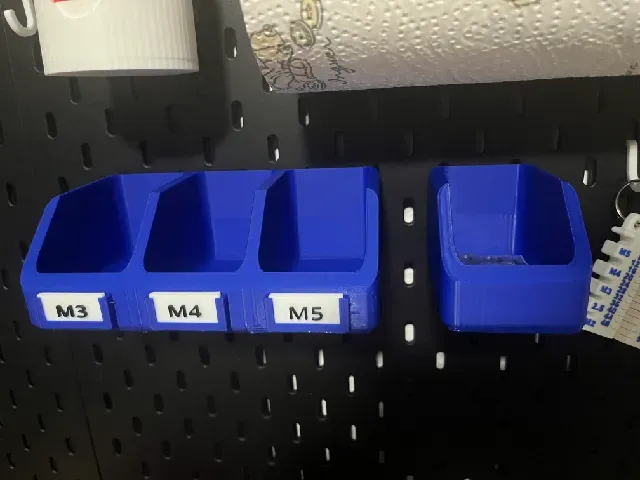
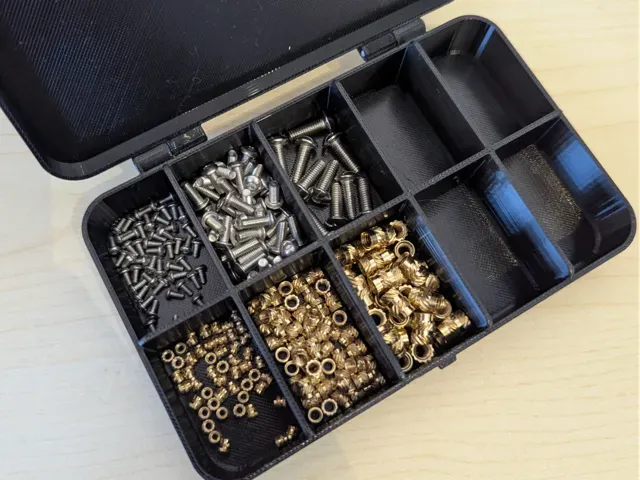
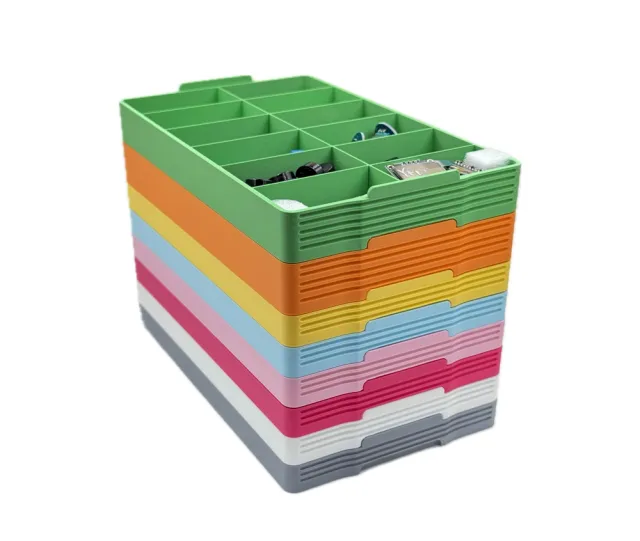
This collection gathers STL files for organizer boxes that hold screws, nuts and other small parts. It covers modular trays, stackable bins, wall-mounted holders and parametric generators, so you can pick a shape that fits your bench or drawer. Most of these designs are simple enough to print on a standard 3D printer in one or two sessions. Polyzon does not confirm whether models are free, their price, license, official status, affiliation, safety or fitness. Check the current terms at the source.
Le texte de cette collection est rédigé en anglais ; la recherche, elle, fonctionne dans toutes les langues.
 Une collection Polyzon · 48 modèles sur 4 plateformes
Polyzon compose cette collection à partir des résultats de recherche des plateformes connectées. Les doublons et les modèles sans aperçu sont retirés, les correspondances faibles sont placées à la fin, et le reste suit l’ordre de la recherche. Les modèles appartiennent à leurs auteurs : consultez les conditions sur la page de chaque modèle.
Règles de sélection : la rédaction de Polyzon · Texte mis à jour le 10/10/2026
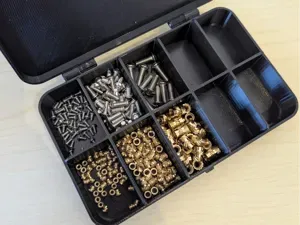
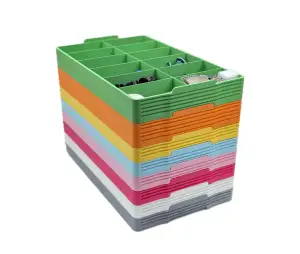
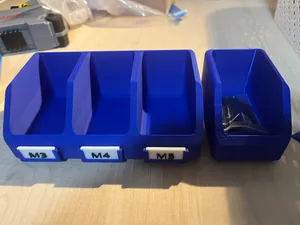
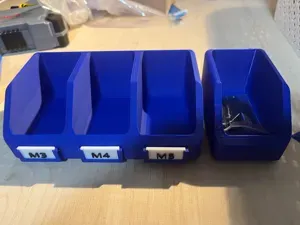
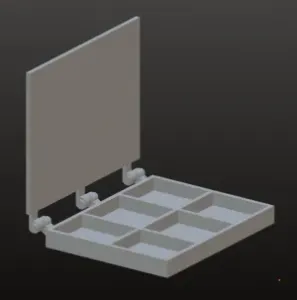
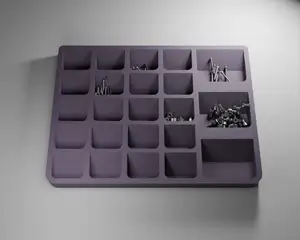


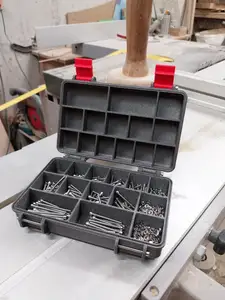
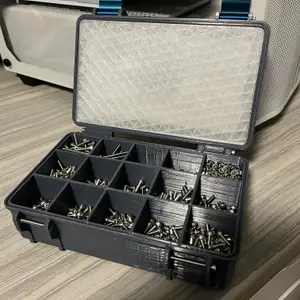
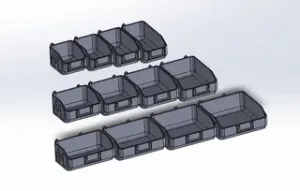

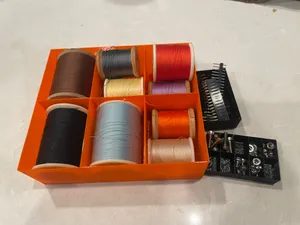
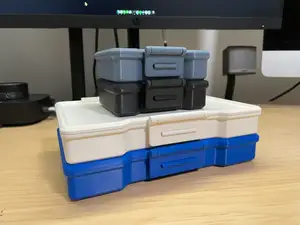

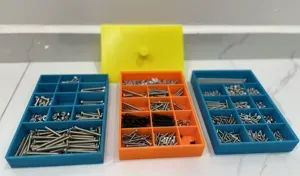


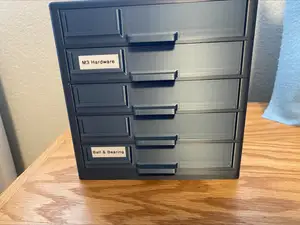

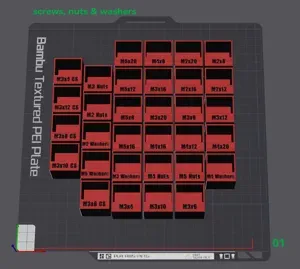

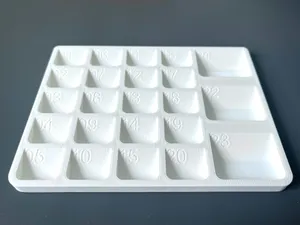
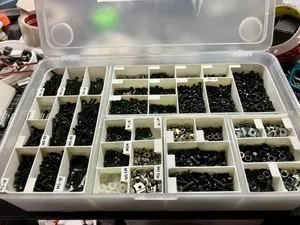
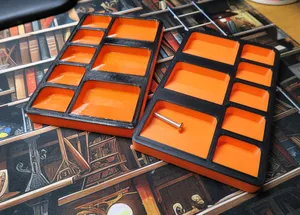


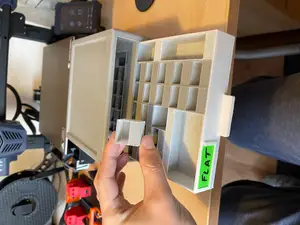
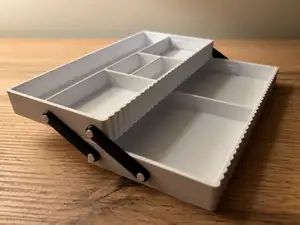
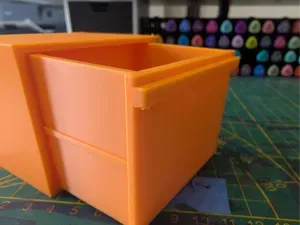
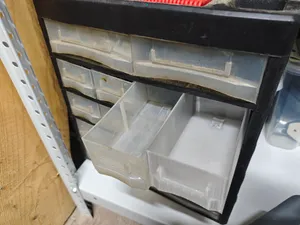

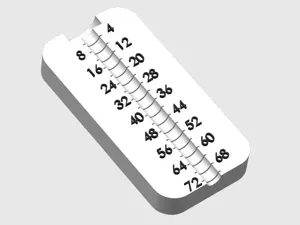
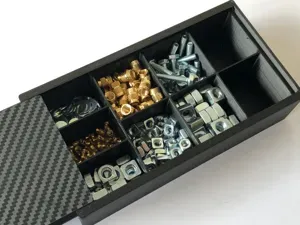
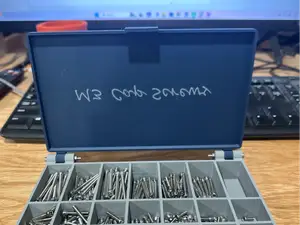


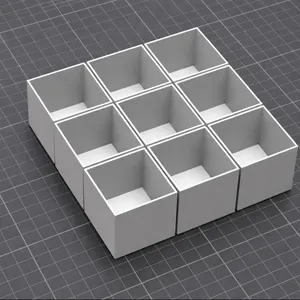
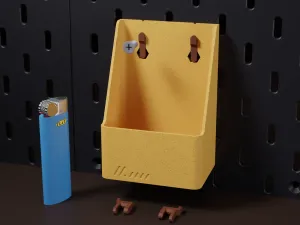

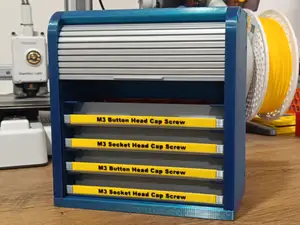
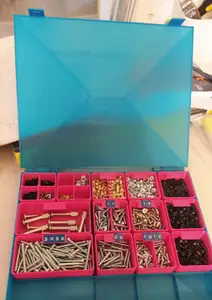
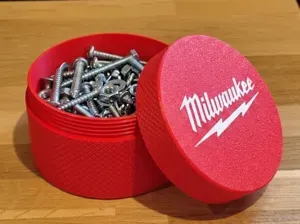
The designs differ mainly in how they are arranged. Modular systems let you print several units and join them into a larger grid, while stackable bins keep a single footprint and grow upward. Wall-mount versions use a pegboard or slot pattern, and closed boxes with sliding or hinged lids are meant to be carried around. Some entries are generators: you set the compartment count and wall thickness, then export the model yourself.
Before printing, read the author's page for the outer dimensions, the number of separate parts and how they connect. Compartment height matters if you store longer screws, and thin walls can flex when a box is filled. Check whether the model needs supports, which material the author used, and how the lid or latch is assembled. Photos of finished prints usually show the real proportions better than renders.
If the results feel narrow, try related wording: parts bin, fastener tray, hardware storage, bit holder, drawer insert, or compartment case. Searching by the screw size you use, or by the surface you want to mount on, often brings up different designs. Combining a term for the contents with a term for the format, such as stackable or modular, also shifts the results.



%2Fhttps%3A%2F%2Ffbi.cults3d.com%2Fuploaders%2F13409768%2Fillustration-file%2Fe2679470-ab8a-4c1c-9da3-3813500e3e58%2F852f47d94649afd35348158242ab9d0e_display_large.JPG&w=300)
Le catalogue complet des thèmes, de la maison à la CNC, avec une recherche sur tous les sites connectés.