
Gratuit 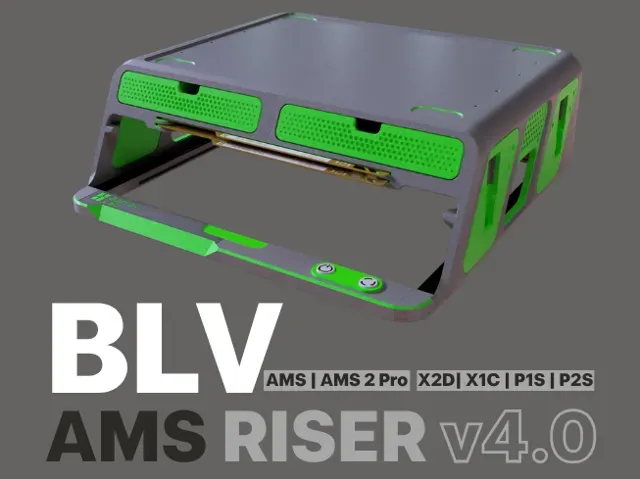
BLV - AMS / AMS 2 Riser P2S / X2D / X1C / P1S v4
MakerWorld
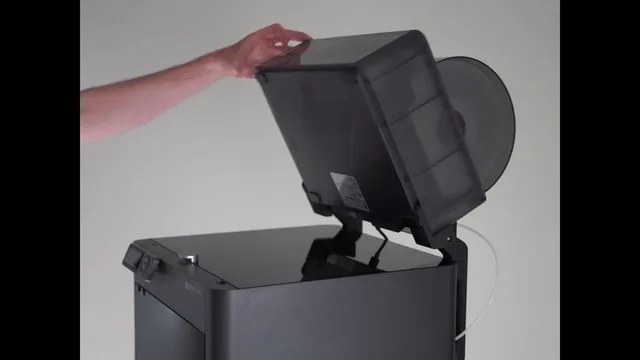
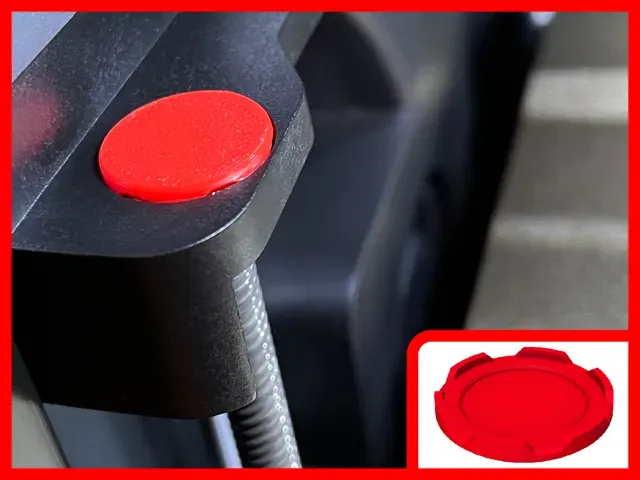
This collection gathers printable parts made for the P1S 3D printer and its close relatives in the same machine family. Most of the entries are practical add-ons: waste bins and chutes for purged filament, risers and holders around the AMS, plus handles, bezels and covers for the enclosure. Because several models are shared across a few printer versions, the list is useful if you own more than one machine or plan to. Polyzon does not confirm whether models are free, their price, license, official status, affiliation, safety or fitness. Check the current terms at the source.
Le texte de cette collection est rédigé en anglais ; la recherche, elle, fonctionne dans toutes les langues.
 Une collection Polyzon · 32 modèles sur 3 plateformes
Polyzon compose cette collection à partir des résultats de recherche des plateformes connectées. Les doublons et les modèles sans aperçu sont retirés, les correspondances faibles sont placées à la fin, et le reste suit l’ordre de la recherche. Les modèles appartiennent à leurs auteurs : consultez les conditions sur la page de chaque modèle.
Règles de sélection : la rédaction de Polyzon · Texte mis à jour le 13/10/2026
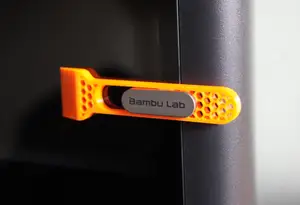


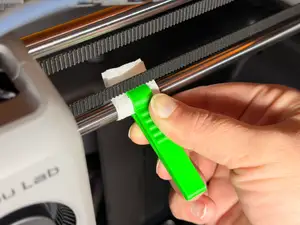
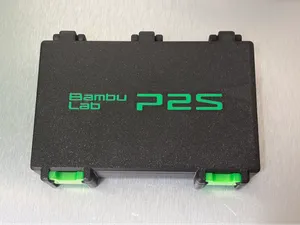

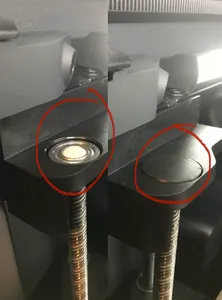
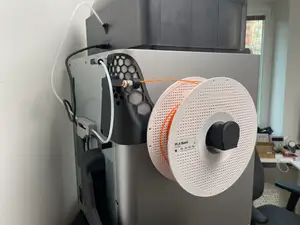

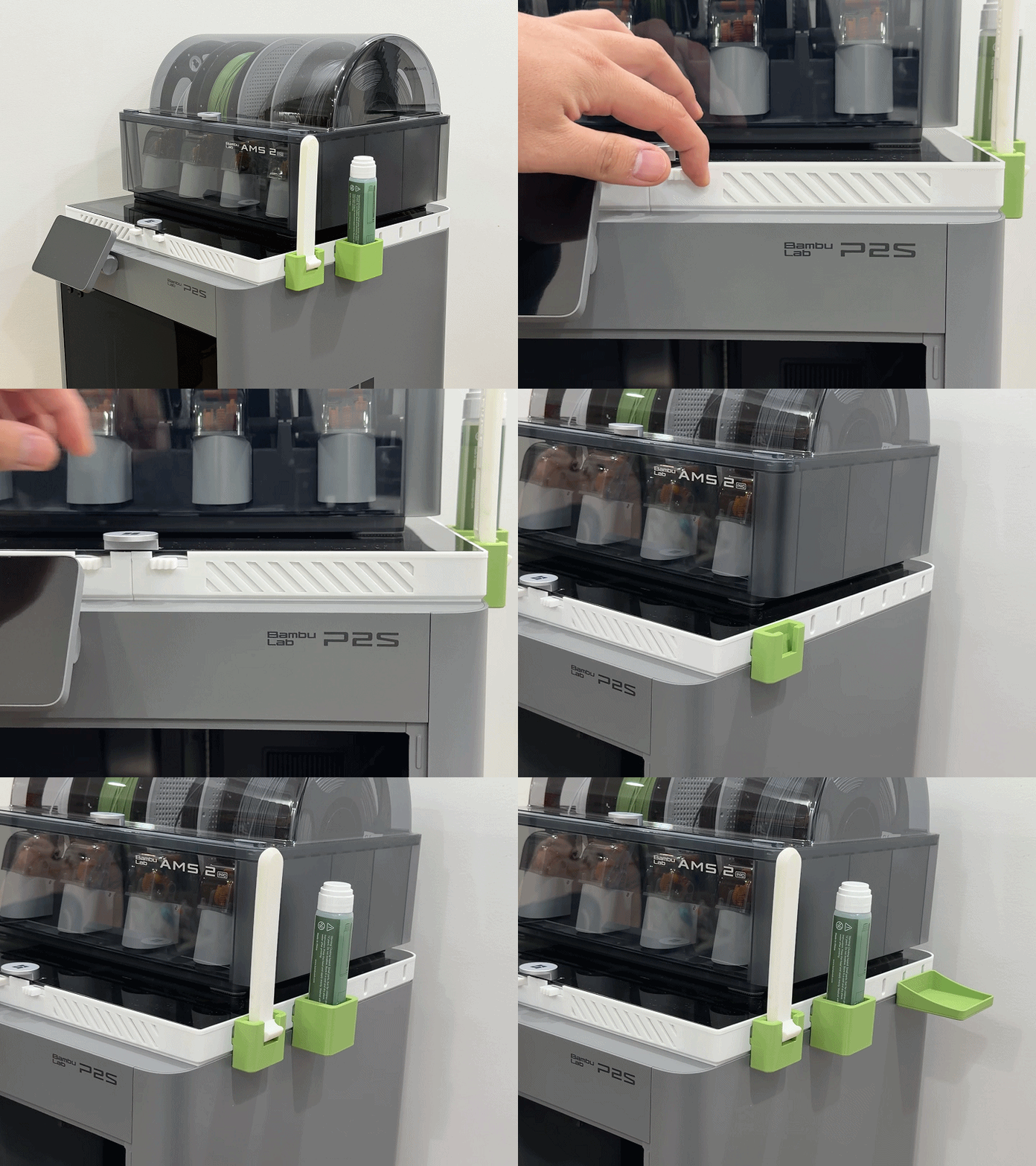
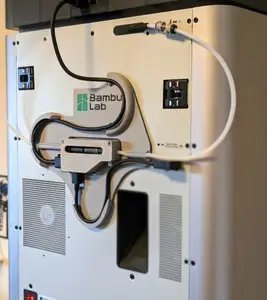
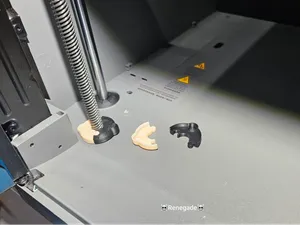


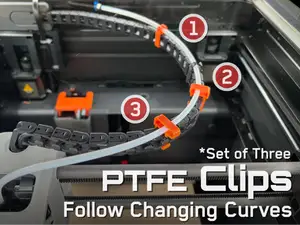
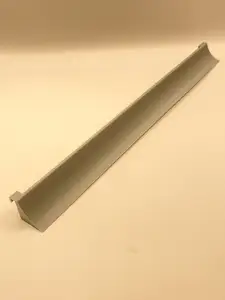
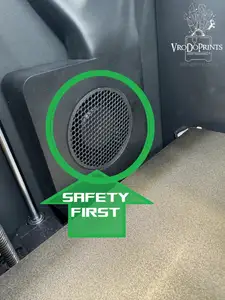

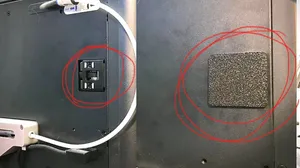
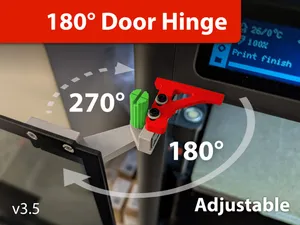
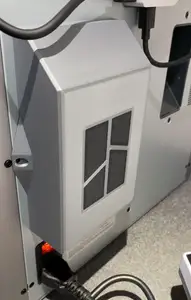
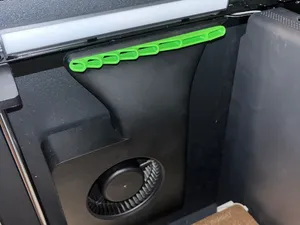
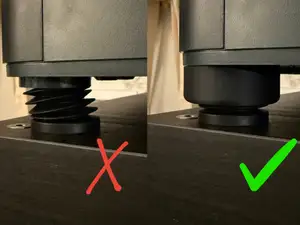
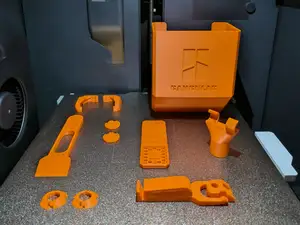
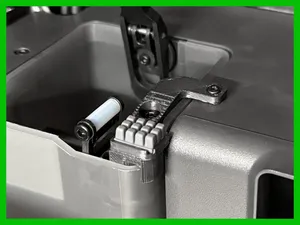
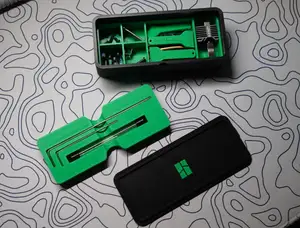

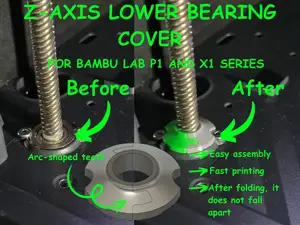
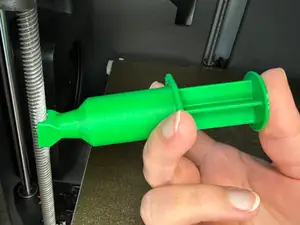
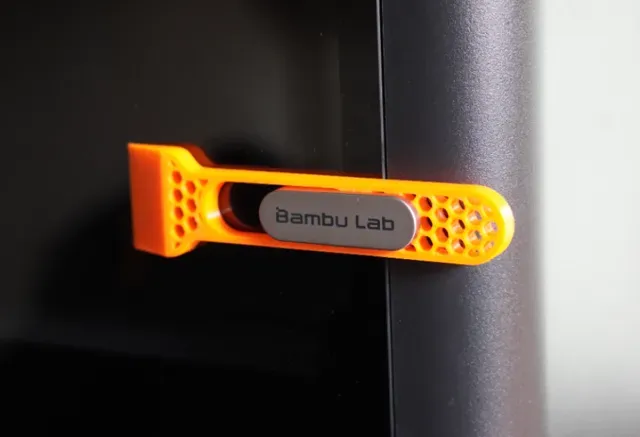
The largest group deals with purged filament. Designs range from simple bins that sit beside or under the machine to chutes that guide waste into a container, and some combine a chute with storage underneath the printer. Others are structural or ergonomic: risers that lift the AMS for easier access, flippers and brackets, door handles with an integrated scraper, screen bezels, dust covers for the Z axis, and exhaust or cleaning aids.
When choosing a model, read the author's page rather than the thumbnail. Check the stated build volume and whether the part fits your exact machine version, how many separate pieces it has and how they join, and whether supports are needed. Look at the material and settings the author lists, since parts near the hot end or the chamber exhaust see more heat than a bin on the floor. Photos of real prints show how the part sits on the printer better than a render does.
If you do not find what you want, widen the wording. Searches for waste bin, purge bin, chute, riser, holder, bracket, cover or mount often return the same kind of part under a different name, and terms for neighbouring models in the same family bring up files that also fit. Related topics worth trying are filament management, AMS storage, enclosure accessories and printer maintenance tools.


Le catalogue complet des thèmes, de la maison à la CNC, avec une recherche sur tous les sites connectés.