
Gratuit 
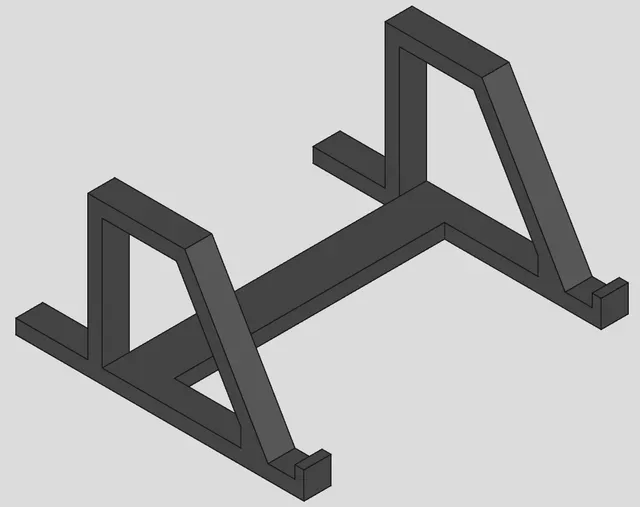
Laptop stand / Support PC
Thingiverse
This collection gathers 3D models that hold, raise or steady computer hardware: laptop stands, GPU brackets, monitor risers and mounts for power supplies. The files come from different authors, so part counts, dimensions and mounting styles vary from one model to the next. It is a starting point for anyone planning a 3D printing project around a desk setup or a PC build. Polyzon does not confirm whether models are free, their price, license, official status, affiliation, safety or fitness. Check the current terms at the source.
Le texte de cette collection est rédigé en anglais ; la recherche, elle, fonctionne dans toutes les langues.
 Une collection Polyzon · 48 modèles sur 4 plateformes
Polyzon compose cette collection à partir des résultats de recherche des plateformes connectées. Les doublons et les modèles sans aperçu sont retirés, les correspondances faibles sont placées à la fin, et le reste suit l’ordre de la recherche. Les modèles appartiennent à leurs auteurs : consultez les conditions sur la page de chaque modèle.
Règles de sélection : la rédaction de Polyzon · Texte mis à jour le 15/10/2026

%2Fhttps%3A%2F%2Ffbi.cults3d.com%2Fuploaders%2F25905200%2Fillustration-file%2Fedf8c431-4d4b-4f5e-9da8-32787dc1c95b%2F1690461136103.jpg&w=300)

%2Fhttps%3A%2F%2Ffbi.cults3d.com%2Fuploaders%2F22110383%2Fillustration-file%2F81962adc-7286-4eac-81f7-fc06e6f03215%2FScreenshot-2025-01-20-145146.png&w=300)

%2Fhttps%3A%2F%2Ffbi.cults3d.com%2Fuploaders%2F14669042%2Fillustration-file%2F83d19435-dacd-4346-8805-dd85bcd84f29%2Fezgif.com-gif-maker.gif&w=300)
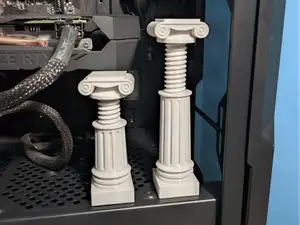

%2Fhttps%3A%2F%2Ffbi.cults3d.com%2Fuploaders%2F14749141%2Fillustration-file%2F914a93f5-86dc-4af8-841b-0f9c7098f999%2Fezgif.com-optimize-1.gif&w=300)

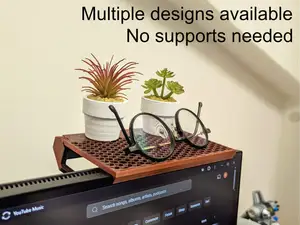

%2Fhttps%3A%2F%2Ffbi.cults3d.com%2Fuploaders%2F22110383%2Fillustration-file%2F098e808a-e41d-46dc-9f16-e5b99b3e4e12%2Fbed-stand-pc-3.png&w=300)
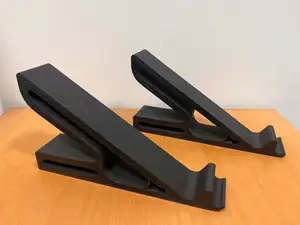
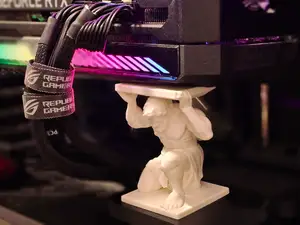

%2Fhttps%3A%2F%2Ffbi.cults3d.com%2Fuploaders%2F22110383%2Fillustration-file%2Fd1e5d08d-720f-43af-a960-eab45a452784%2Fleft-side.png&w=300)
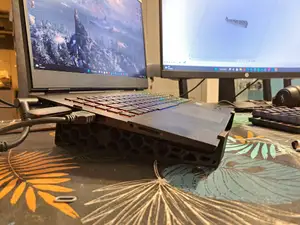
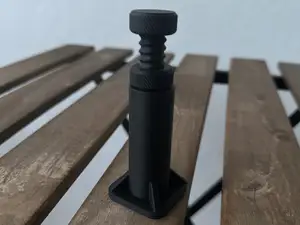

%2Fhttps%3A%2F%2Ffbi.cults3d.com%2Fuploaders%2F29800781%2Fillustration-file%2F0f08910e-43f5-49dd-b4c7-02244c137ce9%2Fbase1.jpg&w=300)
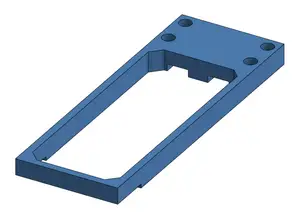
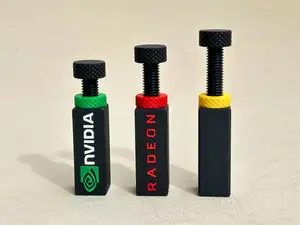

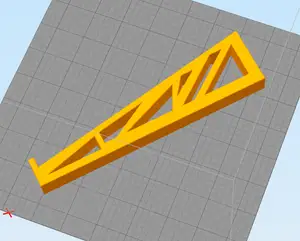
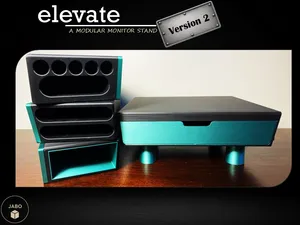

%2Fhttps%3A%2F%2Ffbi.cults3d.com%2Fuploaders%2F25905200%2Fillustration-file%2Fc4a44936-b5fb-4607-ace5-baaede4f0c90%2Feb84c207-27b3-4269-afc8-634233b2bf99.jpg&w=300)
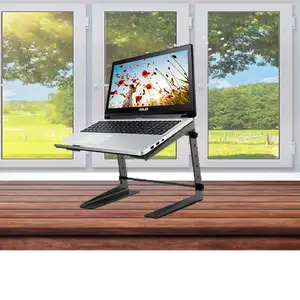


%2Fhttps%3A%2F%2Ffbi.cults3d.com%2Fuploaders%2F22618931%2Fillustration-file%2F030efdc4-5c89-4c29-bfac-b8f3ddc71ada%2F2018-07-20_00.38.23.jpg&w=300)
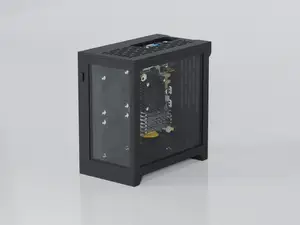
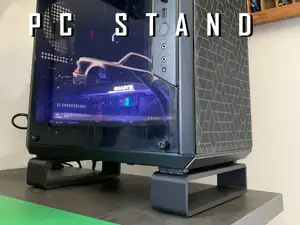

%2Fhttps%3A%2F%2Ffbi.cults3d.com%2Fuploaders%2F23530966%2Fillustration-file%2Fc7f29c8f-aaf3-4b16-aabe-5588adff1073%2FWhatsApp-Image-2024-03-14-at-18.10.02.jpeg&w=300)
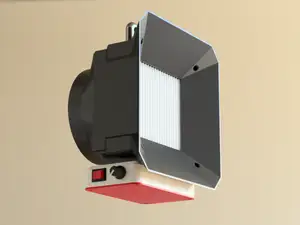
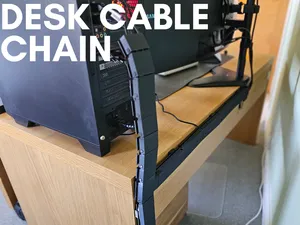
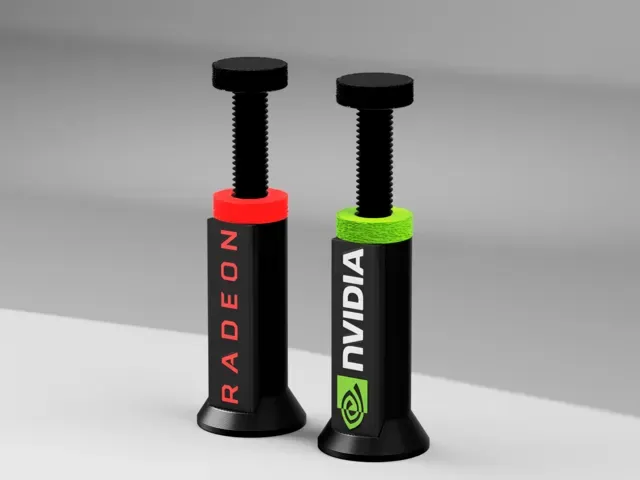
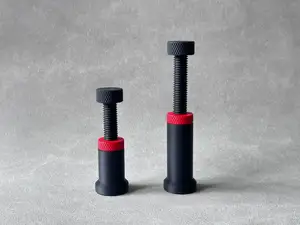
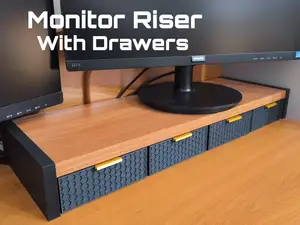
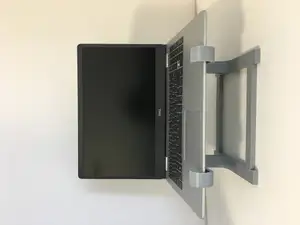
The most common group is laptop and notebook stands, ranging from simple angled rests to taller risers that lift the screen closer to eye level. A second group covers GPU supports, including fixed posts and adjustable holders that brace a graphics card against sag. Monitor risers and shelves often add drawers or compartments, while a smaller set of models holds power bricks, adapters or compact desktop cases in place.
Before printing, open the author's page and read the listed dimensions and scale, since a stand sized for one laptop width or case length will not fit another. Check how many separate parts the model has and whether they are meant to be glued, screwed or slotted together, and look at the fasteners or rubber pads the author mentions. The print orientation and the need for supports also matter on long, thin brackets, and the material and settings the author lists are a useful reference point. Photos of real prints show how the finished part sits under load.
If the results feel narrow, try other terms for the same idea: notebook riser, laptop holder, monitor shelf, GPU brace, anti-sag bracket, or desk organizer with a stand. Related searches such as cable management, VESA mount adapter, mini PC holder or headphone hook often lead to models that pair with the same setup. Adding a size or a device category to the query usually narrows the list faster than browsing a general category.

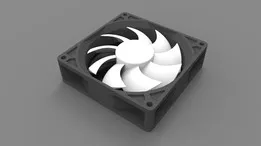


Le catalogue complet des thèmes, de la maison à la CNC, avec une recherche sur tous les sites connectés.
%2Fhttps%3A%2F%2Ffbi.cults3d.com%2Fuploaders%2F21181834%2Fillustration-file%2Ff9b60ac0-0fd3-4e07-b1f3-6fca624b74c6%2Fcomputerleg1.png&w=640)