
Gratuit 
Cardboard Surfboard - 6'4"
Thingiverse
This collection gathers 3D models in which a core element defines the shape: side storage for core-style machines, modular sets, gears and organizers. It helps when you need a part that fits around a central axis or a central unit. Every listing is a file for 3D printing, so the details stay on the author's page. Polyzon does not confirm whether models are free, their price, license, official status, affiliation, safety or fitness. Check the current terms at the source.
Le texte de cette collection est rédigé en anglais ; la recherche, elle, fonctionne dans toutes les langues.
 Une collection Polyzon · 47 modèles sur 4 plateformes
Polyzon compose cette collection à partir des résultats de recherche des plateformes connectées. Les doublons et les modèles sans aperçu sont retirés, les correspondances faibles sont placées à la fin, et le reste suit l’ordre de la recherche. Les modèles appartiennent à leurs auteurs : consultez les conditions sur la page de chaque modèle.
Règles de sélection : la rédaction de Polyzon · Texte mis à jour le 15/10/2026

%2Fhttps%3A%2F%2Ffbi.cults3d.com%2Fuploaders%2F16480548%2Fillustration-file%2Ff0da3023-1be6-4977-9e71-70a59b63f201%2FSet01_CoreSet.jpg&w=300)

%2Fhttps%3A%2F%2Ffbi.cults3d.com%2Fuploaders%2F14952599%2Fillustration-file%2F5845cb42-9792-4978-8ed5-9deebfc43dfa%2F1.JPG&w=300)
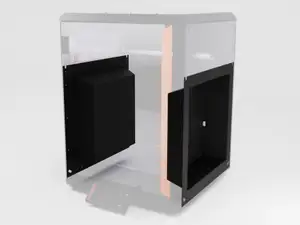

%2Fhttps%3A%2F%2Ffbi.cults3d.com%2Fuploaders%2F20968895%2Fillustration-file%2F2f6eb733-e8a6-4bf3-a925-38b60e6d92d0%2FME_-_Core_XY_03.jpg&w=300)
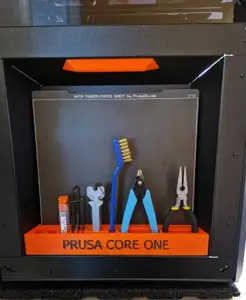
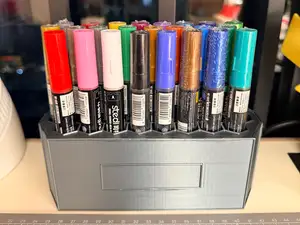

%2Fhttps%3A%2F%2Ffbi.cults3d.com%2Fuploaders%2F13799020%2Fillustration-file%2Fdca23e0a-a727-4ea9-8d92-6093d6d464bf%2F2013-02-28_19.15.21_display_large.jpg&w=300)

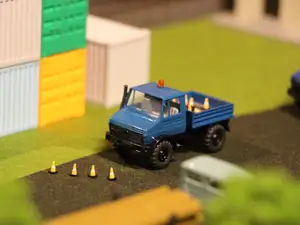

%2Fhttps%3A%2F%2Ffbi.cults3d.com%2Fuploaders%2F14952599%2Fillustration-file%2F7aa79e1b-014f-41a9-9bfd-f3190e5ebd50%2Fstarbox.png&w=300)



%2Fhttps%3A%2F%2Ffbi.cults3d.com%2Fuploaders%2F14304269%2Fillustration-file%2F13392365-8fb5-4b4f-a0cc-8459dc7ac051%2Funtitled.348.gif&w=300)



%2Fhttps%3A%2F%2Ffbi.cults3d.com%2Fuploaders%2F14952599%2Fillustration-file%2F06b04436-4950-4b19-8b76-82c1bea421e0%2Fanaca2.JPG&w=300)

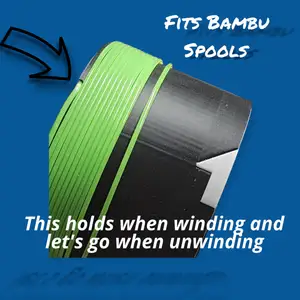

%2Fhttps%3A%2F%2Ffbi.cults3d.com%2Fuploaders%2F42827209%2Fillustration-file%2F296076d3-bddc-4071-9277-14ed3fd576eb%2Falien-landscape.png&w=300)
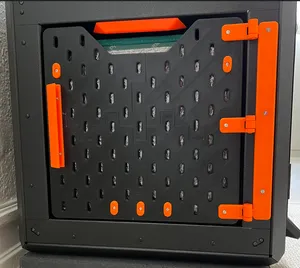
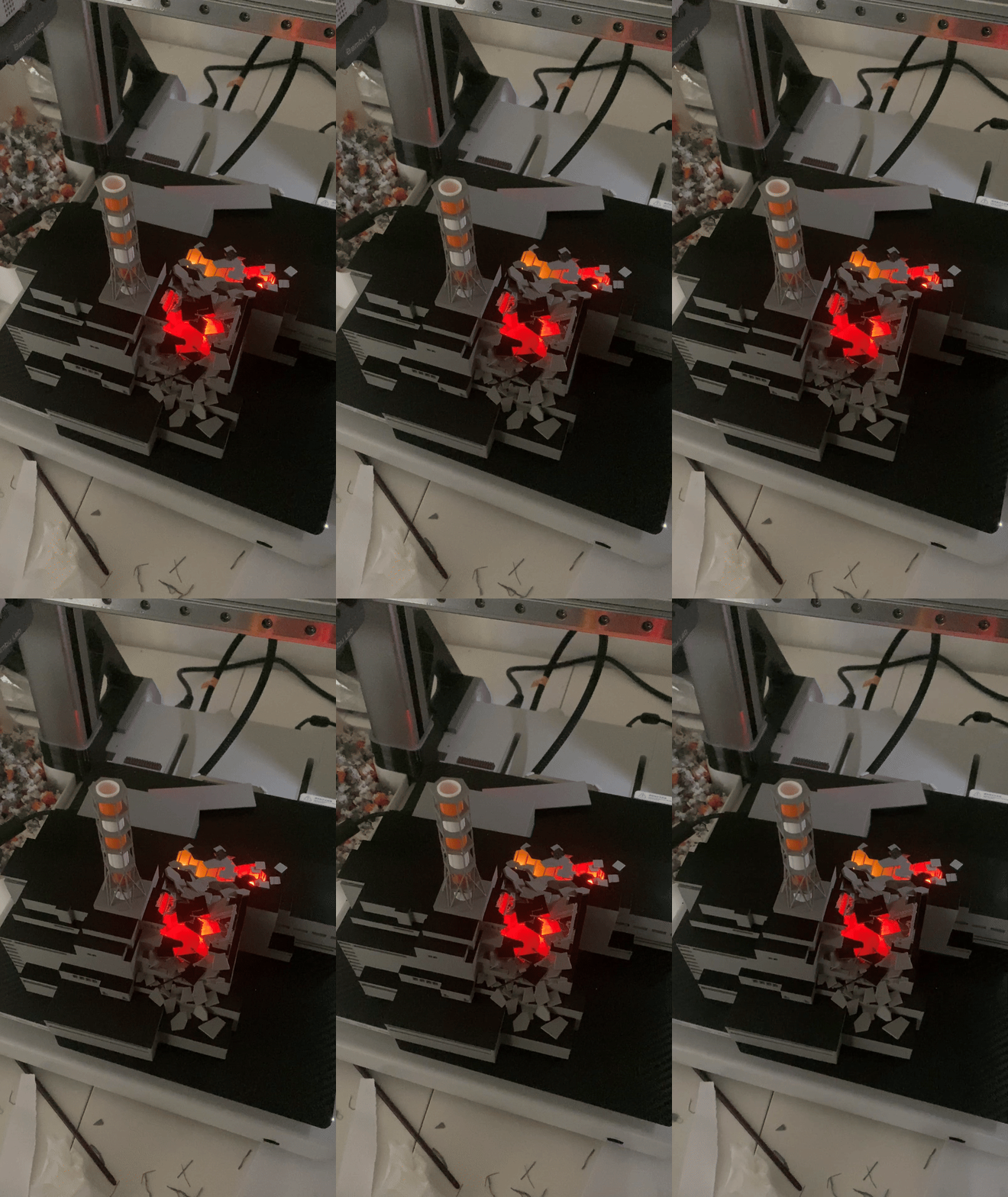

%2Fhttps%3A%2F%2Ffbi.cults3d.com%2Fuploaders%2F14952599%2Fillustration-file%2F4ea71ab4-06d9-4c92-abc7-cd787f85591f%2Fheartcontainerhegon.png&w=300)
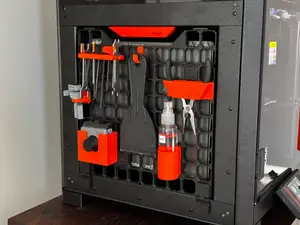


%2Fhttps%3A%2F%2Ffbi.cults3d.com%2Fuploaders%2F15478900%2Fillustration-file%2F132823f5-0def-4e6c-a109-fbd2a0563a1d%2FODST-SUPERINT-FACE-ALL-MOODS.jpg&w=300)


![[Untested] Diaclone Versaulter Core Template](https://cache.polyzon.org/api/img?url=https%3A%2F%2Fimages.cults3d.com%2FHkPnXAqbIOw2fD9znYLjFwtBjFY%3D%2F246x246%2Ffilters%3Ano_upscale()%2Fhttps%3A%2F%2Ffbi.cults3d.com%2Fuploaders%2F13384689%2Fillustration-file%2F31dcfa5a-214a-481d-a25a-0b7c7e122ff3%2FcoreCapture.png&w=300)

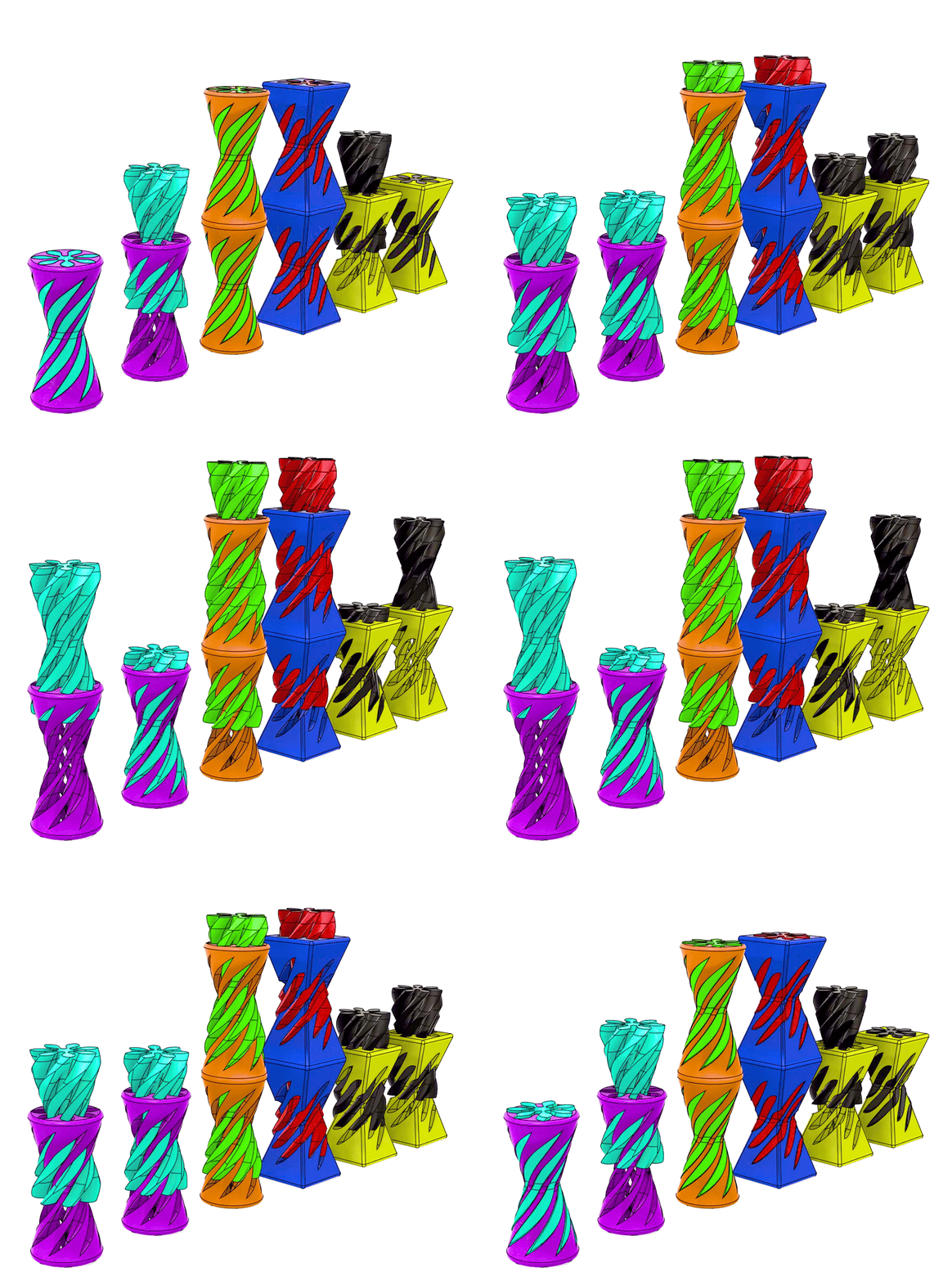
The models fall into a few groups. Storage modules and side panels are flat, box-like parts that attach to a machine frame and hold tools or spools. Core sets and expansion packs are collections of small parts meant to be combined, while gears, helical fidgets and rotating cores are mechanical pieces where the geometry itself does the work. Themed organizers borrow the same idea but wrap it in a recognizable shape.
Before printing, read the author's page rather than the title. Check the stated size and scale, how many separate parts the model has and how they join, and whether the geometry needs supports. Look at the material and settings the author lists, and at photos of real prints, since thin walls and tight clearances behave differently in PLA and PETG. If a part must fit an existing frame or shaft, measure that opening first and compare it with the dimensions given.
Search terms vary, so try several. "Side storage", "tool holder" and "frame panel" describe similar objects, and "core" appears in printer designs, set names and mechanism names alike. Related searches such as gear, fidget, organizer, modular kit or enclosure often surface the same files. Adding the part you want to hold, or the axis the model turns on, narrows the results faster than a single keyword.



Le catalogue complet des thèmes, de la maison à la CNC, avec une recherche sur tous les sites connectés.
![[CyberBase System] Core Set 2](https://cache.polyzon.org/api/img?url=https%3A%2F%2Fimages.cults3d.com%2FClsWzoHsbLa1lNVsiqK0eVI3Pn4%3D%2F246x246%2Ffilters%3Ano_upscale()%2Fhttps%3A%2F%2Ffbi.cults3d.com%2Fuploaders%2F6801729%2Fillustration-file%2F84cc52fe-1e6c-4be6-8416-aca1ffb28fe2%2FCBS_CoreSet2_FS.JPG&w=640)
