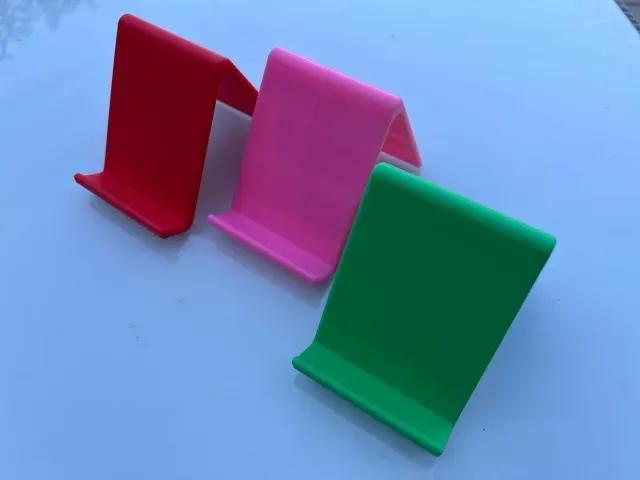

Gratuit 
The geometric stand for MacBook Pro Retina
Thingiverse
This collection gathers stands, pedestals and holders that people print on a 3D printer: docks for phones and consoles, plinths for figures and busts, racks for tools and plants. It helps you compare shapes and sizes before spending filament on a model. Each listing leads to the author's page, where the STL files and print details live. Polyzon does not confirm whether models are free, their price, license, official status, affiliation, safety or fitness. Check the current terms at the source.
Le texte de cette collection est rédigé en anglais ; la recherche, elle, fonctionne dans toutes les langues.
 Une collection Polyzon · 48 modèles sur 3 plateformes
Polyzon compose cette collection à partir des résultats de recherche des plateformes connectées. Les doublons et les modèles sans aperçu sont retirés, les correspondances faibles sont placées à la fin, et le reste suit l’ordre de la recherche. Les modèles appartiennent à leurs auteurs : consultez les conditions sur la page de chaque modèle.
Règles de sélection : la rédaction de Polyzon · Texte mis à jour le 15/10/2026





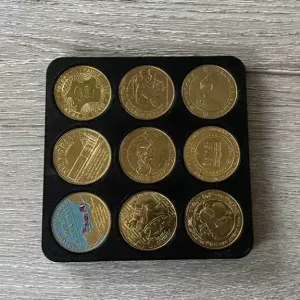


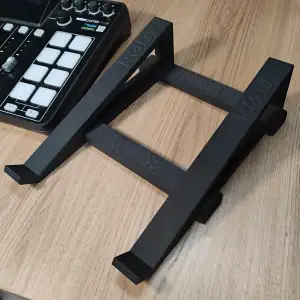

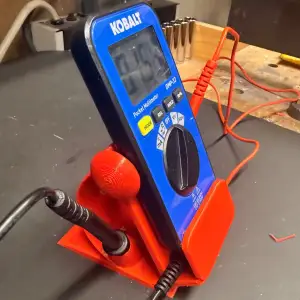


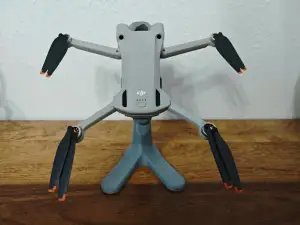


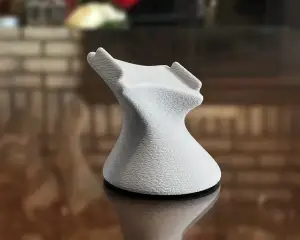

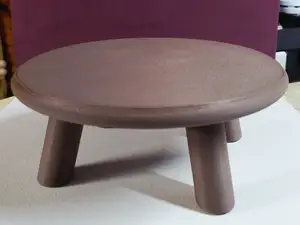
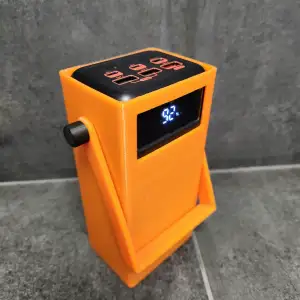

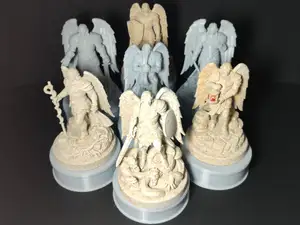
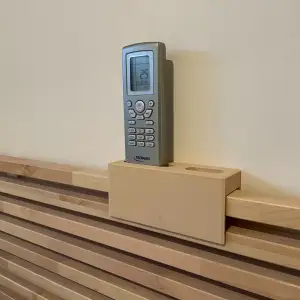


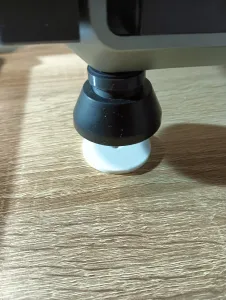





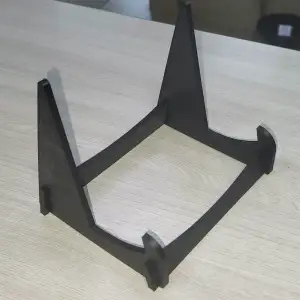





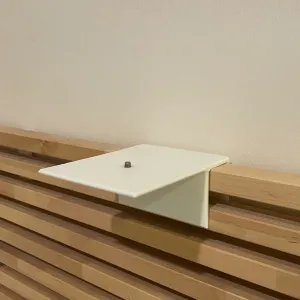


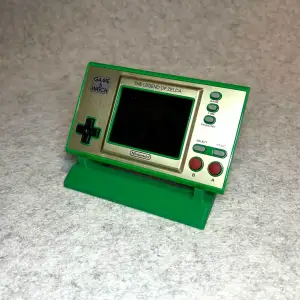


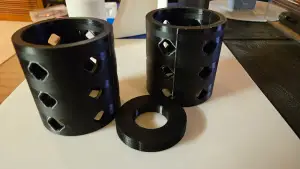
The range is wider than it first looks. Device stands hold phones, tablets, laptops or handheld consoles at a chosen angle; display pedestals give a figurine, bust or coin a base; audio holders carry headphones or a mixing console; decorative stands support plants or ornaments; workshop stands keep a multimeter or a jig within reach. The differences are mostly in the contact area, the angle and the weight the shape is drawn to carry.
When choosing, open the model page and read what the author states: overall size and scale, how many parts there are and how they join, whether supports are needed, and which material and settings were used. Look at photos of real prints to judge surface finish and how the part sits on a desk. A stand that carries weight benefits from a wide footprint and a low centre of gravity, while thin decorative columns often need a slower speed and a stable first layer.
If a search returns little, try the words people use for the same object: holder, dock, bracket, riser, caddy, plinth or pedestal. Related topics often lead to what you need — desk organisers, wall mounts, shelves, figurine display, cable management. Narrowing by device name, by object type or by style (minimal, geometric, vintage) usually cuts the list faster than scrolling.
A few practical checks before printing: measure the object the stand must hold, including any case or cable, and compare it with the dimensions on the page. Decide whether the model should be one piece or assembled, and whether the orientation shown in the photos is the one you will use. If the author lists a material and layer height, treat that as a starting point rather than a rule.





Le catalogue complet des thèmes, de la maison à la CNC, avec une recherche sur tous les sites connectés.