
Gratuit 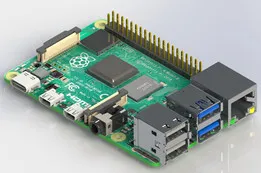
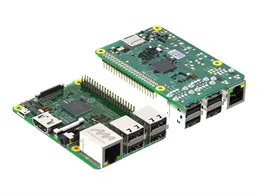
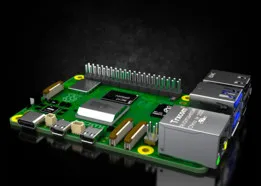
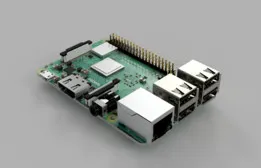
Raspberry Pi 4 Model B
GrabCAD
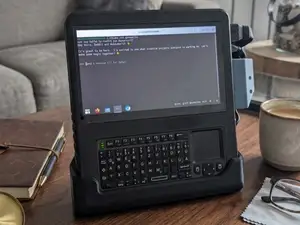
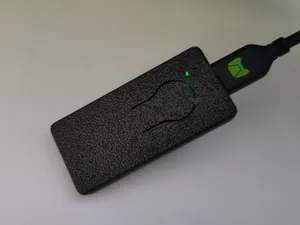
This collection gathers STL files for Raspberry Pi cases, racks, and mounting parts, along with a few raspberry-shaped decorative pieces. You can compare enclosure styles, modular builds, and rack systems before choosing a model for your 3D printer. It helps narrow a broad topic into practical starting points. Polyzon does not confirm whether models are free, their price, license, official status, affiliation, safety or fitness. Check the current terms at the source.
Le texte de cette collection est rédigé en anglais ; la recherche, elle, fonctionne dans toutes les langues.
 Une collection Polyzon · 48 modèles sur 5 plateformes
Polyzon compose cette collection à partir des résultats de recherche des plateformes connectées. Les doublons et les modèles sans aperçu sont retirés, les correspondances faibles sont placées à la fin, et le reste suit l’ordre de la recherche. Les modèles appartiennent à leurs auteurs : consultez les conditions sur la page de chaque modèle.
Règles de sélection : la rédaction de Polyzon · Texte mis à jour le 14/10/2026
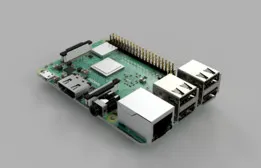

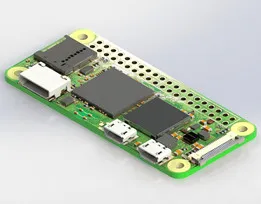
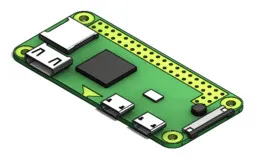
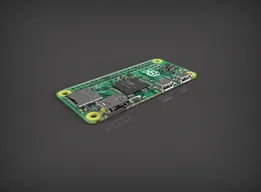
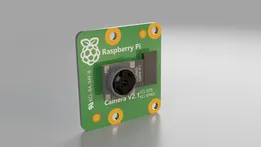

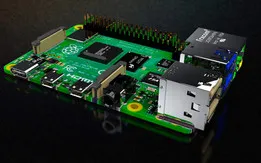

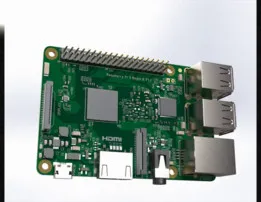


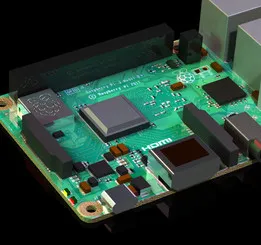

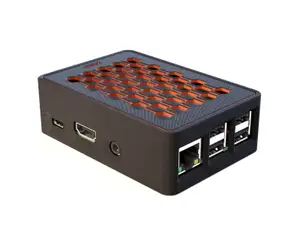


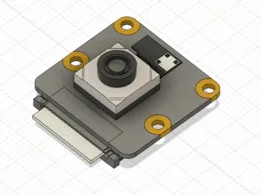

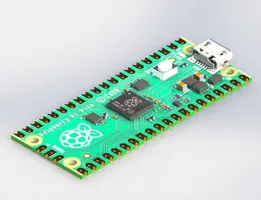


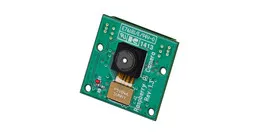
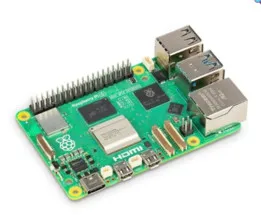


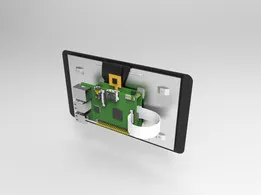
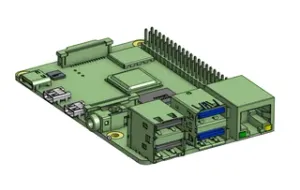

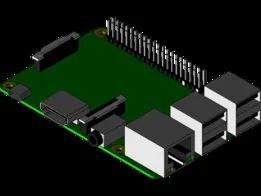
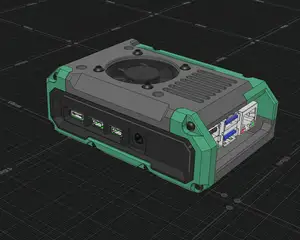
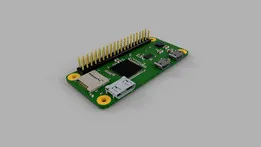
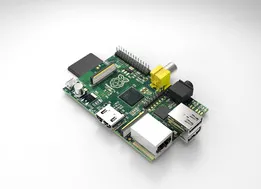

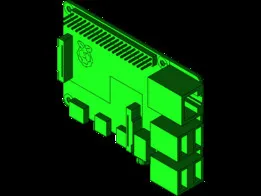
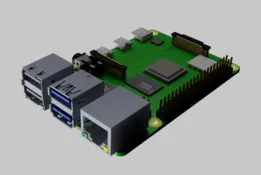
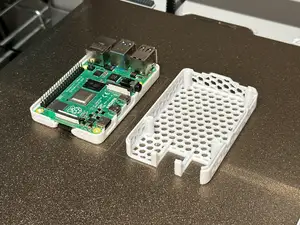


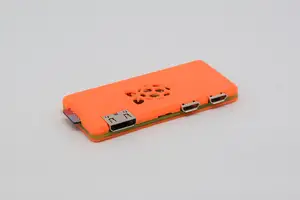
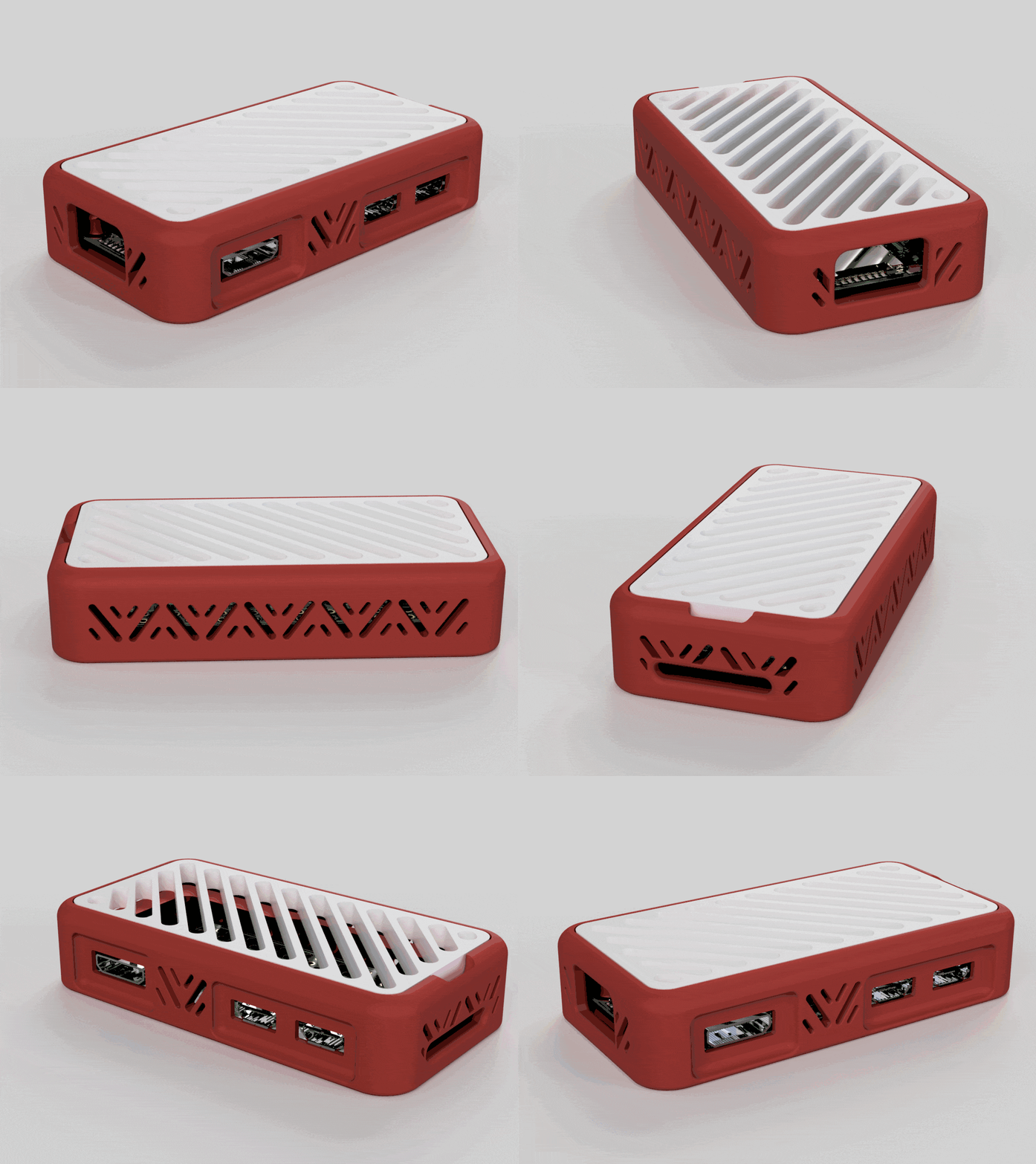
The results split mainly into single-board computer enclosures, multi-board racks, and mounting hardware. Cases range from simple snap-fit shells to designs with openings for ports, fans, or displays. Racks and trays organize several boards in a stack or rail format, while mounts adapt a board to a VESA pattern or DIN rail. Decorative raspberry models form a smaller group for display or themed projects.
When choosing a model, check the board generation and dimensions listed on the author's page, since port layouts and mounting holes differ. Look at the number of parts, how they join, and whether the design calls for screws, inserts, or separate fasteners. Review the material and settings the author notes, and study photos of real prints to judge tolerances and surface finish. For racks, confirm the rail width and tray spacing before printing.
To refine the search, try terms such as enclosure, housing, stand, bracket, DIN rail mount, VESA mount, rack tray, and snap-fit case. Related topics include single-board computer accessories, homelab racks, and modular electronics cases. If you want decorative models, search for fruit shapes or raspberry-themed ornaments instead.
Le catalogue complet des thèmes, de la maison à la CNC, avec une recherche sur tous les sites connectés.