
Gratuit 
Pocket-Sized Thermal Imager + Infrared Thermometer! | OpenTemp
Thingiverse
This collection gathers STL files for the parts that go around a thermal imager: lens covers, protective cases, mounts, screen guards and small storage boxes. It helps when the device works well but its housing, carrying options or mounting points do not. Most of these items are small, so they fit the build volume of a common 3D printer. Polyzon does not confirm whether models are free, their price, license, official status, affiliation, safety or fitness. Check the current terms at the source.
Le texte de cette collection est rédigé en anglais ; la recherche, elle, fonctionne dans toutes les langues.
 Une collection Polyzon · 48 modèles sur 5 plateformes
Polyzon compose cette collection à partir des résultats de recherche des plateformes connectées. Les doublons et les modèles sans aperçu sont retirés, les correspondances faibles sont placées à la fin, et le reste suit l’ordre de la recherche. Les modèles appartiennent à leurs auteurs : consultez les conditions sur la page de chaque modèle.
Règles de sélection : la rédaction de Polyzon · Texte mis à jour le 12/10/2026


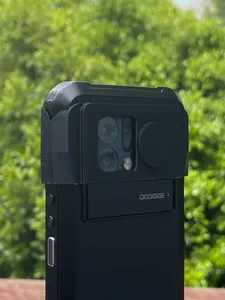
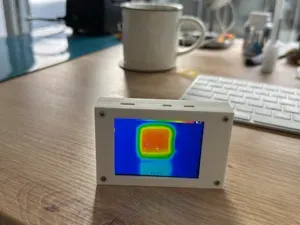

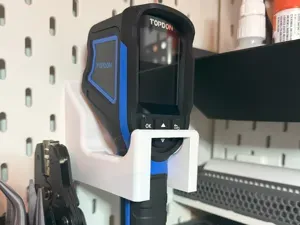
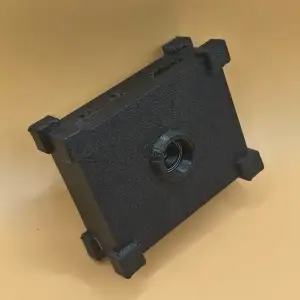
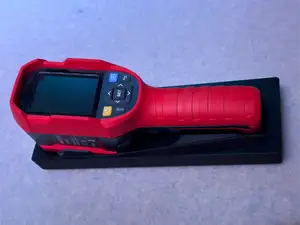


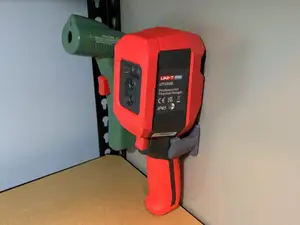

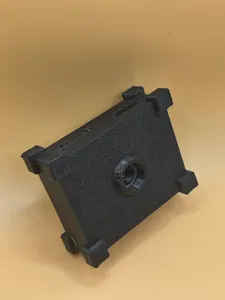


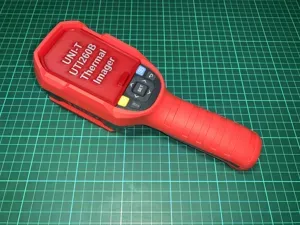



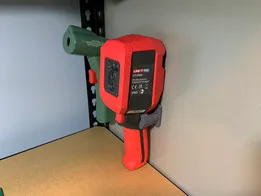


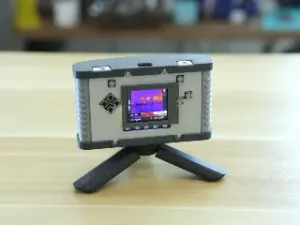
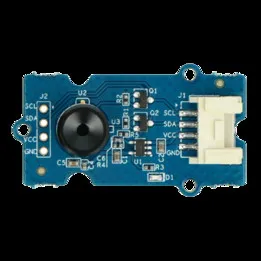

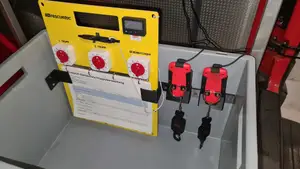
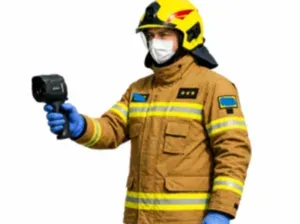

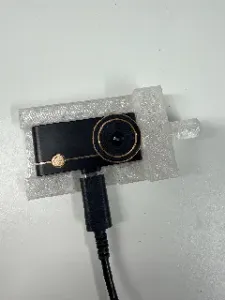

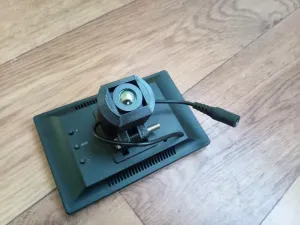
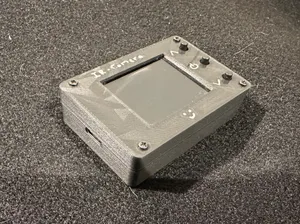
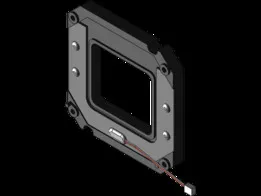
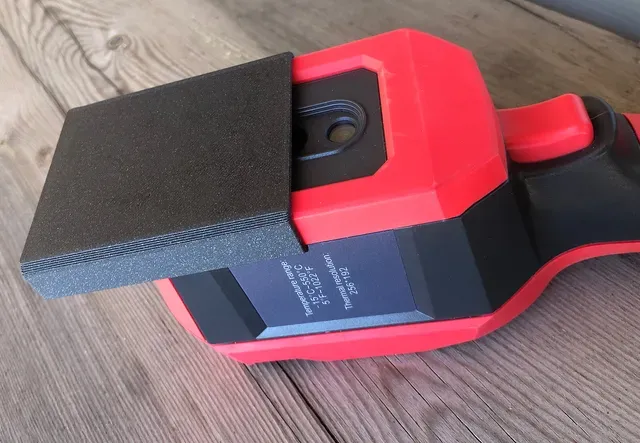
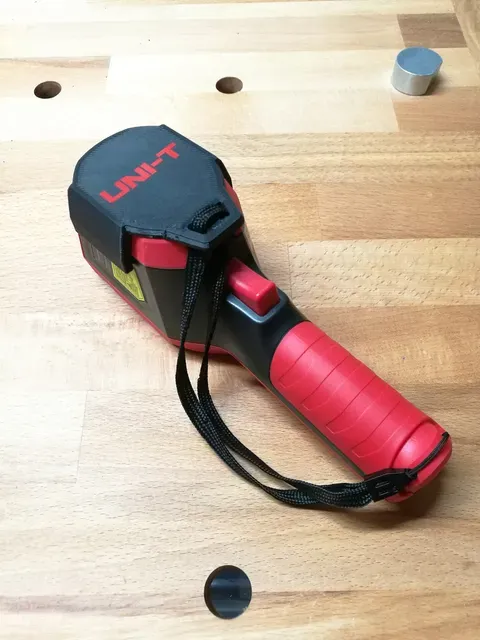
The models fall into a few groups. Lens covers and caps protect the front element and often clip or slide onto the lens barrel. Full cases and housings wrap the body and usually leave openings for buttons, ports and the display. Mounts and holders fix the imager to a wall, a rail or a work surface, while screen protectors and glass guards cover the display side. Small boxes for batteries and accessories appear as well, often designed to sit next to the device.
Before printing, compare the model dimensions with your own device: body length and width, lens diameter, and the position of buttons, tripod threads and connectors. Check how many parts the model has and whether they join with screws, magnets or snap fits. Look at whether the author lists supports, layer height, infill and material, and read the photos of finished prints to see wall thickness and clearance around the lens. A rigid material suits housings and mounts, while a softer one can work for a cap that has to grip.
If a search returns little, try other names for the device: thermal camera, infrared camera, IR imager or thermographic camera. Related terms such as lens cap, wall mount, tripod adapter, screen protector or battery box often lead to the same kind of part. You can also search by the shape you need, for example a clip-on cover or a desk stand, and then check the dimensions against your imager.


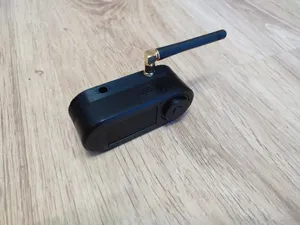


Le catalogue complet des thèmes, de la maison à la CNC, avec une recherche sur tous les sites connectés.