
Gratuit 
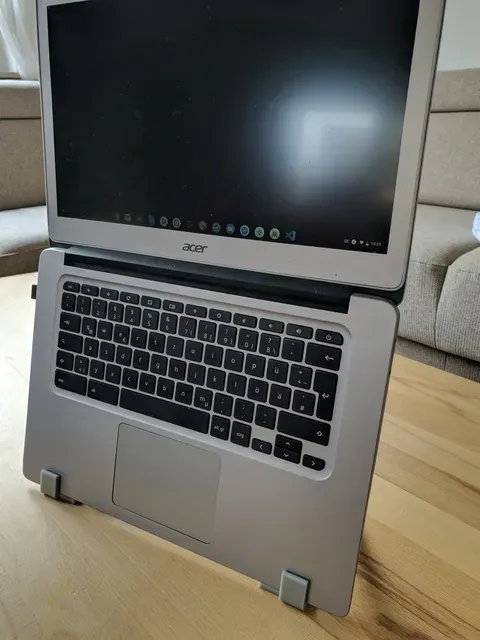
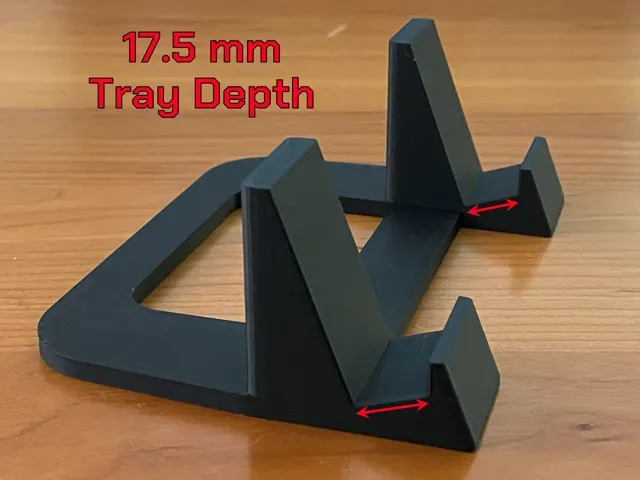
ThinkPad Vertical Stand for X240
Thingiverse
This collection gathers STL files that support laptops, tablets and the accessories around them: vertical stands, dock mounts, drive caddies and small replacement parts. Most of it is aimed at people who keep a ThinkPad or a similar notebook on a desk and want a tidier setup. The models come from several platforms, so each listing leads to its own page with the author's notes. Polyzon does not confirm whether models are free, their price, license, official status, affiliation, safety or fitness. Check the current terms at the source.
Le texte de cette collection est rédigé en anglais ; la recherche, elle, fonctionne dans toutes les langues.
 Une collection Polyzon · 48 modèles sur 4 plateformes
Polyzon compose cette collection à partir des résultats de recherche des plateformes connectées. Les doublons et les modèles sans aperçu sont retirés, les correspondances faibles sont placées à la fin, et le reste suit l’ordre de la recherche. Les modèles appartiennent à leurs auteurs : consultez les conditions sur la page de chaque modèle.
Règles de sélection : la rédaction de Polyzon · Texte mis à jour le 13/10/2026

%2Fhttps%3A%2F%2Ffbi.cults3d.com%2Fuploaders%2F19116422%2Fillustration-file%2Fe8fc3c2d-2bdf-4559-aa14-5c21fe086e18%2Fx220_holder.png&w=300)

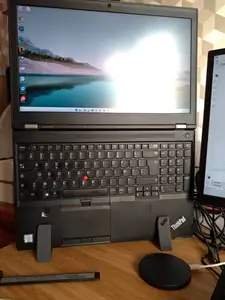
%2Fhttps%3A%2F%2Ffbi.cults3d.com%2Fuploaders%2F18325406%2Fillustration-file%2F55d922ae-df4e-4576-997a-a585c24c2b30%2FEndcaps_1.jpg&w=300)


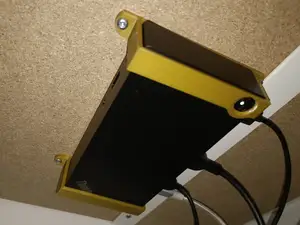
%2Fhttps%3A%2F%2Ffbi.cults3d.com%2Fuploaders%2F17294386%2Fillustration-file%2F6905c858-b890-44c3-9f0e-17ead3b04d37%2FLenovo_USBC_Gen2_dock.png&w=300)
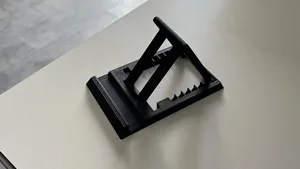

%2Fhttps%3A%2F%2Ffbi.cults3d.com%2Fuploaders%2F13830687%2Fillustration-file%2F15f7f330-2ffe-4b4a-81ff-56a67b256b04%2FThinkpad_T420_Stand_v1.png&w=300)


%2Fhttps%3A%2F%2Ffbi.cults3d.com%2Fuploaders%2F13267625%2Fillustration-file%2Ffcc4c2b1-120f-4105-b757-8e38686cd0dc%2F211118_11.jpg&w=300)


%2Fhttps%3A%2F%2Ffbi.cults3d.com%2Fuploaders%2F14569251%2Fillustration-file%2Fd27a9621-37d7-493d-9265-9ce89b13d158%2F1.jpeg&w=300)


%2Fhttps%3A%2F%2Ffbi.cults3d.com%2Fuploaders%2F15031229%2Fillustration-file%2F6e7d6b7c-017f-4f3c-8aed-aea8a46be920%2Fcapot-RAM-thinkpad-x220x230-v1.jpg&w=300)

%2Fhttps%3A%2F%2Ffbi.cults3d.com%2Fuploaders%2F13431367%2Fillustration-file%2F167df056-94e5-4ef4-954d-4740da071a32%2FLenovo_T400.png&w=300)


%2Fhttps%3A%2F%2Ffbi.cults3d.com%2Fuploaders%2F18397163%2Fillustration-file%2F2bc07a64-4b5c-4cce-84a3-1e99a33a9faf%2Fthinkpad_dual_vertical_dock.png&w=300)


%2Fhttps%3A%2F%2Ffbi.cults3d.com%2Fuploaders%2F14303041%2Fillustration-file%2F0c1f9b35-6767-4b22-9620-a8ebaaa2025f%2FIBM_ThinkPad_380XD_Rear_Port_Cover.png&w=300)


%2Fhttps%3A%2F%2Ffbi.cults3d.com%2Fuploaders%2F17530927%2Fillustration-file%2F62f54ffd-b712-4168-9d2c-e711a018b969%2F269386165_905973910080915_2581723567565623152_n.jpg&w=300)

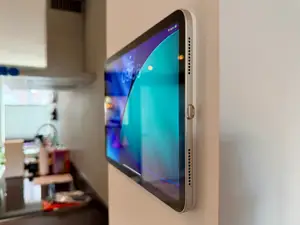
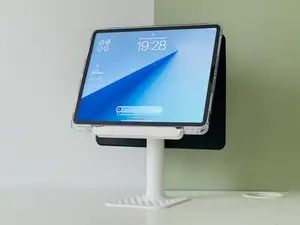
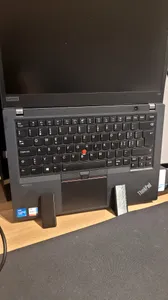
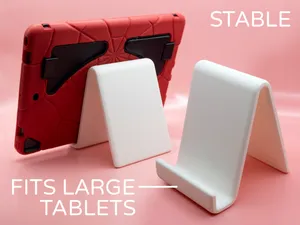
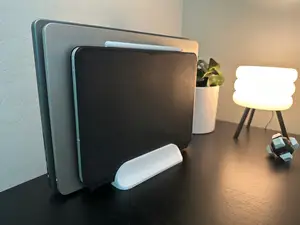
Vertical stands hold a closed laptop on its side and are usually shaped around a specific chassis generation, so the shell thickness and port layout matter. Dock holders and under-desk mounts take a different approach: they fix the dock to a surface and route cables out of the way. Tablet and phone stands form a third group, often designed around a case or a thick bumper rather than a bare device.
Before printing, read the author's page for the dimensions and scale, the number of separate parts, and whether the model needs supports. Check which material and settings the author lists, since a thin stand and a load-bearing dock bracket call for different walls and infill. Photos of real prints are the most useful signal of how the part actually fits.
If the results are thin, try related wording: notebook stand, laptop riser, docking station bracket, drive caddy, SSD tray, keyboard foot, cable clip. Searching by the chassis family or by the dock model usually narrows things faster than a generic term. Combining a stand query with a desk or cable-management term also surfaces mounts and organizers that share the same purpose.
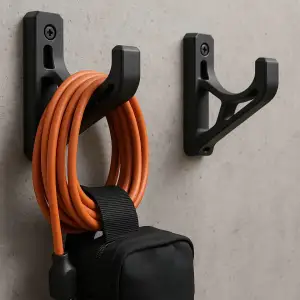
Small parts are easy to overlook but appear often: replacement keycaps, rubber feet, and wraps that keep a power supply cable coiled. These are usually quick prints with tight tolerances, so measure the original part before scaling anything. For anything that carries weight, test the fit with a short print of the mounting area first.


Le catalogue complet des thèmes, de la maison à la CNC, avec une recherche sur tous les sites connectés.
%2Fhttps%3A%2F%2Ffbi.cults3d.com%2Fuploaders%2F15031229%2Fillustration-file%2F4490f7e8-0458-4a1f-bc06-72722b32f70c%2FCapot-hdd-x220x230.jpg&w=640)