
Gratis 
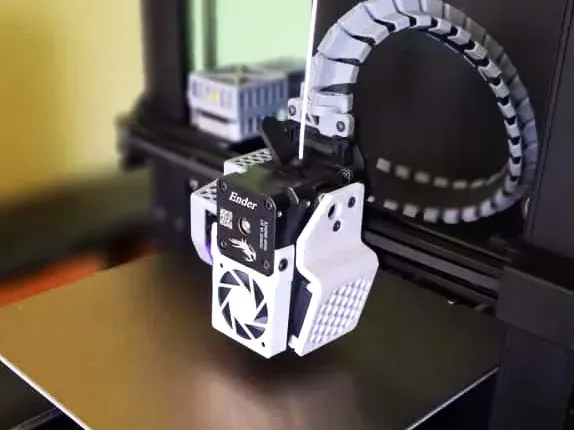
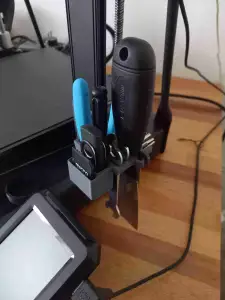
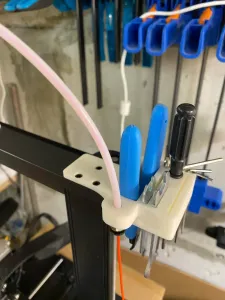
Tool holder for Ender-3 V3 SE/KE (supportless)
Thingiverse
This collection gathers STL files made for the Ender 3 V3 SE, with a strong focus on 5050 and 5020 fan ducts and blower mounts, alongside spool holders, filament guides and small brackets. It is useful when you want to change how the toolhead cools the print or move the spool off the stock arm, and you are looking for parts that already follow the printer's mounting points. Each listing comes from a different author, so the geometry and the printed result vary. Polyzon does not confirm whether models are free, their price, license, official status, affiliation, safety or fitness. Check the current terms at the source.
Il testo di questa raccolta è in inglese; la ricerca funziona in qualsiasi lingua.
 Una raccolta di Polyzon · 48 modelli da 4 siti
Polyzon compone questa raccolta a partire dai risultati di ricerca dei siti collegati. I doppioni e i modelli senza anteprima vengono rimossi, le corrispondenze deboli finiscono in fondo e il resto mantiene l’ordine dei risultati. I modelli appartengono ai rispettivi autori: verifica le condizioni sulla pagina di ciascun modello.
Criteri di selezione a cura della redazione di Polyzon · Testo aggiornato: 15/10/2026

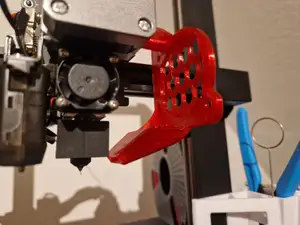


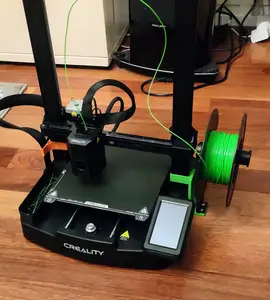


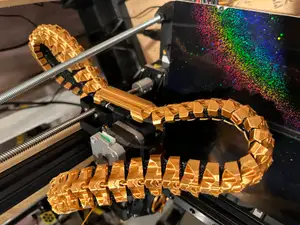

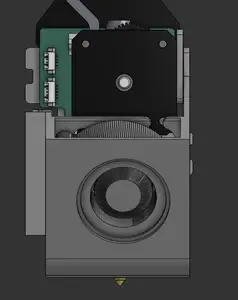


![MARTIN - Ender 3 V3 SE/KE Toolhead upgrade [5020 Fan version]](https://cache.polyzon.org/api/img?url=https%3A%2F%2Fmedia.printables.com%2Fmedia%2Fprints%2F91a33467-a724-4fcf-aa84-d2fb5ecd7dda%2Fimages%2F12423490_2eb07b26-8b84-4347-b748-c3a867223233_72caf387-770e-40ba-a91b-2c42285a9b1b%2Fimg_20260126_140253.jpg&w=300)
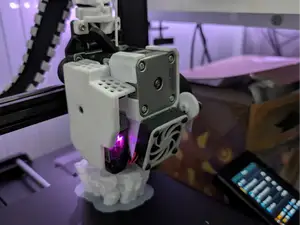

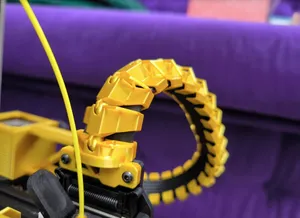

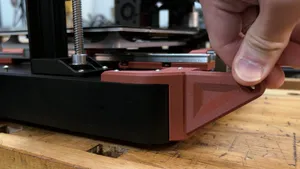


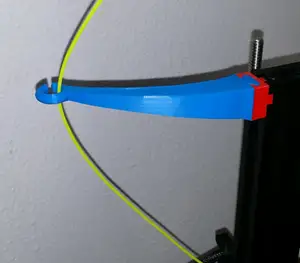

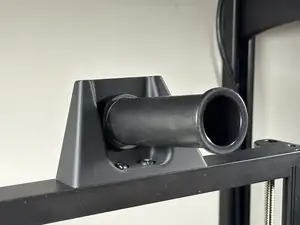
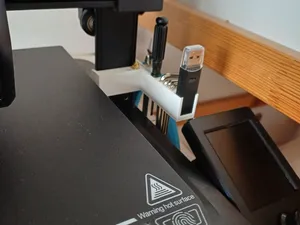

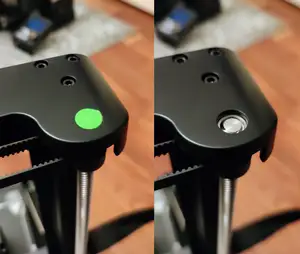
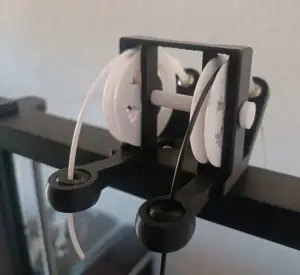
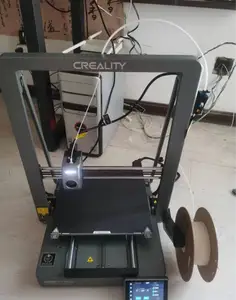

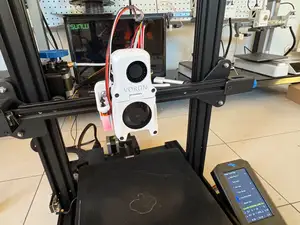

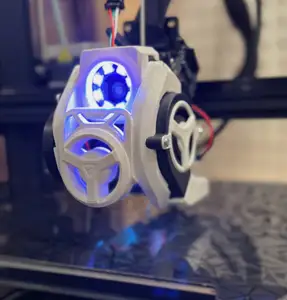


Fan parts dominate the topic: ducts that redirect airflow from a 5050 or 5020 blower, mounts that hold the fan body, and versions that place the intake inside or outside the toolhead. Spool-related models are the second large group, covering side holders, reel arms and angled adapters that move the filament path away from the frame. A smaller set deals with routing and access, such as filament guides, cable chains, tool holders, camera mounts and lights.
Before printing, open the author's page and read the listed dimensions and scale, since ducts are shaped around a specific fan and hotend combination. Check how many parts the model has and how they join, whether supports are needed, and which material and settings the author used. Photos of real prints are the quickest way to judge clearance around the part cooling fan, the shroud and the bed.
Search results widen if you try the alternative spellings and related terms authors use: 5050 blower, 5020 duct, fan shroud, part cooling, toolhead mount, side spool, filament guide, cable chain, gantry brace, bed shim. Adding the printer name together with the part you want, rather than a full model title, usually returns more options. Related topics such as hotend swaps, nozzle lighting and camera mounting also appear in the same listings.
If a duct is designed for one hotend, the same fan mount may still fit another, so compare the bolt pattern and the space around the nozzle before committing to a print. Larger parts such as spool holders and braces benefit from a check of the arm geometry and the screws already on the machine. Small guides and clips are quick to reprint if the first fit is tight.



Il catalogo completo dei temi, dalla casa alla lavorazione CNC, con ricerca su tutti i siti collegati.
%2Fhttps%3A%2F%2Ffbi.cults3d.com%2Fuploaders%2F13922803%2Fillustration-file%2Ff5a35a4f-d460-488a-b155-752a4b723ae4%2FWhatsApp-Video-2024-09-29-at-11.52.49-AM.gif&w=640)
