Gratis 
Mouth mount for GoPro
Thingiverse
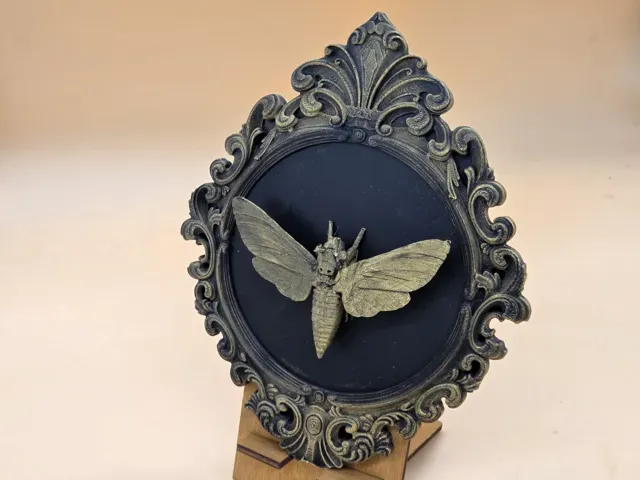
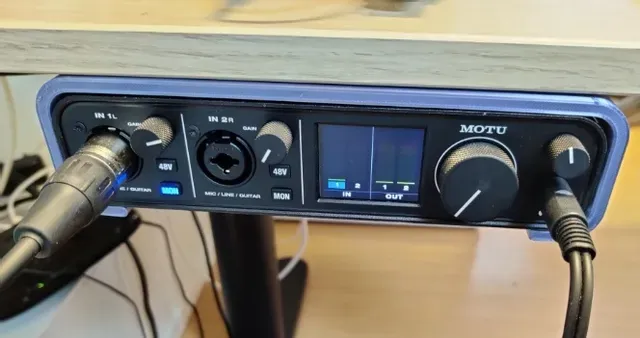
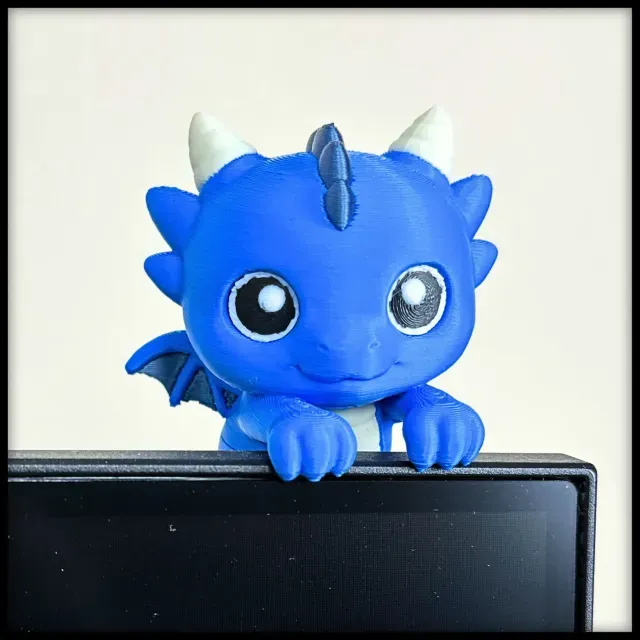
This collection brings together two kinds of 3D models: mounts that hold cameras, controllers and small desk equipment, and moth-themed decorative pieces. All of them are STL files intended for a 3D printer, so scale and orientation stay in your hands. The mix is handy when you want a practical bracket and a decorative print from the same search. Polyzon does not confirm whether models are free, their price, license, official status, affiliation, safety or fitness. Check the current terms at the source.
Il testo di questa raccolta è in inglese; la ricerca funziona in qualsiasi lingua.
 Una raccolta di Polyzon · 47 modelli da 4 siti
Polyzon compone questa raccolta a partire dai risultati di ricerca dei siti collegati. I doppioni e i modelli senza anteprima vengono rimossi, le corrispondenze deboli finiscono in fondo e il resto mantiene l’ordine dei risultati. I modelli appartengono ai rispettivi autori: verifica le condizioni sulla pagina di ciascun modello.
Criteri di selezione a cura della redazione di Polyzon · Testo aggiornato: 14/10/2026

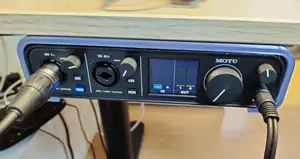
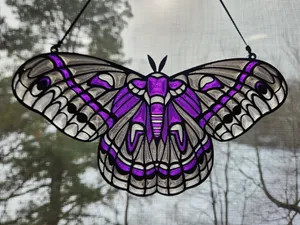
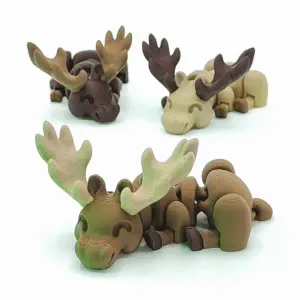

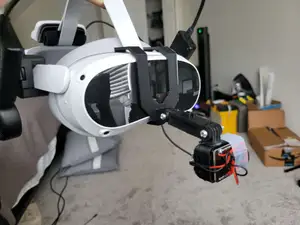
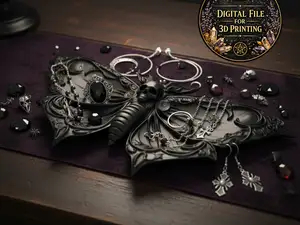
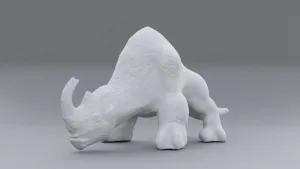

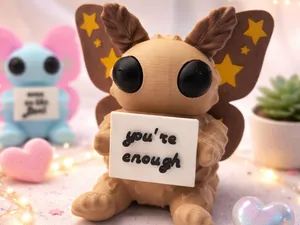
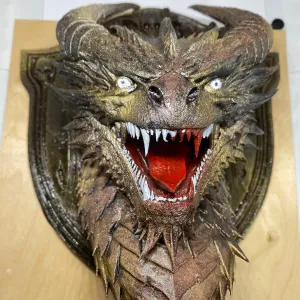

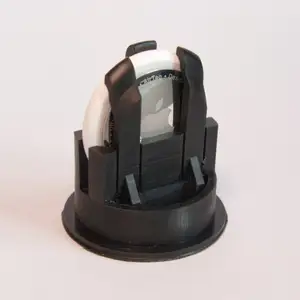
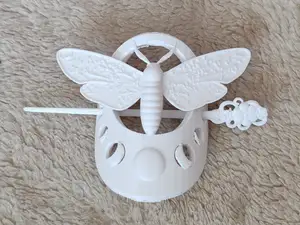
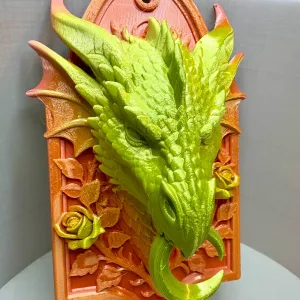

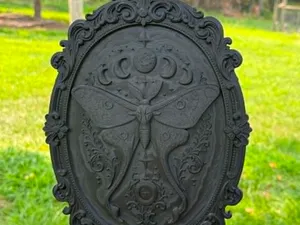

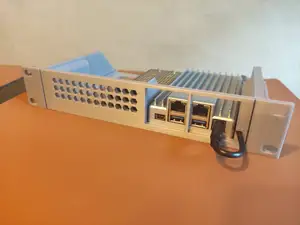
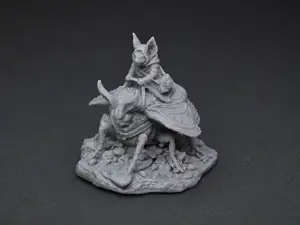
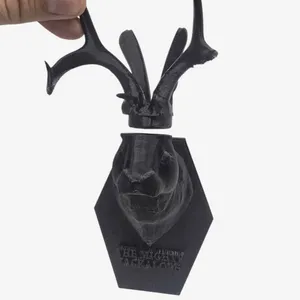

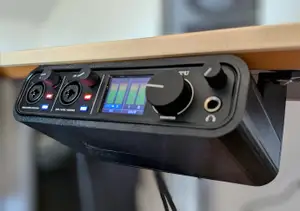
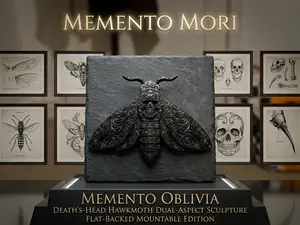
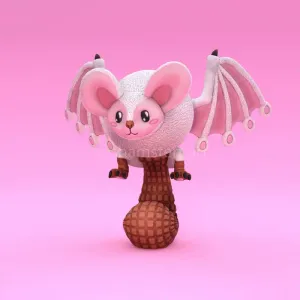
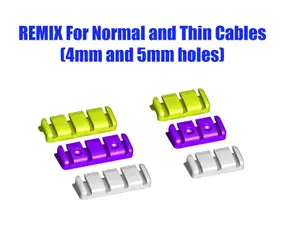
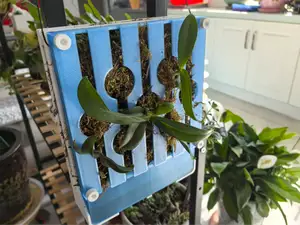
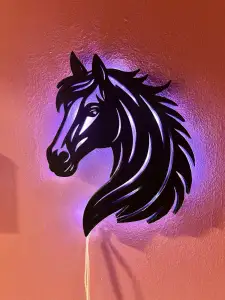

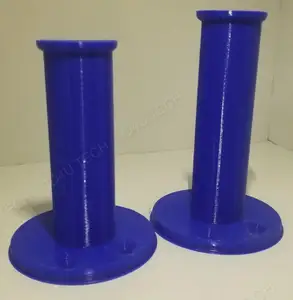

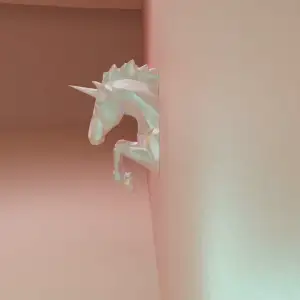

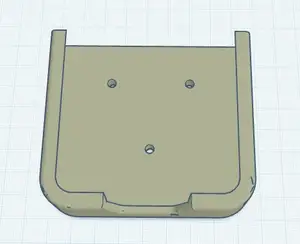
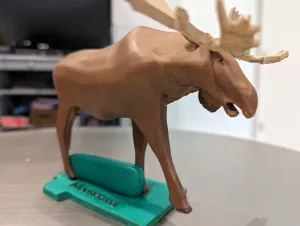

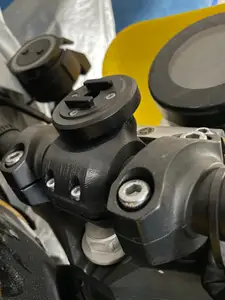
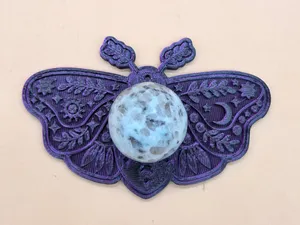
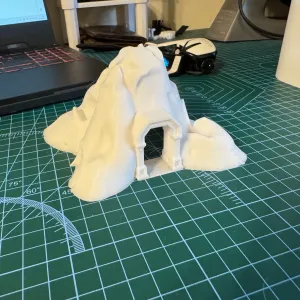
Mounts here range from small brackets that grip an action camera to larger wall plates that carry a controller or a console accessory. Some are shaped around one specific device, while others are plain plates with slots or screw holes. The moth-themed entries go the other way: flat suncatchers, jewelry trays, clips and small figures where silhouette and surface detail matter more than fit.
Before printing a mount, read the author's page for overall dimensions, the device it was modeled around, the number of separate parts, and whether screws, threaded inserts or adhesive belong to the design. For decorative moth models, look at wall thickness, the thinnest points on wings and antennae, and the layer height the author lists. Photos of finished prints usually tell you more than a render.
If the results feel narrow, try synonyms: bracket, holder, stand, cradle, clip or dock for the functional side; butterfly, insect, lunar, gothic or suncatcher for the decorative side. Adding a mounting position, such as wall, under desk or handlebar, narrows a search further. Neighboring topics like cable management, controller storage or jewelry display often lead to similar geometry.
A few practical points apply to both groups. Thin flat parts print quickly and are easy to scale, while anything with a snap fit or a threaded hole depends on exact measurements. Checking the orientation the author used helps avoid unnecessary supports on overhanging wings or brackets.

%2Fhttps%3A%2F%2Ffbi.cults3d.com%2Fuploaders%2F13499062%2Fillustration-file%2F2b183fef-ebc8-49a7-a4b6-39ae371b8204%2FAPC_0010a.jpg&w=300)


Il catalogo completo dei temi, dalla casa alla lavorazione CNC, con ricerca su tutti i siti collegati.