Gratis 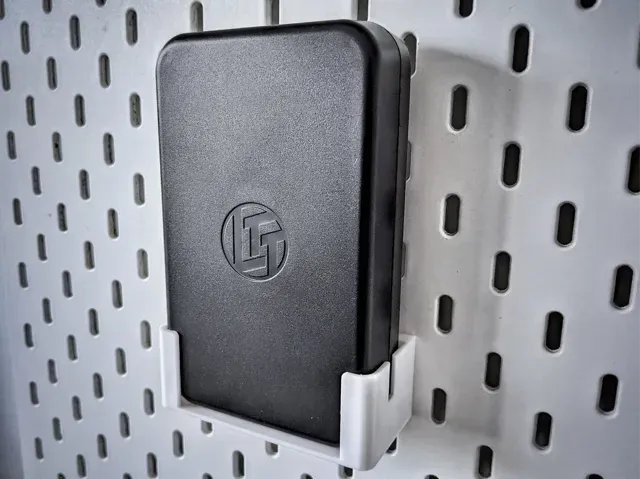
LTT Precision Bit Set Holder for IKEA Skadis
MakerWorld
This collection gathers printable accessories built around desktop tools and small computers: bit and screwdriver holders, storage racks, ITX enclosures and power supply benches. Most of the files are aimed at people who already own the hardware and want a printed mount, case or organizer for it. Because the collection is live, the mix of models and the details on each page change over time, so treat every listing as a starting point for your own 3D printing setup. Polyzon does not confirm whether models are free, their price, license, official status, affiliation, safety or fitness. Check the current terms at the source.
Il testo di questa raccolta è in inglese; la ricerca funziona in qualsiasi lingua.
 Una raccolta di Polyzon · 20 modelli da 1 sito
Polyzon compone questa raccolta a partire dai risultati di ricerca dei siti collegati. I doppioni e i modelli senza anteprima vengono rimossi, le corrispondenze deboli finiscono in fondo e il resto mantiene l’ordine dei risultati. I modelli appartengono ai rispettivi autori: verifica le condizioni sulla pagina di ciascun modello.
Criteri di selezione a cura della redazione di Polyzon · Testo aggiornato: 15/10/2026
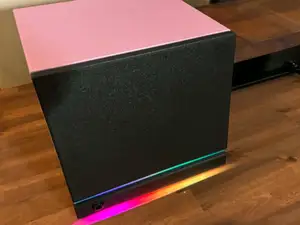
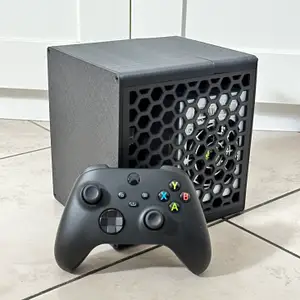
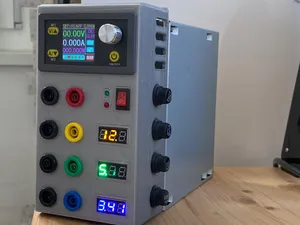
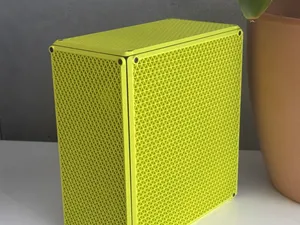
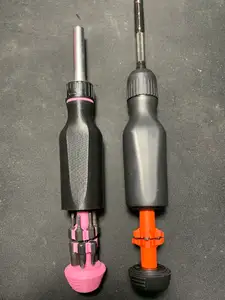
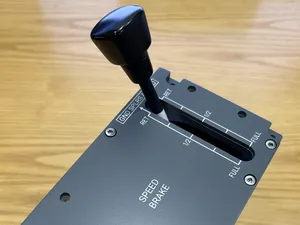
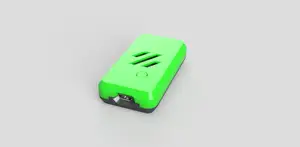

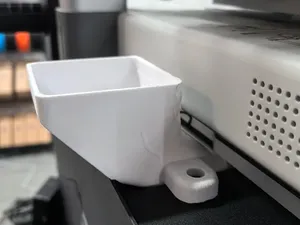
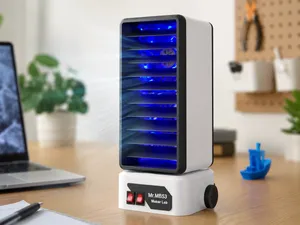
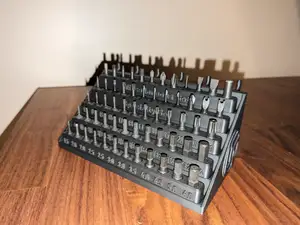
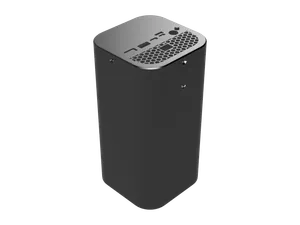
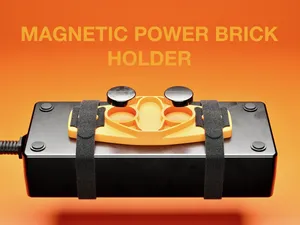
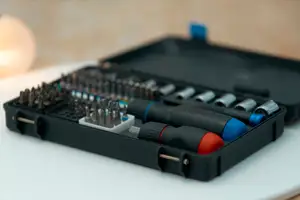
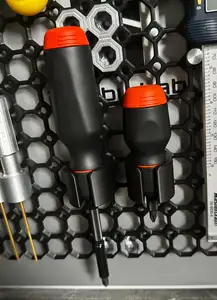
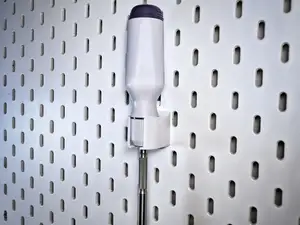
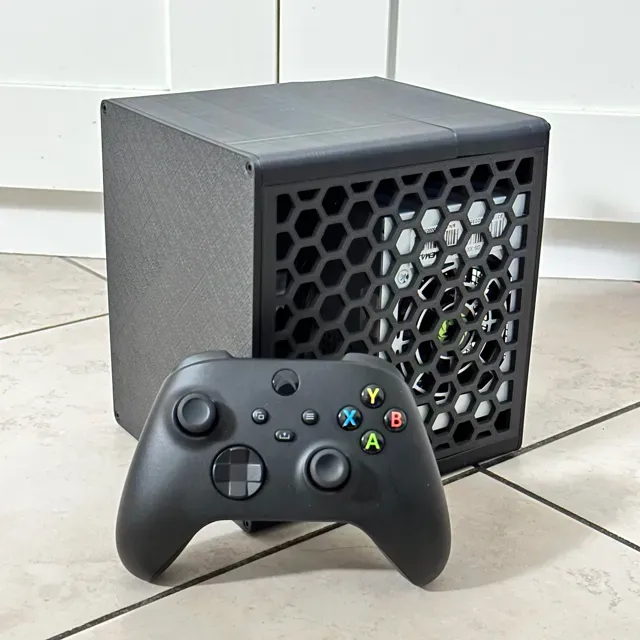
The models fall into a few practical groups. Tool-side parts hold a screwdriver, a bit set or a battery brick and attach to a pegboard, a rail or a magnetic surface. Case-side parts enclose the tool completely, sometimes with a grid-based organizer tray inside. On the computer side, the files cover small-form-factor cases with cutouts for ports and a graphics card, open benches for testing a power supply, and simple shells for boards and battery packs.
When you open a model page, read the dimensions first: overall size, wall thickness and the clearances on sliding or clipping parts. Check how many separate pieces the build needs, whether they join with screws, heat-set inserts or snap fits, and whether the author expects supports. The material and print settings listed by the author matter more than the render, since thin brackets and tall case walls behave differently in PLA, PETG or ABS. Look at photos of real prints where they exist, and compare the stated tolerances with the ones your 3D printer can hold.
Search results widen quickly if you try related wording. Instead of a single product name, use terms like bit holder, tool rack, pegboard mount, grid organizer, mini-ITX case, SFF enclosure, bench supply or board case. Adding a mounting system or a hardware size to the query narrows the list, and swapping between singular and plural forms often surfaces different uploads. If a result is close but not exact, note the parts you would need to change and search for those separately.
For a holder, decide whether the tool should sit on a desk, hang on a wall or travel in a bag, since that choice drives the shape more than the tool itself. For an enclosure, confirm the internal volume against the components you plan to install and check where the openings sit on each face. Printing large flat panels in one piece is simpler, but splitting a case into smaller sections can reduce warping and make assembly easier to correct.





Il catalogo completo dei temi, dalla casa alla lavorazione CNC, con ricerca su tutti i siti collegati.