
Gratis 
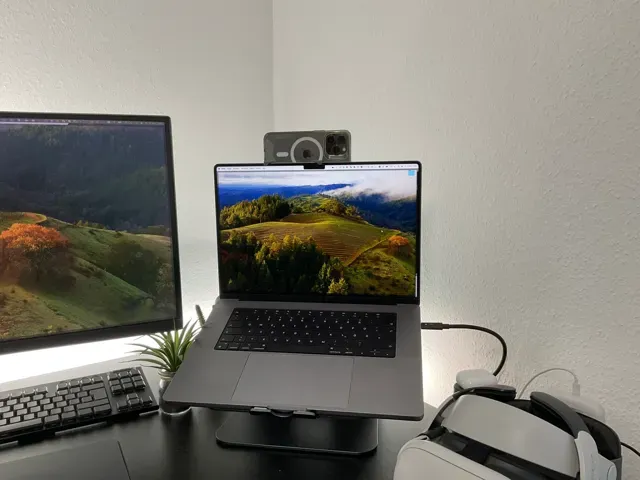
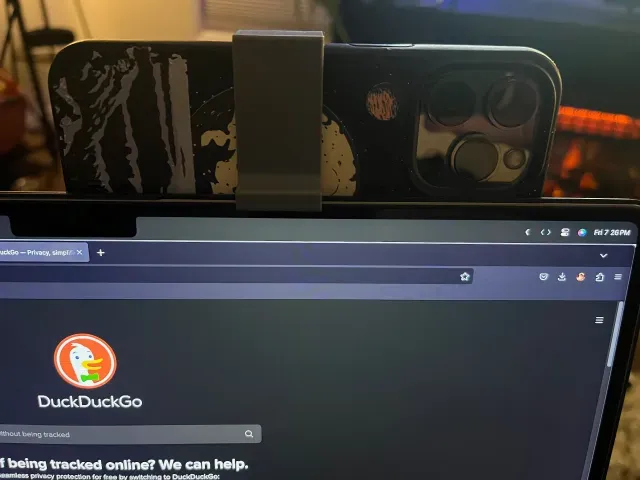
iPhone 13 Pro Continuity Camera Holder for MacBook (with phone and macbook cases)
MakerWorld
This collection gathers 3D printing projects built around a MacBook Pro 13 and the desk around it: stands, shells, cable organizers, feet and small mounts. It helps you find an STL that matches a specific need instead of scrolling through general laptop accessories. Most entries are simple parts that fit a single 3D printer bed and print in one or two pieces. Polyzon does not confirm whether models are free, their price, license, official status, affiliation, safety or fitness. Check the current terms at the source.
Il testo di questa raccolta è in inglese; la ricerca funziona in qualsiasi lingua.
 Una raccolta di Polyzon · 48 modelli da 7 siti
Polyzon compone questa raccolta a partire dai risultati di ricerca dei siti collegati. I doppioni e i modelli senza anteprima vengono rimossi, le corrispondenze deboli finiscono in fondo e il resto mantiene l’ordine dei risultati. I modelli appartengono ai rispettivi autori: verifica le condizioni sulla pagina di ciascun modello.
Criteri di selezione a cura della redazione di Polyzon · Testo aggiornato: 14/10/2026



%2Fhttps%3A%2F%2Ffbi.cults3d.com%2Fuploaders%2F17724414%2Fillustration-file%2F291a15e1-5f6f-49f1-9cc4-45deff7266ff%2FVorne.png&w=300)
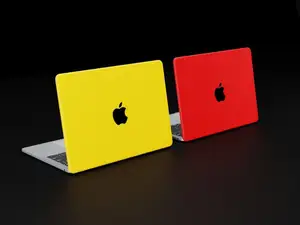



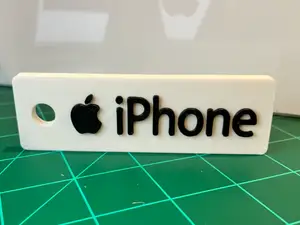




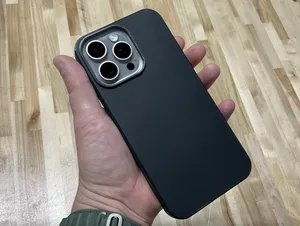

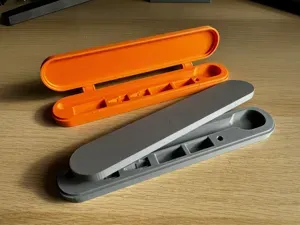


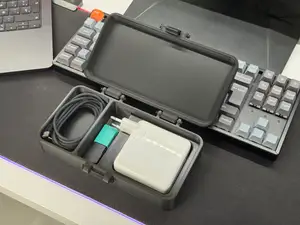

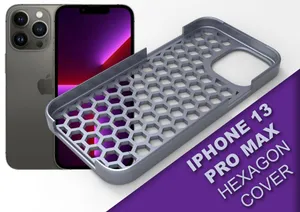


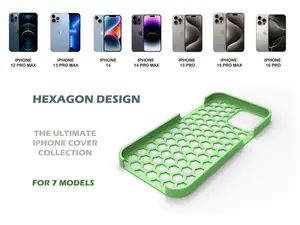



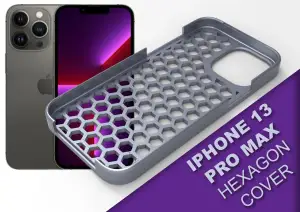
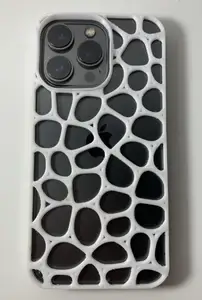



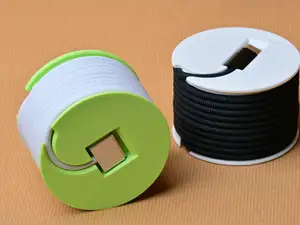




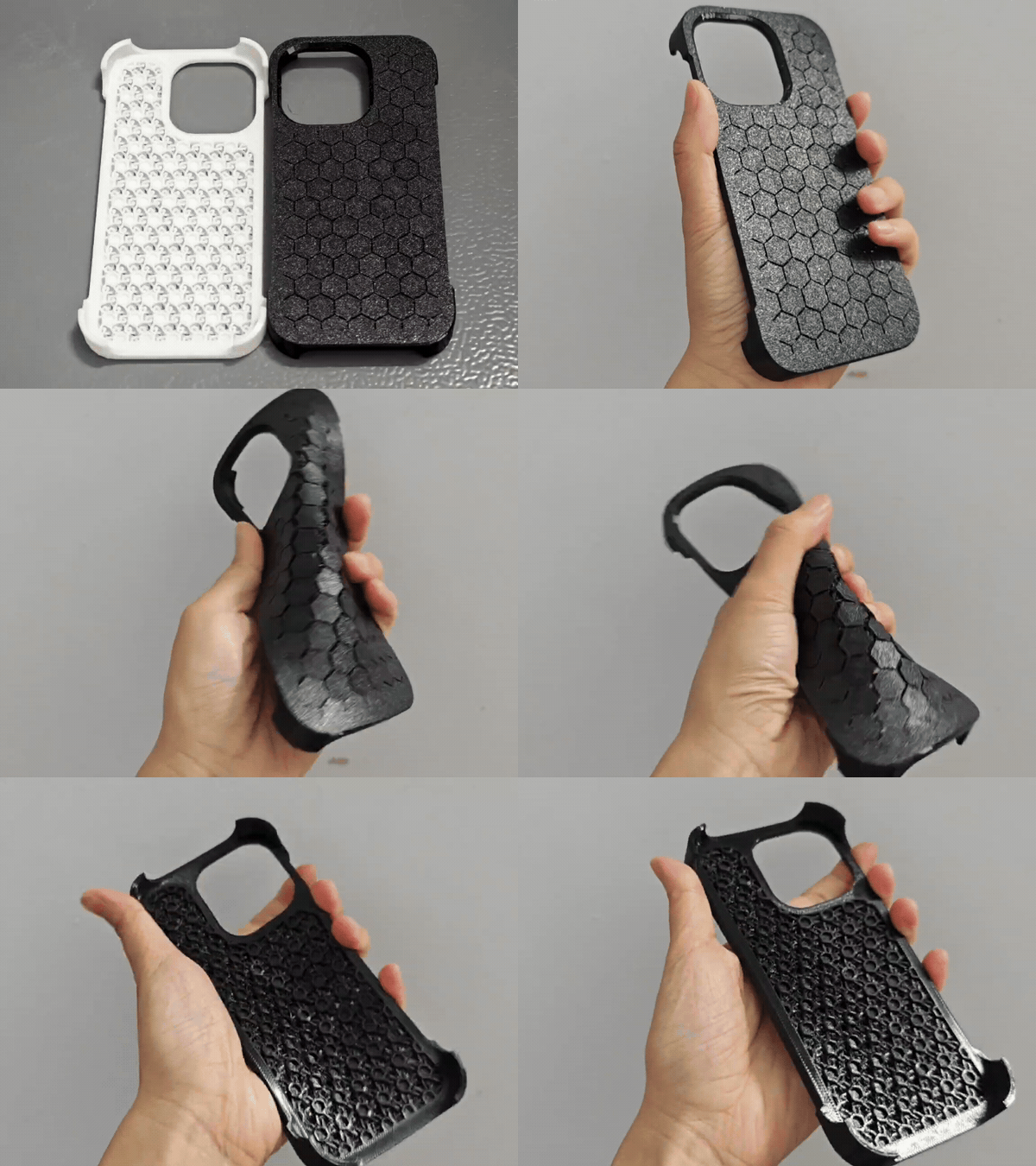


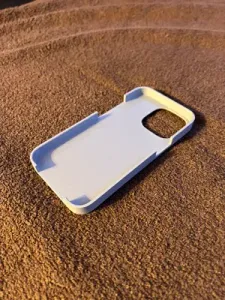

The models fall into a few groups. Stands range from low angled rests to vertical holders that keep the laptop closed and save desk space. Shells and hard cases wrap the lid and base, while cable reels, charger protectors and winders deal with the power brick and its cord. Smaller items include replacement feet, spacers and clips that hold a phone or tablet next to the screen.
Before printing, read the author's page rather than judging from the preview image. Check the stated dimensions and which MacBook generation the part was drawn for, since port layouts and body thickness differ between years. Look at how many parts are involved, whether the geometry needs supports, and which material and layer settings the author lists. Photos of real prints show how the surfaces, tolerances and snap fits behave better than a render.
If the first search is thin, try other words for the same object: laptop stand, notebook riser, dock, shell, sleeve, cable winder, charger holder, desk organizer. Related topics often surface useful parts, such as stands made for a MacBook Air, iPad or phone that share the same desk. Combining the device name with the part type, or with the port and charger type, narrows results faster than a single broad term.


Il catalogo completo dei temi, dalla casa alla lavorazione CNC, con ricerca su tutti i siti collegati.