
Gratis 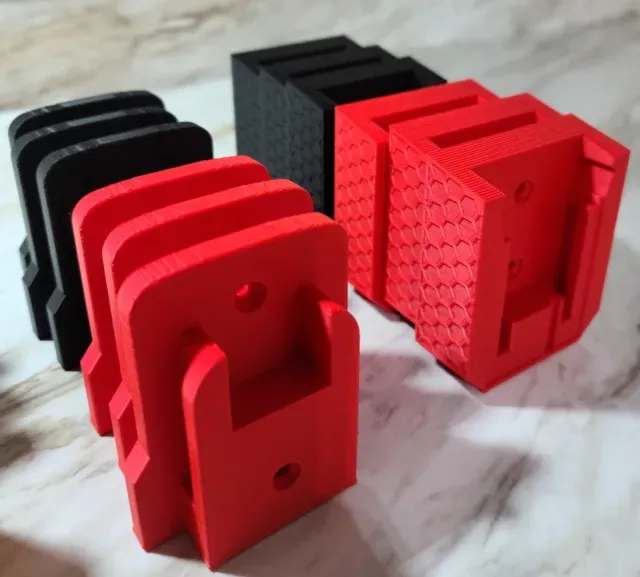
Milwaukee M18 Fuel Tool & Battery Mounts
MakerWorld
This collection gathers 3D models for storing and organizing Milwaukee cordless tools, batteries and cases. It covers wall mounts, battery racks, tool holders and Packout-style storage parts. If you keep a workshop, a van or a pegboard wall, these files give you a starting point for 3D printing your own layout. Polyzon does not confirm whether models are free, their price, license, official status, affiliation, safety or fitness. Check the current terms at the source.
Il testo di questa raccolta è in inglese; la ricerca funziona in qualsiasi lingua.
 Una raccolta di Polyzon · 48 modelli da 4 siti
Polyzon compone questa raccolta a partire dai risultati di ricerca dei siti collegati. I doppioni e i modelli senza anteprima vengono rimossi, le corrispondenze deboli finiscono in fondo e il resto mantiene l’ordine dei risultati. I modelli appartengono ai rispettivi autori: verifica le condizioni sulla pagina di ciascun modello.
Criteri di selezione a cura della redazione di Polyzon · Testo aggiornato: 12/10/2026


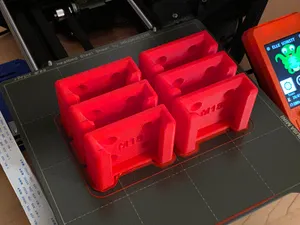
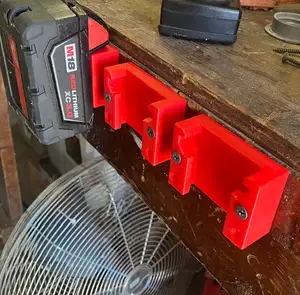


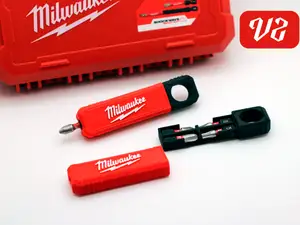
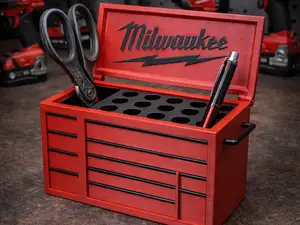
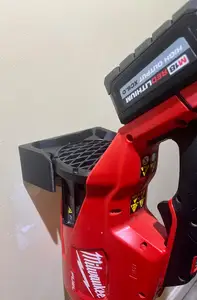

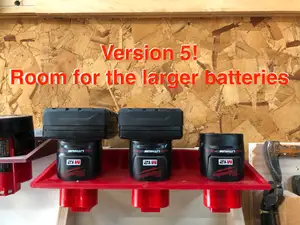

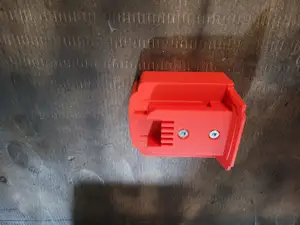


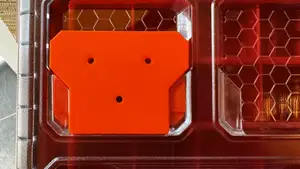

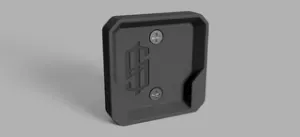

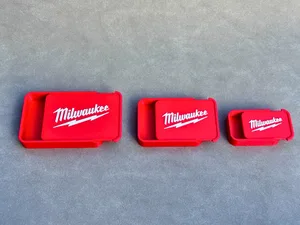
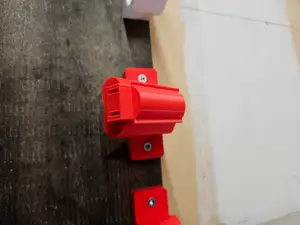

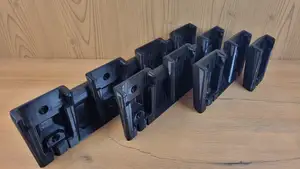
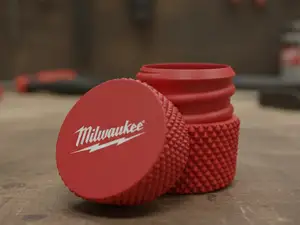
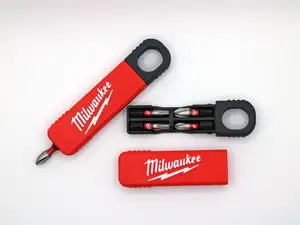
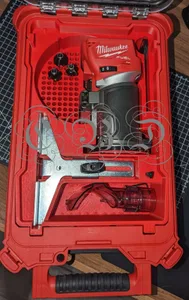


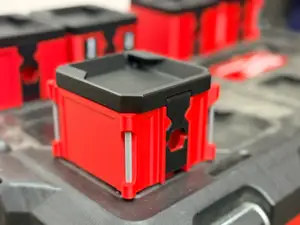


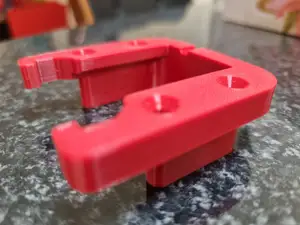

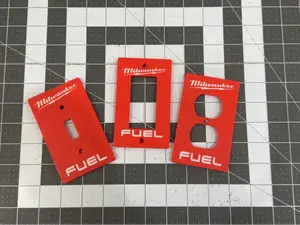


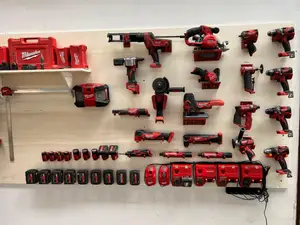
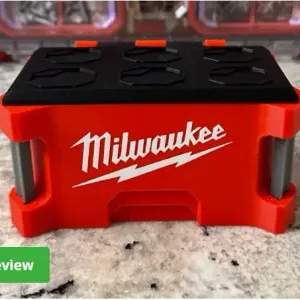
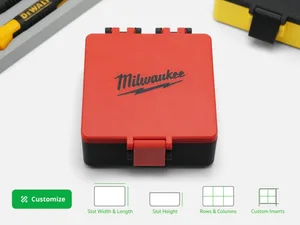
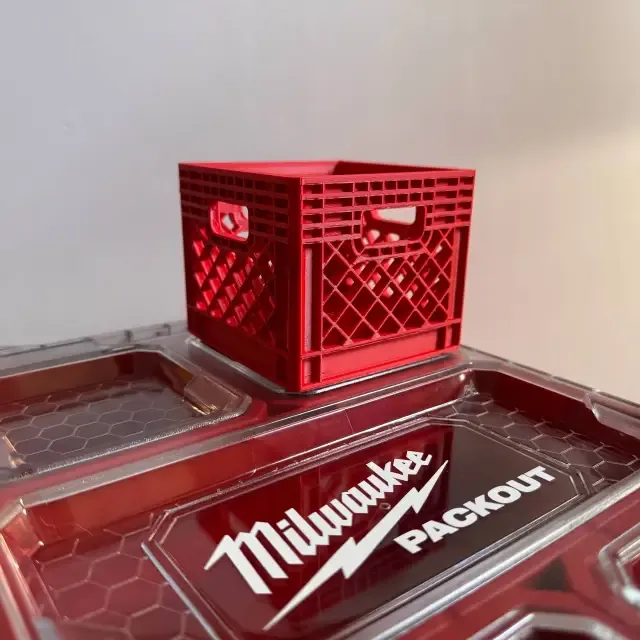
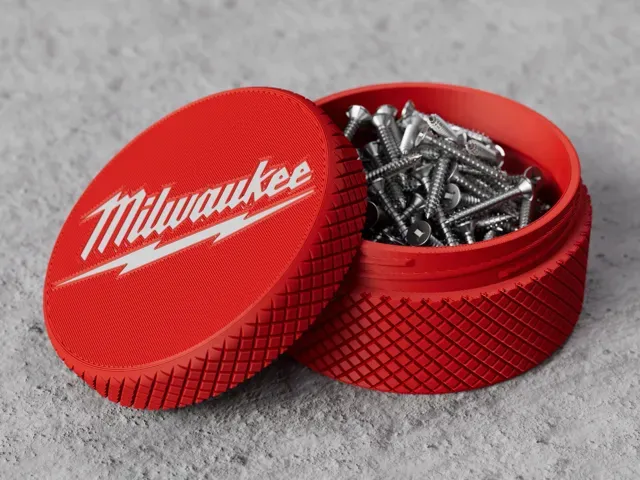
The models fall into a few practical groups. Battery holders range from single cradles to racks that take several packs at once, and some include a latch or locking detail. Wall mounts are shaped around a specific tool body, such as a drill, an impact driver or a blower, so the tool hangs in a fixed orientation. Packout-style parts cover crates, receivers and brackets that tie into an existing case system, while smaller organizers hold screwdrivers, bits or pens on a bench.
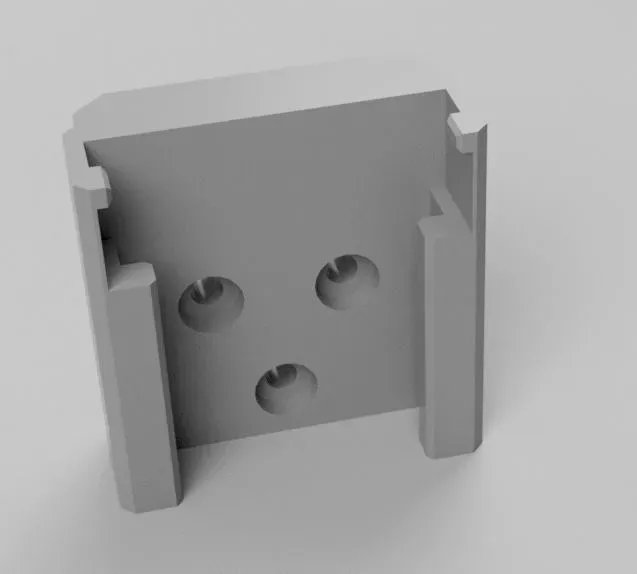
When you open a model page, check the dimensions and the mounting pattern first: hole spacing, screw size and whether the part is meant for a wall, a board or a shelf edge. Look at how many pieces the model has and whether they are joined with fasteners, glue or a snap fit. Read the settings the author lists, especially material and wall count, since a holder that carries weight behaves differently in a stiff filament than in a flexible one. Photos of finished prints show how the part sits against a tool better than a render does.
You can widen or narrow the results with different wording. Terms like holder, mount, rack, bracket, cradle, organizer and storage describe much the same idea, and swapping them changes what appears. Related searches include cordless drill, impact driver, battery pack, charging station, pegboard, workshop wall and van shelving. If you want a different format, try adding the file type or the printing method to the query.


Il catalogo completo dei temi, dalla casa alla lavorazione CNC, con ricerca su tutti i siti collegati.