
Gratis 
SWD2 KIT Z-AXIS REAR MOUNT FOR WANHAO DUPLICATOR I3 / MONOPRICE MAKER SELECT
Thingiverse
This collection covers 3D models that hold, attach or position something else: brackets for desktop printers, rail and scope adapters, MP5-style body parts and stands, plus holders for tools and film slides. It is useful when you need a small printed part rather than a figure, and the titles show how many different devices share the same word "mount". Most files are small enough for a standard 3D printer, so a single spool covers several attempts. Polyzon does not confirm whether models are free, their price, license, official status, affiliation, safety or fitness. Check the current terms at the source.
Il testo di questa raccolta è in inglese; la ricerca funziona in qualsiasi lingua.
 Una raccolta di Polyzon · 40 modelli da 2 siti
Polyzon compone questa raccolta a partire dai risultati di ricerca dei siti collegati. I doppioni e i modelli senza anteprima vengono rimossi, le corrispondenze deboli finiscono in fondo e il resto mantiene l’ordine dei risultati. I modelli appartengono ai rispettivi autori: verifica le condizioni sulla pagina di ciascun modello.
Criteri di selezione a cura della redazione di Polyzon · Testo aggiornato: 15/10/2026









![MP Select Mini X Gantry Support + Camera Mount [Reinforced and Realigned]](https://cache.polyzon.org/api/img?url=https%3A%2F%2Fresize.thingiverse.com%2F%3Furl%3Dhttps%3A%2F%2Fcdn.thingiverse.com%2Fassets%2Fb1%2F95%2F79%2F1e%2F7c%2FIMG_20161231_144343.jpg%26w%3D292%26h%3D219%26fit%3Dcontain%26cbg%3Dwhite%26n%3D-1&w=300)


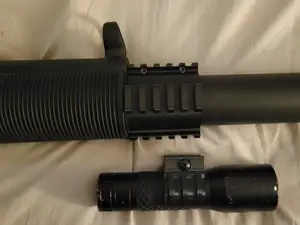

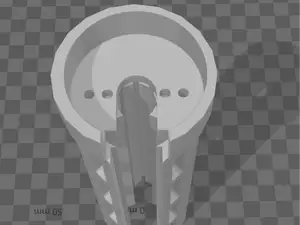


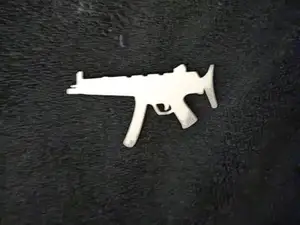

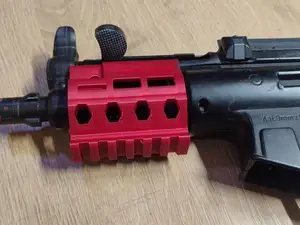


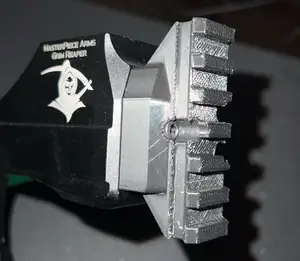

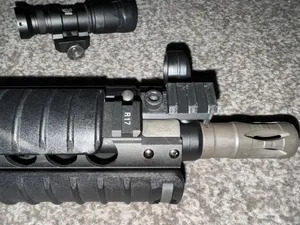
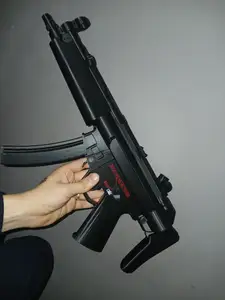

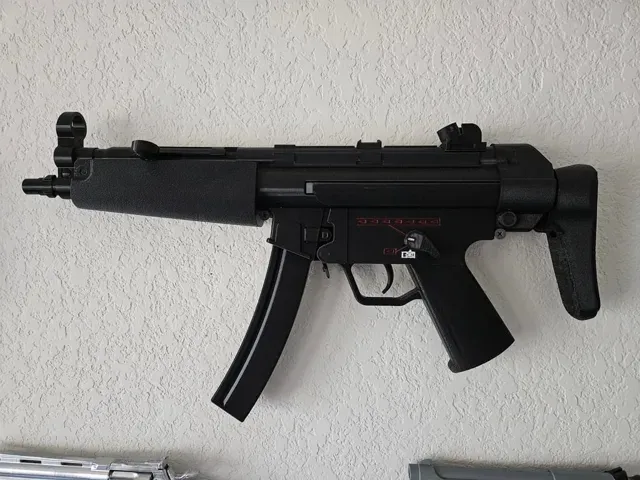
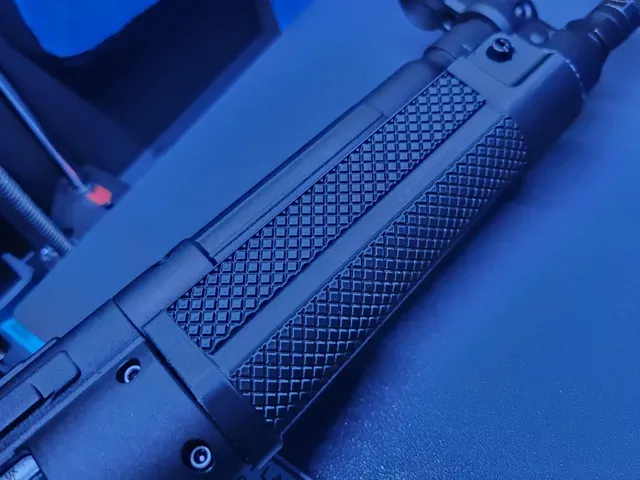
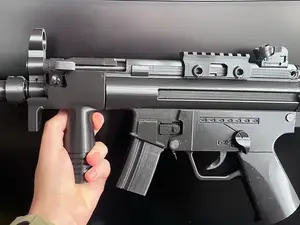
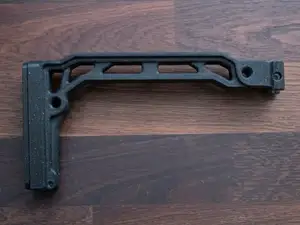
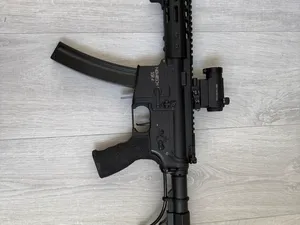
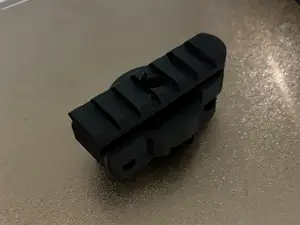
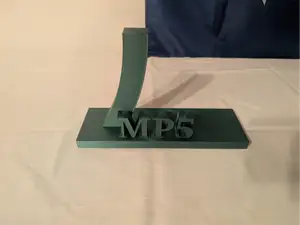
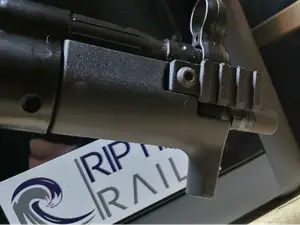
The models fall into a few groups. Printer mounts and brackets attach cameras, tool heads or accessories to a machine frame, and they are usually thin plates with screw holes. MP5 and MP5K entries are larger assemblies: handguards, stocks, magazine adapters and display stands. Rail items work as interfaces, converting one attachment pattern into another, while slide and tool holders are simple one-piece shapes.
When choosing, open the model page and read the dimensions first: hole spacing, screw diameter and plate thickness decide whether the part lines up with your hardware. Check how many separate pieces are involved and whether the author shows them assembled. Look at the material and settings the author lists, note whether supports are needed, and compare the render with photos of real prints to judge wall thickness and overhangs.
If a search returns too much, narrow it with synonyms: bracket, holder, adapter, plate, rail, picatinny, 1913 or dovetail. Adding the device name, such as a printer model, camera or router, removes unrelated results. Related topics worth trying are camera mounts, tool holders, display stands and magazine adapters, since these often use the same hole patterns.


Il catalogo completo dei temi, dalla casa alla lavorazione CNC, con ricerca su tutti i siti collegati.