
Gratis 
Dualshock under table holder
Thingiverse
This collection gathers STL files for holders that keep a notebook, tablet or small accessory off the tabletop by mounting it underneath. It covers screw-on under-desk trays, table-edge brackets and simple cradles for remotes and controllers. The models differ mainly in how they attach and how much weight they are shaped to carry, so measuring before 3D printing matters more than the shape itself. Polyzon does not confirm whether models are free, their price, license, official status, affiliation, safety or fitness. Check the current terms at the source.
Il testo di questa raccolta è in inglese; la ricerca funziona in qualsiasi lingua.
 Una raccolta di Polyzon · 48 modelli da 3 siti
Polyzon compone questa raccolta a partire dai risultati di ricerca dei siti collegati. I doppioni e i modelli senza anteprima vengono rimossi, le corrispondenze deboli finiscono in fondo e il resto mantiene l’ordine dei risultati. I modelli appartengono ai rispettivi autori: verifica le condizioni sulla pagina di ciascun modello.
Criteri di selezione a cura della redazione di Polyzon · Testo aggiornato: 14/10/2026

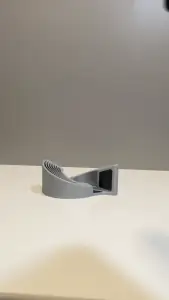

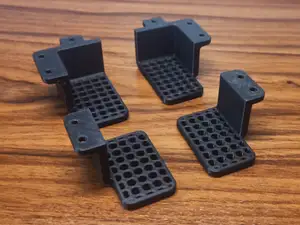
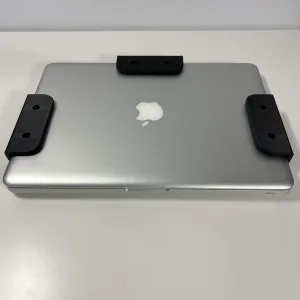

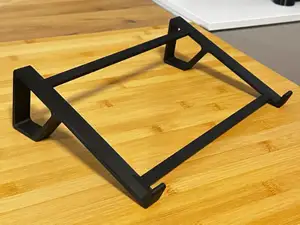
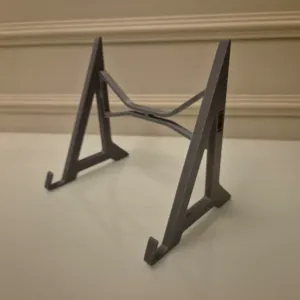

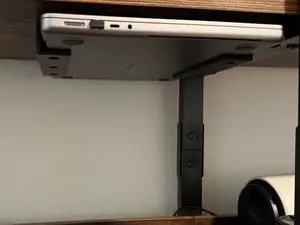
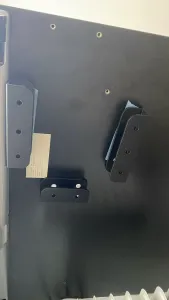

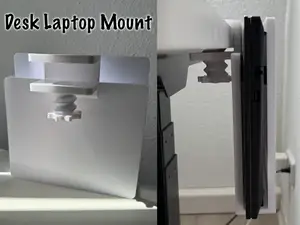


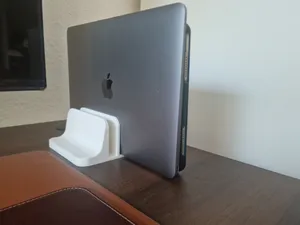
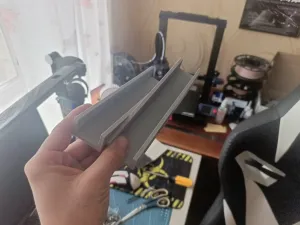


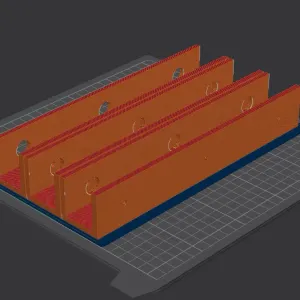

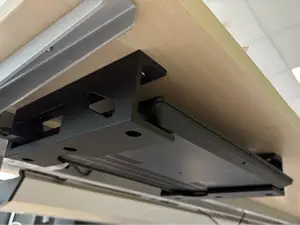
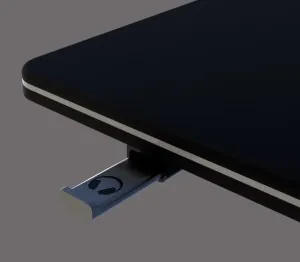

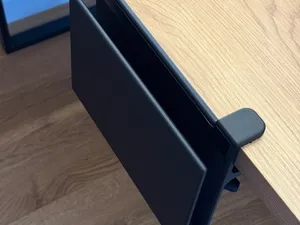
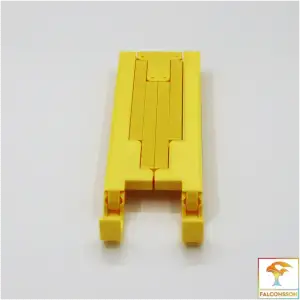

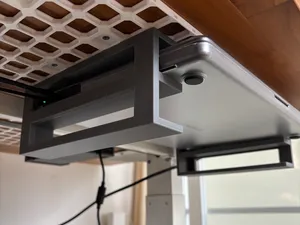
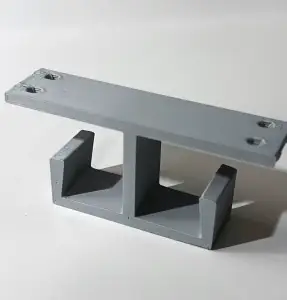

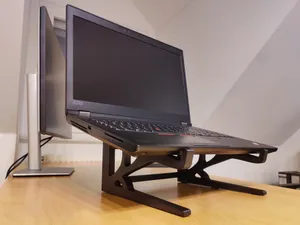
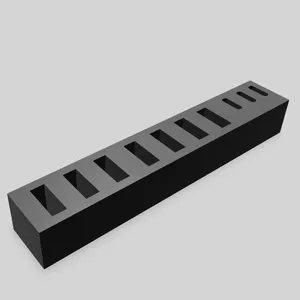

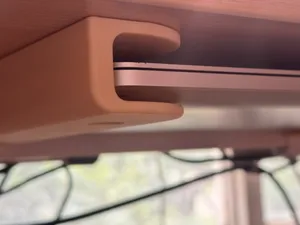
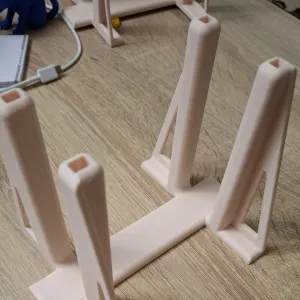

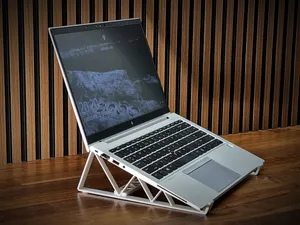
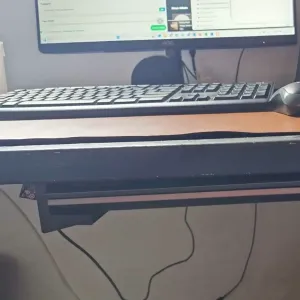

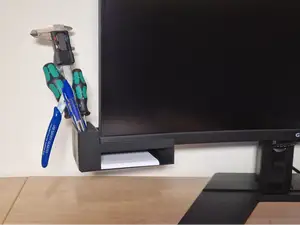
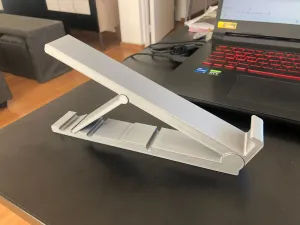

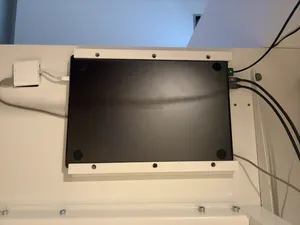
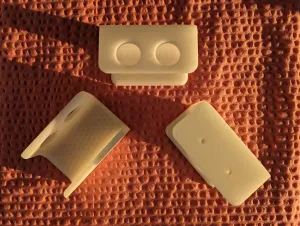
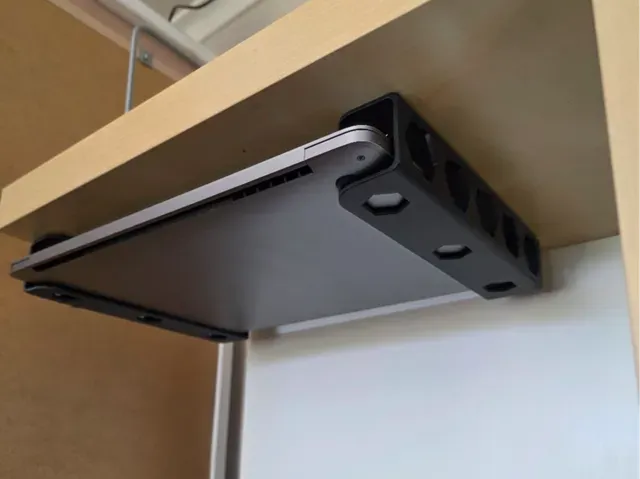
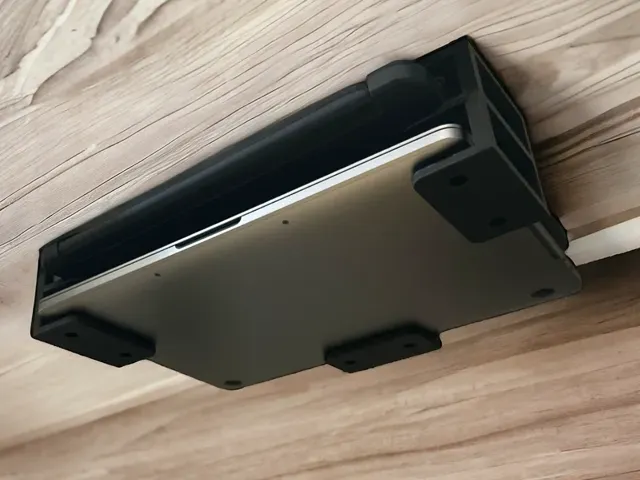
The most common group is the under-desk tray, a flat shelf that holds a closed laptop or notebook parallel to the tabletop. A second group clamps or screws to the table edge and holds a device at an angle, often with a lip that keeps it from sliding. Smaller cradles do the same job for remotes, controllers and other light items, and vertical stands simply keep a closed device on its side. The differences come down to mounting method, device thickness and the direction the device faces once installed.
Before printing, measure the device: width, thickness and the space you need for cables and hinges. Check how the model attaches, whether it uses screws, a clamp or an adhesive face, and whether the tabletop thickness and hole spacing match your furniture. Read the author's notes on orientation, whether supports are needed, and the material and settings listed, then look at photos of real prints to judge how the part behaves under load.
Search results for this topic are uneven in wording, so try several terms: under-desk, under-table, table-mounted, desk mount, shelf, bracket, cradle. Related searches such as laptop stand, tablet holder, controller holder, headphone hook and cable management often surface similar mounting ideas. If you need a specific device size, add the screen size or device type to the query and compare the dimensions given on each model page.


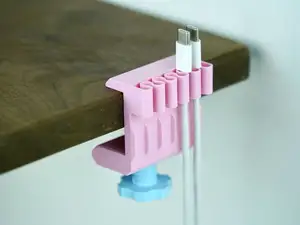



Il catalogo completo dei temi, dalla casa alla lavorazione CNC, con ricerca su tutti i siti collegati.