Gratis 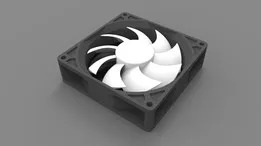
92 mm PC fan
GrabCAD
This collection gathers 3D models built around standard PC fans: covers and dust filters, holders and feet that turn a fan into a desk unit, plus ducts, spacers and shrouds. Most of them are simple parts that a 3D printer handles well, which makes the topic a practical starting point for functional prints. The models come from several platforms, so the pages differ in how much detail the author gives. Polyzon does not confirm whether models are free, their price, license, official status, affiliation, safety or fitness. Check the current terms at the source.
Il testo di questa raccolta è in inglese; la ricerca funziona in qualsiasi lingua.
 Una raccolta di Polyzon · 48 modelli da 4 siti
Polyzon compone questa raccolta a partire dai risultati di ricerca dei siti collegati. I doppioni e i modelli senza anteprima vengono rimossi, le corrispondenze deboli finiscono in fondo e il resto mantiene l’ordine dei risultati. I modelli appartengono ai rispettivi autori: verifica le condizioni sulla pagina di ciascun modello.
Criteri di selezione a cura della redazione di Polyzon · Testo aggiornato: 13/10/2026
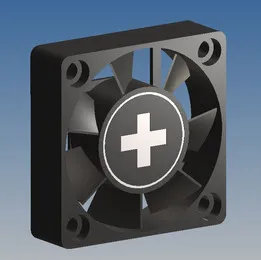

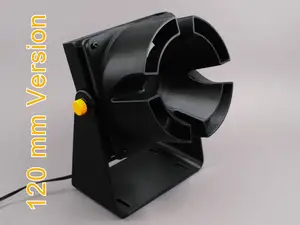
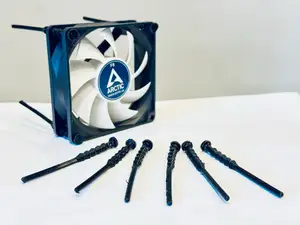
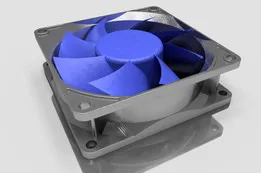


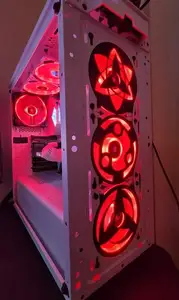
![Gaming PC Fan shelf V2 [120mm]](https://cache.polyzon.org/api/img?url=https%3A%2F%2Fmakerworld.bblmw.com%2Fmakerworld%2Fmodel%2FUS9f3f3c78b8e8fa%2Fdesign%2F2025-12-25_8985439dc24da.png&w=300)
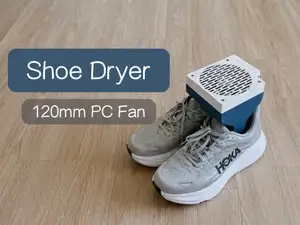
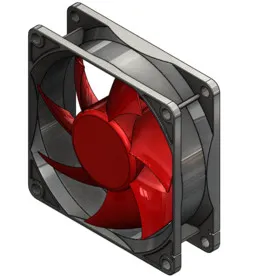

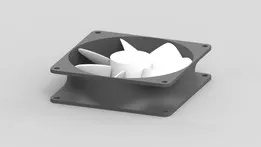
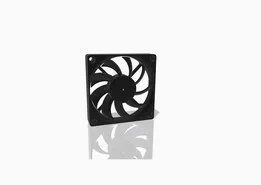

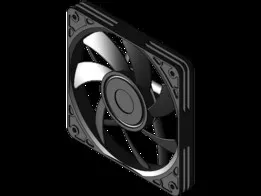

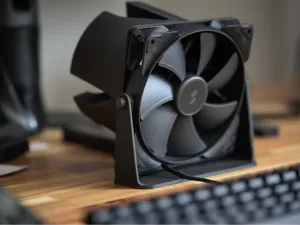
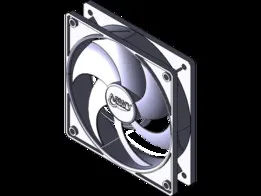
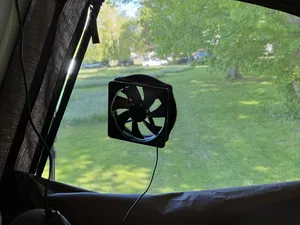
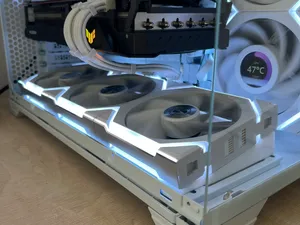
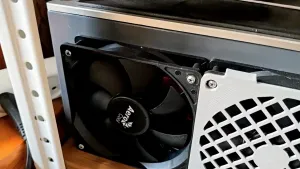
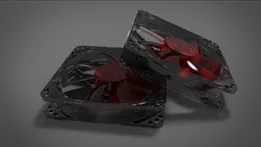
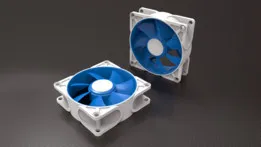
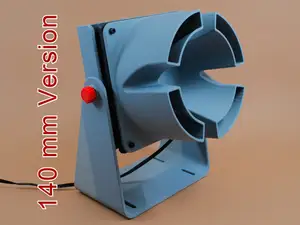


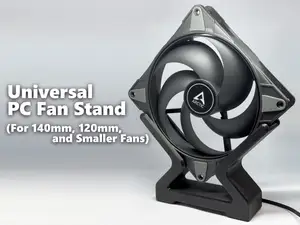


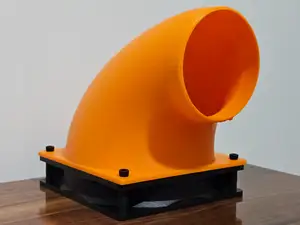


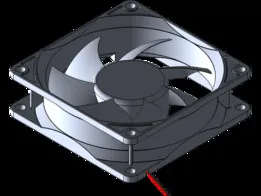
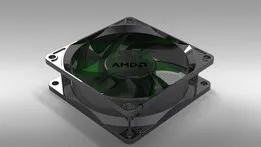


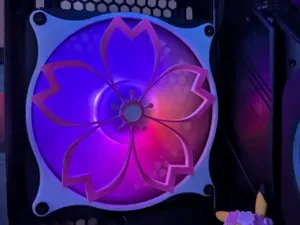
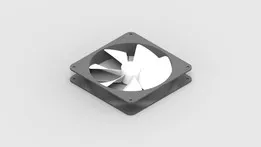
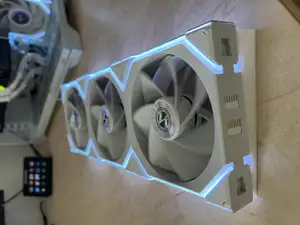
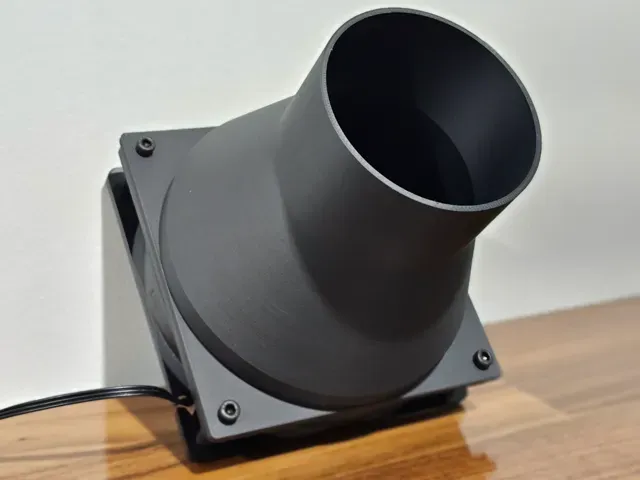
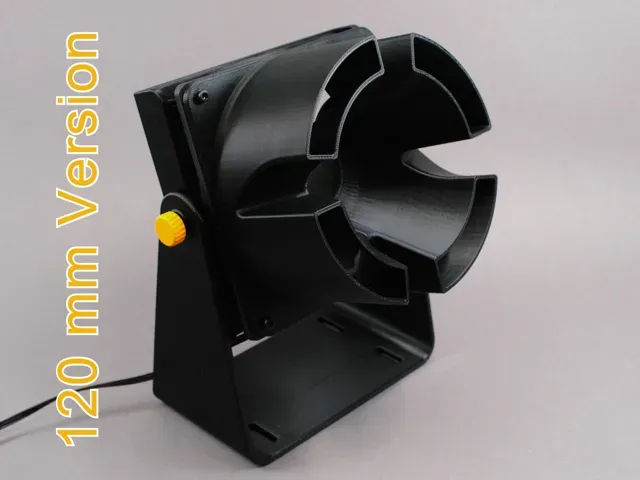
The parts fall into a few groups. Covers and dust filters sit on the intake or exhaust side and are usually thin plates with a grille or a mesh recess. Holders, feet and bases hold a fan at an angle for personal cooling, while adapters and vent converters join a fan to a duct, a case opening or a room vent. Spacers and shrouds change the distance between the fan and the surface it is mounted to, which affects how the airflow enters the blades.
Before printing, check the fan size in millimetres and the spacing of the mounting holes, since a part drawn for one frame size will not line up with another. Look at the frame thickness the model expects, the number of separate pieces and how they join, and whether the author notes supports for overhangs. The material and settings listed on the model page, together with photos of real prints, tell you more about the result than the render does.
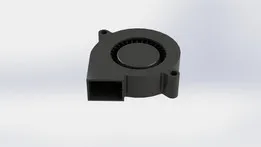
If a search returns too little, try the terms people use for the same object: case fan, cooler fan, blower, grille, mesh, shroud, spacer, duct or vent adapter. Adding a diameter such as 80 mm, 92 mm, 120 mm, 140 mm or 200 mm narrows the list quickly. Related directions include desk fan bases, printer fan mods, filter frames and brackets that carry a small display or a sensor.


Il catalogo completo dei temi, dalla casa alla lavorazione CNC, con ricerca su tutti i siti collegati.