
Gratis 
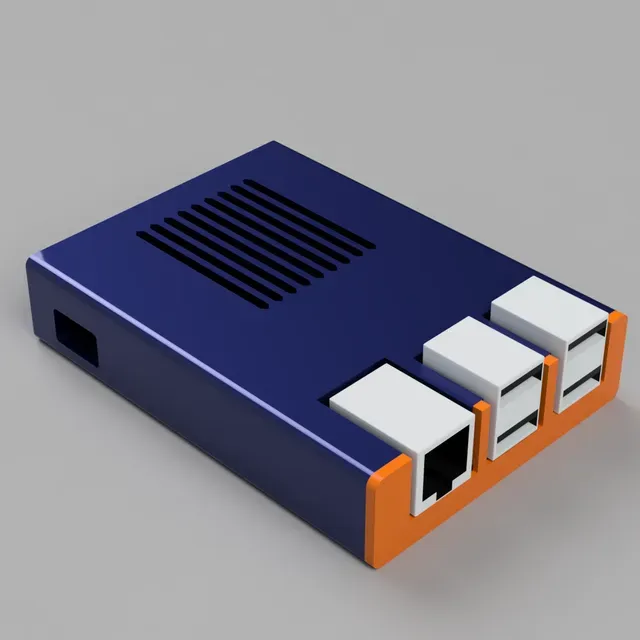
Sleeve Case for Raspberry Pi
Thingiverse
This collection gathers sleeve-type 3D models: thin covers and holders that slide over a board, a lighter, a cup or a stack of cards. Most are small parts, so they work well as early 3D printing projects or as quick replacements. The range of subjects is wide, which means the useful work is in matching a model to the exact object you have. Polyzon does not confirm whether models are free, their price, license, official status, affiliation, safety or fitness. Check the current terms at the source.
Il testo di questa raccolta è in inglese; la ricerca funziona in qualsiasi lingua.
 Una raccolta di Polyzon · 46 modelli da 4 siti
Polyzon compone questa raccolta a partire dai risultati di ricerca dei siti collegati. I doppioni e i modelli senza anteprima vengono rimossi, le corrispondenze deboli finiscono in fondo e il resto mantiene l’ordine dei risultati. I modelli appartengono ai rispettivi autori: verifica le condizioni sulla pagina di ciascun modello.
Criteri di selezione a cura della redazione di Polyzon · Testo aggiornato: 14/10/2026

%2Fhttps%3A%2F%2Ffbi.cults3d.com%2Fuploaders%2F27375426%2Fillustration-file%2F7ccc0a9c-08ca-4100-b088-b1e7f4b1c117%2FMVI_4011_3.gif&w=300)


![[Clipper Sleeve] Apple of Death - Tha Forbidden Fruit](https://cache.polyzon.org/api/img?url=https%3A%2F%2Fimages.cults3d.com%2FpipdEKq0QE_lFkFNNWZpVo3DHnA%3D%2F246x246%2Ffilters%3Ano_upscale()%2Fhttps%3A%2F%2Ffbi.cults3d.com%2Fuploaders%2F26090673%2Fillustration-file%2F1c637369-53a5-47b0-8cce-61527d156822%2Fcommercial.png&w=300)


%2Fhttps%3A%2F%2Ffbi.cults3d.com%2Fuploaders%2F18728511%2Fillustration-file%2F4e82580a-5668-4b23-ae43-25878419d17c%2FWhatsApp-Image-2023-01-02-at-19.53.37-3.jpeg&w=300)


%2Fhttps%3A%2F%2Ffbi.cults3d.com%2Fuploaders%2F30346157%2Fillustration-file%2F9ddfe447-2b91-4e5e-b6c9-efa235763119%2FIMG_20230924_074106.jpg&w=300)


%2Fhttps%3A%2F%2Ffbi.cults3d.com%2Fuploaders%2F40679914%2Fillustration-file%2Fb9d05b0b-c31d-49bb-93af-e10454177a1e%2FIMG_6948.jpg&w=300)


%2Fhttps%3A%2F%2Ffbi.cults3d.com%2Fuploaders%2F34211288%2Fillustration-file%2F293853a8-f7a1-4665-8b30-23c4c42f84fe%2FCaptura-de-pantalla-2024-10-17-221726.png&w=300)


%2Fhttps%3A%2F%2Ffbi.cults3d.com%2Fuploaders%2F2348942%2Fillustration-file%2F6d699309-0a36-48db-a369-4dc5becceb20%2Fbook-hero.jpg&w=300)


%2Fhttps%3A%2F%2Ffbi.cults3d.com%2Fuploaders%2F36258058%2Fillustration-file%2F4046ff14-83f3-410a-8b91-e2571e6ca0af%2FIMG_4183.jpg&w=300)


%2Fhttps%3A%2F%2Ffbi.cults3d.com%2Fuploaders%2F20455454%2Fillustration-file%2Ff05733bf-36cc-409e-b628-a34d27ba3a80%2FBasuStudios_Schwi1.png&w=300)



%2Fhttps%3A%2F%2Ffbi.cults3d.com%2Fuploaders%2F13785056%2Fillustration-file%2Fa6f004bc-81a2-44db-830e-da48d66f47b9%2FPegasvo-v2.png&w=300)
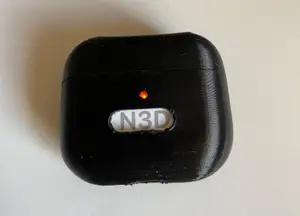

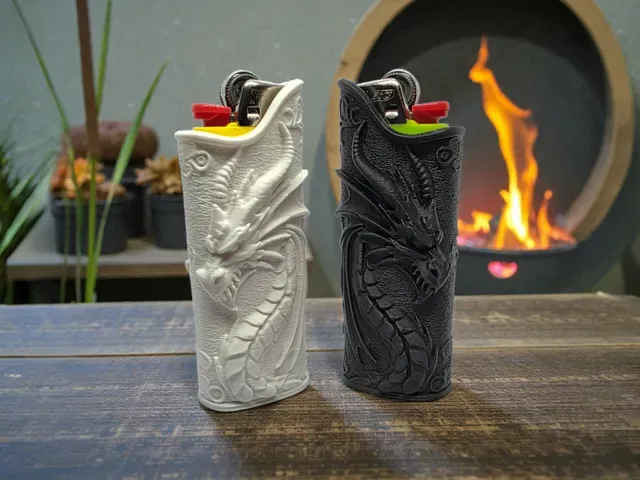
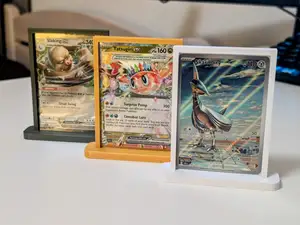
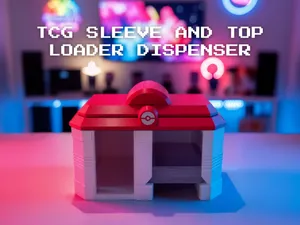
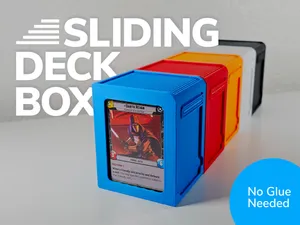
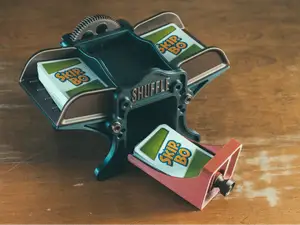
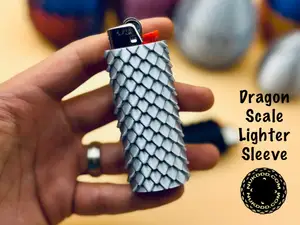
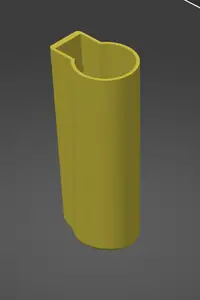
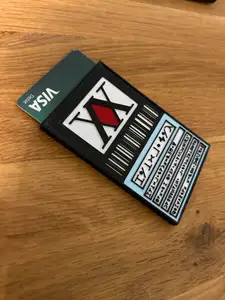
The models fall into a few clear groups. There are enclosures that wrap around small computers and cartridges, decorative sleeves that change the look or grip of a lighter, and soft-duty sleeves for cups, cans and bottles. Card sleeves, deck holders and dispensers sit closer to storage and display, while battery and tube sleeves are mostly about keeping cylindrical objects aligned or protected. They differ in how much of the object they cover, how thick the walls are, and whether the surface is plain or patterned.
When choosing a sleeve, start with the inner dimensions and the clearance the author lists, because a sleeve only works if it slides on without cracking. Look at the wall thickness, the number of parts, and whether the model is a single piece or an assembly. Check the material and settings the author mentions, since thin walls behave differently in rigid and slightly flexible filaments, and check photos of real prints to see how the edges and openings came out. Orientation on the build plate matters too: a sleeve printed upright may need supports, while one printed flat usually does not.
If the results feel narrow, try other words for the same idea: cover, case, holder, shell, wrap, grip or cap. Adding the object itself narrows things quickly, for example a board name, a battery size, a cup format or a card game. Related topics are also worth a look, such as stands and dispensers for the same items, or protective caps and end pieces that pair with a sleeve.


Il catalogo completo dei temi, dalla casa alla lavorazione CNC, con ricerca su tutti i siti collegati.
%2Fhttps%3A%2F%2Ffbi.cults3d.com%2Fuploaders%2F13914375%2Fillustration-file%2Faca2d397-aa8a-4ae6-a70e-97deeb16348f%2F2059C2D1-7B69-4C63-9326-9DFD1CADD9A9.jpg&w=640)