
Gratis 
Steam Deck Dock/Display Stand
Thingiverse
This collection gathers STL files for Steam Deck stands, docks, case inserts and mounts. Most designs solve one everyday problem: where to put the handheld while it charges, plays on a screen or travels. Because the device comes in more than one revision, checking dimensions before 3D printing matters more than the shape of the stand. Polyzon does not confirm whether models are free, their price, license, official status, affiliation, safety or fitness. Check the current terms at the source.
Il testo di questa raccolta è in inglese; la ricerca funziona in qualsiasi lingua.
 Una raccolta di Polyzon · 48 modelli da 3 siti
Polyzon compone questa raccolta a partire dai risultati di ricerca dei siti collegati. I doppioni e i modelli senza anteprima vengono rimossi, le corrispondenze deboli finiscono in fondo e il resto mantiene l’ordine dei risultati. I modelli appartengono ai rispettivi autori: verifica le condizioni sulla pagina di ciascun modello.
Criteri di selezione a cura della redazione di Polyzon · Testo aggiornato: 13/10/2026


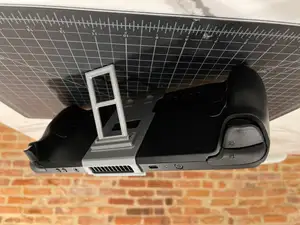


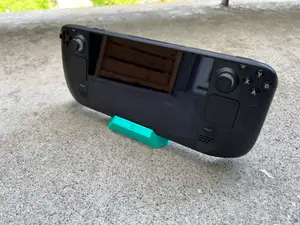


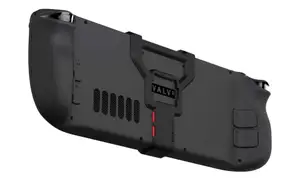
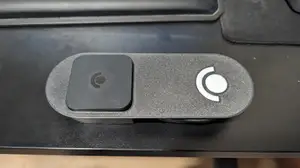


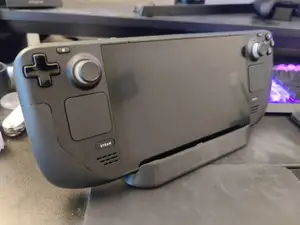

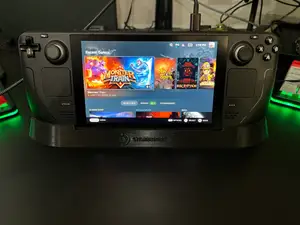
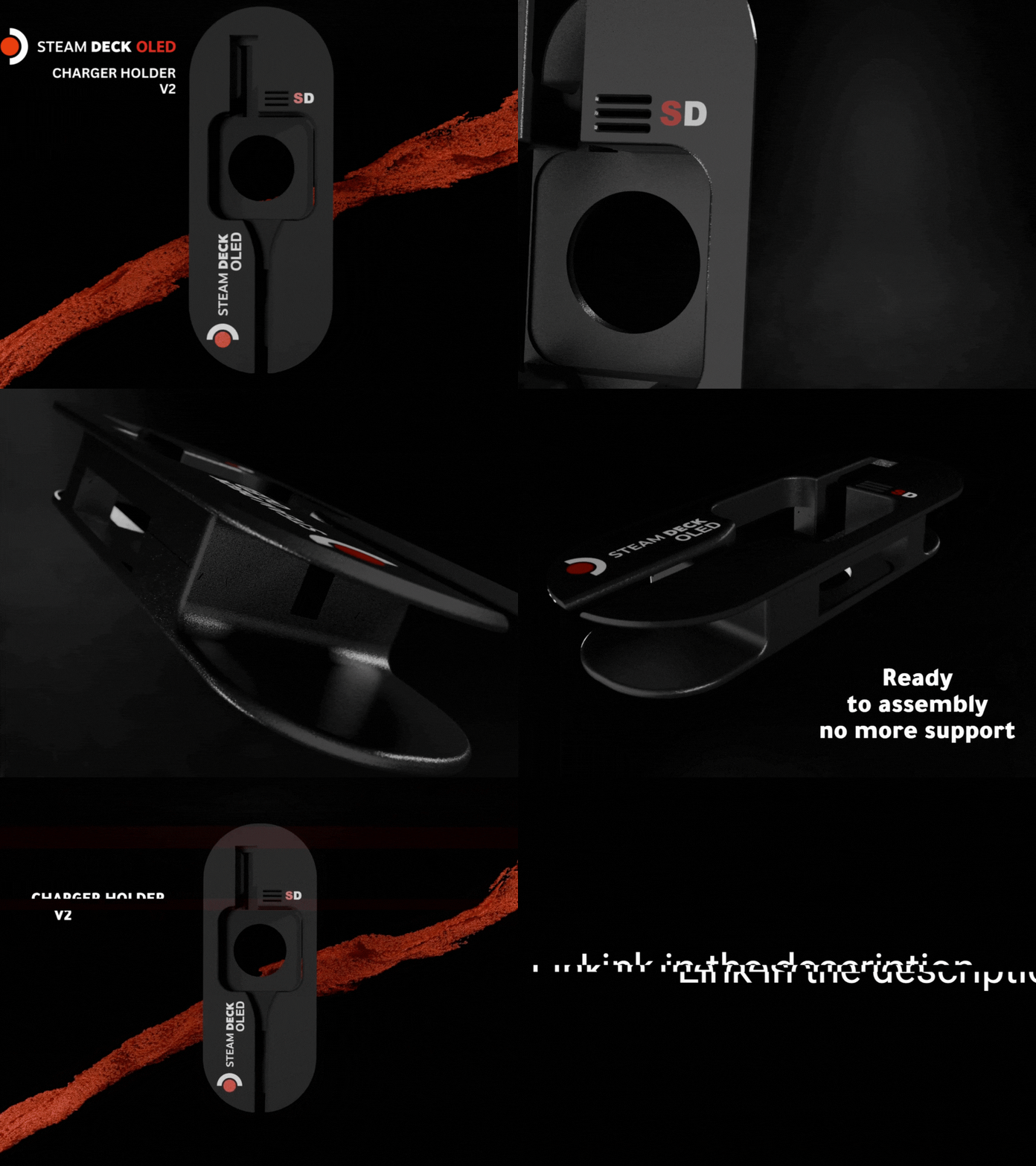

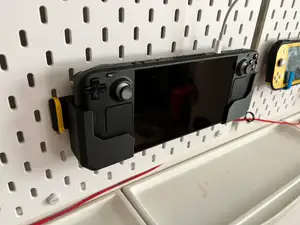
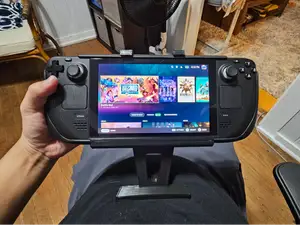


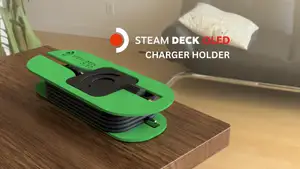

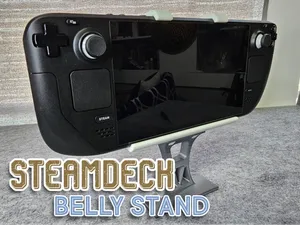

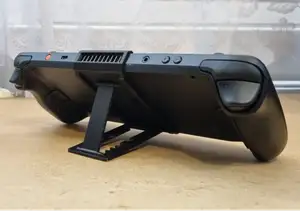
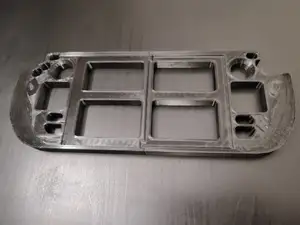
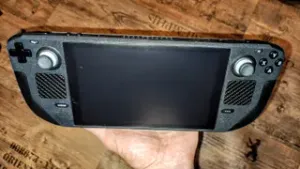
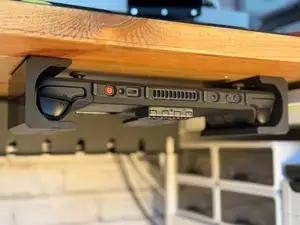

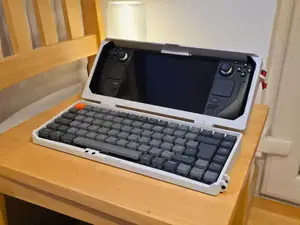


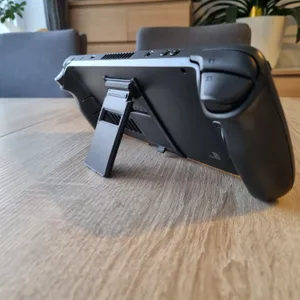

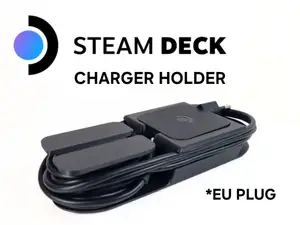
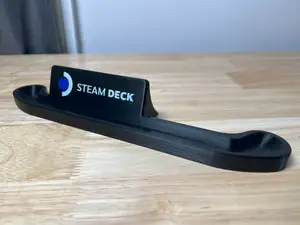
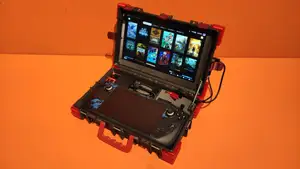

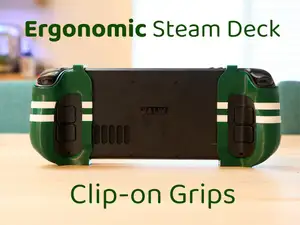

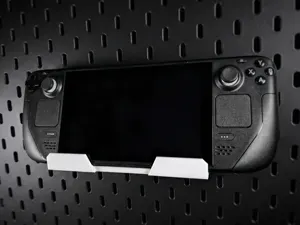
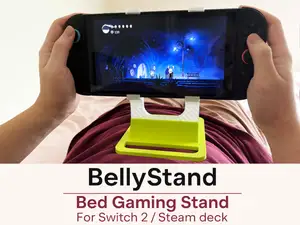
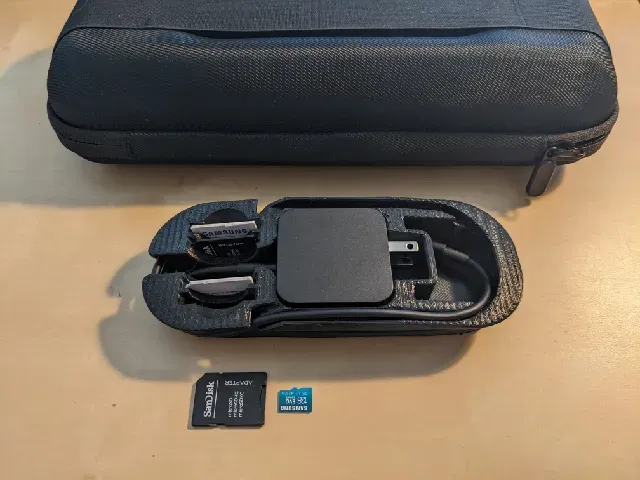
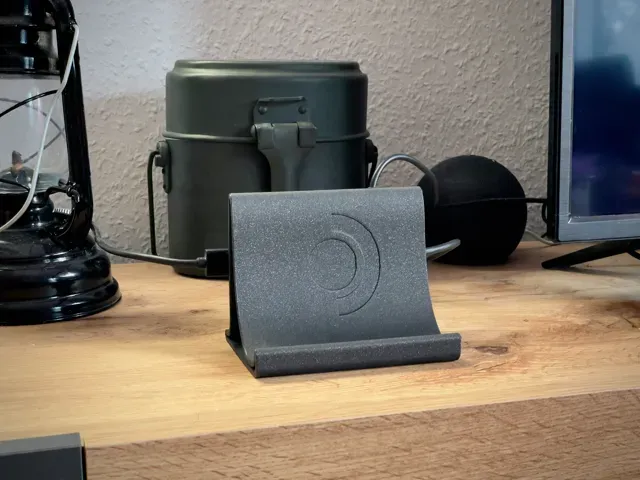
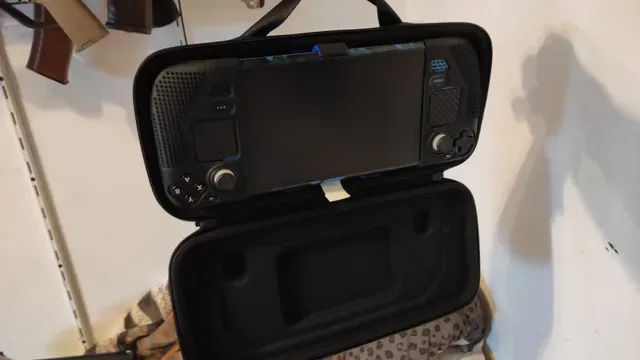
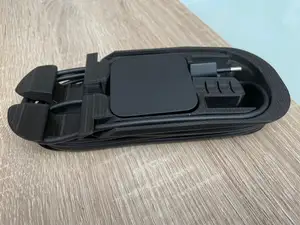
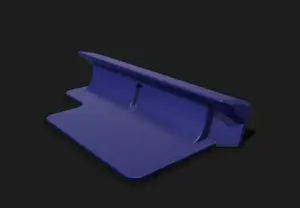
The models fall into a few groups. Docks and display stands hold the console upright, often with a cutout for a cable or an external display. Case inserts sit inside a carrying case and hold the charger or the device itself, while desk and rail mounts attach the Deck under a table, on a wall or to a slotted pegboard. Clip-on and folding stands are the smallest of the set and stay attached to the shell.
When choosing a file, look at the dimensions the author lists and compare them with your own unit, since the OLED and earlier revisions differ slightly. Check how many parts need printing, whether screws, magnets or rubber feet are required, and whether the model needs supports. Port and button clearance, cable routing and the material and settings the author names are worth reading before you slice. Photos of real prints usually show whether a stand tilts, wobbles or blocks the vents.
To widen the search, try synonyms such as holder, bracket, cradle, kickstand or mount, and add the part you care about, for example charger, dock or case. Related topics include pegboard and desk organizers, controller and headphone stands, and general handheld console accessories. If you print in a material that creeps under load, a thicker base or a different orientation can matter more than the model itself.




Il catalogo completo dei temi, dalla casa alla lavorazione CNC, con ricerca su tutti i siti collegati.