
Gratis 
Deep Dive Insert/Organizer
Thingiverse
This collection brings together organizer 3D models that appear under diver, desk and workshop themes: pen holders, driver racks, modular bins and inserts. Most files are STL meshes that you slice and send to a 3D printer. It is a practical starting point when you want a storage layout that matches the items already on your desk or bench. Polyzon does not confirm whether models are free, their price, license, official status, affiliation, safety or fitness. Check the current terms at the source.
Il testo di questa raccolta è in inglese; la ricerca funziona in qualsiasi lingua.
 Una raccolta di Polyzon · 48 modelli da 4 siti
Polyzon compone questa raccolta a partire dai risultati di ricerca dei siti collegati. I doppioni e i modelli senza anteprima vengono rimossi, le corrispondenze deboli finiscono in fondo e il resto mantiene l’ordine dei risultati. I modelli appartengono ai rispettivi autori: verifica le condizioni sulla pagina di ciascun modello.
Criteri di selezione a cura della redazione di Polyzon · Testo aggiornato: 14/10/2026


%2Fhttps%3A%2F%2Ffbi.cults3d.com%2Fuploaders%2F30374042%2Fillustration-file%2F3df34478-a717-41e1-a1e5-678dfbca4bae%2F1.jpg&w=300)

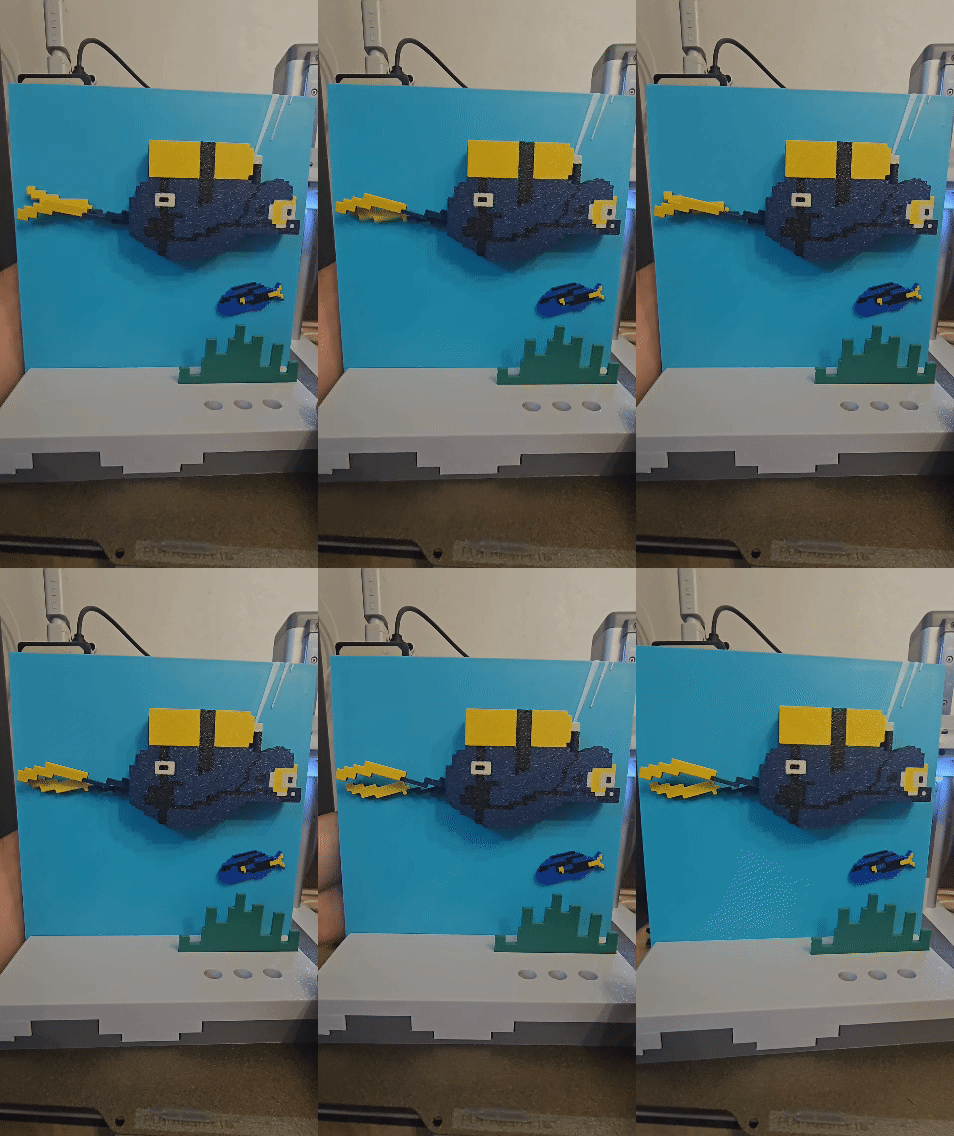




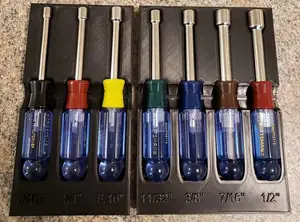
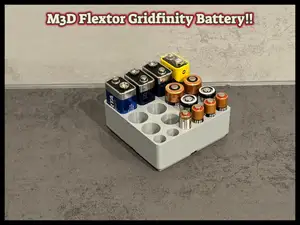


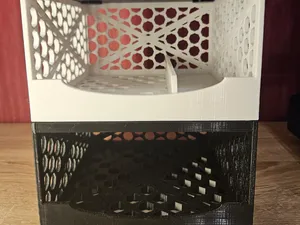


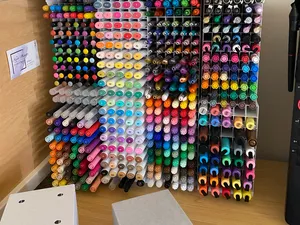


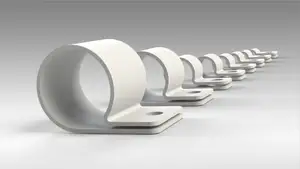


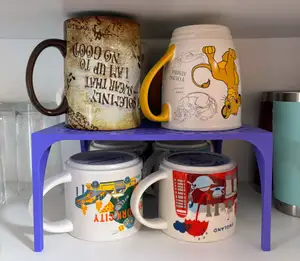

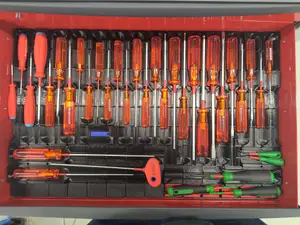
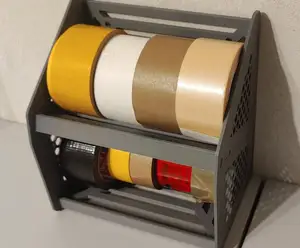


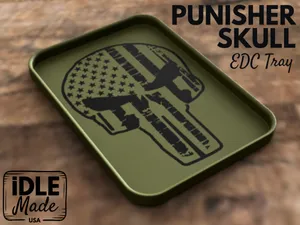


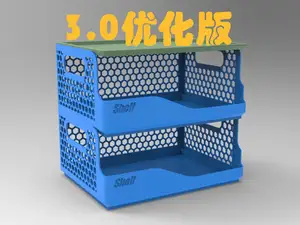

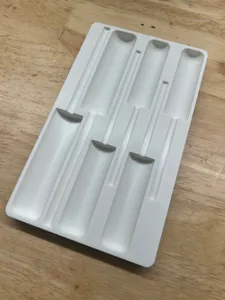





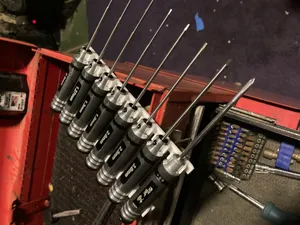
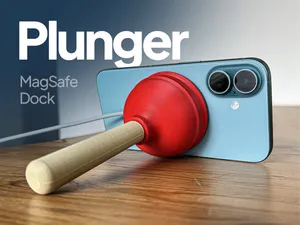

The range splits into a few clear groups. Open desk organizers and pen cups hold loose items in one tray, while fitted racks have separate slots for bits, drivers or markers. Modular grid systems let you combine several small bins into one footprint, and board game inserts or dioramas are shaped around a specific box or scene. Pouch tags, case trays and small-part holders sit in between, since they are built around a bag, a case or a handful of tiny parts.
Before printing, read the model page rather than the thumbnail. Check the inner dimensions of each slot against the items you plan to store, the wall thickness, and whether the file is one piece or several parts that need assembly. Look at what the author lists for material, layer height and supports, and at photos of real prints, since sliding fits and snap joints depend on tolerances that vary between machines.
If the first results feel narrow, widen the wording. Holder, rack, caddy, tray, insert, inlay, bin and storage all describe similar objects, and adding the item name, such as bits, pens, cables or memory cards, narrows the list again. Related topics worth trying are modular workshop storage, board game inserts, camera case trays and desk cable management, which often use the same design approach.


%2Fhttps%3A%2F%2Ffbi.cults3d.com%2Fuploaders%2F14866159%2Fillustration-file%2Fbbd18f20-3e32-4565-9fc0-728a3c791017%2FP1014190.jpg&w=300)
Il catalogo completo dei temi, dalla casa alla lavorazione CNC, con ricerca su tutti i siti collegati.
%2Fhttps%3A%2F%2Ffbi.cults3d.com%2Fuploaders%2F24180936%2Fillustration-file%2Fa335c5d9-02d8-44d9-be43-a2d1acf23f15%2Ffile_00000000717c71f5bede15b02d214cbd.png&w=640)