無料 
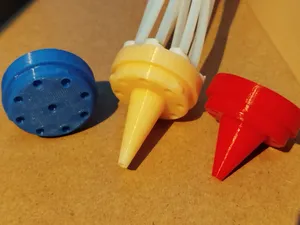
Rail End Socket (5 types, 10 sizes)
Thingiverse
This collection gathers 3D printing parts built around the Anycubic Kobra 3 and its ACE filament unit: racks and mounts, filament and cable guides, waste containers, spool adapters and small frame accessories. It is useful when you want to reorganise where the unit sits or how filament travels to the toolhead. Every entry is an STL or a similar model file you print yourself. Polyzon does not confirm whether models are free, their price, license, official status, affiliation, safety or fitness. Check the current terms at the source.
このコレクションの本文は英語で書かれています。検索自体はどの言語でも使えます。
 Polyzonのコレクション · モデル43件 3サイトから収集
このコレクションは、Polyzonが対応サイトの検索結果をもとに作成しています。重複やプレビューのないモデルは除外し、関連性の低いものは後ろに回し、それ以外は検索結果の順に並べています。モデルの権利は各作者にあります。利用条件は各モデルのページでご確認ください。
選定基準:Polyzon編集部 · 本文の更新日:2026年10月12日
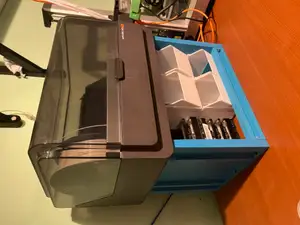

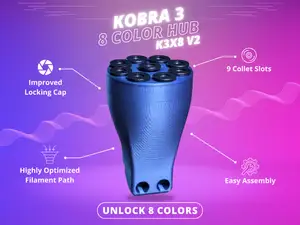





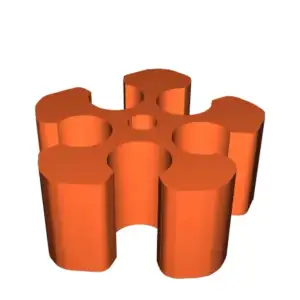


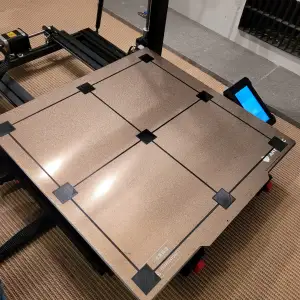

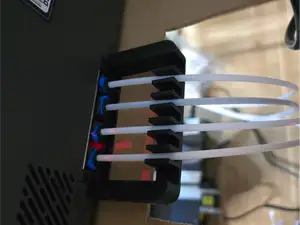
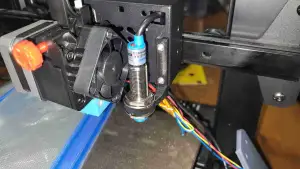

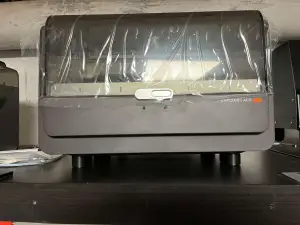

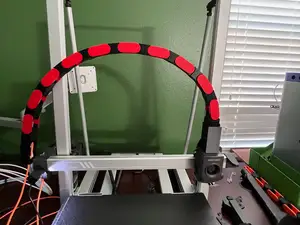
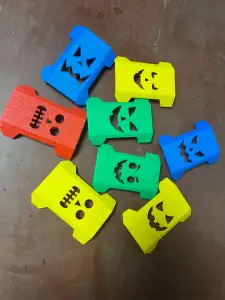

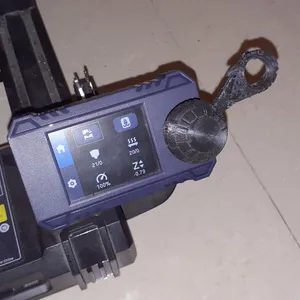

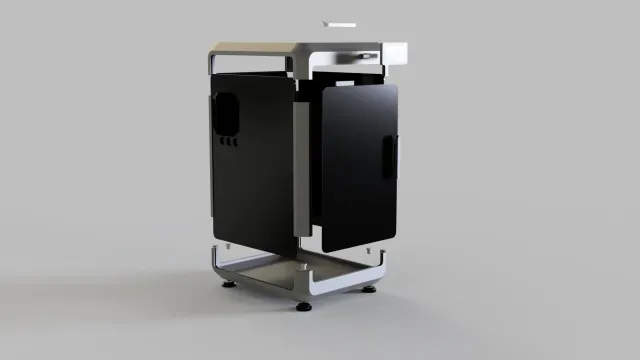
![CREALITY K2PLUS - CHAIN RISER [ORIGINAL AND DXC2 EXTRUDER]](https://cache.polyzon.org/api/img?url=https%3A%2F%2Fpic2-cdn.creality.com%2FcrealityCloud%2Fcommon%2F0abc2f65684a3a0f18d10e0d1278a7a2.jpeg&w=300)

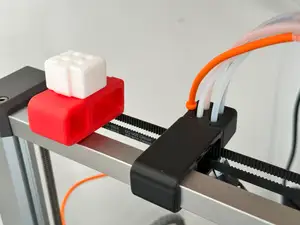
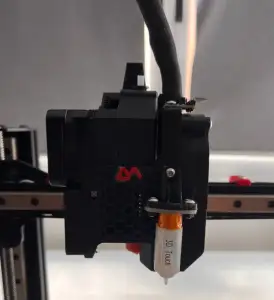

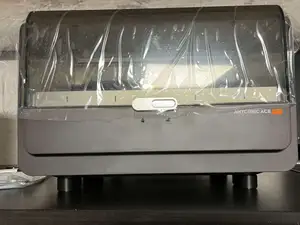
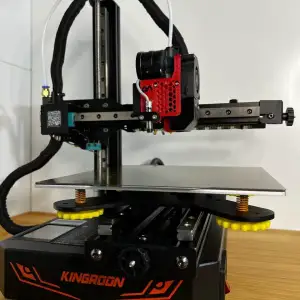
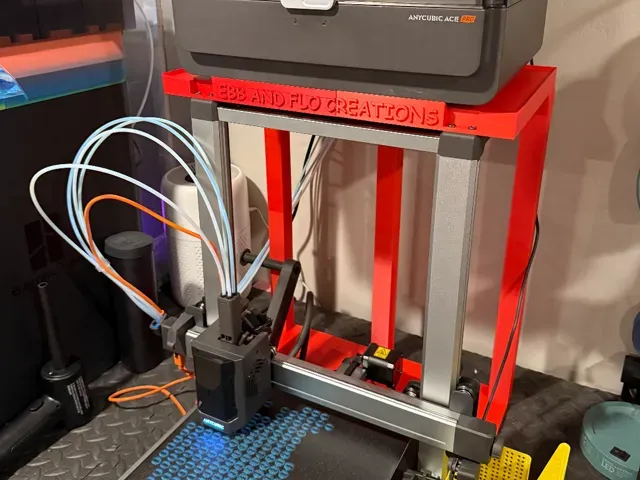
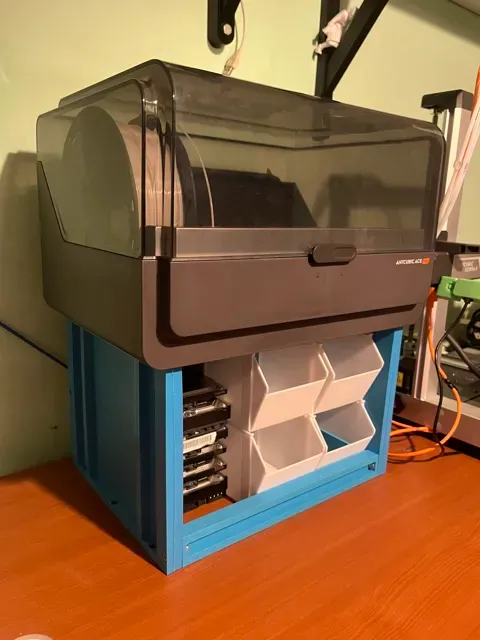
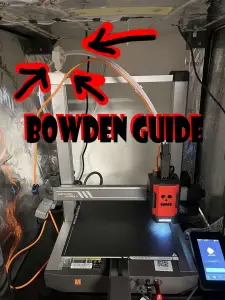
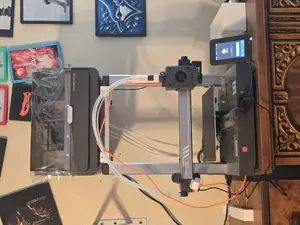
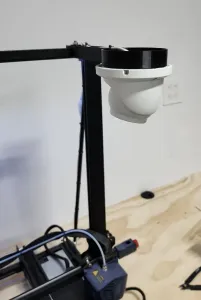
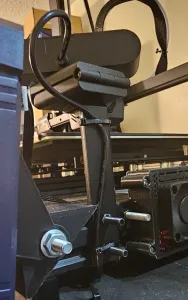
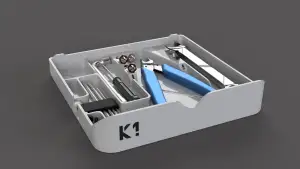
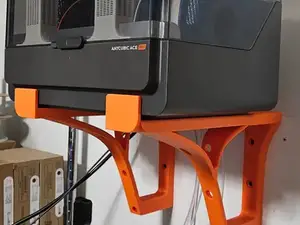
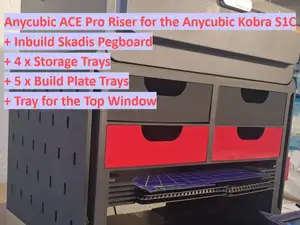
The models fall into a few groups. Racks and mounts place the ACE unit above, beside or on a wall instead of on the desk, and they differ mainly in where the unit ends up and how the model attaches to the frame. Filament guides and PTFE routing parts shape the path from the unit to the extruder, while purge and waste containers collect the material dropped during colour changes. Smaller items cover spool adapters, hub parts and holders for tools or a camera.
Before printing, open the author's model page and read what they state: the printer and unit version the part was drawn around, the size and scale of the finished piece, how many separate parts it has and how they join, whether supports are needed, and the material and settings the author used. Look at photos of real prints to judge wall thickness and how the part sits on the machine. Large racks and wall mounts carry more load, so check the orientation on the plate and the amount of material in the mounting area.
To widen the results, try related wording: filament holder, spool holder, side mount, top mount, wall bracket, cable chain, tube guide, waste bin or purge bucket. Combining the printer name with the accessory type works better than a long phrase, and searching for the ACE unit alone brings up parts that are not tied to one printer. Related topics such as multi-colour hubs, toolhead cable management and enclosure parts often appear alongside these models.
暮らし・日用品からCNCまで、すべてのテーマをそろえたカタログ。対応サイトを横断して検索できます。