
無料 
Anemometer - wind signaling 2x ballbearing
Thingiverse
This collection gathers 3D models related to anemometers: complete instruments, replacement cups and blades, and parts that fit into a larger weather station. The files range from simple spinners to sensor-driven designs, so the set is useful for anyone combining 3D printing with wind measurement. Many entries are parametric, which means you can adjust dimensions in a CAD tool before exporting an STL. Polyzon does not confirm whether models are free, their price, license, official status, affiliation, safety or fitness. Check the current terms at the source.
このコレクションの本文は英語で書かれています。検索自体はどの言語でも使えます。
 Polyzonのコレクション · モデル48件 6サイトから収集
このコレクションは、Polyzonが対応サイトの検索結果をもとに作成しています。重複やプレビューのないモデルは除外し、関連性の低いものは後ろに回し、それ以外は検索結果の順に並べています。モデルの権利は各作者にあります。利用条件は各モデルのページでご確認ください。
選定基準:Polyzon編集部 · 本文の更新日:2026年10月13日




%2Fhttps%3A%2F%2Ffbi.cults3d.com%2Fuploaders%2F14749439%2Fillustration-file%2Ffe44b324-8792-454a-9477-1927f295dce9%2Frender.png&w=300)

%2Fhttps%3A%2F%2Ffbi.cults3d.com%2Fuploaders%2F13568263%2Fillustration-file%2F75a439d4-17f0-43b9-87c6-1bb46a325c9c%2F20191224_133359.jpg&w=300)


%2Fhttps%3A%2F%2Ffbi.cults3d.com%2Fuploaders%2F13568263%2Fillustration-file%2Ffe6e118a-a53b-4f8e-ac2c-c646961ed25f%2F20180423_151131-l.jpg&w=300)


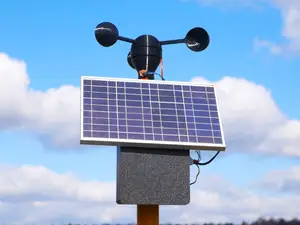
%2Fhttps%3A%2F%2Ffbi.cults3d.com%2Fuploaders%2F18662791%2Fillustration-file%2Fcd56c46b-14cf-42c9-adcd-5c9ac1f13a57%2FAneometer.jpg&w=300)
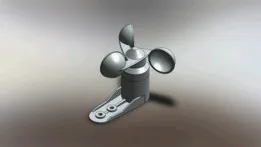

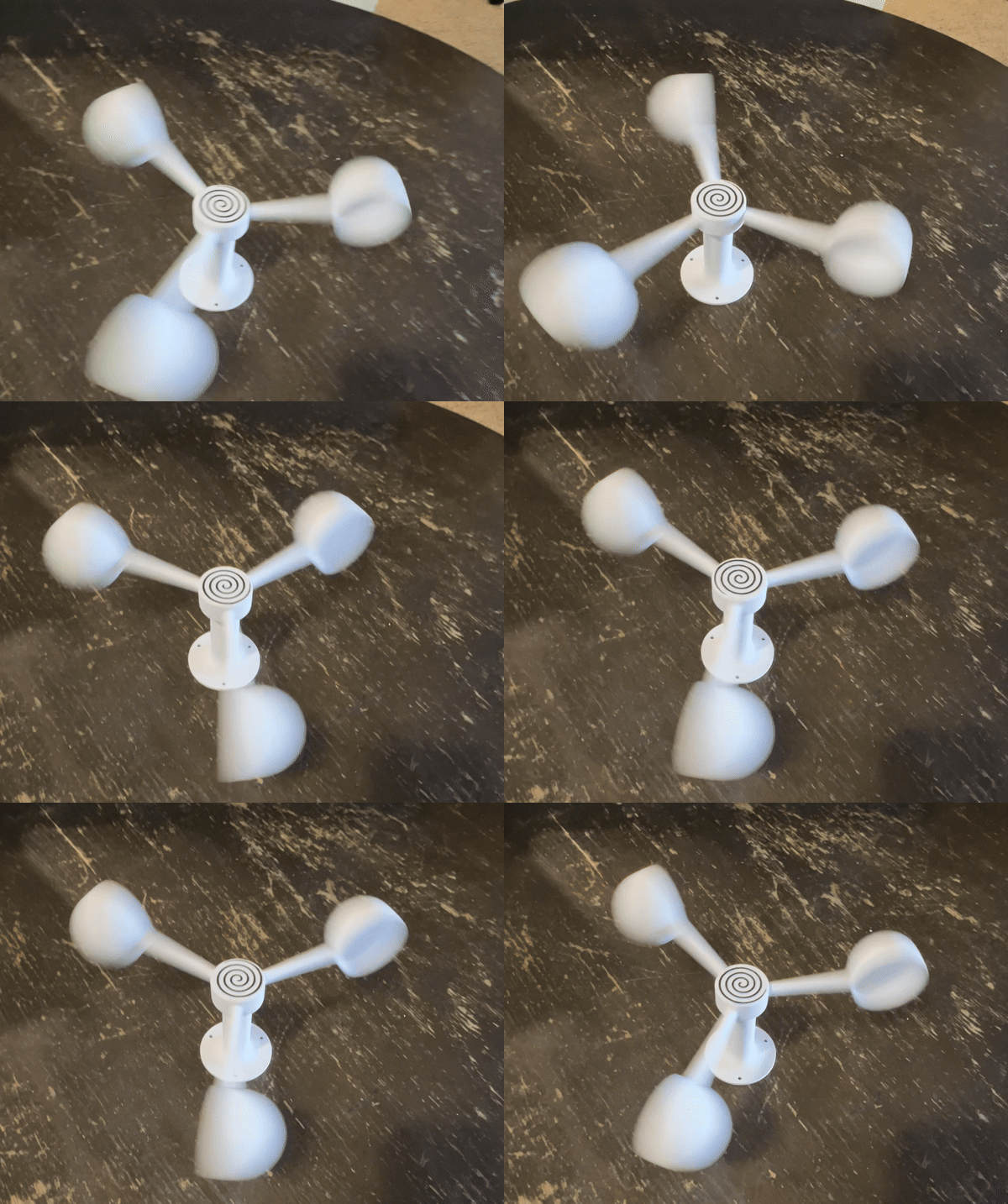


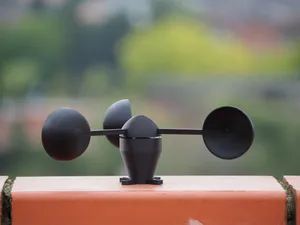

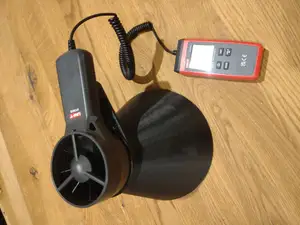

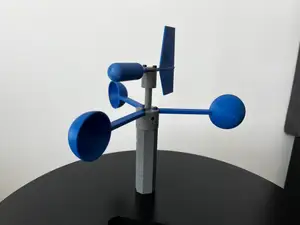


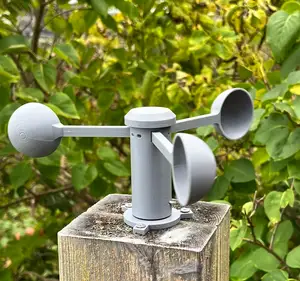

%2Fhttps%3A%2F%2Ffbi.cults3d.com%2Fuploaders%2F13568263%2Fillustration-file%2F6e2e4da4-4128-4fe2-a077-77bc4d2717d2%2F20190504_142614.gif&w=300)
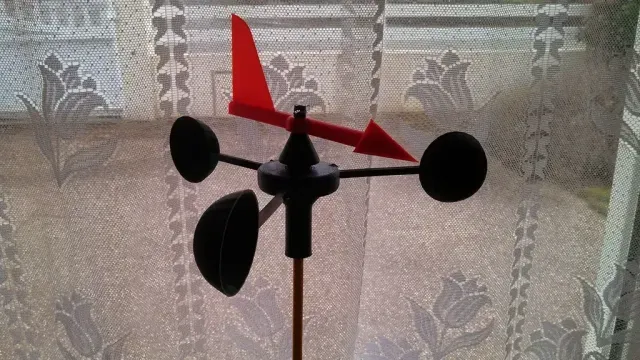
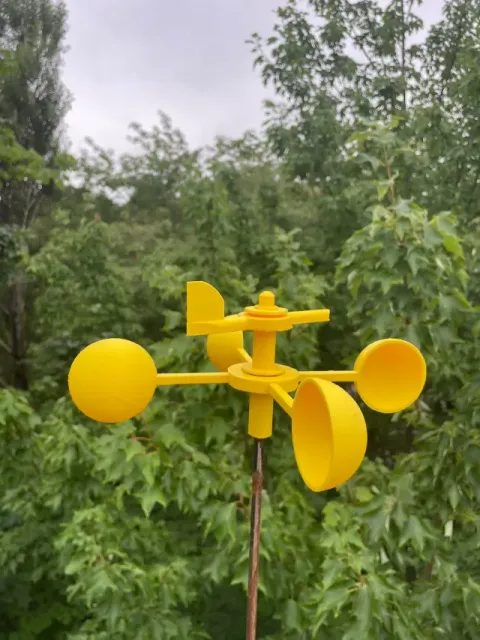
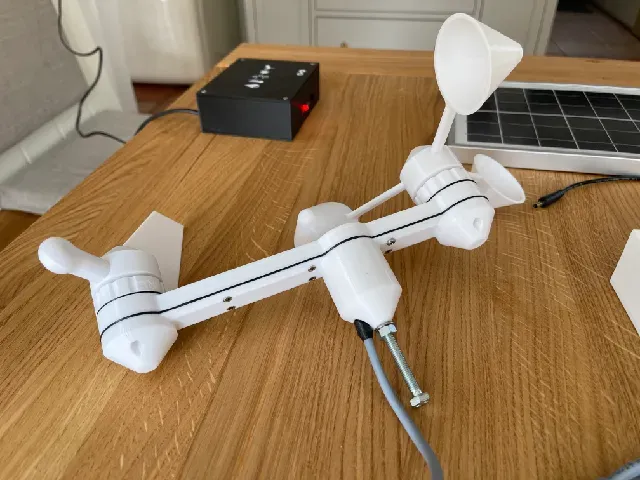
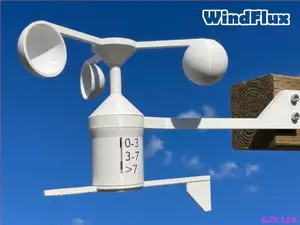
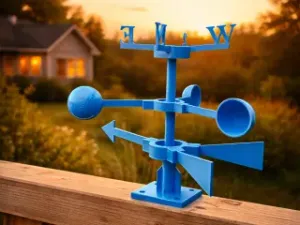
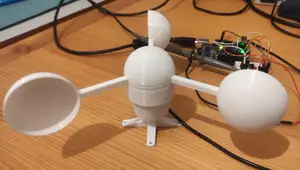
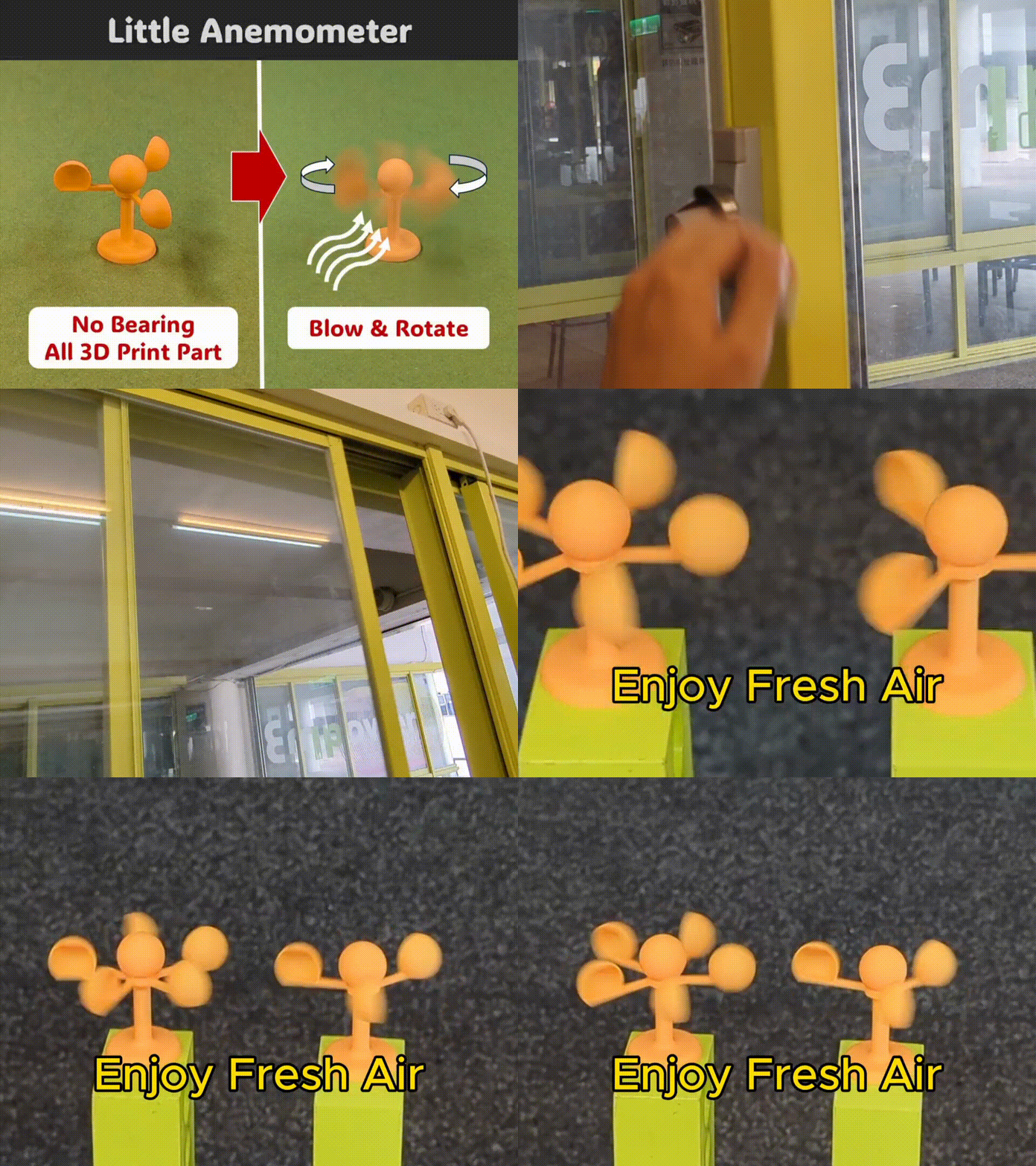
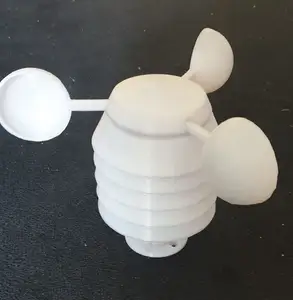
Several kinds of models appear here. Complete anemometers include cup rotors and upright bodies, sometimes paired with a wind vane in a single assembly. Other entries are spare parts: cups, blades and mounting bases meant to replace a broken piece on an existing instrument. A third group covers electronics-oriented builds, where the rotor carries a magnet and the frame holds a Hall sensor, and a fourth covers parametric or historical designs such as a Leonardo-style anemometer or an orthopter-type rotor.
When choosing a model, open the author's page and read what is listed there: overall size and scale, the number of separate parts, whether the rotor needs bearings, and whether supports are needed for the overhangs. Rotor geometry matters more than looks — cup shape, arm length and balance affect how smoothly it turns, and printed bearings or metal bearings change friction noticeably. The material and settings the author lists are a useful starting point, and photos of real prints show how the parts actually fit together.
To widen or narrow the search, try synonyms and related terms: wind speed sensor, wind vane, weather station, cup anemometer, wind spinner, rain gauge, Hall sensor mount. If you are building a full station, search for the station name together with the part you need, or look for parametric versions that let you match an existing shaft diameter. Combining a rotor search with terms like bearing, magnet or mast adapter usually brings up the mounting hardware as well.
For outdoor use, check how the model handles water drainage and how the rotor is fixed to the shaft, since these details decide whether the assembly keeps turning after rain. If the design includes electronics, look at the cavity size for the sensor and the cable routing before printing, as those are hard to change afterwards.


%2Fhttps%3A%2F%2Ffbi.cults3d.com%2Fuploaders%2F16502974%2Fillustration-file%2F3eea3797-b411-467e-b1e6-81b306fbbc4f%2Fcodeandmake.com_Arduino_Thermometer_Display_v1.0_logo_cjpeg_dssim-srcw.jpg&w=300)
暮らし・日用品からCNCまで、すべてのテーマをそろえたカタログ。対応サイトを横断して検索できます。