
無料 
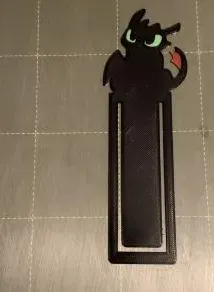
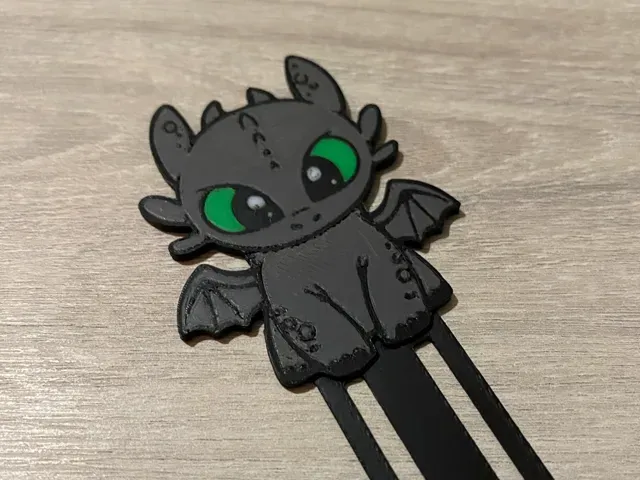
Toothless Night Fury Bookmark
Thingiverse
This collection gathers dragon-shaped bookmarks made for 3D printing, from flat single-color silhouettes to layered multi-color prints and paired designs. Most entries are thin, quick prints that fit between book pages. The list is useful if you want a small STL project that does not need a large build plate. Polyzon does not confirm whether models are free, their price, license, official status, affiliation, safety or fitness. Check the current terms at the source.
このコレクションの本文は英語で書かれています。検索自体はどの言語でも使えます。
 Polyzonのコレクション · モデル39件 4サイトから収集
このコレクションは、Polyzonが対応サイトの検索結果をもとに作成しています。重複やプレビューのないモデルは除外し、関連性の低いものは後ろに回し、それ以外は検索結果の順に並べています。モデルの権利は各作者にあります。利用条件は各モデルのページでご確認ください。
選定基準:Polyzon編集部 · 本文の更新日:2026年10月12日

%2Fhttps%3A%2F%2Ffbi.cults3d.com%2Fuploaders%2F34342527%2Fillustration-file%2F54cd6f68-dcdb-497b-b994-2182b431c8b5%2FCaptura-de-tela-2025-05-03-184245.png&w=300)

%2Fhttps%3A%2F%2Ffbi.cults3d.com%2Fuploaders%2F18251518%2Fillustration-file%2F81855036-af97-4ba5-9bfc-8471f5f557fd%2Fimage3.jpg&w=300)

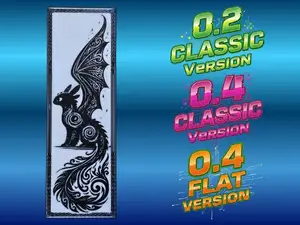

%2Fhttps%3A%2F%2Ffbi.cults3d.com%2Fuploaders%2F18605381%2Fillustration-file%2Ff064910d-c2e1-4a55-af53-525ee4c7c8c5%2F2021-10-23_09_06_50-Clipboard.png&w=300)
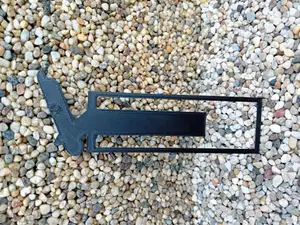
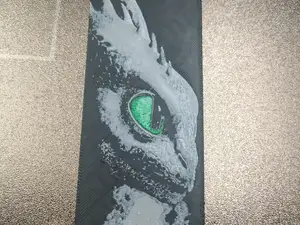

%2Fhttps%3A%2F%2Ffbi.cults3d.com%2Fuploaders%2F27899320%2Fillustration-file%2Fc75fcf84-7254-4bc7-91eb-a21b83cfd1e4%2F11224875_10155940587785618_8534739886841078135_o.jpg&w=300)
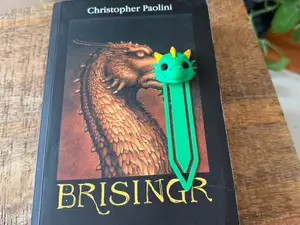
%2Fhttps%3A%2F%2Ffbi.cults3d.com%2Fuploaders%2F37556919%2Fillustration-file%2F7a67d8ee-25a4-4143-8d73-65b4d4c142a6%2FCults.png&w=300)
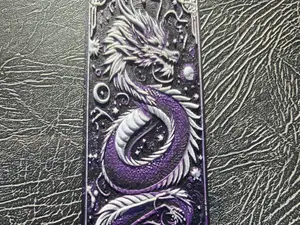
%2Fhttps%3A%2F%2Ffbi.cults3d.com%2Fuploaders%2F29461022%2Fillustration-file%2F10574e4d-a166-4611-bf63-ea05f7548416%2FToothless-and-light-fury-01.jpg&w=300)
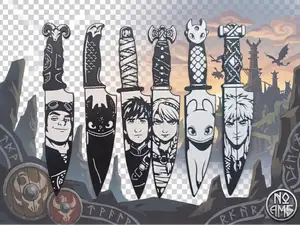
%2Fhttps%3A%2F%2Ffbi.cults3d.com%2Fuploaders%2F26749021%2Fillustration-file%2Fe916cdef-c7d3-4dd8-9164-0e1f2e6d57a9%2Fbookmarks.jpg&w=300)
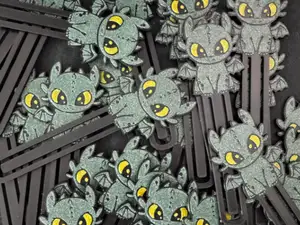
%2Fhttps%3A%2F%2Ffbi.cults3d.com%2Fuploaders%2F16820016%2Fillustration-file%2Fdb19ccdd-81ac-4dd1-ab31-02bc10d8ccdb%2FWhatsApp-Image-2023-07-13-at-3.26.31-PM.jpeg&w=300)
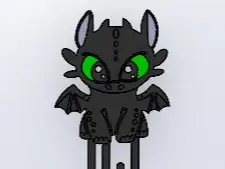
%2Fhttps%3A%2F%2Ffbi.cults3d.com%2Fuploaders%2F37556919%2Fillustration-file%2F79865fda-260f-458c-b556-f66a8fa85972%2FCults-1.png&w=300)
%2Fhttps%3A%2F%2Ffbi.cults3d.com%2Fuploaders%2F31198161%2Fillustration-file%2F1ec243a8-a35c-4732-af9f-ad81bcb1eec9%2FCaptura-de-pantalla-2023-11-15-174451.jpg&w=300)
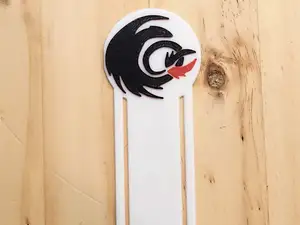
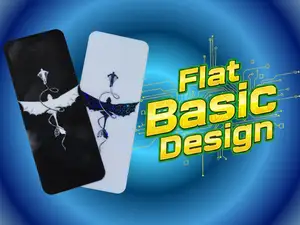
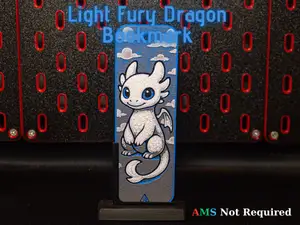
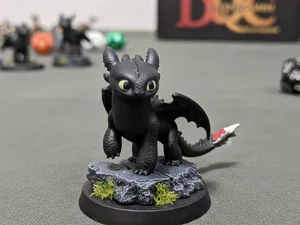
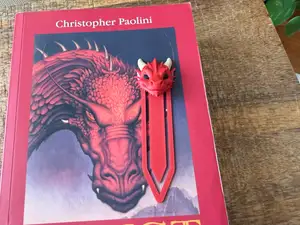
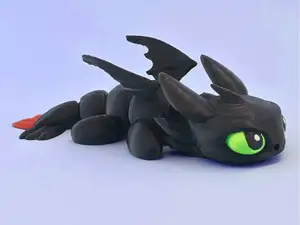
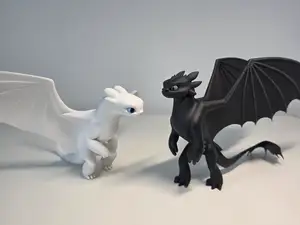
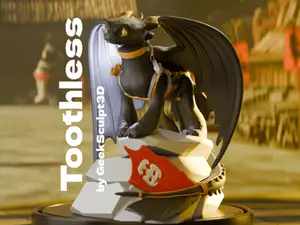

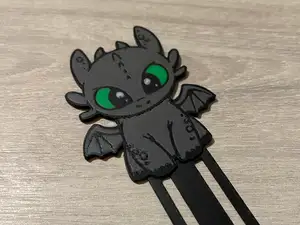
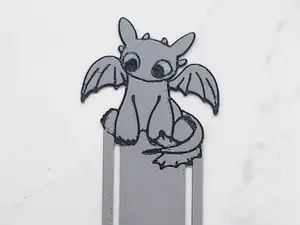
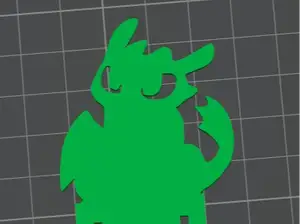
The designs fall into a few groups. Flat silhouettes print in one color and rely on the outline of the dragon to read clearly. Layered versions use several filaments, either through a multi-material unit, a manual filament swap or color-by-height printing, so the body, wings and eyes get separate tones. Some files show two dragons together or come as a bundle, and a few place the character in a specific pose rather than a standing profile.
When choosing a file, look at the dimensions the author lists and compare them with the book you have in mind: a bookmark that is too wide will sit awkwardly, and one that is too thin can bend or snap. Check the part count and whether the design is a single piece or needs assembly, and read the notes on supports, layer height and material, since thin flat parts behave differently from thick ones. Photos of real prints on the model page show how the edges, the wing tips and the color transitions actually come out.
To widen the search, try synonyms such as page marker, reading marker or the same term in other languages, and pair them with dragon, night fury or light fury. Related topics include layered color printing, multi-material units, and vector cut files for craft cutters, which appear alongside the printable versions. If you want a different look, search for other dragon styles or for bookmarks built around a different creature entirely.


暮らし・日用品からCNCまで、すべてのテーマをそろえたカタログ。対応サイトを横断して検索できます。
%2Fhttps%3A%2F%2Ffbi.cults3d.com%2Fuploaders%2F28298594%2Fillustration-file%2Fa9650cfd-6d57-4f01-8d9c-0df9b7adc152%2FAutodesk-Fusion-360-Personal-Not-for-Commercial-Use-2023_07_23-00_23_21-2.png&w=640)