
無料 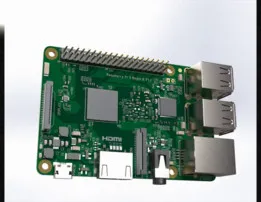
Raspberry / Pi 3 model B / Single-board computer
GrabCAD
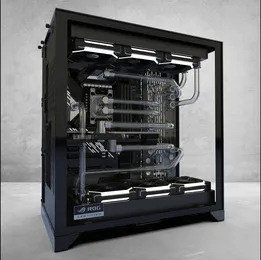
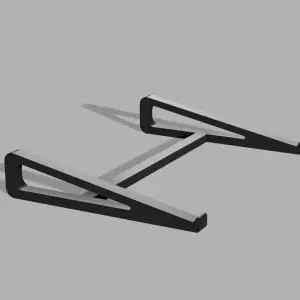
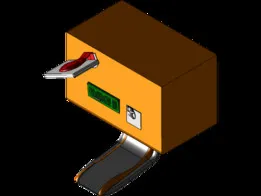
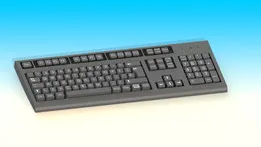
This collection gathers STL files for computer-related objects: cases, stands, keyboards, cooling parts and miniature or retro builds. It helps you find a starting point for 3D printing a desk setup, a single-board computer enclosure or a decorative replica. Check each model page for the author's dimensions, part count and listed material. Polyzon does not confirm whether models are free, their price, license, official status, affiliation, safety or fitness. Check the current terms at the source.
このコレクションの本文は英語で書かれています。検索自体はどの言語でも使えます。
 Polyzonのコレクション · モデル48件 8サイトから収集
このコレクションは、Polyzonが対応サイトの検索結果をもとに作成しています。重複やプレビューのないモデルは除外し、関連性の低いものは後ろに回し、それ以外は検索結果の順に並べています。モデルの権利は各作者にあります。利用条件は各モデルのページでご確認ください。
選定基準:Polyzon編集部 · 本文の更新日:2026年10月12日






![Mini ITX NAS, Modular Computer NAS Case [ITX NAS 機箱]](https://cache.polyzon.org/api/img?url=https%3A%2F%2Fresize.thingiverse.com%2F%3Furl%3Dhttps%3A%2F%2Fcdn.thingiverse.com%2Fassets%2Fdf%2Fcb%2Faa%2F5b%2F72%2Ff2392161-410c-43e5-a0d4-269845896441.png%26w%3D1024%26h%3D1024%26fit%3Dcontain%26cbg%3Dwhite%26n%3D-1&w=300)

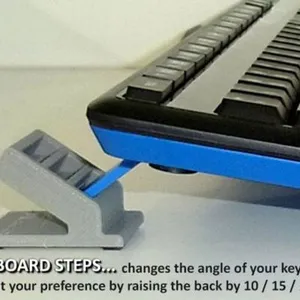
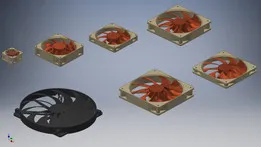
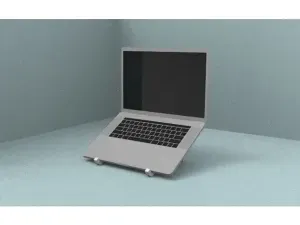
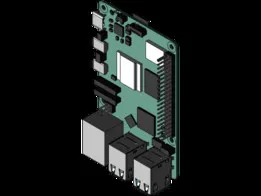




%2Fhttps%3A%2F%2Ffbi.cults3d.com%2Fuploaders%2F12947536%2Fillustration-file%2Fb2588487-38dd-4545-9c82-62b17278829d%2FfondPC.png&w=300)
%2Fhttps%3A%2F%2Ffbi.cults3d.com%2Fuploaders%2F12975046%2Fillustration-file%2F3d3d650e-00f0-41ed-a305-17f5e6dfc081%2FCapture%2520d%25E2%2580%2599e%25CC%2581cran%25202018-04-10%2520a%25CC%2580%252016.10.23.png&w=300)

%2Fhttps%3A%2F%2Ffbi.cults3d.com%2Fuploaders%2F13300222%2Fillustration-file%2Fef950bc3-6591-4ed6-8a76-bc8dfefdca21%2Fd945a84256bc4cadc4c8ceedbe463cfa.png&w=300)




%2Fhttps%3A%2F%2Ffbi.cults3d.com%2Fuploaders%2F15271102%2Fillustration-file%2F189d0612-98bf-4a63-bd4d-ee88e0c020d7%2Fcomp1.jpg&w=300)
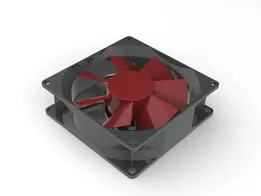
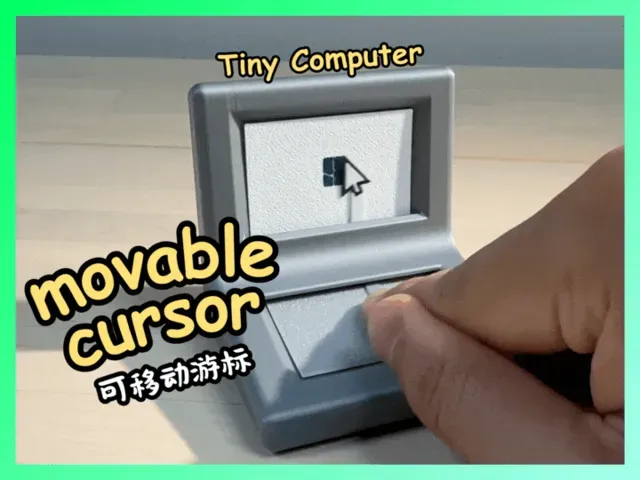
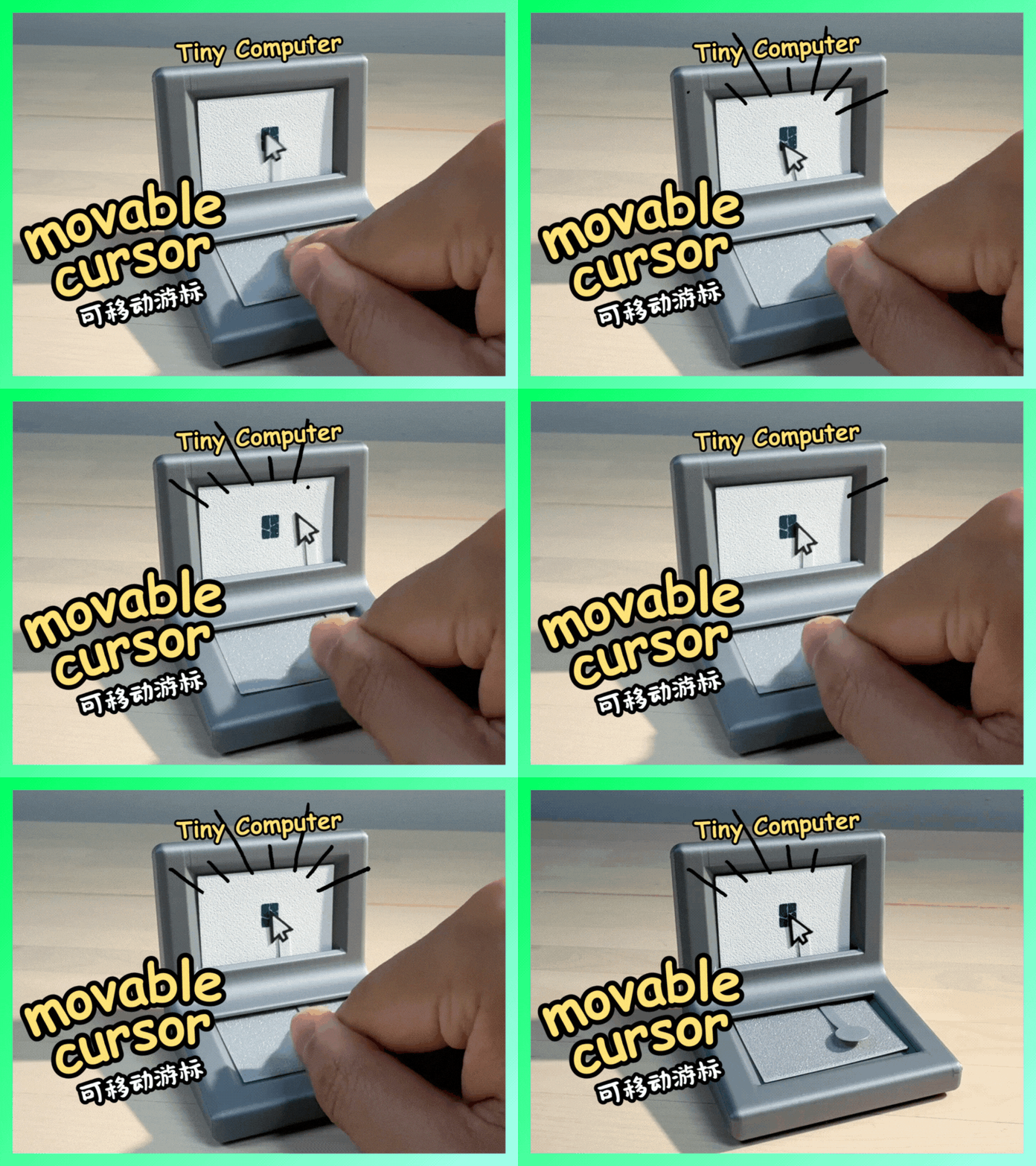
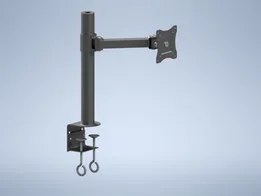
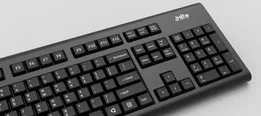
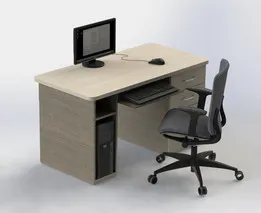
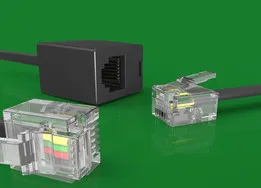
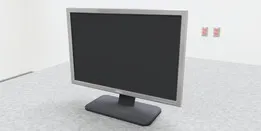
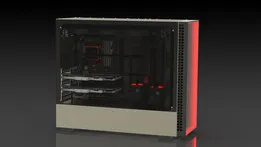
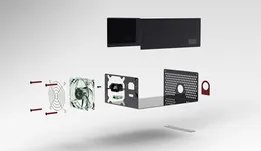
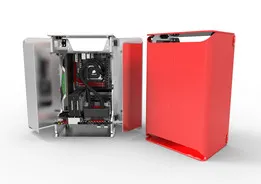
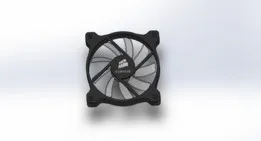
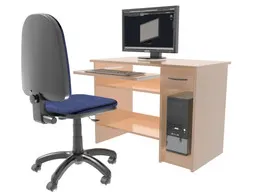
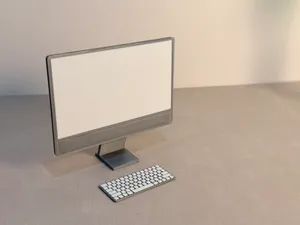
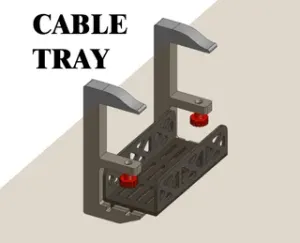
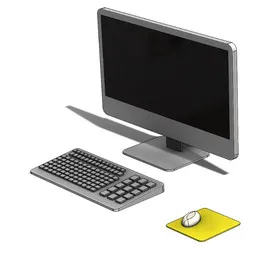
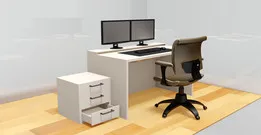
The reference shows several broad groups: enclosures and cases for single-board computers, stands and mounts for monitors, laptops and keyboards, peripheral parts such as keyboards and fans, and miniature or retro computer replicas. Some items are functional accessories for a desk, while others are scale models or mechanical curiosities. A case model usually involves panels and fasteners, whereas a stand may be a single printed piece.
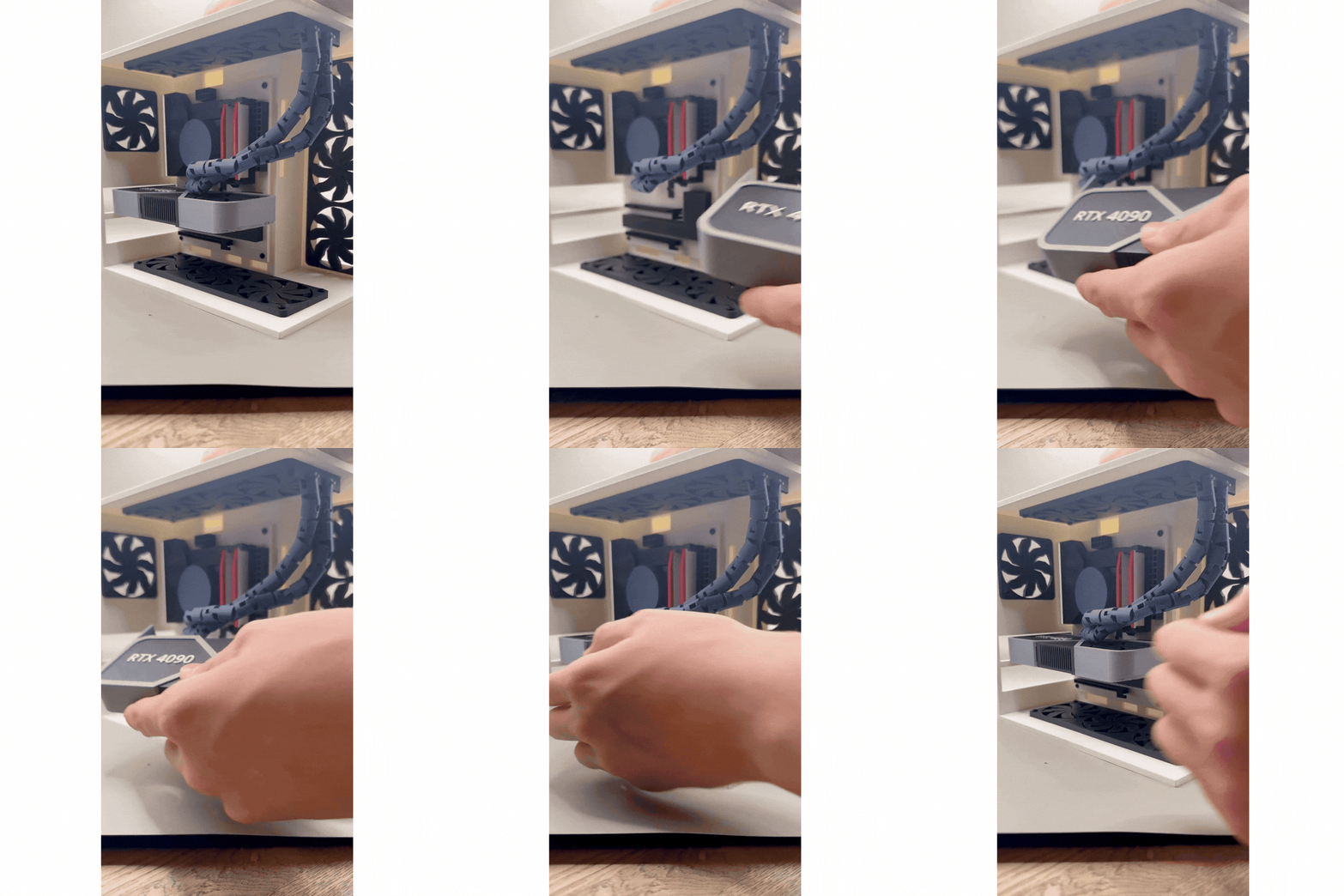
When choosing a model, look at the dimensions and scale, the number of parts and how they join, and whether the author notes support requirements. For parts that fit around electronics, check the clearances and mounting points shown in the files. Photos of real prints on the model page can show how the finished object looks and where seams or joints fall.
To refine a search, try synonyms such as desktop, workstation, laptop, monitor, keyboard, enclosure, housing, bracket and mount. Related topics include single-board computers, retro computing, desk organization and miniature electronics. Combining a broad term with a part type or a scale often narrows the results.




暮らし・日用品からCNCまで、すべてのテーマをそろえたカタログ。対応サイトを横断して検索できます。