
無料 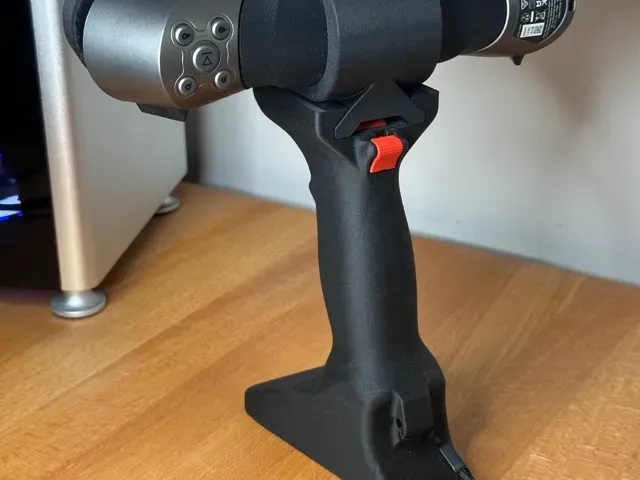
Creality Raptor Handle
MakerWorld
This collection gathers STL files built around a handheld 3D scanner: stands, handles, cable organizers, lens covers and marker holders. Alongside the accessories you will find models that were themselves captured with a scanner, from toys to figures. It is useful when you want to make the scanning setup easier to hold, store or move around between 3D printing projects. Polyzon does not confirm whether models are free, their price, license, official status, affiliation, safety or fitness. Check the current terms at the source.
このコレクションの本文は英語で書かれています。検索自体はどの言語でも使えます。
 Polyzonのコレクション · モデル48件 4サイトから収集
このコレクションは、Polyzonが対応サイトの検索結果をもとに作成しています。重複やプレビューのないモデルは除外し、関連性の低いものは後ろに回し、それ以外は検索結果の順に並べています。モデルの権利は各作者にあります。利用条件は各モデルのページでご確認ください。
選定基準:Polyzon編集部 · 本文の更新日:2026年10月10日


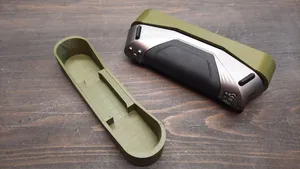
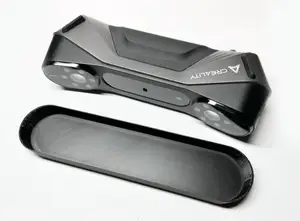



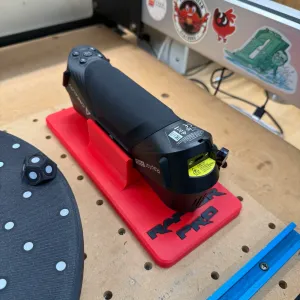
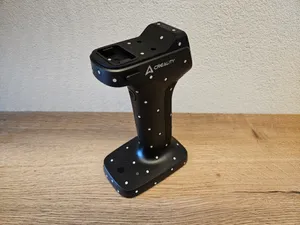
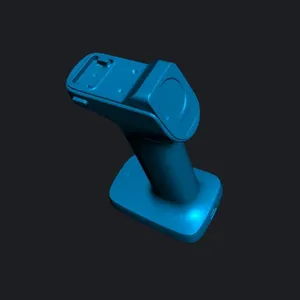
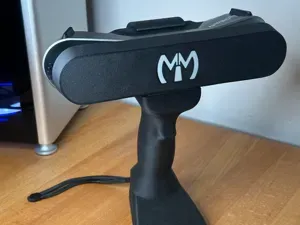

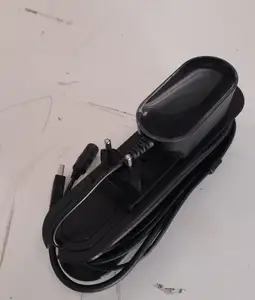
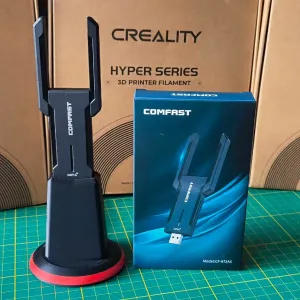
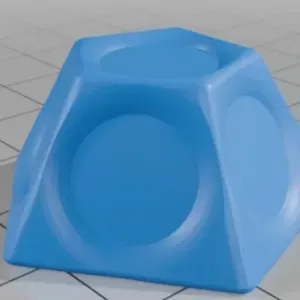


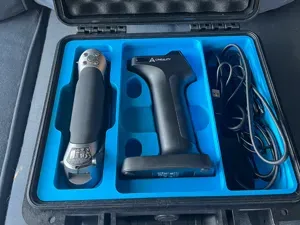

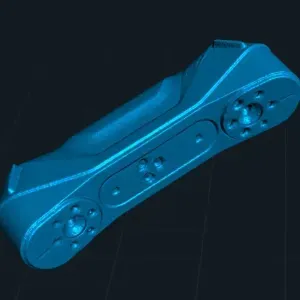

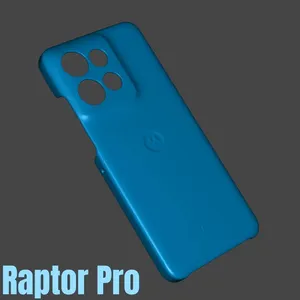
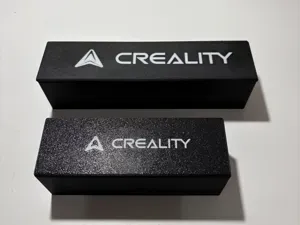

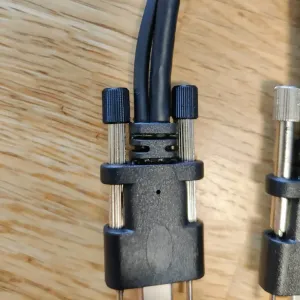


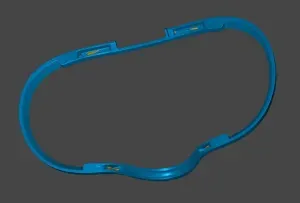

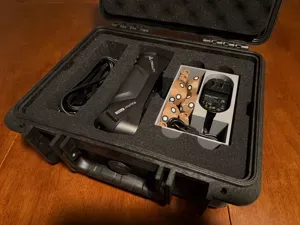
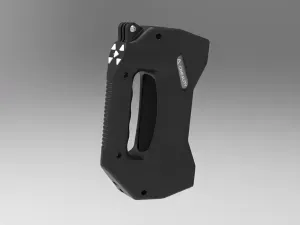
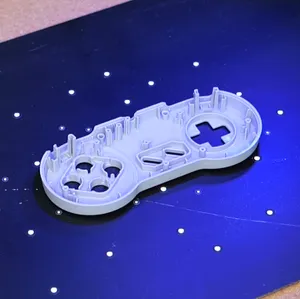







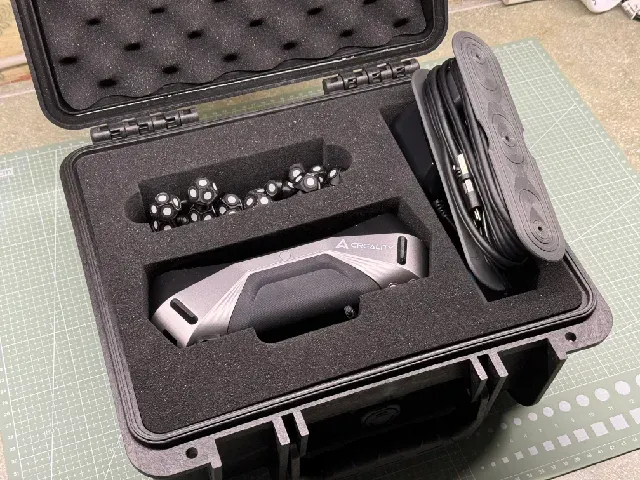
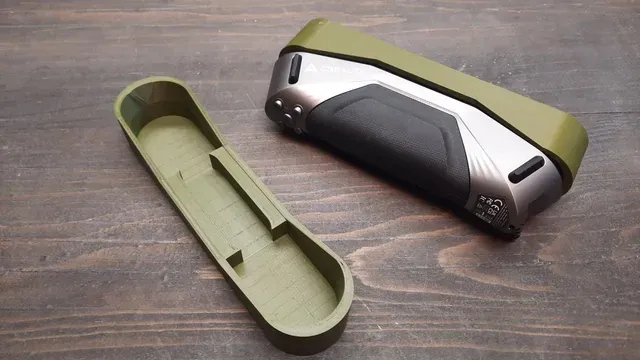
The accessory files split into a few practical groups. Stands and desktop holders keep the scanner upright between passes, while handles and rotatable grips change how the device is held during a scan. Cable organizers and mount modifications deal with routing and power, and lens covers protect the front glass when the scanner is not in use. Marker holders and marker sets belong to the same workflow, since reflective markers are placed around the object being captured.
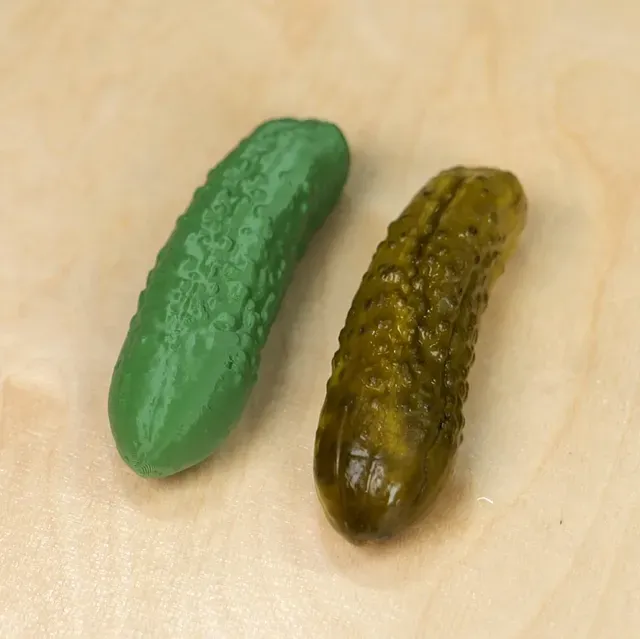
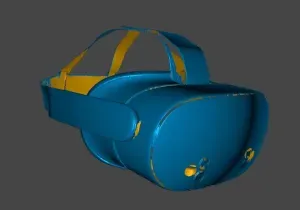
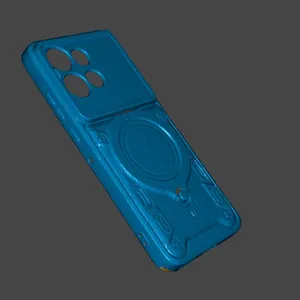
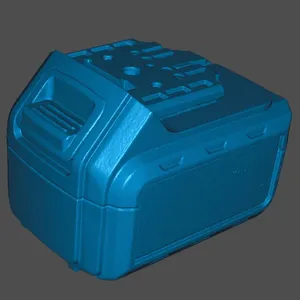
Scanned models are a separate group. These are meshes captured with a scanner and then shared as files: small toys, figurines and character pieces. They usually arrive as a single dense mesh rather than a kit of parts, so the surface can be heavy and uneven compared with a modelled file. Before slicing, check the author's notes on scale, wall thickness and whether the mesh has been cleaned up.
When choosing an accessory, open the model page and read what the author lists: overall dimensions, the mounting points used, how many separate parts there are and how they join, whether supports are needed, and the material and settings the author names. Photos of real prints are the quickest way to judge how a holder or cover sits on the device. To widen the search, try related terms such as scanner stand, scanner mount, grip, marker holder, lens cap, cable clip or scan bridge, and combine them with the device name or with the word scanner alone.



暮らし・日用品からCNCまで、すべてのテーマをそろえたカタログ。対応サイトを横断して検索できます。