無料 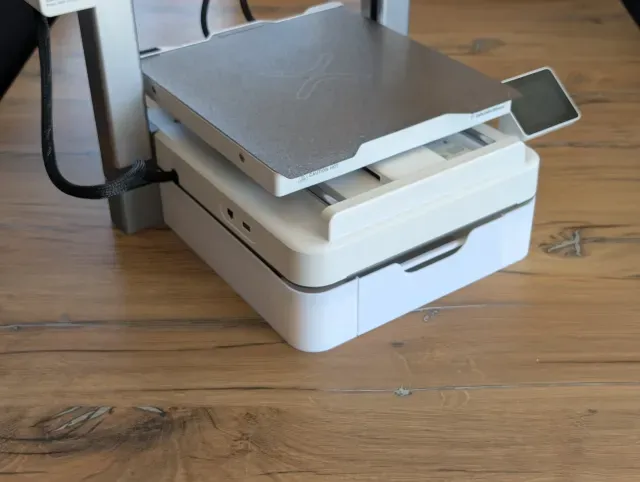
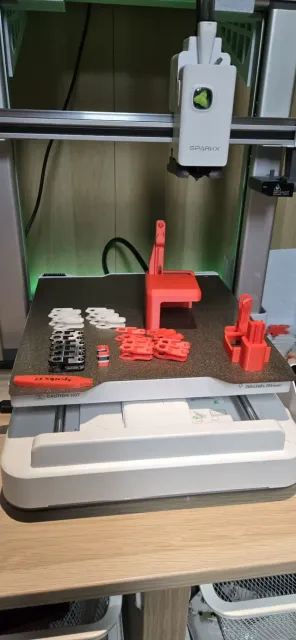
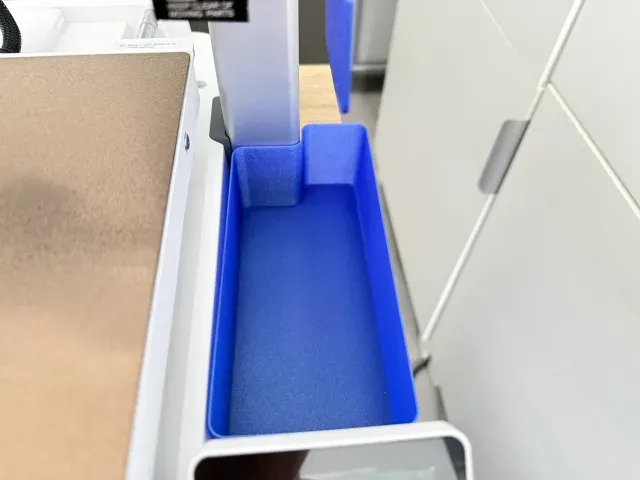
Drawer / Toolbox under Creality SPARKX i7
Creality Cloud
This collection gathers STL files made for the Creality SparkX i7 and its filament system: waste bins, storage and feed accessories, mounts, holders and a few test prints. Most items solve everyday 3D printing tasks around the machine, such as catching purge material or routing cables. It helps if you already know which part of the printer or its filament path you want to improve. Polyzon does not confirm whether models are free, their price, license, official status, affiliation, safety or fitness. Check the current terms at the source.
このコレクションの本文は英語で書かれています。検索自体はどの言語でも使えます。
 Polyzonのコレクション · モデル42件 4サイトから収集
このコレクションは、Polyzonが対応サイトの検索結果をもとに作成しています。重複やプレビューのないモデルは除外し、関連性の低いものは後ろに回し、それ以外は検索結果の順に並べています。モデルの権利は各作者にあります。利用条件は各モデルのページでご確認ください。
選定基準:Polyzon編集部 · 本文の更新日:2026年10月11日
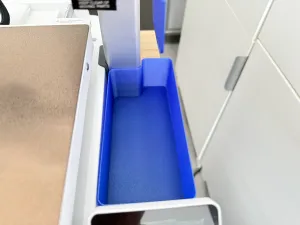
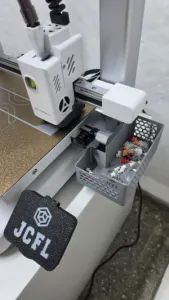
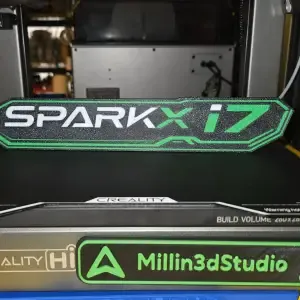

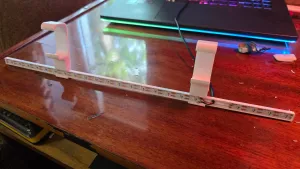
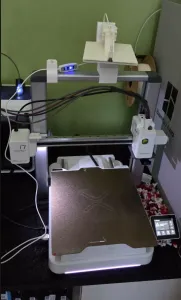
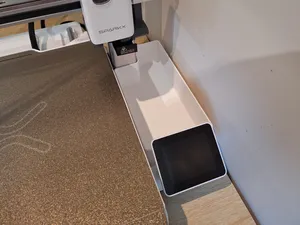
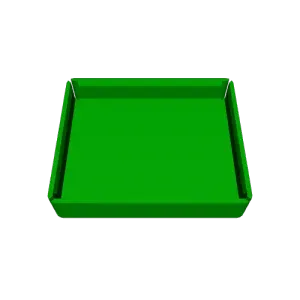

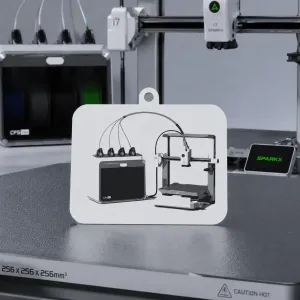
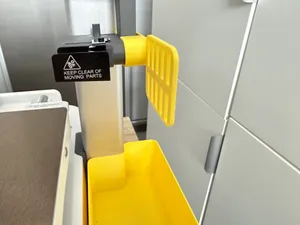

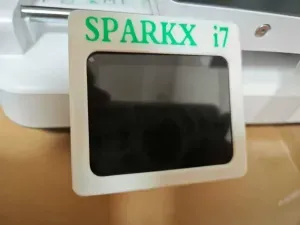


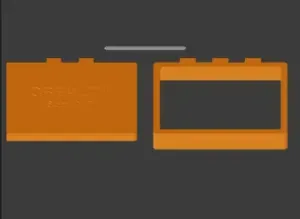
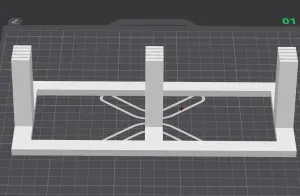
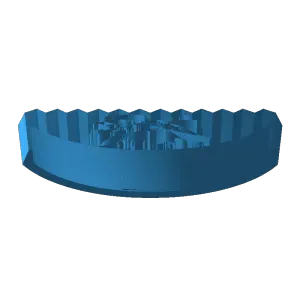

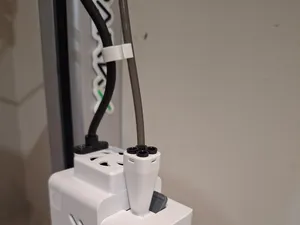
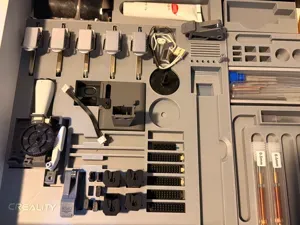
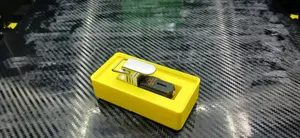

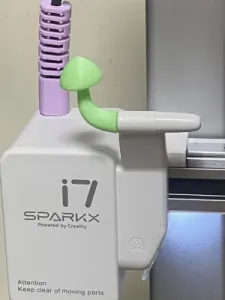
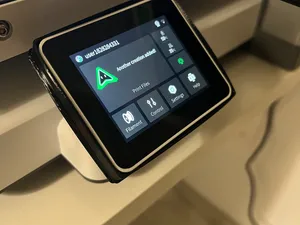
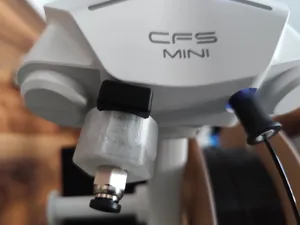
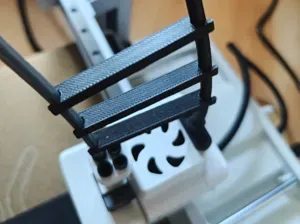

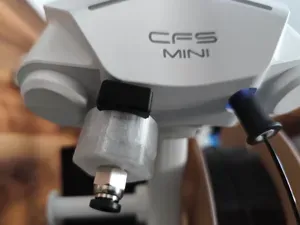
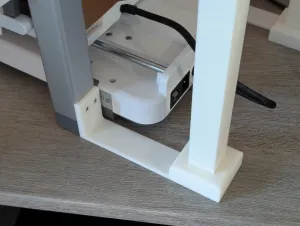

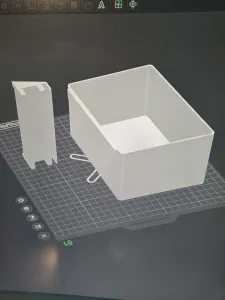
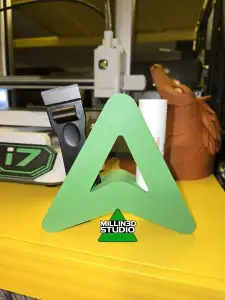
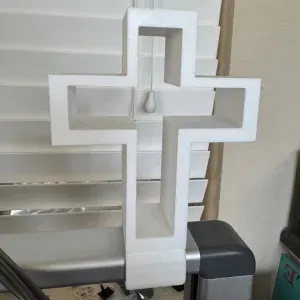
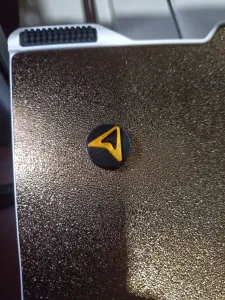

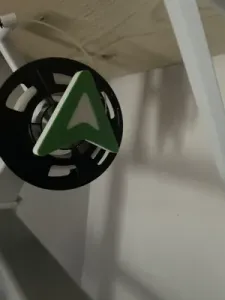
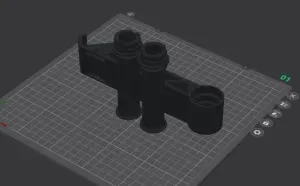
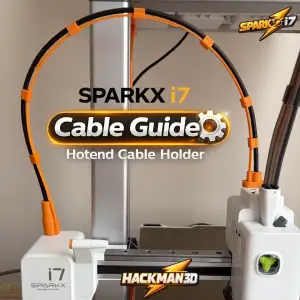
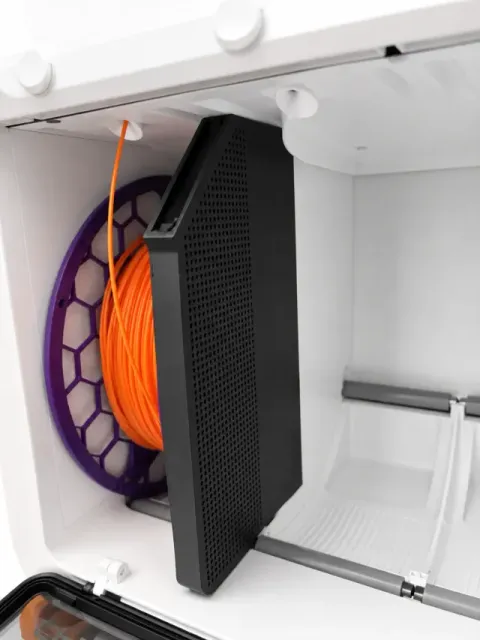
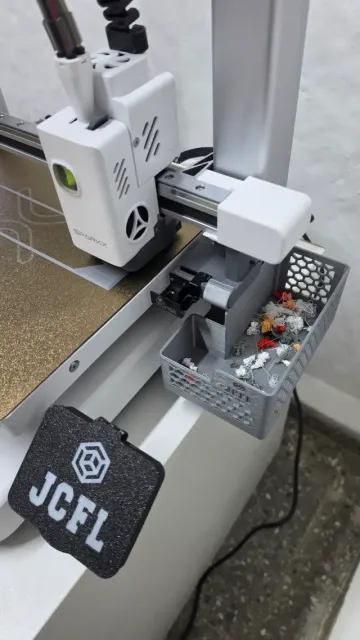
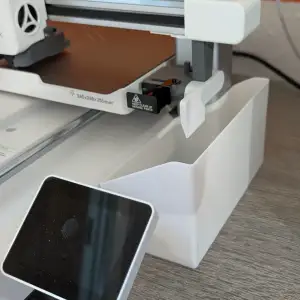
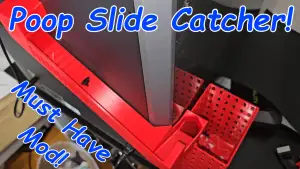
Waste handling is the largest group: narrow and lightweight purge buckets, bins that sit under the chute, and separate deflectors that keep waste in one place. Filament-side parts cover desiccant containers for the CFS Lite, PTFE fittings and spool adapters that change how a roll sits on the holder. A third group deals with positioning — overhead mounts, spool holders for those mounts, hotend cable guides and small tool holders such as a key handle or nozzle holder.
When choosing, open the author's model page and compare the listed dimensions with the space around your machine, since bins and mounts differ in footprint and height. Check how many parts a model has, whether they are printed separately and how they join, and whether the author expects supports or a particular orientation. Look at the material and settings the author lists, and at photos of real prints, to judge wall thickness and how the part behaves under load or heat.
To widen the results, search for synonyms and related terms rather than one exact name: purge bin, waste bucket, poop chute, deflector, desiccant holder, spool adapter, cable guide, tool holder. Adding the filament system name or a mounting style, such as overhead or side mount, narrows the list. If you want to adapt a part, look for parametric or editable files, and combine searches with nearby topics like nozzle storage, dry box parts or calibration prints.


暮らし・日用品からCNCまで、すべてのテーマをそろえたカタログ。対応サイトを横断して検索できます。