無料 
Modular Mounting System
Thingiverse
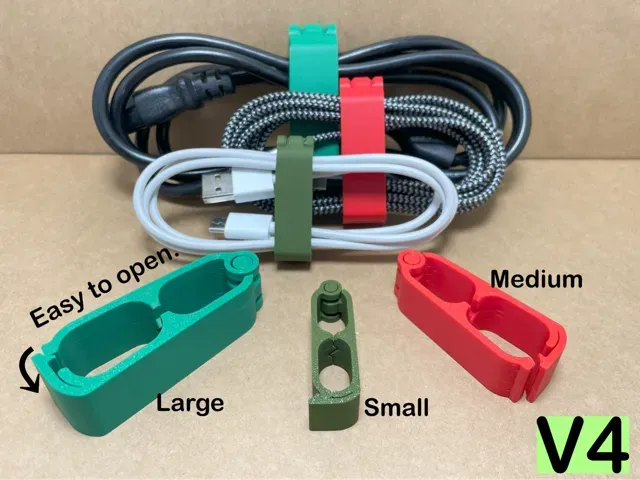
This collection gathers STL files for keeping cables, wires and cords in place — desk clips, routing channels, wall guides and workbench holders. It helps when you want a 3D printing project that solves a concrete clutter problem rather than a decorative one. The models differ in how they mount, how much cable they take and whether they hold one wire or a bundle. Polyzon does not confirm whether models are free, their price, license, official status, affiliation, safety or fitness. Check the current terms at the source.
このコレクションの本文は英語で書かれています。検索自体はどの言語でも使えます。
 Polyzonのコレクション · モデル48件 5サイトから収集
このコレクションは、Polyzonが対応サイトの検索結果をもとに作成しています。重複やプレビューのないモデルは除外し、関連性の低いものは後ろに回し、それ以外は検索結果の順に並べています。モデルの権利は各作者にあります。利用条件は各モデルのページでご確認ください。
選定基準:Polyzon編集部 · 本文の更新日:2026年10月12日

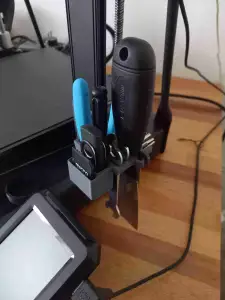


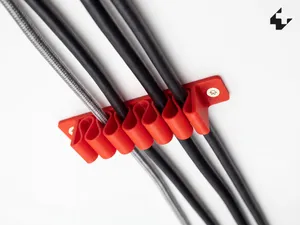
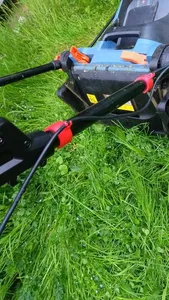
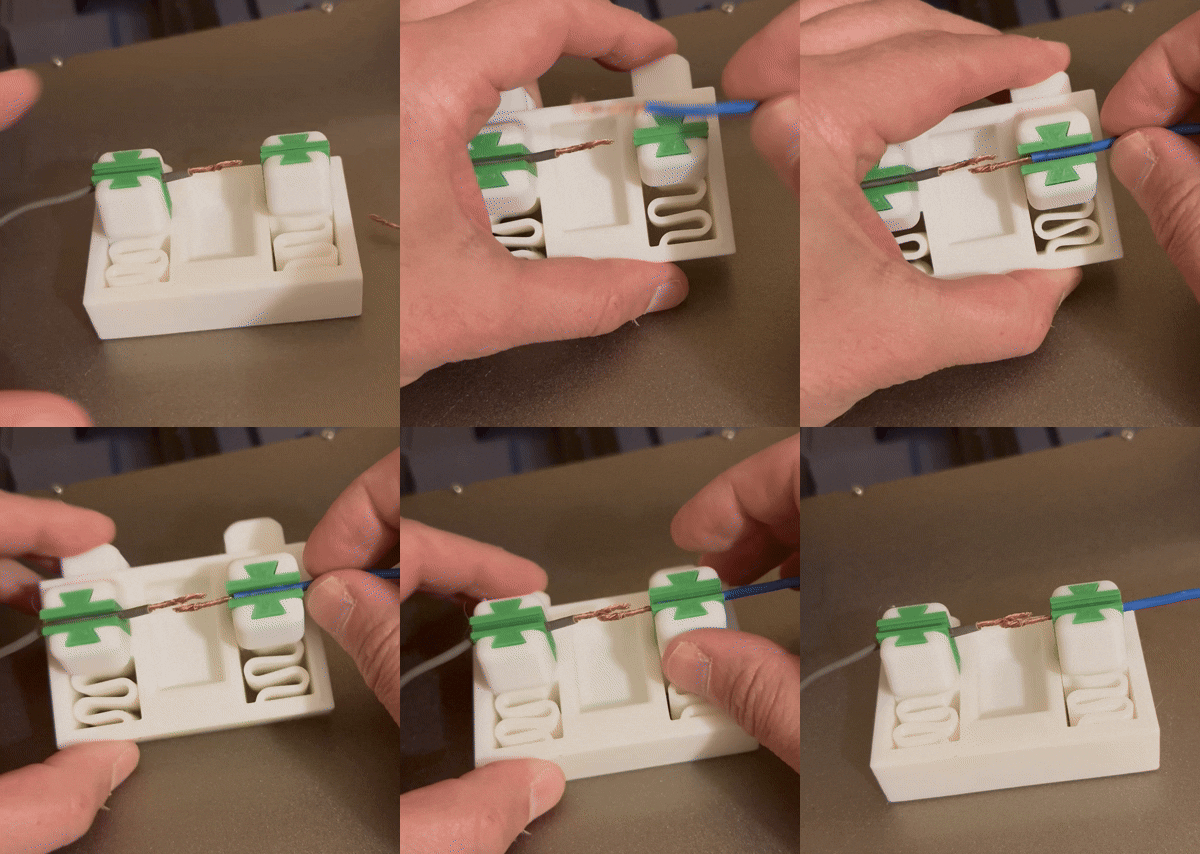


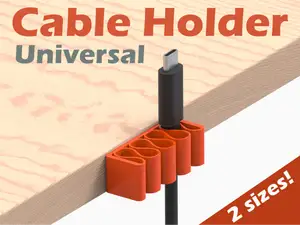
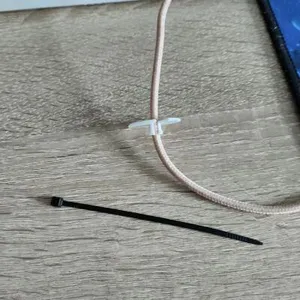
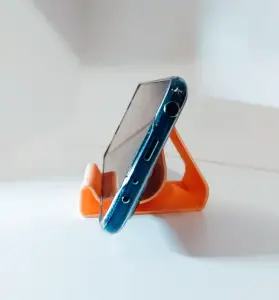


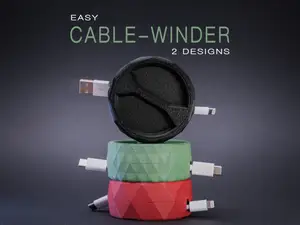
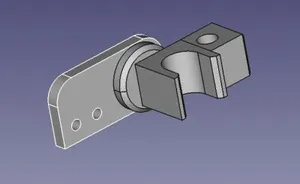
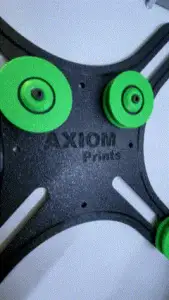

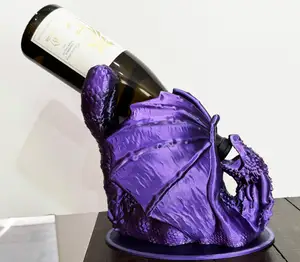
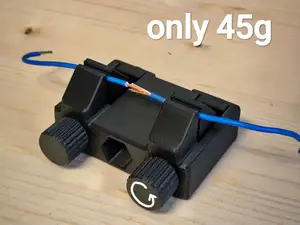
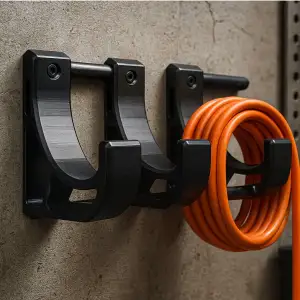


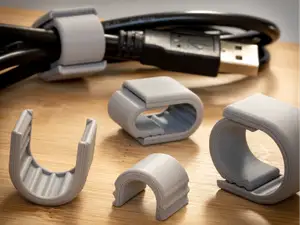
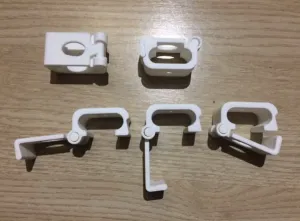


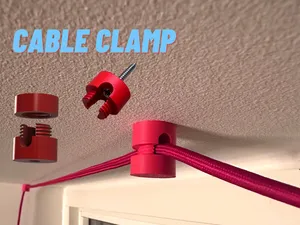
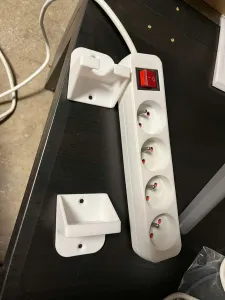


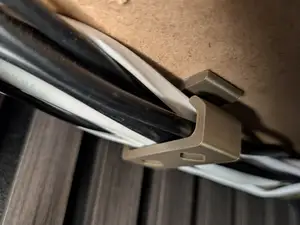
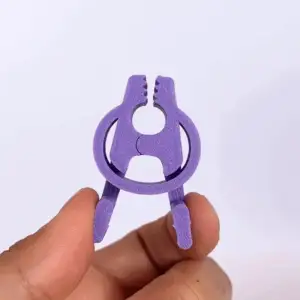

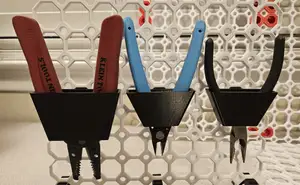
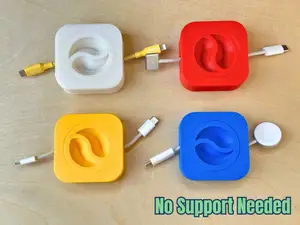
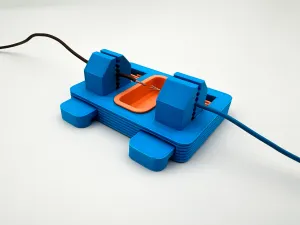


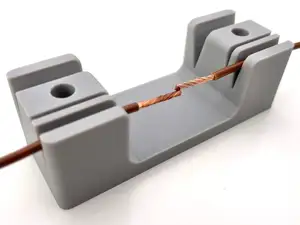
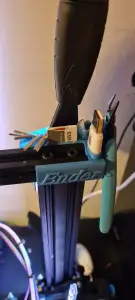


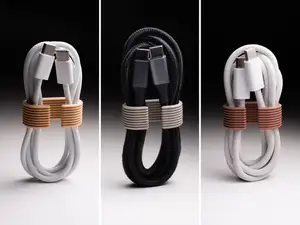
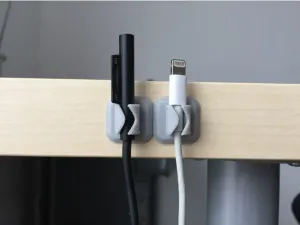
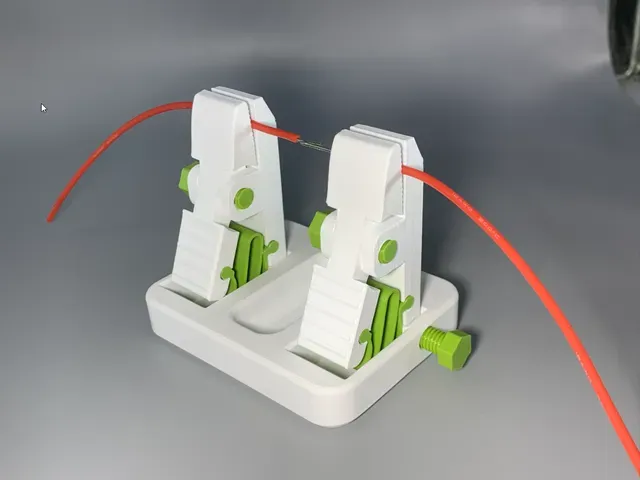
The range splits into a few practical groups. Desk organizers and clips keep charging and peripheral cables from sliding off a table edge, while helping hands and soldering holders fix a wire in position during bench work. There are also holders shaped around a single cable or device, and guides that run wiring along a wall or around a corner. Modular systems combine a base with interchangeable mounts, so one print covers several spots.
Before printing, read the author's model page. Check the inner opening and the cable diameter it is drawn for, the mounting method — screw holes, adhesive pad or a clamp — and how many separate parts need assembly. Look at the orientation on the build plate and whether overhangs under a clip or a screw tab call for supports. For parts that flex when a cable is pushed in, a tougher filament such as PETG is often chosen over brittle PLA, and the author's listed settings are the starting point.
If the results feel narrow, widen the wording. Try cable management, wire guide, cord clip, routing channel, desk organizer or bench fixture, and combine them with the surface you have in mind, such as wall, desk or workbench. Related topics like soldering accessories, printer parts and small workshop tools often hide similar holders. Photos of real prints on the model page tell you more about the final size and fit than the render does.
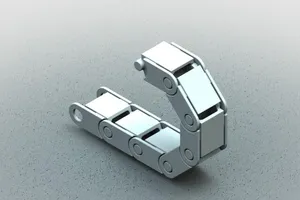


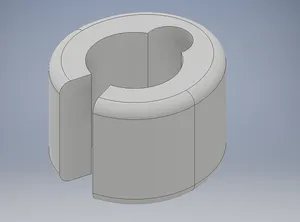
暮らし・日用品からCNCまで、すべてのテーマをそろえたカタログ。対応サイトを横断して検索できます。