無料 
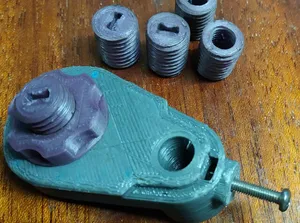
Dial Indicator Holder for ROBO 3D Printer
Thingiverse
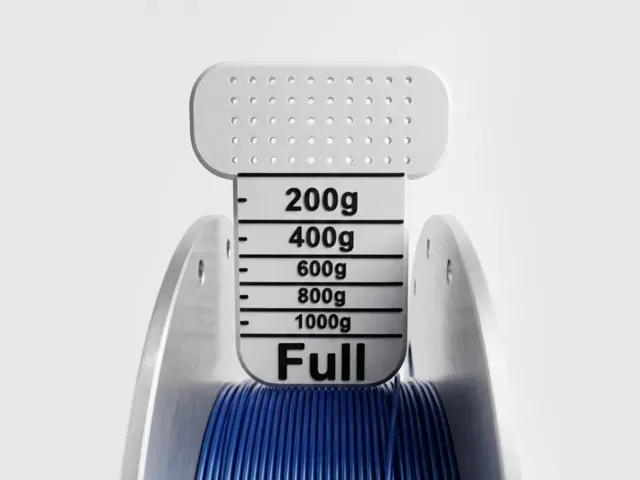
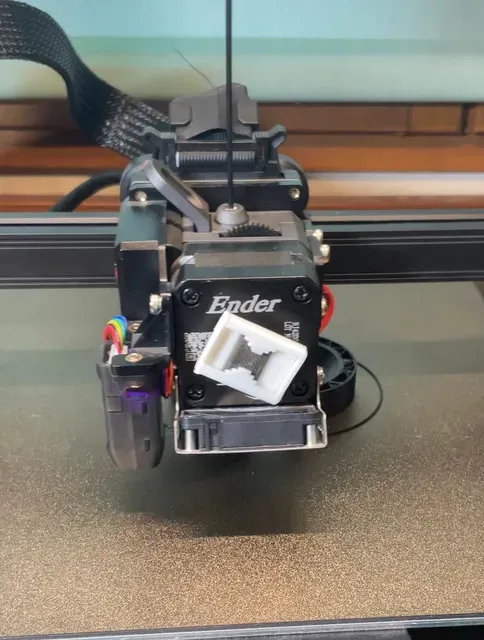
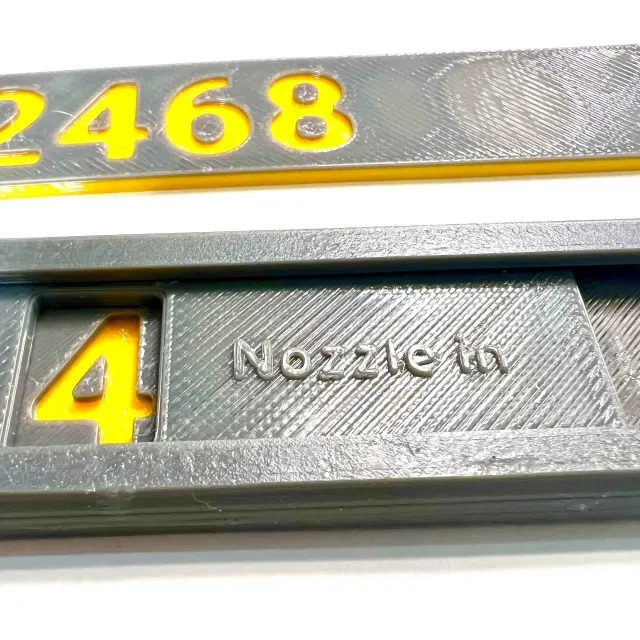
This collection gathers 3D models that add indicators to a 3D printer setup: filament gauges, bed-level dial holders, nozzle markers, and status signs. You can use them to make machine states easier to read at a glance. The models vary from small clips to parts that need assembly, so check each listing before printing. Polyzon does not confirm whether models are free, their price, license, official status, affiliation, safety or fitness. Check the current terms at the source.
このコレクションの本文は英語で書かれています。検索自体はどの言語でも使えます。
 Polyzonのコレクション · モデル48件 4サイトから収集
このコレクションは、Polyzonが対応サイトの検索結果をもとに作成しています。重複やプレビューのないモデルは除外し、関連性の低いものは後ろに回し、それ以外は検索結果の順に並べています。モデルの権利は各作者にあります。利用条件は各モデルのページでご確認ください。
選定基準:Polyzon編集部 · 本文の更新日:2026年10月14日

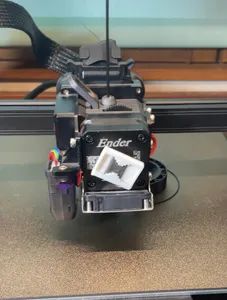
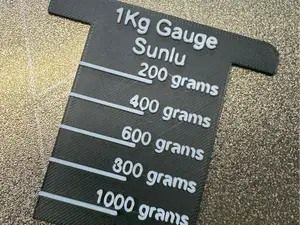
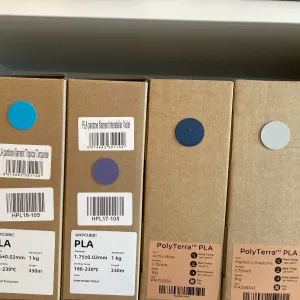


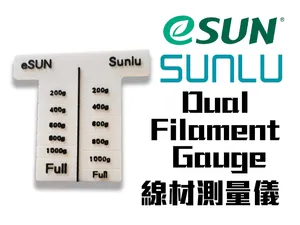
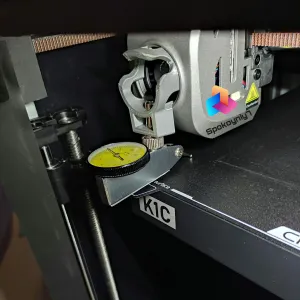

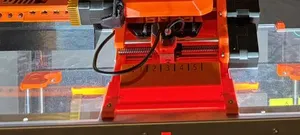
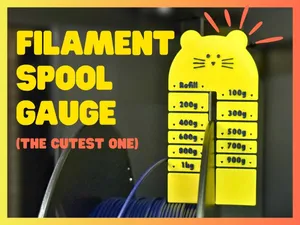
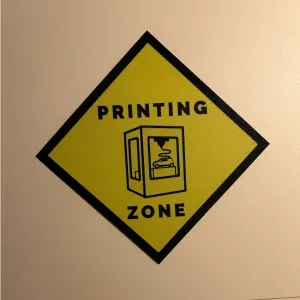

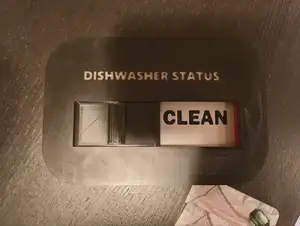
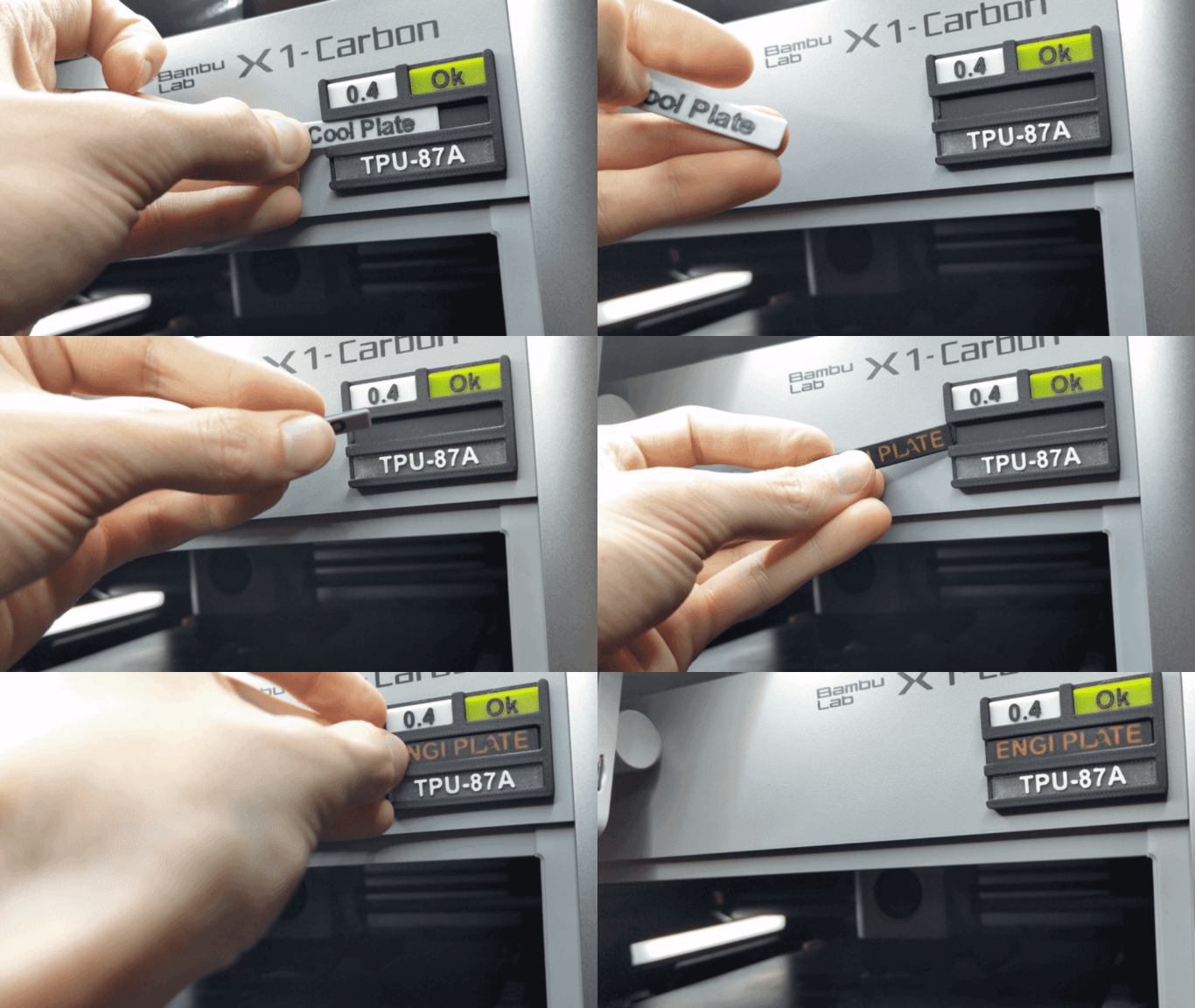
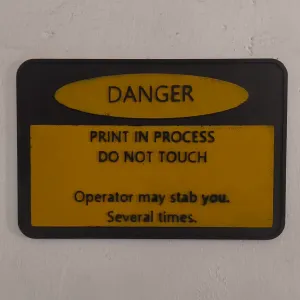

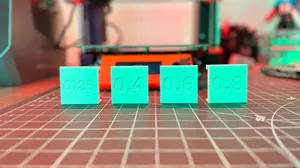
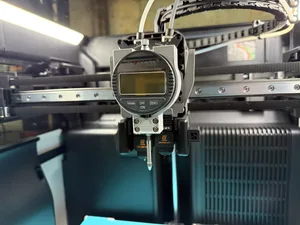
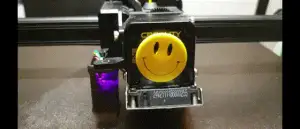

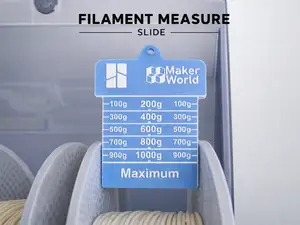
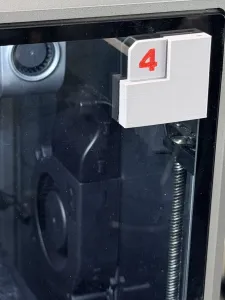

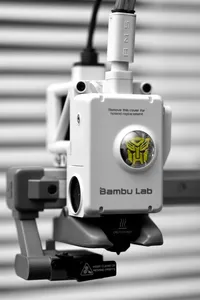

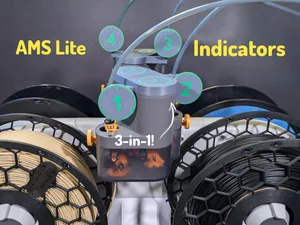
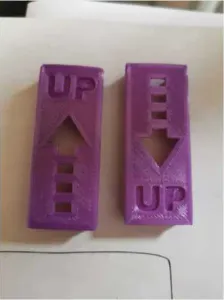

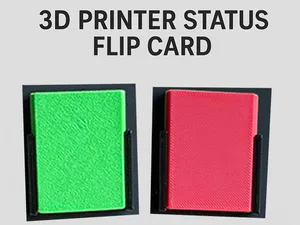
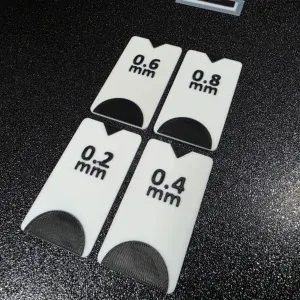

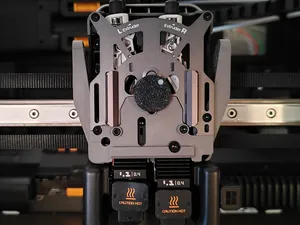
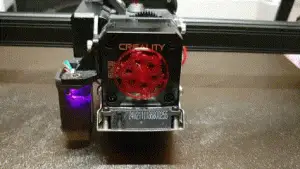

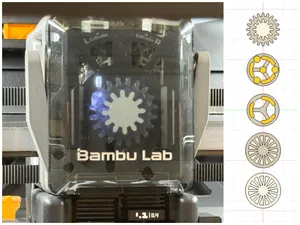

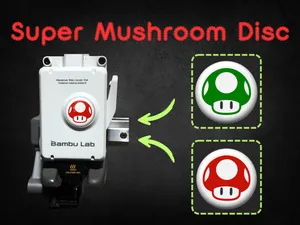
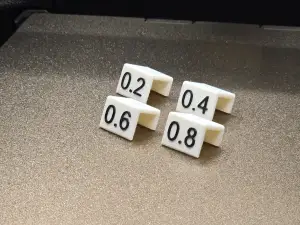

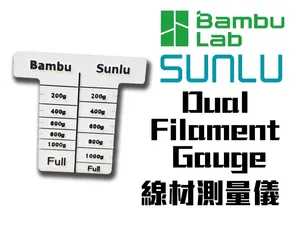
Indicator models for 3D printing fall into a few groups. Filament gauges and spool indicators help estimate how much material remains, while dial indicator holders position a measuring tool for bed checks. Nozzle markers and selector indicators label settings or tool positions, and status signs or reminders show whether a machine is busy or needs attention. These groups differ in size, mounting method, and whether they are static labels or moving parts.
When choosing a model, look at the dimensions and scale on the author's page, because an indicator made for one machine may not match another. Check the number of parts, how they join, and whether the design needs supports or extra hardware such as magnets or screws. The material and settings listed by the author give a starting point; photos of real prints show how the indicator reads in practice. For parts with moving pointers or toggles, clearance between components matters more than fine surface detail.
To narrow the results, combine the topic with terms such as filament gauge, spool scale, bed level indicator, dial holder, nozzle marker, status sign, or printer reminder. Related searches include calibration aid, tool position label, and machine state tag. If you are looking for a specific printer family, add its model name in the search field, but verify the listed dimensions rather than relying on the name alone.




暮らし・日用品からCNCまで、すべてのテーマをそろえたカタログ。対応サイトを横断して検索できます。