
無料 
Bambu Lab 3D Printer Lubrication Service Kit
MakerWorld
This collection covers STL models for lubricating 3D printer axes, cleaning motion components, and protecting rods from dust. It also includes upgrade parts and calibration prints that help you check motion after maintenance. Use it to find practical tools for routine 3D printing upkeep. Polyzon does not confirm whether models are free, their price, license, official status, affiliation, safety or fitness. Check the current terms at the source.
このコレクションの本文は英語で書かれています。検索自体はどの言語でも使えます。
 Polyzonのコレクション · モデル47件 7サイトから収集
このコレクションは、Polyzonが対応サイトの検索結果をもとに作成しています。重複やプレビューのないモデルは除外し、関連性の低いものは後ろに回し、それ以外は検索結果の順に並べています。モデルの権利は各作者にあります。利用条件は各モデルのページでご確認ください。
選定基準:Polyzon編集部 · 本文の更新日:2026年10月13日
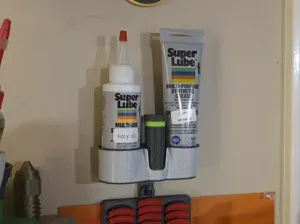

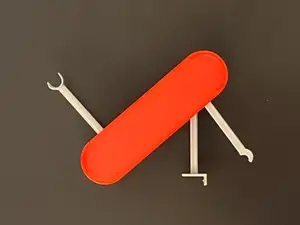
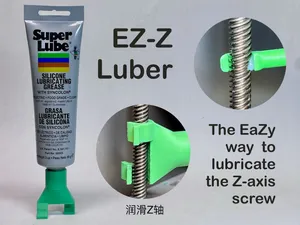

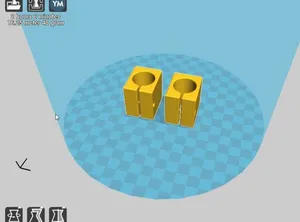

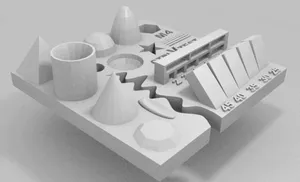
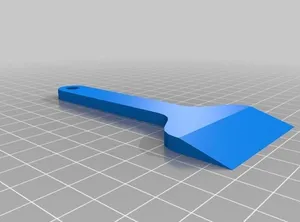
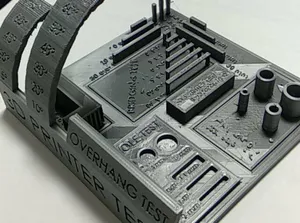
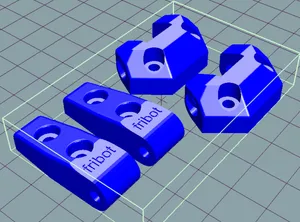

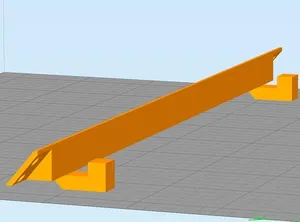
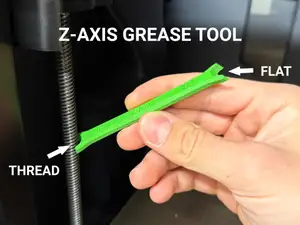
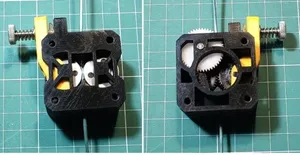
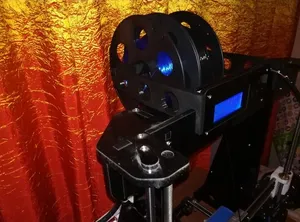

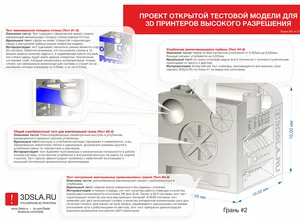
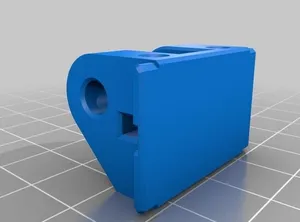
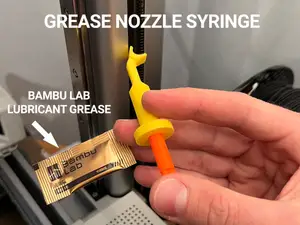
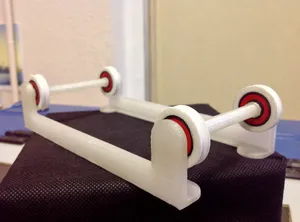

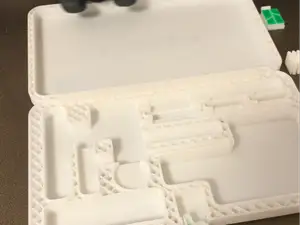
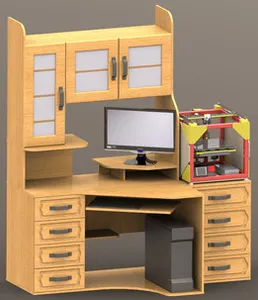
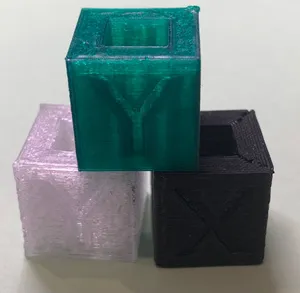

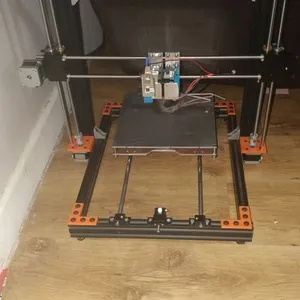
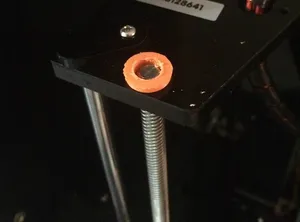
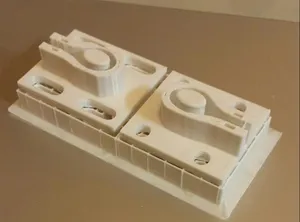
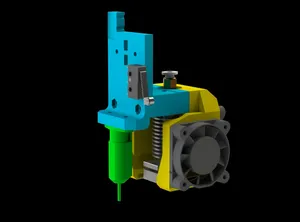

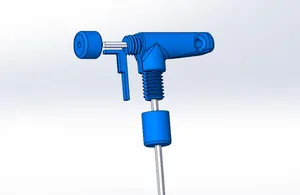
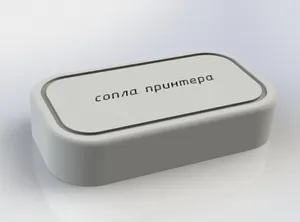
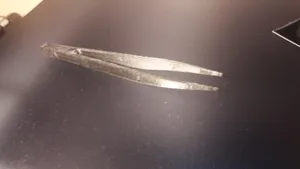
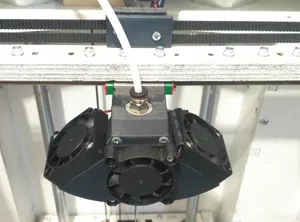

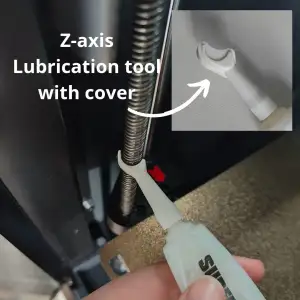
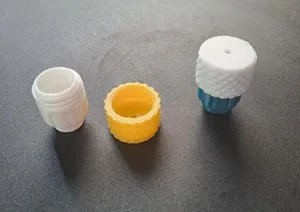


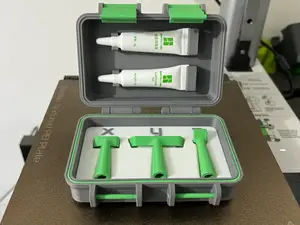
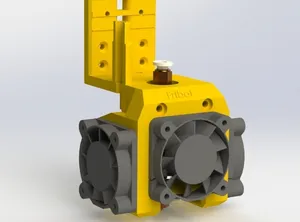

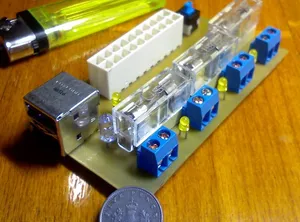
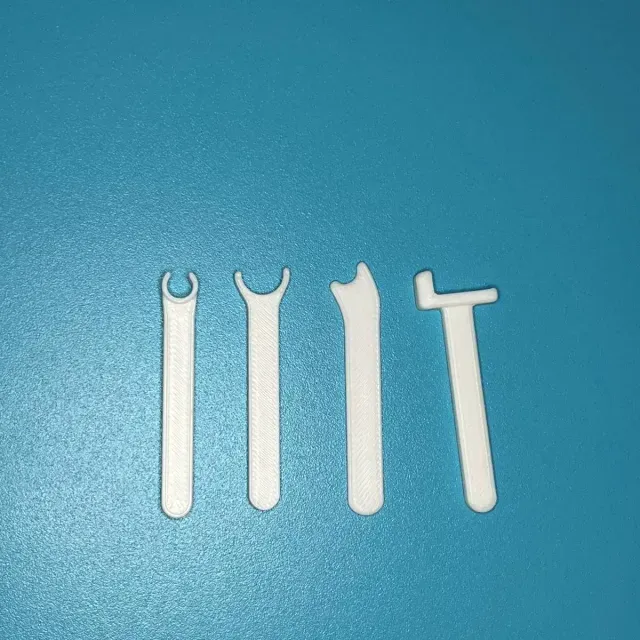
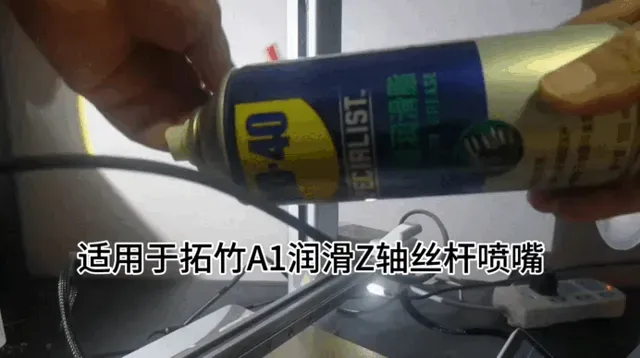
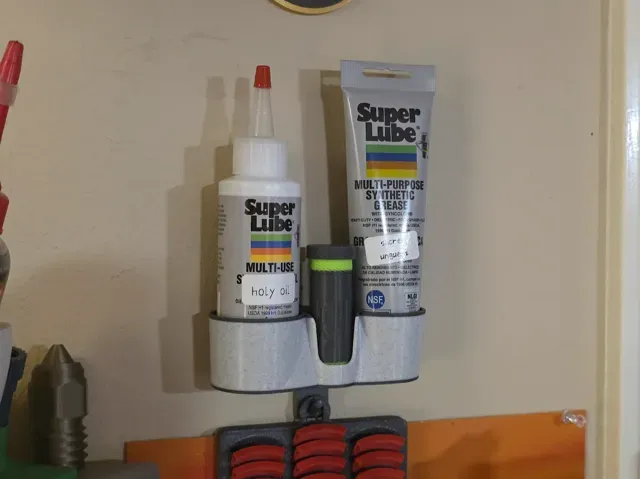
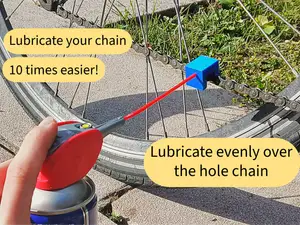
The models fall into a few groups: applicators and grease tools shaped for lead screws or linear rails, cleaning aids, dust caps, and motion-related upgrade parts. Some are small handheld guides that spread lubricant along an axis, while others are brackets, covers, or replacement holders that change how a printer moves. Test prints also appear, used to compare motion before and after service. The differences matter because a tool made for a rotating screw is not the same as one made for a linear rail.
When choosing a model, read the author's notes for the axis type, dimensions, and the number of parts, then compare those details with your machine's motion system. Check whether the model needs supports, how it assembles, and which material and settings the author lists. Photos of real prints can show how the part sits against a rod, screw, or rail. If the geometry is thin or load-bearing, consider how layer orientation and material choice affect the final part.
To refine the search, try terms such as lubrication tool, grease applicator, lead screw cleaner, linear rail maintenance, and axis lubricator. Related topics include dust caps, rod wipers, filament holders with bearings, and feeder parts that reduce play. Combining a printer type with a specific axis, like Z-axis or X-axis, can narrow results. You can also look for maintenance kits, cleaning sets, or test models used to check motion quality.




暮らし・日用品からCNCまで、すべてのテーマをそろえたカタログ。対応サイトを横断して検索できます。